In Short
- Rank the business problems first and attach a number to each, so every later choice has a test.
- Draw a hard edge around release one and keep a visible change log.
- Name one owner per decision, because stalled decisions delay projects more than technology does.
- Budget in layers, protect the contingency and plan the 90-day review before go-live.
Most implementation projects that go wrong were decided before the vendor kickoff. The budget was set from a demo, the go-live date came from a sales slide and nobody wrote down which business result the system had to deliver. A written strategy fixes that. If you want a partner to build it with you, my team's technology implementation consulting starts exactly here.
This guide gives you the playbook I use with clients: six phases, in order, with the decision you must make in each one. It works for an ERP, a patient scheduling platform, a warehouse system or a new CRM. The names change, the sequence does not.
Overview of the Six Phases
Read the table first. Each phase ends with one decision, and you do not start the next phase until that decision is on paper.
| Phase | What you settle | Decision at the end | Typical time |
|---|---|---|---|
| 1. Priorities | Which business problems the system must solve, in ranked order | Top three outcomes with a number attached | 1 to 2 weeks |
| 2. Scope | What is in the first release, what waits | Signed scope list with a hard edge | 1 to 2 weeks |
| 3. Ownership | Who decides, who builds, who approves | Named owner for every workstream | 1 week |
| 4. Sequencing | Order of rollout by team, site or process | Release plan with dependencies | 2 weeks |
| 5. Risk and budget | Where it can break and what a delay costs | Budget with a real contingency line | 1 to 2 weeks |
| 6. Run and adopt | Training, support, success measures | Go-live criteria and a 90-day review date | Planned from week 1 |
The technology implementation examples show how this played out for real teams. A mid-sized project usually needs six to eight weeks to get through phases one to five. That feels slow when a vendor is offering a start date next month. In my client work, the projects that skipped it spent more than that time later, fixing scope arguments in the middle of the build.
Phase 1: Rank the Problems Before You Rank the Features
Start with problems, not capabilities. Ask the people who feel the pain which three things cost them the most time or money today. Write each one as a sentence with a number: "Month-end close takes nine working days", "Dispatchers re-key every order twice", "Clinic staff spend about a third of each day on phone scheduling". Rough numbers are fine. Missing numbers are not.
Then rank by value and by how many people each problem touches. Your top three become the test for every later choice. When a stakeholder asks for a feature in month four, you ask which of the three outcomes it moves. Most requests fail that question, and you can say no without a fight.
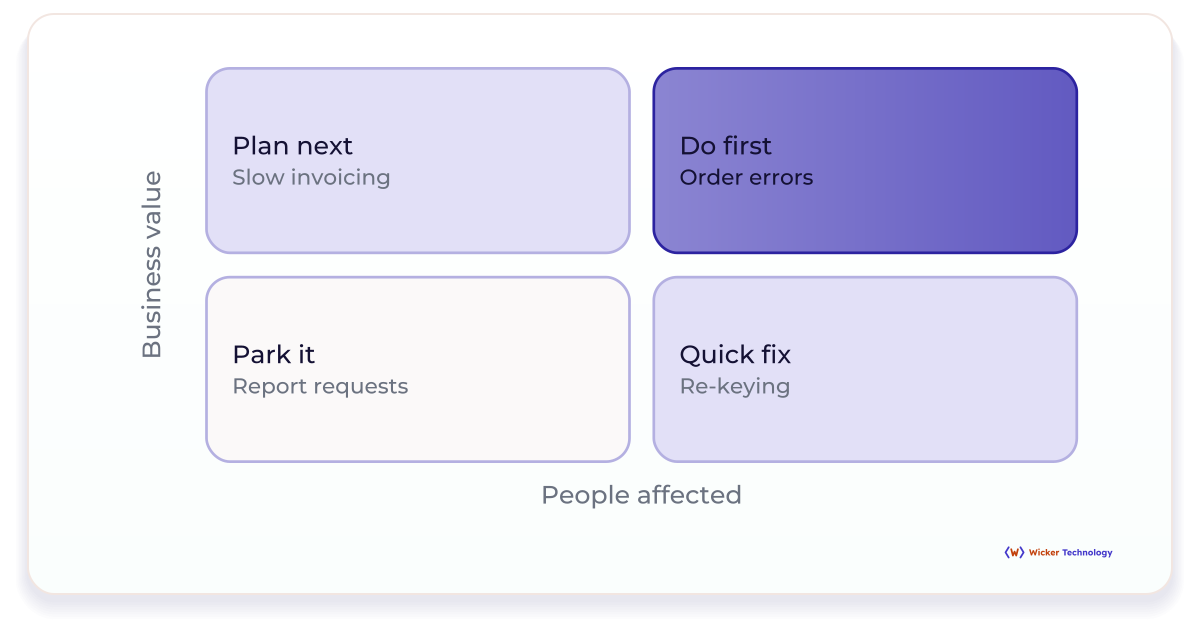
This is also where you check whether you need new technology at all. Sometimes a process change or a configuration of what you already own fixes problem number two. Say so early. A strategy that sometimes recommends doing less earns trust, and it saves budget for the problems that need software.
Phase 2: Draw a Hard Edge Around Release One
Scope creep rarely arrives as one big request. It arrives as a hundred small ones that each sound reasonable. Prevent it by splitting the wish list into three columns: must have for go-live, planned for release two, and not in this program. Every item gets a one-line reason.
Be strict about integrations and data migration, because they hide the most work. A system that "just needs to connect to the ERP" can mean three interfaces, two data clean-ups and a fight over who owns customer records. List each interface by name and decide whether it is in release one. My own rule: if it is not on the list in writing, it is not in the estimate.
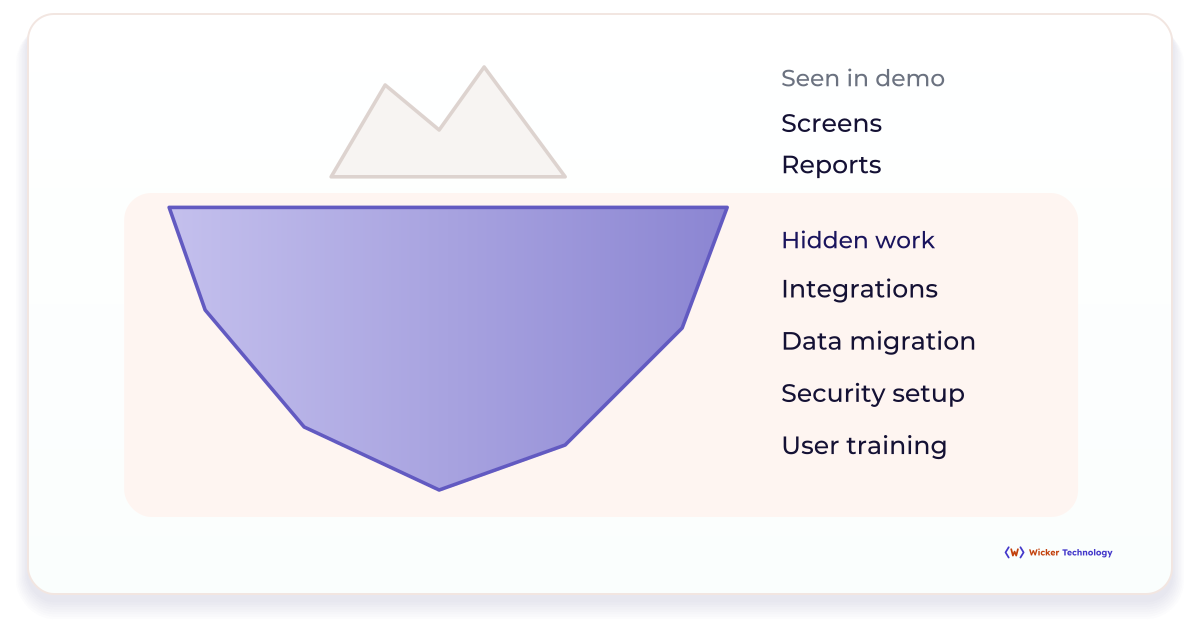
Keep a visible change log. When something moves into scope, something else moves out or the date moves. Showing that trade-off to the steering group in plain terms stops most late additions on its own.
Phase 3: Put a Name on Every Decision
Implementations stall on decisions far more often than on technology. Name three roles and give each a person, not a team:
- A business owner who accepts the result and can say yes to scope trade-offs.
- A delivery lead who runs the plan day to day and reports status honestly.
- A process owner per department who signs off that the new workflow matches how work really happens.
Then agree how fast decisions must come back. A rule I like: any open question older than three working days goes to the business owner. That one line has saved more calendar time than any tool I have recommended.
Also decide who from your own staff is released from daily work. Projects that rely on "their spare time" lose half the capacity they planned for. If your best process expert is still fully booked, the project has not been resourced yet. The technology implementation framework shows how those roles map onto a delivery model you can run week by week.
Phase 4: Choose a Rollout Order You Can Defend
You have three common patterns, and each suits a different risk appetite.
| Pattern | How it works | Fits when | Main risk |
|---|---|---|---|
| Big bang | Everyone switches on one date | Systems are tightly linked and cannot run side by side | One bad weekend hits the whole business |
| Phased by team or site | One pilot group first, then waves | Teams work in similar ways and you can learn from the pilot | Two systems live for months |
| Phased by process | Modules go live in a set order | A platform has clear modules, such as finance before inventory | Interfaces between old and new multiply |
I lean toward a pilot wave with a friendly, representative team. Choose a group that is typical, not a group that is easy. If the pilot only works for your most flexible department, you learn nothing about the others. Put the lessons from the pilot into a short written list and fix them before wave two starts.
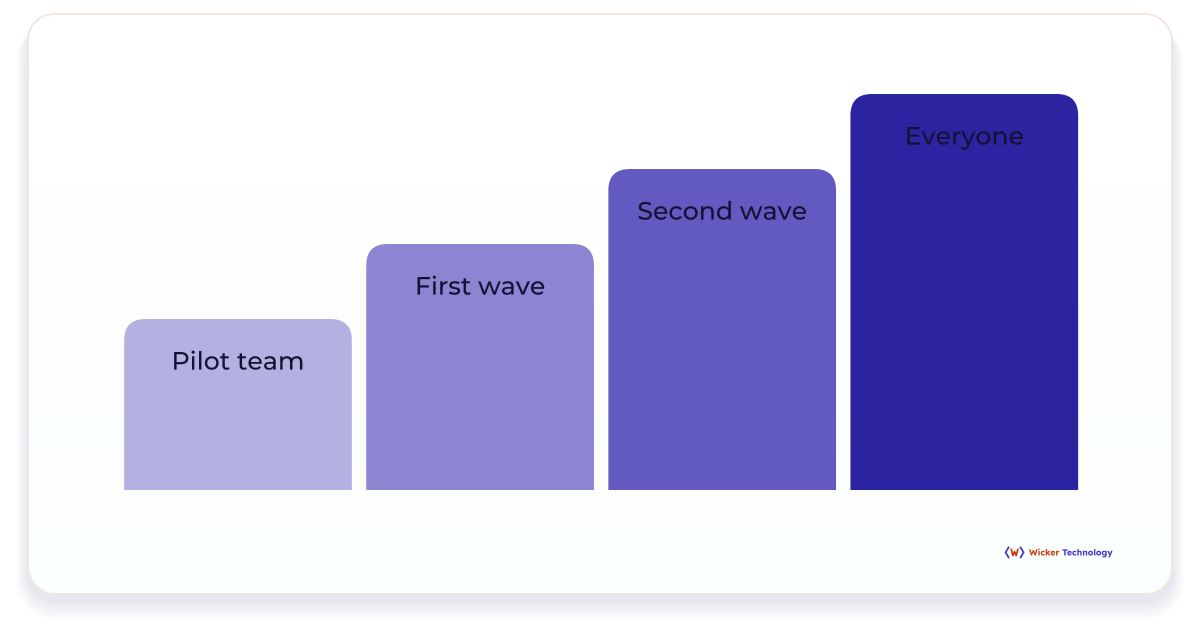
Once the order is set, build the dependency plan: which interface, data load or training session must finish before which go-live. The technology implementation roadmap turns that plan into milestones and dates you can publish to your leadership team.
Phase 5: Budget for the Parts That Always Run Over
Budgets fail in predictable places: data clean-up, integrations, training time and your own staff hours. Licence cost is usually the best-known number and the smallest surprise. Build the budget in layers and show each layer separately.
| Cost layer | Coverage | Common blind spot |
|---|---|---|
| Licences and hosting | Subscriptions, environments, support plans | Price steps when user counts grow |
| Configuration and build | Vendor or partner services, custom work | Change requests after sign-off |
| Data and integrations | Cleaning, mapping, migration, interfaces | Duplicate and incomplete records |
| People and change | Training, backfill, super-user time | Staff hours never costed |
| Contingency | Held back for the unknown | Cut first when the budget is tight |
Keep a contingency line and defend it. I typically see teams hold back somewhere between 10 and 20 percent, depending on how many unknowns are still open. Treat the figure as a starting point and adjust it to your own situation. A project with three legacy interfaces and no clean data belongs at the high end.
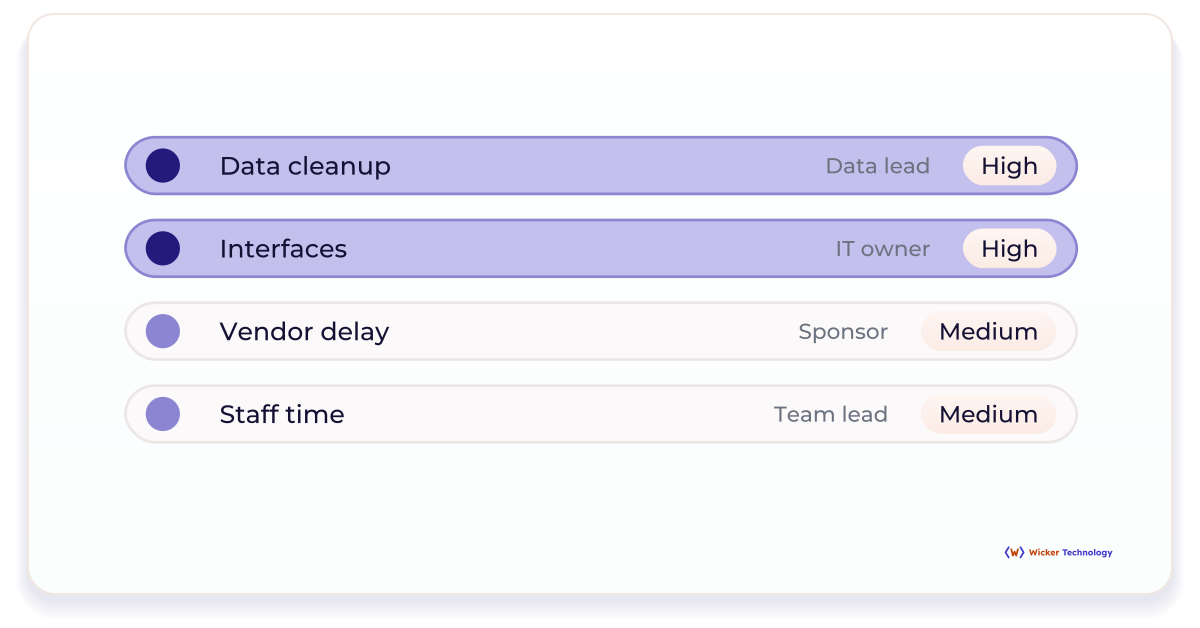
Write a short risk list with an owner and a first response for each item. Five real risks beat thirty generic ones. Typical entries: the key vendor contact leaves, the data is worse than the sample suggested, the go-live week clashes with a seasonal peak. The recurring ones are described in more detail in the list of technology implementation challenges.
Phase 6: Plan the Day After Go-Live Now
The system is live when it is switched on. The project is done when people use it the way you planned. Decide now how you will tell the difference: which screens must be used, which old spreadsheets must stop, how many support tickets you can tolerate in week one.
Plan training around roles and tasks, not around menus. A warehouse picker needs a ten-minute walkthrough of the new scan flow, not a tour of the admin screens. Name super-users in each team who can answer questions at the desk, and give them time to do it.
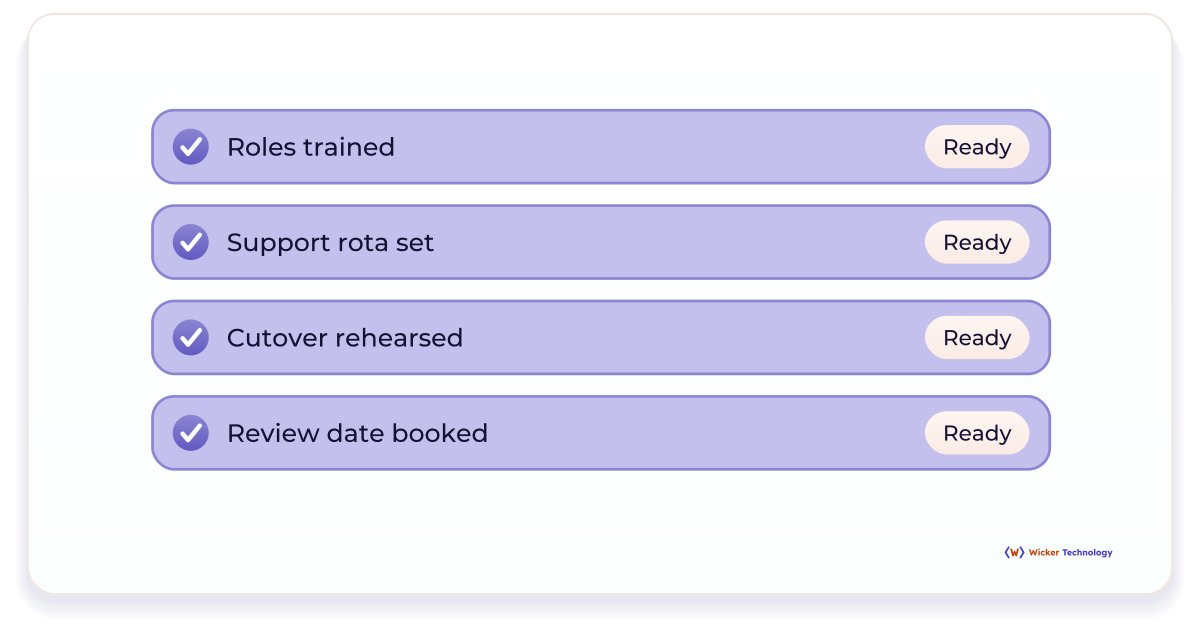
Finally, set the review date. Ninety days after go-live, compare the three outcomes from phase one with the real numbers. Report the result to the same group that approved the budget, including the misses. That review is also the starting point for release two.
Where Should You Begin?
If you are mid-project already, you can still use the phases as an audit. Score each one as clear, partly clear or missing. The phase with the weakest score is where you spend your next two weeks. In my experience it is usually ownership or scope.
- Three outcomes are written down, each with a number.
- Release one has a signed scope list and a change log.
- Every workstream has a named owner and a decision deadline.
- The rollout order and its dependencies are on one page.
- The budget shows separate layers and a protected contingency.
- Adoption measures and a 90-day review date exist.
If three or more of these are missing, pause before you spend more. A short outside review often costs less than the first change order. For a wider view of how the strategy fits into a multi-year plan, see my notes on a technology integration strategy and the technology transformation strategy.
Questions About Technology Implementation Strategy
How Long Should an Implementation Strategy Take to Write?
For a mid-sized project, plan on six to eight weeks to settle priorities, scope, ownership, sequencing and budget. Smaller projects can finish in two to three weeks. If it takes longer than that, you are probably waiting for decisions, and the delay itself tells you where the real risk sits.
What Is the Difference Between an Implementation Strategy and an Implementation Plan?
The strategy sets the why and the boundaries: outcomes, scope, ownership, rollout order and budget. The plan turns those choices into tasks, dates and resources. Writing the plan first usually means you build a schedule around unclear goals, which is how projects start slipping in month two.
Who Owns the Strategy?
A business owner who can accept the result and make scope trade-offs. IT can lead delivery, but if IT also owns the business outcome, nobody in the business feels responsible for adoption. Pair a business owner with a delivery lead and give both written authority.
How Do I Keep Scope Under Control After the Strategy Is Signed?
Keep a change log and make every addition show its price in time or money. When something enters release one, something leaves or the date moves. Showing that trade-off to the steering group in plain words stops most requests before they become formal changes.
Should We Use a Big Bang or a Phased Rollout?
Phased rollouts carry less risk for most organizations, because you learn from a pilot group before the rest switch. Big bang can make sense when systems are so tightly linked that two versions cannot run side by side. Whichever you choose, write down the rollback plan before go-live.
How Much Contingency Should the Budget Include?
Many teams hold back about 10 to 20 percent, depending on how many unknowns remain open, such as unclean data or legacy interfaces. Treat that range as a starting point for your own project, and decide in advance who is allowed to release the money.
When Is It Worth Bringing in an Outside Consultant?
Bring one in when the project touches several departments, when internal opinions are split, or when you have not run a similar rollout before. A consultant adds most value in the strategy phase, where a wrong choice is cheapest to fix and hardest to notice.
Important: nothing in this article is legal, financial or tax advice. All figures are estimates from typical projects, so verify them with your own providers and advisers.
Was this useful?
We appreciate the feedback.
Paige Mulvaney
Paige leads the Wicker editorial team and works with the consultants who run the roadmaps, software selections, implementations and integrations to turn real client projects into practical guides. Her focus is plain-language advice on IT strategy, choosing business software and connecting systems so they work together. Every article she edits is checked against current vendor pricing and documentation before it is published.