Go to content
Contact

Technology Integration Consulting

Your systems share data on their own, so your team stops re-keying orders, patients and invoices. You start with a complimentary call and planning session.

Get a Free Consultation
  • Know your savings first
  • No obligation
  • Quick response
Chosen by clients across 7 industries
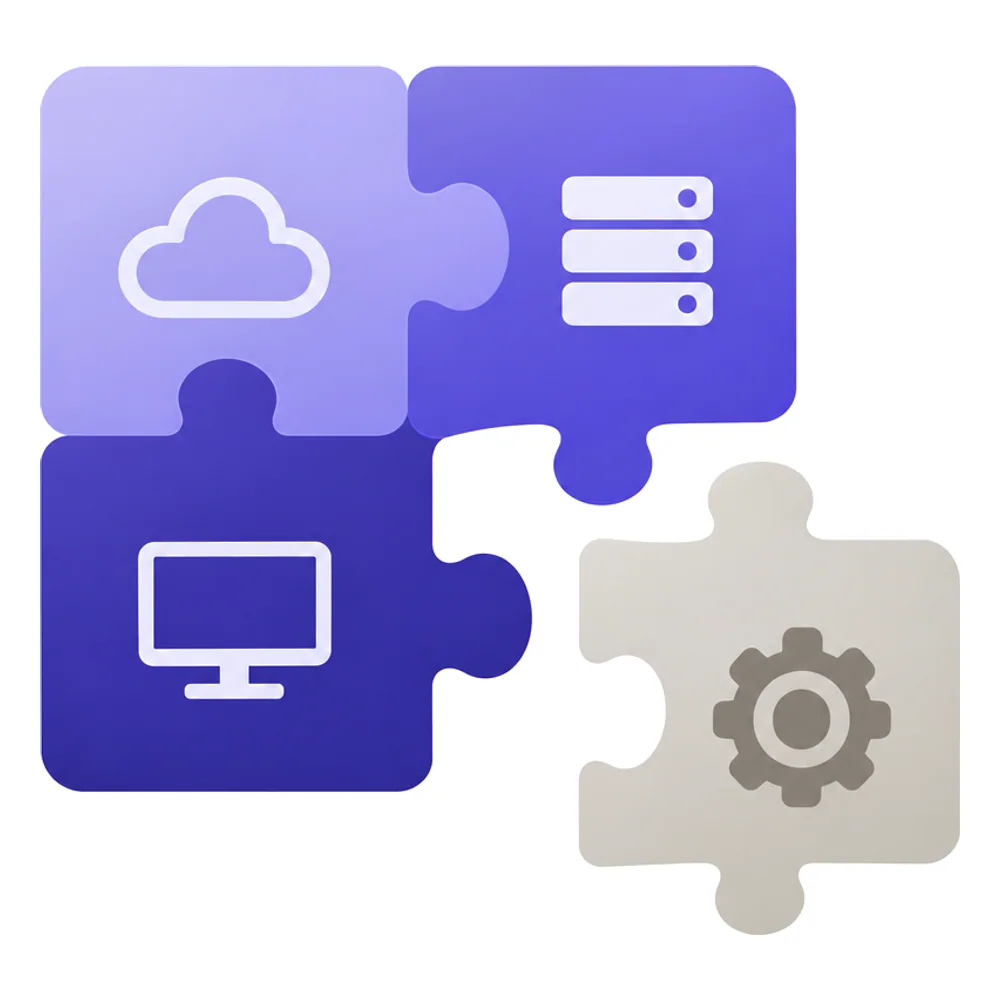
Three interlocking puzzle pieces with one piece left apart pictures technology systems joined into one working whole.
  • Full-service, end-to-end technology consulting
  • 50+ business software platforms
  • 100+ system integrations
  • 60+ tech due diligence reviews
  • Chosen by clients across 7 industries
  • Free call plus a short strategy workshop
  • Your own project lead
  • Support in 5+ languages

What Is Technology Integration Consulting?

Technology integration consulting is a service that connects the business software you already run, such as your ERP, CRM, billing, scheduling and warehouse systems, so data moves between them accurately and without manual work. You start with the business process that is broken, not with a connector or an API.

How Technology Integration Works in Your Business

  1. Systems are mappedEvery application, spreadsheet and data hand-off is listed, with the person who owns it and the data it holds.
  2. Data ownership is setFor each record type, one system is the source of truth, and the rules for conflicts are agreed in writing.
  3. Connections are builtYour systems are linked through APIs, middleware or an integration platform, chosen for your volumes and budget.
  4. Every sync is monitoredFailed or delayed transfers raise an alert and reach a named person, with the record and the reason attached.
  5. Outcome check iconYou stop re-keying dataOrders, patients, invoices and stock levels appear in every system that needs them, and month-end starts with clean numbers.

What Technology Integration Consultants Actually Do

A good engagement covers the whole path from a tangle of systems to monitored, documented connections, so you do not end up with one fragile script that only one person understands.

  • Systems and data flow mapping
  • Integration architecture and design
  • API and middleware selection
  • Data mapping, cleaning and migration
  • Build, testing and cutover
  • Monitoring, alerts and documentation

The Hidden Costs of Disconnected Systems

From double data entry to reports nobody trusts, disconnected software drains time and margin. Many teams accept it as normal, when it does not have to be.

  • Hourglass icon1.

    Double Entry Eats the Week

    Staff retype the same order, patient or invoice into two or three systems, so skilled people spend time on copying instead of serving customers.

    Real costHours Lost Weekly

    Time that never comes back

  • Warning icon2.

    Numbers That Never Match

    When the ERP and the CRM disagree about a customer or a balance, every report needs a manual check before anyone can trust it.

    Real costDecisions on Doubtful Data

    Reports that need explaining

  • Inbox icon3.

    Delays Between Teams

    Orders wait for someone to export a file, sales cannot see shipment status and support cannot see billing, so customers get slow answers.

    Real costSlow Customer Answers

    Questions that bounce between teams

  • Team icon4.

    Fragile One-Off Connections

    A script written years ago links two systems, and only one person knows how it works. When it breaks, work stops.

    Real costSingle Points of Failure

    Risk that grows with every update

Technology Integration Consulting Built Around Your Data

Integration projects that go wrong usually start with a tool. Yours starts with a plain map of what data lives where, who changes it and which hand-offs cost you time or create errors.

From there you get connections that match how your business works, from clinic scheduling to freight tracking. Each link has an owner, clear rules for conflicts and monitoring, so problems surface in minutes instead of at month-end.

Our Commitments to You

  • A map of your systems and data flows
  • A clear owner for every record type
  • Connections tested with your real data
  • Alerts when a sync fails, sent to a named person

Why Connected Systems Pay Back Faster Than New Ones

Replacing software is slow and expensive. Connecting what you own is often the quicker win, because the data already exists and your team already knows the tools. Start with the one hand-off that costs you the most and build from there.

Ideal If You Want To

  • Speed iconRemove double entry between your core systems
  • Shield iconCut errors caused by retyped and mismatched data
  • Growth graph iconGet one trusted number for orders, stock and revenue
  • Clock iconGive every team live status without waiting for exports
  • Integration iconKeep the software you already own and make it work together
  • Target iconKnow within minutes when a connection fails

Your Technology Integration Consulting Process, Step by Step

  1. Step 1

    Free First Call

    You walk through the systems you run, the hand-offs that hurt and the reports you do not trust. Your consultant asks about volumes, vendors and who maintains what.

    You receive a short recap and a price range

    Short and in writing, so you can share it with your team.

  2. Step 2

    Integration Assessment

    Every system and data flow is mapped and scored for effort, risk and business value. You see which connections pay back first and which can wait.

    Next comes a prioritized plan with a fixed price

    Priorities, an architecture recommendation and a price for your first integration.

  3. Step 3

    Develop and Test

    Connections are built in small releases and tested with your real records, including the messy ones. Your process owners sign off each flow before go-live.

    You get working integrations, ready to launch

    Documented, monitored and handed over with training.

  4. Ongoing

    Track and Refine

    Your account manager reviews sync health every month, handles fixes and adds the next integration to the plan as your needs change.

    You get a monthly health report

    Failures, delays and fixes in one clear summary.

Your Deliverables With Technology Integration Consulting

Choose a single service or get the full program, from first assessment to ongoing support.

  • Every Data Flow Mapped

    Your systems, owners and hand-offs on one page, scored for effort and value.

  • Clear Data Ownership Rules

    You approve which system is the source of truth for each record before anything is built.

  • Connections Built and Tested

    APIs, middleware or an integration platform, chosen to fit your volumes and budget.

  • Failure Alerts That Reach a Person

    Failed syncs raise an alert with the record and the reason attached.

  • Documentation Your Team Can Use

    Diagrams, field maps and run notes, so the knowledge stays in your business.

  • Ongoing Monitoring and Tuning

    Monthly checks keep connections healthy as vendors update their software.

Integrations Delivered100+
Business Software Platforms Covered50+
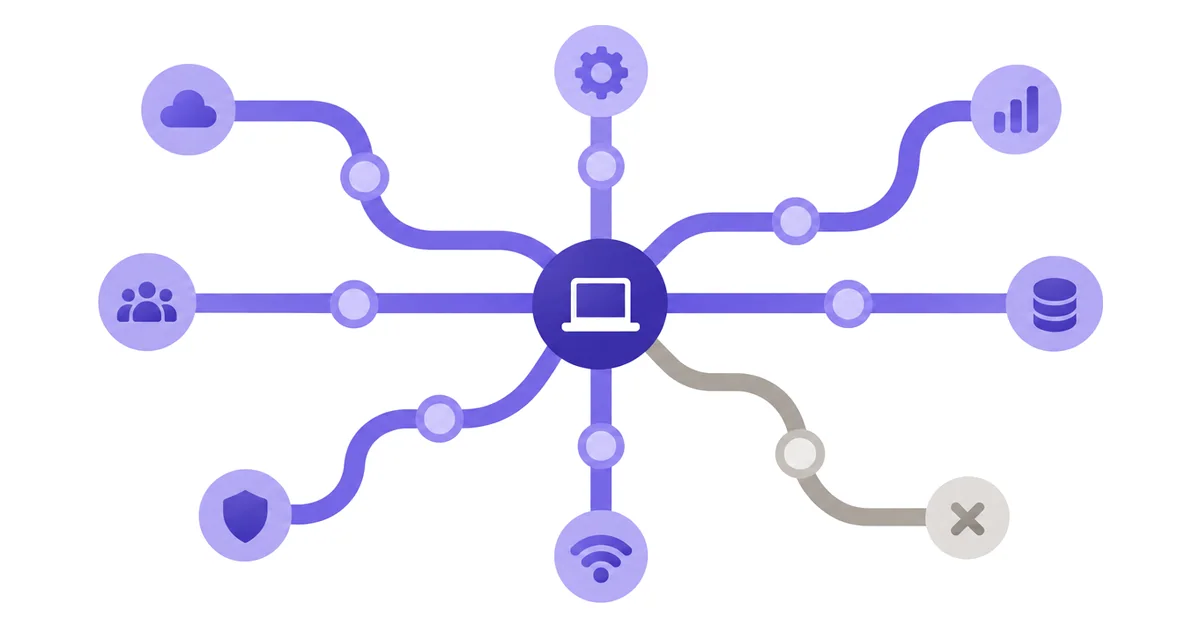
A transit-style map with one large interchange and linked stations shows how data moves between your systems.
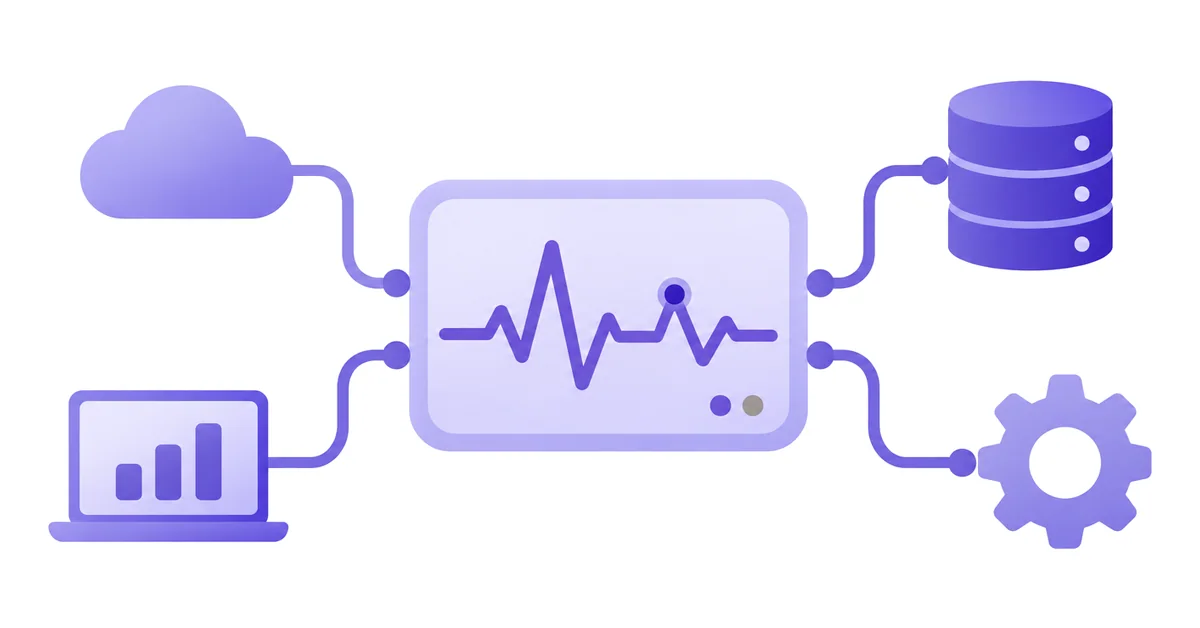
A monitor with a steady pulse line and a marked blip shows data syncs watched so a missed update gets noticed.

Technology Integration Consulting Results From Real Clients

4 Integrations, Zero Re-Keying

“Orders were typed into the ERP, then again into the carrier portal, then again into billing. Wicker connected the four systems and set up alerts for failed syncs. Order entry time dropped by 60%, and month-end no longer starts with a cleanup.”

SM
Sofia MarchettiIT Manager, Distribution Company

9 Systems Down to 3

“Patient scheduling, billing and records lived in nine tools that barely talked to each other. Wicker mapped what each one did, picked three to keep and handled the migration in stages. Front desk double entry is gone, and billing errors fell by a third in the first quarter.”

LJ
Laura JensenCOO, Regional Clinic Group

Software Choice in 5 Weeks

“We had three warehouse system demos and no way to compare them. Wicker built a scoring sheet from our real receiving and picking steps and ran the reference checks. We signed with the vendor that fit, and go-live came two weeks ahead of plan.”

ME
Marcus EllisonOperations Director, Freight Forwarder

Your Systems Before and After Technology Integration Consulting

Today's time drain, and the hours your team gets back.

Before Integration

  • Orders retyped into two or three systems
  • Reports that need a manual reconciliation
  • Exports and uploads moving data by hand
  • Failed transfers found at month-end
  • One person who understands the old scripts

After Integration

  • Data moves between your systems on its own
  • One trusted number for orders, stock and revenue
  • Live status visible to every team
  • Alerts reach a named person within minutes
  • Documented connections anyone on the team can follow

Benefits of Technology Integration Consulting for Your Business

Why outside help pays off when you connect your systems.

Clock iconMore Free Hours Each Week

Double entry between systems often takes hours per person every week. Once data flows on its own, your team spends that time on customers, patients and decisions.

Shield iconYou Reduce Errors and Rework

A record typed once is right once. Connected systems stop the mismatched addresses, wrong balances and duplicate customers that cause refunds and awkward calls.

Integration iconYou Keep the Software You Own

Integration extends the life of systems that still do their job. You avoid a costly replacement and your team keeps working with tools it knows.

Target iconYou Avoid Brittle Connections

Connections built without rules for conflicts and failures break quietly. A designed integration with monitoring tells you before your customers do.

Technology Integration Consulting Scope and Cost

Every project gets a fixed quote after a free integration assessment. This table shows how engagements are usually structured.

EngagementCoverageTypical durationPricing
Integration assessmentSystem and data flow map, ranked list, architecture advice2 to 3 weeksFixed quote after discovery call
Single integrationOne connection between two systems, built, tested and monitored4 to 8 weeksFixed quote after assessment
Integration programSeveral connections delivered in releases, with shared monitoring3 to 6 monthsFixed quote per release
Ongoing supportMonthly health review, fixes and small changesMonthlyMonthly retainer

What to Expect Before Your Integration Project Starts

  • Hidden fees

    You Know the Cost Before We Begin

    A fixed quote follows the assessment, so there are no surprise invoices.

  • Unneeded projects

    A Clear Yes or No on Fit

    If a connection is not worth building, or a vendor feature already does the job, you hear it on the first call.

  • Hard-to-read updates

    Honest Answers All the Way

    Each week you get a brief update: what is finished, what is stuck and what we need from you.

  • Weeks spent waiting

    A Written Plan After Your Call

    After your call you get a summary with priorities, timeline and cost range to share with your team.

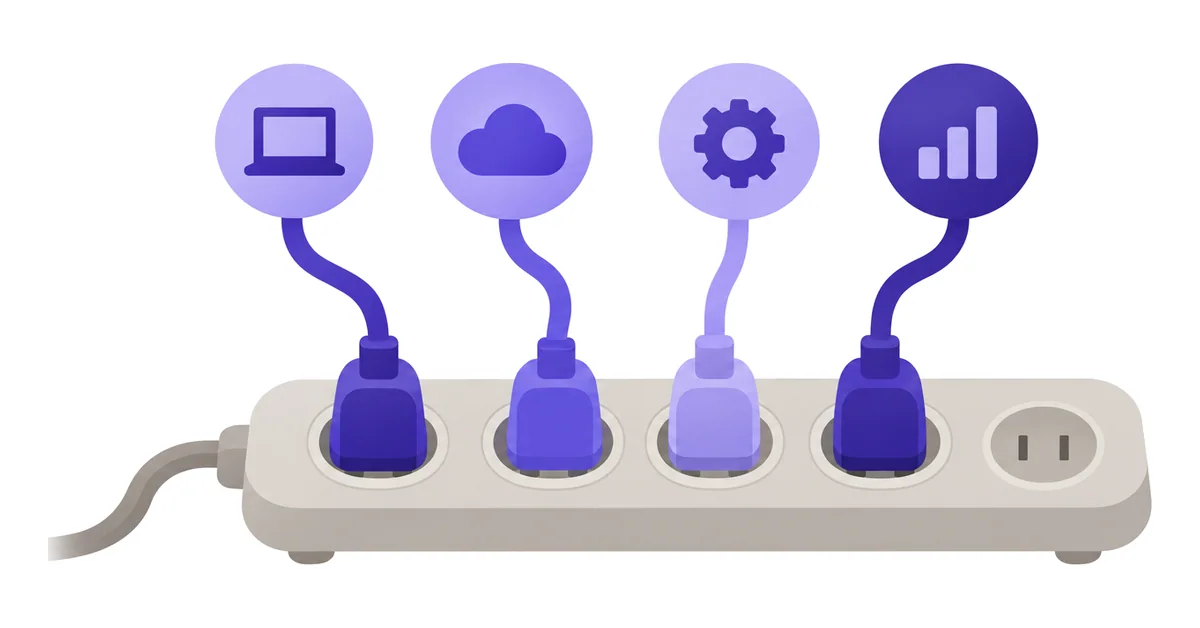
A power strip with four plugs and one free socket shows new connections that fit the tools you already use.

Connections That Fit the Tools You Already Use

No rip-and-replace projects. Your ERP, CRM, billing and scheduling tools get connected, so your team keeps working the way it knows while the repetitive hand-offs run on their own.

Data moves between systems automatically, without exports and uploads. New software is only recommended when it clearly pays for itself, which keeps costs down and adoption high.

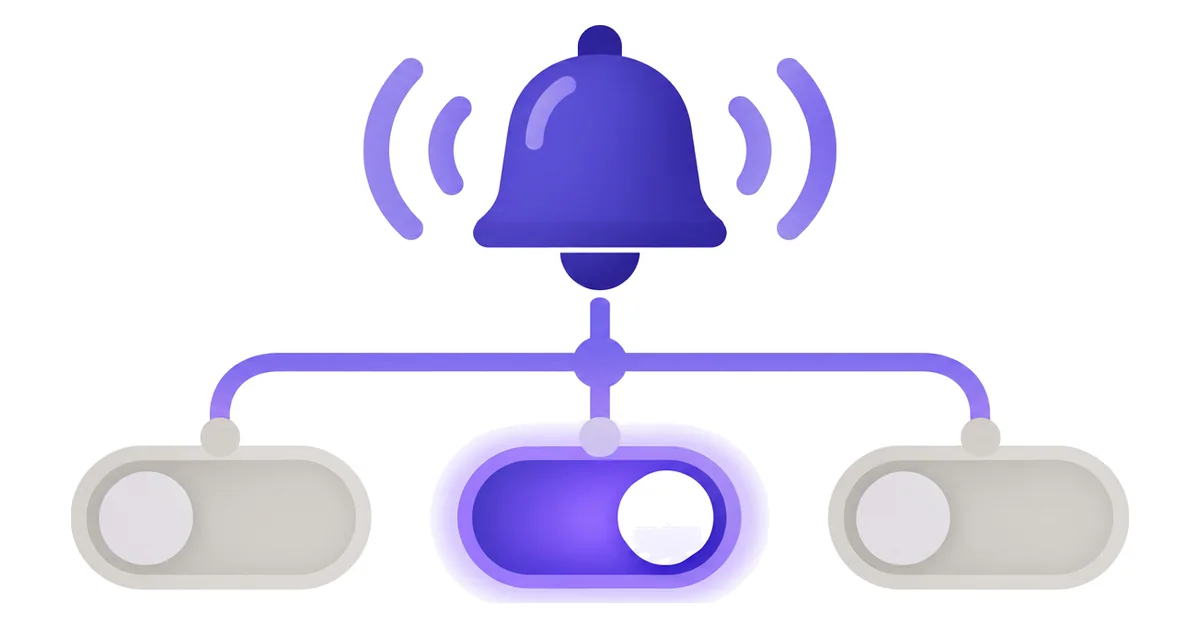
A bell ringing above a row of switches with one raised shows monitoring that alerts you before customers notice a problem.

Monitoring That Tells You Before Your Customers Do

Every connection includes health checks, retry rules and alerts, so a failed sync reaches a named person with the record and the reason attached.

You decide who is notified and how fast a fix must happen. Most problems are solved while the affected data is still small, instead of at month-end when hundreds of records are wrong.

Technology Integration Consulting for Your Industry

Where connecting your systems pays back first in your sector.

Healthcare

Link scheduling, records and billing so clinic staff stop double entry, with strict data protection built in. See healthcare technology consulting.

Logistics and Distribution

Connect order entry, warehouse, carrier and billing systems so shipment status and invoices stay in step. Explore enterprise technology consulting for larger networks.

Companies Replacing Legacy Systems

Run old and new systems side by side during a migration without losing data. Learn more about technology modernization consulting.

Companies Adding New Software

Make a new platform work with your existing tools from day one. See technology implementation consulting for the full rollout.

How to Choose the Right Technology Integration Consulting Partner

The right partner decides whether your connections run quietly for years or break with the next software update. Before you sign, check that your technology integration consulting partner can show you each of these:

  • A clear assessment that ranks integrations by cost, risk and value
  • Hands-on experience with the systems you already run
  • Rules for data ownership and conflicts, written down before the build
  • Monitoring and alerts included, with a named owner for every failure
  • One build price agreed up front, nothing hidden

Also ask who owns the connections after launch. You should receive diagrams, field maps and training, so the knowledge stays inside your business.

What You Can Count On From Your Integration Partner

  • Signed quote icon

    Fixed Price, Agreed Early

    The build cost is fixed before we start.

  • Coin icon

    High Standards, Fair Pricing

    Complete consulting from start to finish, priced for a first engagement.

  • Personal contact icon

    A Single Point of Contact

    A single person who knows your project and replies quickly.

  • Shield icon

    Your Information Is Secured

    Minimal access rights, documented data flows and an NDA if you want one.

Technology Integration Consulting FAQs

Which Integration Should We Build First?

Start with the hand-off that is frequent, error-prone and costly, such as orders moving from your CRM to billing. Your integration assessment scores every candidate for volume, error cost, effort and risk, so your first project is the one most likely to pay back quickly and build trust.

Do We Need an Integration Platform or Can We Use Direct Connections?

It depends on how many systems you connect. Two or three systems can often use direct API connections. Once you connect many, a platform or middleware layer keeps the work manageable and gives you one place to monitor. Your assessment recommends the option that fits your volumes and budget.

Will Integration Disrupt Our Daily Operations?

Not if it is planned well. Connections are built and tested in a separate environment with your real data, then switched on in stages with a rollback plan. Your team sees the change in small steps, and cutover is scheduled around your busy periods.

How Long Does a Technology Integration Project Take?

A single connection between two systems often takes four to eight weeks, depending on the quality of your data and the vendors' APIs. You get a timeline with your ranked plan after the assessment, before anything is built.

What Happens When a Vendor Updates Their Software?

Monitoring picks up changes that break a connection, and your account manager handles the fix. Documentation and test cases make updates routine, so the next change does not turn into an emergency.

How Safe Is Our Data With You?

Access follows least-privilege rules, so every connection reaches only the data it needs. Data flows are documented for your security team, credentials are stored in managed vaults, and NDAs are available on request.

How Much Does Technology Integration Consulting Cost?

The cost depends on the number of systems, the quality of their APIs and how clean your data is. You get a realistic cost range on your free discovery call and a fixed quote after the assessment, so there are no surprises later.

Can You Work with Older Systems That Have No API?

Often, yes. Options include file-based exchange, database-level connections and middleware adapters. Your assessment names the safest route for each legacy system and says plainly when replacing it would cost less than connecting it.
Start Your Integration Project With a Free Plan

Get a free assessment and a clear plan for your first connection.

Get a Free Consultation

Schedule Your Free First Call

Please add your name.
Add a working email address.
Please add a subject line.
Share your goal in a few words.