In Short
- Name one owner for each record type before any build starts.
- Design for failure: retries, queues and alerts matter more than the happy path.
- Test with real, messy records and keep a one-page catalogue of every connection.
- Cut over in stages with a way back, and score your weakest practice first.
Good integrations are invisible. Orders arrive, patients show up in the right system and finance gets numbers that match. Bad ones create a second job for someone on your team. If you want help getting from the second to the first, my team's technology integration consulting follows the practices below.
I have grouped nine practices that separate stable integrations from fragile ones. Each has a do and an avoid, so you can use the list as a review checklist for a project you already have.
The Nine Practices at a Glance
| Practice | Do | Avoid |
|---|---|---|
| 1. Name One Owner for Every Record Type | Lock each field to one owning system | Let two systems edit one field |
| 2. Start From the Process, Not the Connector | Map the real process first | Buy a connector and bend the process |
| 3. Clean the Data Before You Connect It | Fix duplicates and formats first | Clean the data later |
| 4. Design for Failure From Day One | Plan retries and an error queue | Assume the happy path |
| 5. Monitor Every Connection | Alert on errors and silence | Wait for users to notice |
| 6. Prefer Standard Interfaces and Documented APIs | Use documented vendor APIs | Reach into vendor databases |
| 7. Test With Real, Messy Records | Test with real, messy records | Sign off on five perfect ones |
| 8. Keep a Small Integration Catalogue | Record owner and purpose of each link | Keep it in one head |
| 9. Cut Over in Stages, With a Way Back | Pilot first, keep a way back | Switch off the old route at once |
If you are short on time, the first, fourth and fifth practices matter most: owners, failure handling and monitoring. Together they prevent the bulk of the production problems I see. The failure patterns behind them are covered in the guide to technology integration challenges.
Nine Practices With Do and Avoid
Use the list in order on a new project, or jump to the one that matches your current pain. For real situations where these practices applied, see the technology integration examples.
1. Name One Owner for Every Record Type
Every customer, order, patient or product record needs a single system that owns it. When two systems can both edit the same field, each sync becomes an argument about which one wins. Write the rule down for each record type before anyone builds anything, and get the business owner to sign it.
Do this: Make the system closest to the source of the data the owner, and lock the field against edits elsewhere.
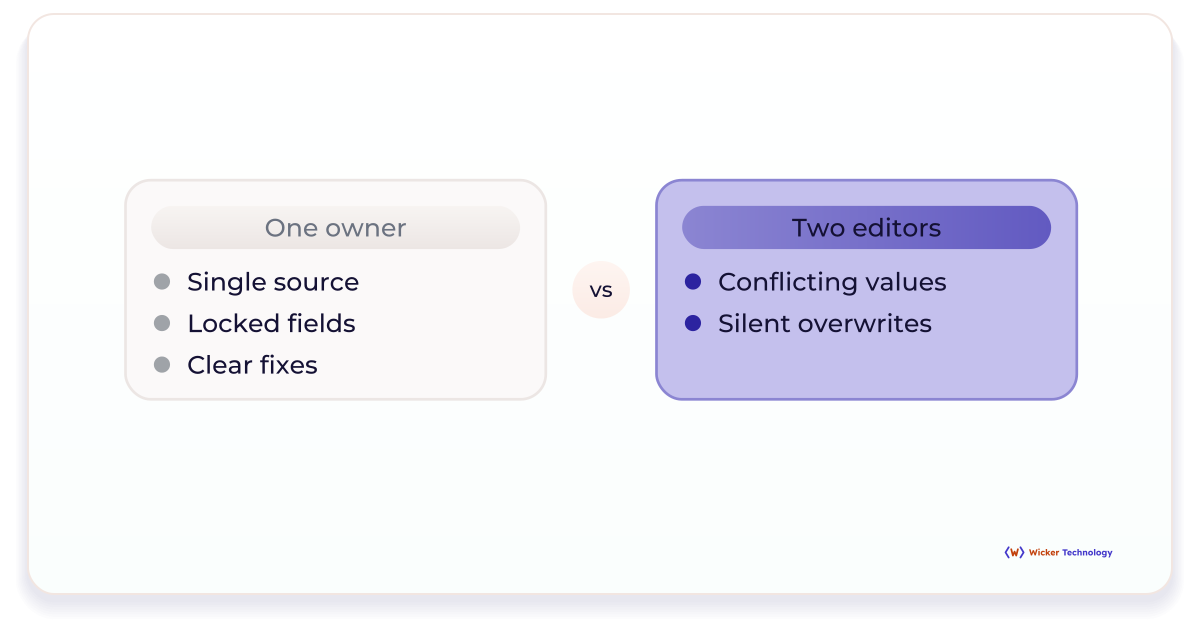
Avoid this: Let both systems edit the same field and hope the latest change is the right one.
2. Start From the Process, Not the Connector
A connector shows what two systems can exchange. It tells you nothing about what your team needs. Sit with the people who do the hand-off today, watch what they do and list the moments where they retype, wait or check. Those moments are your requirements.
Do this: Map the real process, including the workarounds, then design the data flow around it.
Avoid this: Buy a connector because the vendor lists it and then adapt the process to fit.
3. Clean the Data Before You Connect It
Integration does not improve bad data. It spreads it faster. Duplicate customers, inconsistent product codes and free-text fields turn into sync errors. In my client work, data clean-up often takes more calendar time than the connection itself, so plan for it.
Do this: Profile the data early, fix duplicates and agree on formats before the first sync.
Avoid this: Connect first and promise to clean it later; later rarely comes.
4. Design for Failure From Day One
Every connection fails sometimes. APIs time out, vendors change fields and someone deletes a required record. The question is what happens next. A good design retries safely, never creates duplicates and tells a person what went wrong.
Do this: Plan retries, a queue for failed records and a clear owner for the error list.
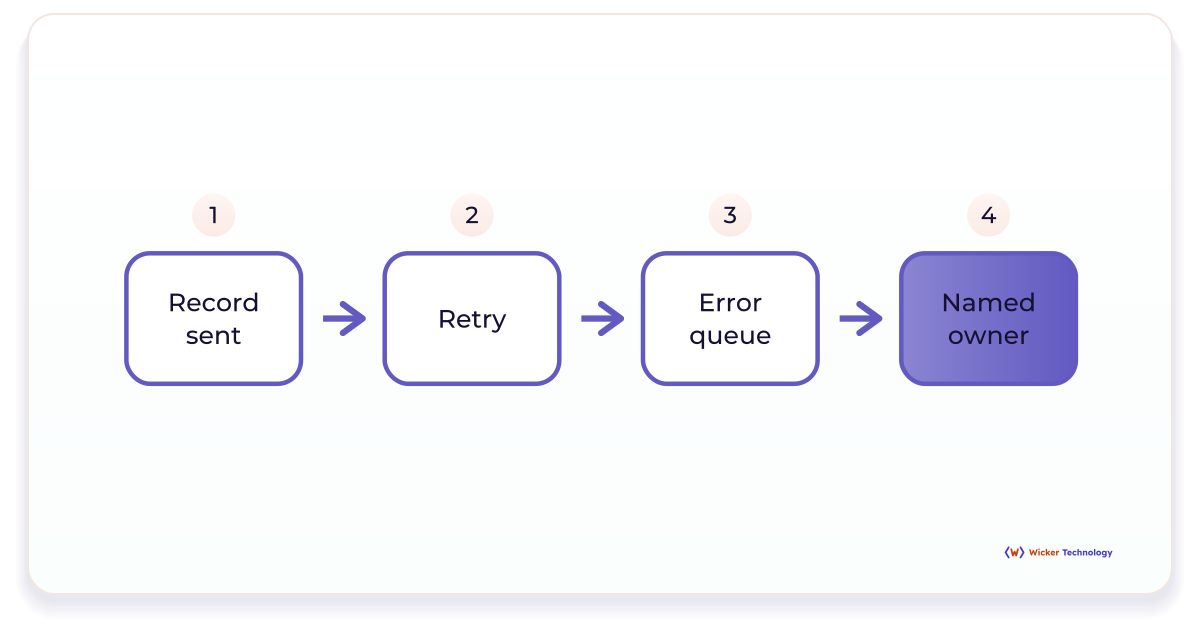
Avoid this: Assume the happy path and discover the failure mode in production.
5. Monitor Every Connection
A failed sync that nobody sees can corrupt data for weeks. Set up checks for volume, delay and error rate on each connection, and send alerts to a named person. A weekly report of health is worth far more than a quiet dashboard nobody opens.
Do this: Alert on missing activity as well as errors, because a silent stop is also a failure.
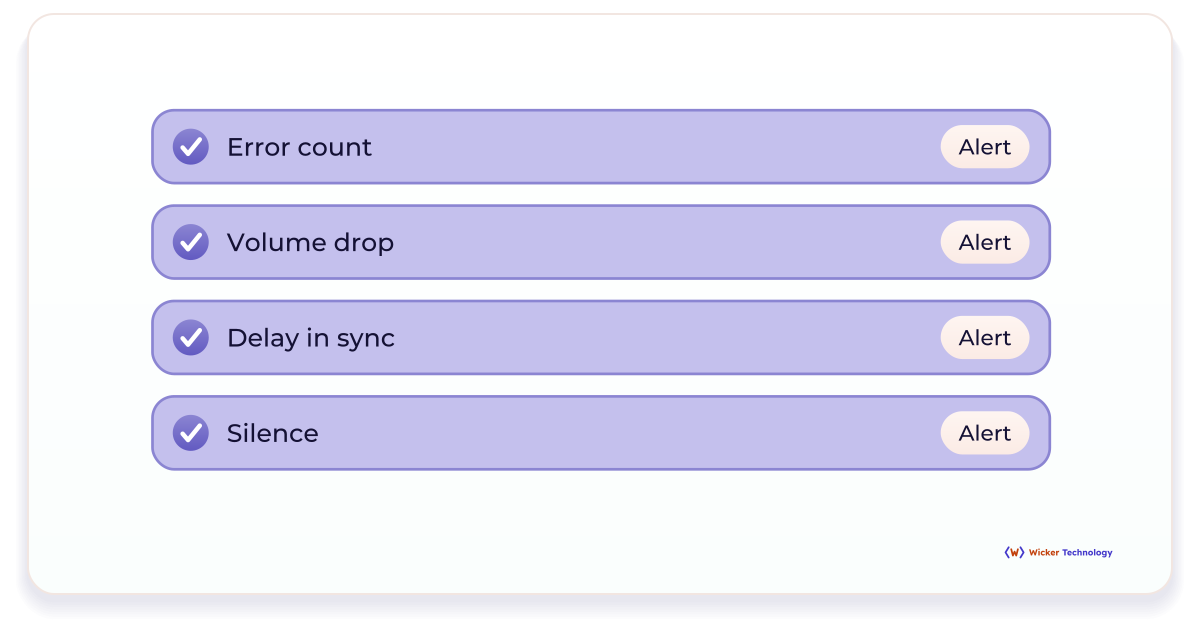
Avoid this: Rely on users to notice that something looks wrong.
6. Prefer Standard Interfaces and Documented APIs
Custom scripts against a database or a screen scrape work until the vendor updates. Published APIs and standard formats come with versions and notice periods. They cost a bit more at the start and save you at every upgrade.
Do this: Choose vendor-supported APIs and keep a list of the versions you depend on.
Avoid this: Reach into a vendor's database because it is quicker this week.
7. Test With Real, Messy Records
Clean test data hides the problems you will meet. Real records have missing fields, odd characters, old statuses and edge cases nobody remembered. Run your tests with a copy of real data, with sensitive fields masked, and include the ugly records on purpose.
Do this: Build a test set from past exceptions and run it again after every change.
Avoid this: Sign off on a demo using five perfect records.
8. Keep a Small Integration Catalogue
Within a year, nobody remembers what talks to what. A one-page catalogue listing each connection, its owner, its data and its vendor versions turns an emergency into a routine task. Keep it where the team already works and update it with each change.
Do this: Record the owner, purpose, data fields and failure contact for each connection.
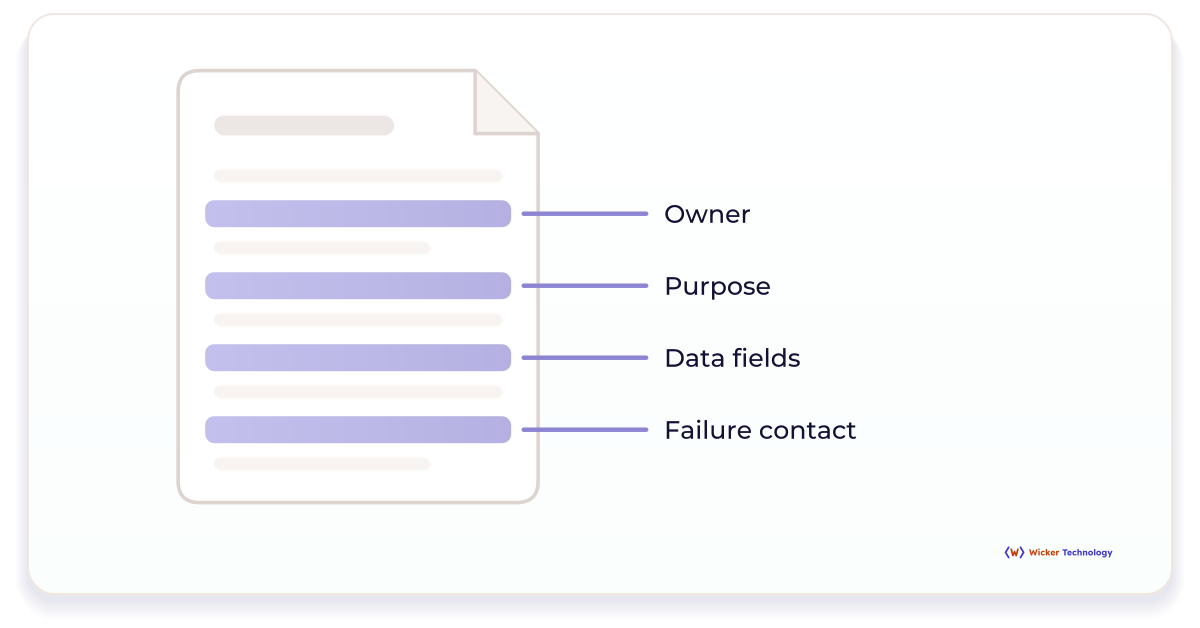
Avoid this: Keep the knowledge in one developer's head.
9. Cut Over in Stages, With a Way Back
Switching everything on in one night is tempting and risky. Run the new connection beside the old process for a short period, compare the results and switch group by group. Decide the rollback steps before you start.
Do this: Pilot with one team or location, compare outputs and keep the old route ready for a set period.
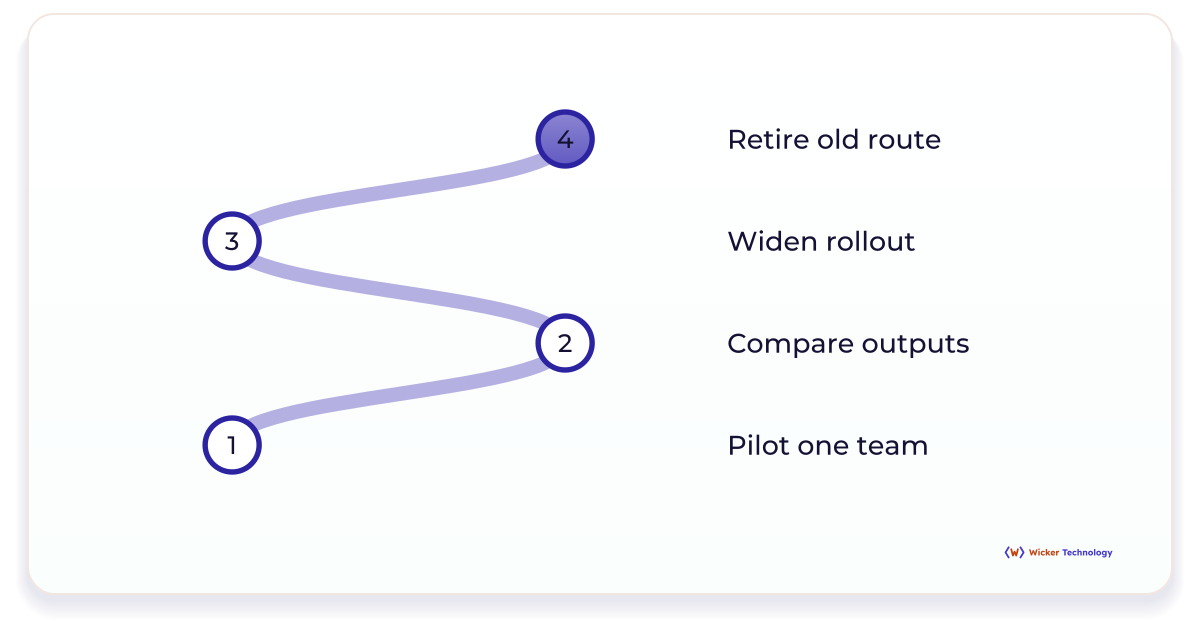
Avoid this: Retire the manual process the day the connection goes live.
Where Teams Drop These Practices Under Pressure
Almost every team agrees with the list on paper. The practices get dropped when a date moves and someone asks what can be skipped. Testing with messy records goes first, because it takes calendar time. Monitoring comes second, because it is invisible when it works. Documentation goes third, because nobody is waiting for it.
Protect two items whatever happens: the ownership rule and the failure queue. Both are cheap in the build phase and very expensive to add later. If you must cut something, cut a nice-to-have field from release one rather than a safeguard. A smaller integration that is safe beats a larger one that corrupts data.
It also helps to decide early who can approve a skipped practice. If the answer is the business owner, in writing, with the risk named, skipping becomes a visible decision and not a quiet one. In my experience that alone cuts the number of skipped practices by half.
A Quick Review of a Typical Mid-Sized Project
To see how the list works in practice, imagine a distributor connecting its order system, warehouse tool and billing platform. The team has a plan, a vendor and a date six weeks out. A review against the nine practices takes an hour and usually finds the same gaps.
| Practice | Status in a typical plan | Fix before build |
|---|---|---|
| Record ownership | Partly agreed, not written | One-page ownership sheet, signed |
| Data cleaning | Planned after go-live | Move duplicates fix to week one |
| Failure handling | Vendor default retries only | Add error queue and named owner |
| Monitoring | Email on error | Add volume and delay checks |
| Catalogue | Missing | Create a one-page entry |
| Cutover | Single weekend switch | Pilot one warehouse first |
None of these fixes is large. Together they usually take about a week of effort and remove the most likely causes of a bad first month. The point of a review is to turn "we should" into a dated task with a name next to it.
Adapting the Practices for a Small Team
If you have one developer and a handful of systems, nine practices can feel like overhead. They are not, as long as each one stays small. Ownership is a short table. The catalogue is a single page. Monitoring can start as a daily email that lists how many records moved and how many failed. A pilot can be one department for one week.
What a small team cannot afford is a single point of knowledge. If only one person understands the connection, a holiday or a resignation becomes a risk to operations. Write the run note so that a capable colleague could handle the first hour of an incident, and test that by asking one to do it.
Finally, be willing to say no. Every new connection adds maintenance. A short list of well-kept connections will serve a small business better than a long list of half-watched ones, and it keeps the cost of change under control as vendors update their software.
How to Apply the List to Your Project
You do not need to adopt all nine at once. Score each practice as in place, partly in place or missing for your current or planned project, and fix the weakest scores first.
- Each record type has one owner, in writing.
- Failed records go to a queue with a named person.
- Monitoring covers volume, delay and errors.
- A catalogue lists every connection and its owner.
- Cutover has a pilot and a way back.
For a repeatable way to sequence this work, use the technology integration framework. If you are deciding priorities across several connections, the technology integration strategy guide helps.
Questions About Technology Integration Best Practices
What Is the Single Most Important Integration Best Practice?
Naming one owner per record type. Most sync errors come from two systems both editing the same field. Once ownership is clear and locked, many other problems disappear.
How Much Testing Is Enough?
Enough to cover your real exceptions, not just the standard cases. Build a test set from past problem records and rerun it after each change. If you can pass that set, the connection is ready for a pilot.
Should I Build Integrations Myself or Buy a Platform?
Direct connections suit a few systems with good APIs. A platform pays off when you connect many systems or need central monitoring. The right choice depends on volumes, staff skills and how often your systems change.
How Do I Handle Vendor Upgrades?
Keep a catalogue of the versions you depend on, read vendor release notes and test upgrades in a separate environment first. Prefer documented APIs, because they come with notice periods.
What Should Monitoring Include?
Volume, delay and error rate for each connection, with alerts to a named person. Include checks for missing activity, because a connection that silently stops is as damaging as one that errors.
How Do I Keep Integrations Secure?
Give each connection the minimum access it needs, store credentials in a managed vault and log what is moved. Review access when staff or vendors change.
When Is It Better Not to Integrate?
When the volume is low, the data changes rarely or a manual step is a deliberate control. An integration that saves ten minutes a month rarely justifies its maintenance.
Important: nothing in this article is legal, financial or tax advice. All figures are estimates from typical projects, so verify them with your own providers and advisers.
Was this useful?
We appreciate the feedback.
Paige Mulvaney
Paige leads the Wicker editorial team and works with the consultants who run the roadmaps, software selections, implementations and integrations to turn real client projects into practical guides. Her focus is plain-language advice on IT strategy, choosing business software and connecting systems so they work together. Every article she edits is checked against current vendor pricing and documentation before it is published.