Go to content
Contact

Technology Modernization Consulting

Your aging systems get a clear plan: what to keep, what to update and what to retire, with no downtime surprises. You start with a complimentary call and planning session.

Get a Free Consultation
  • Know your savings first
  • No obligation
  • Quick response
Chosen by clients across 7 industries
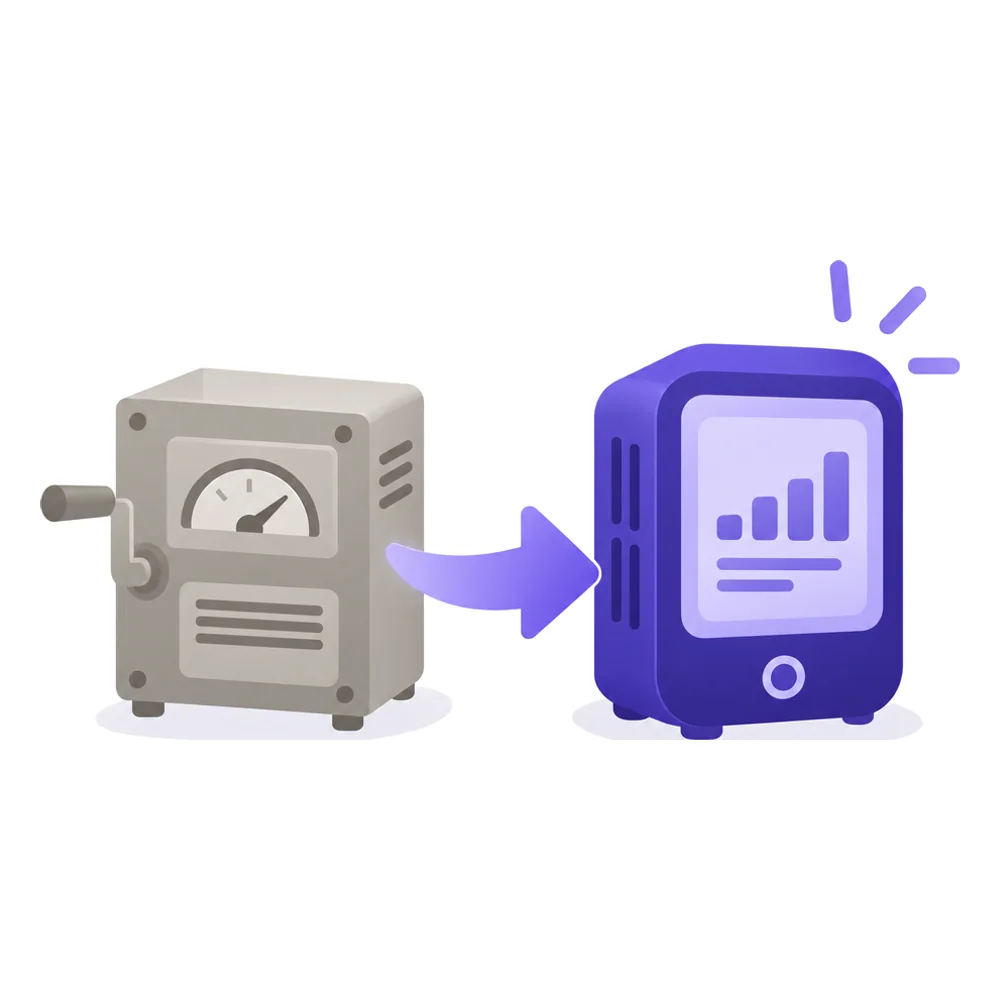
An old gray machine beside a sleek indigo device with an arrow between them pictures modernizing aging technology.
  • Full-service, end-to-end technology consulting
  • 50+ business software platforms
  • 100+ system integrations
  • 60+ tech due diligence reviews
  • Chosen by clients across 7 industries
  • Free call plus a short strategy workshop
  • Your own project lead
  • Support in 5+ languages

What Is Technology Modernization Consulting?

Technology modernization consulting is a service that helps your business decide which aging systems to keep, update, move or retire, then carries out that plan without stopping daily operations. You start with the business outcome and the running cost of what you have today, not with a new platform.

How Technology Modernization Works in Your Business

  1. Your systems are inventoriedEvery application, database and integration is listed with its owner, cost, age and the processes that depend on it.
  2. Each one gets a verdictSystems are scored for business value and technical health, then marked keep, update, move or retire.
  3. The work is sequencedQuick wins go first, risky cutovers are placed away from your busy periods, and dependencies decide the order.
  4. Changes go live in stagesData moves in tested batches, old and new run side by side where needed, and each cutover has a rollback plan.
  5. Outcome check iconYou get a lighter, faster stackFewer systems, lower running cost and changes that take days instead of months, tracked against the targets you set.

What Technology Modernization Consultants Actually Do

A good engagement covers the full path from a messy inventory to systems your team can change with confidence.

  • Application inventory and health scoring
  • Keep, update, move or retire decisions
  • Migration and cutover planning
  • Integration and data clean-up
  • Vendor and contract negotiation support
  • Team onboarding and handover

The Hidden Costs of Aging Technology That Modernization Removes

Old systems keep working, which is exactly why they stay. Yet the cost shows up in slow projects, rising bills and risk, even when nothing seems broken.

  • Hourglass icon1.

    Every Change Takes Months

    A small request touches code nobody fully understands, so simple updates wait in a queue and your business moves slower than it should.

    Real costSlow Delivery

    Weeks lost on every change

  • Warning icon2.

    Security and Support Gaps

    Platforms past vendor support stop getting patches, and the few people who know them are hard to hire, which raises your risk every year.

    Real costGrowing Exposure

    Risk that rises with every missed update

  • Inbox icon3.

    Systems That Do Not Talk

    Data moves between old tools through exports and spreadsheets, so teams re-key records and reports disagree about the same numbers.

    Real costRe-Keyed Data

    Hours spent on work a connection could do

  • Team icon4.

    Running Costs Keep Climbing

    Licenses, hosting and specialist support for old platforms often cost more than modern ones, and the bill rarely shrinks on its own.

    Real costRising Bills

    Spend that buys no new capability

Technology Modernization Consulting Built Around Your Operations

Modernization projects that fail usually start with a target platform. Yours starts with what each system does for the business, what it costs to keep and what would break if it changed.

From there you get a plan in stages, with quick wins early and the risky cutovers scheduled away from your peak weeks. Your team keeps running the business, and every phase has an owner, a test and a way to go back.

Our Commitments to You

  • A full inventory of your systems and what they cost
  • A keep, update, move or retire verdict for each one
  • A phased plan with rollback steps
  • Progress reported against savings and delivery targets

Why Modernizing in Stages Beats a Big-Bang Rewrite

A full rewrite promises a clean start and often delivers late, over budget and with missing features. Modernizing in stages lets you pay for results as you go. Start with one system, prove the saving and move on to the next.

Ideal If You Want To

  • Speed iconShip improvements in weeks instead of waiting for one big release
  • Growth graph iconLower license, hosting and support costs system by system
  • Shield iconClose security gaps on unsupported platforms early
  • Clock iconKeep daily operations running during every change
  • Integration iconConnect systems so data stops moving through spreadsheets
  • Target iconTrack each phase against a saving or speed target

Your Technology Modernization Process, Step by Step

  1. Step 1

    Free First Call

    You describe the systems that hurt most, the projects they block and the deadlines you face. Your consultant asks about vendors, contracts and integrations, and points out where modernizing is likely to pay off first.

    You receive a short recap and a price range

    Short and in writing, so you can share it with your team before deciding anything.

  2. Step 2

    Systems Assessment

    Every application is scored for business value, technical health, running cost and risk. You see which systems are worth keeping, which need work and which should be retired.

    Next comes a prioritized plan with a fixed price

    Clear priorities, a sequence and one fixed price for the first phase.

  3. Step 3

    Migrate and Test

    Data and functions move in small, tested batches. Your team checks each result against real work before anything is switched over, and every cutover has a rollback plan.

    You get working systems, ready to launch

    Connected to the rest of your stack, documented and supported by trained owners.

  4. Ongoing

    Cut Over and Improve

    Old systems are switched off only after the new ones prove themselves. Your account manager tracks savings and delivery speed, and the next phase is planned from what the first one taught.

    You get progress reports against your targets

    Cost removed, systems retired and delivery time in one clear report, plus support when you need it.

Your Deliverables With Technology Modernization Consulting

Choose a single piece of work or the full program, from inventory to final cutover.

  • Every System Inventoried and Scored

    Your assessment rates each application for business value, technical health, cost and risk.

  • A Clear Verdict for Each System

    Keep, update, move or retire, each with a cost, a timeline and the reasoning behind it.

  • A Sequenced Modernization Plan

    Quick wins first, dependencies respected and risky cutovers kept away from your peak periods.

  • Migration With Rollback Built In

    Data moves in tested batches, and every cutover has a documented way back.

  • Integrations That Replace Manual Exports

    Your systems connected so data flows without re-keying or spreadsheet hand-offs.

  • Your Team Trained Before Go-Live

    Short training sessions and written guides so every system has a confident owner.

Selections and Implementations150+
System Integrations Delivered100+
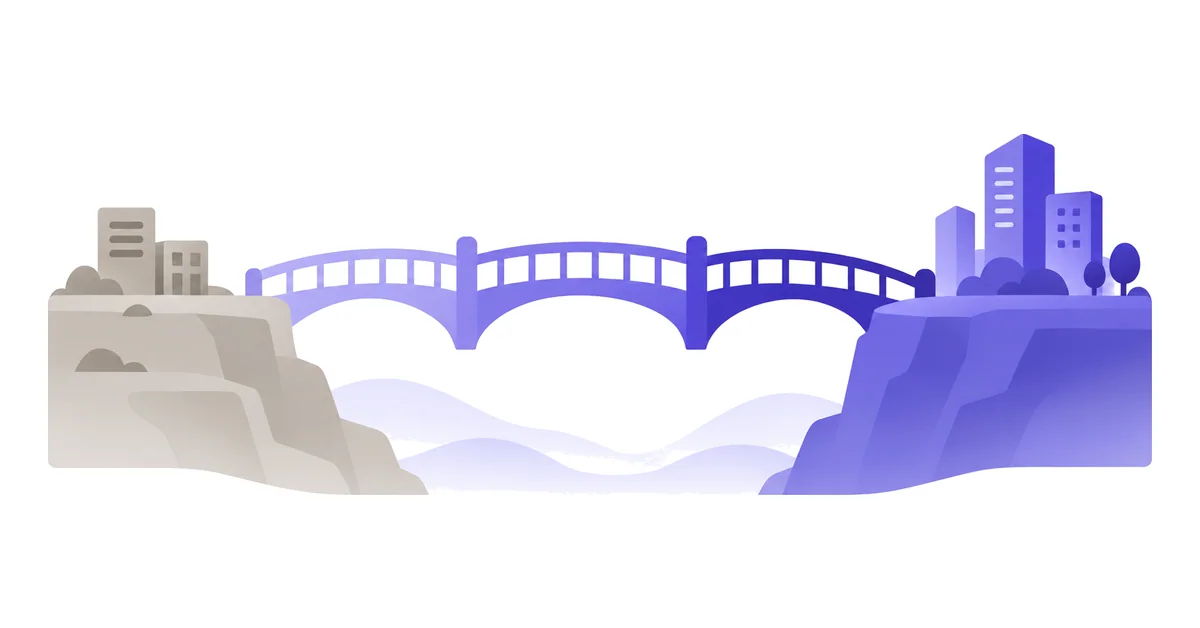
A bridge in three stages from lilac to deep indigo across a gap shows a phased cutover to modern systems.
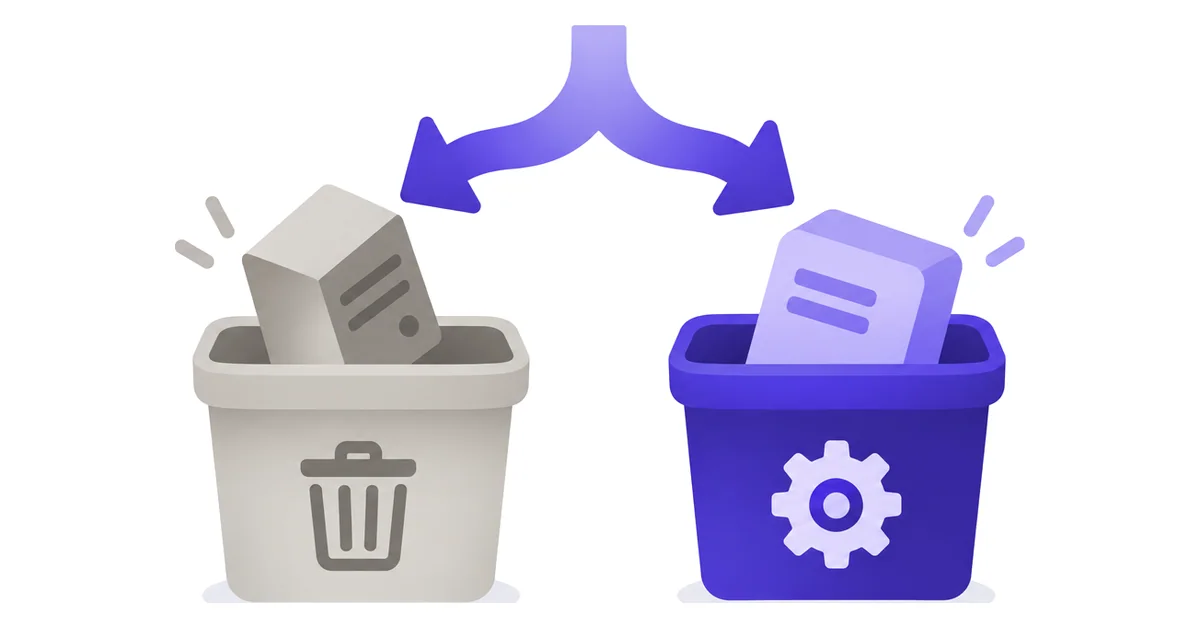
A fork arrow sorting an old box into a gray bin and a block into an indigo bin shows deciding which legacy systems to retire or keep.

Technology Modernization Results From Real Clients

9 Systems Down to 3

“Patient scheduling, billing and records lived in nine tools that barely talked to each other. Wicker mapped what each one did, picked three to keep and handled the migration in stages. Front desk double entry is gone, and billing errors fell by a third in the first quarter.”

LJ
Laura JensenCOO, Regional Clinic Group

4 Integrations, Zero Re-Keying

“Orders were typed into the ERP, then again into the carrier portal, then again into billing. Wicker connected the four systems and set up alerts for failed syncs. Order entry time dropped by 60%, and month-end no longer starts with a cleanup.”

SM
Sofia MarchettiIT Manager, Distribution Company

Software Choice in 5 Weeks

“We had three warehouse system demos and no way to compare them. Wicker built a scoring sheet from our real receiving and picking steps and ran the reference checks. We signed with the vendor that fit, and go-live came two weeks ahead of plan.”

ME
Marcus EllisonOperations Director, Freight Forwarder

Your Technology Stack Before and After Modernization

Where the time and money go today, and what changes.

Before Modernization

  • Dozens of overlapping tools with unclear owners
  • Simple changes take months
  • Data moved by hand between systems
  • Platforms past vendor support
  • No clear view of what each system costs

After Modernization

  • Fewer systems, each with a named owner
  • Changes ship in days or weeks
  • Systems connected, with failed syncs flagged
  • Supported, patched and documented platforms
  • Running cost tracked for every application

Benefits of Technology Modernization Consulting for Your Business

Why outside help pays off when you modernize.

Clock iconYou Ship Changes Faster

Modern, well-connected systems let your team add a product, a report or a process change without a months-long project. Your business reacts to the market at the speed you plan, not at the speed of the oldest system you run.

Shield iconYou Lower Risk and Running Cost

Retiring unused tools and moving off unsupported platforms removes license fees, specialist support costs and security exposure. Each retired system also leaves one less integration to maintain.

Growth graph iconYou Grow Without Rebuilding Again

Systems with clean interfaces and documented data flows scale with your volumes. When you add a location, a product line or an acquisition, the technology stops being the part that holds the plan back.

Target iconYou Avoid an Expensive Rewrite

Many modernization budgets are lost on rewriting systems that only needed an update or a wrapper. A verdict for each system, made before any build starts, keeps your money on the work that changes outcomes.

Technology Modernization Consulting Scope and Cost

Every project gets a fixed quote after a free discovery call. This table shows what each type of work covers and what drives the price.

Type of workCoverageTypical timelineWhat makes it cost more
Systems assessmentInventory, health scoring, keep, update, move or retire verdicts and a sequenced planA few weeksNumber of applications and how well they are documented
Application update or rehostVersion upgrades, cloud moves of an existing system, testing and cutoverOne to three monthsCustomizations, data volume and number of connected systems
Platform migrationMoving a core system to a new platform, with data migration, integrations and trainingSeveral months, in phasesData quality, process change and licenses for the new platform
Retirement and consolidationMoving needed data and functions out of overlapping tools, then switching them offWeeks per systemArchive and retention needs, contract end dates
Ongoing program supportA dedicated account manager, progress reporting and phase planningMonthlyNumber of active phases and how much your team runs itself

What to Expect Before Your Modernization Project Starts

  • Hidden fees

    You Know the Cost Before We Begin

    A fixed quote follows the assessment, so there are no surprise invoices.

  • Work that should wait

    A Clear Yes or No on Fit

    If a system is better left alone, you hear it on the first call, along with what to do instead.

  • Hard-to-read updates

    Honest Answers All the Way

    Each week you get a brief update: what is finished, what is stuck and what we need from you.

  • Weeks spent waiting

    A Written Plan After Your Call

    After your call you get a summary with priorities, timeline and cost range to share with your team.

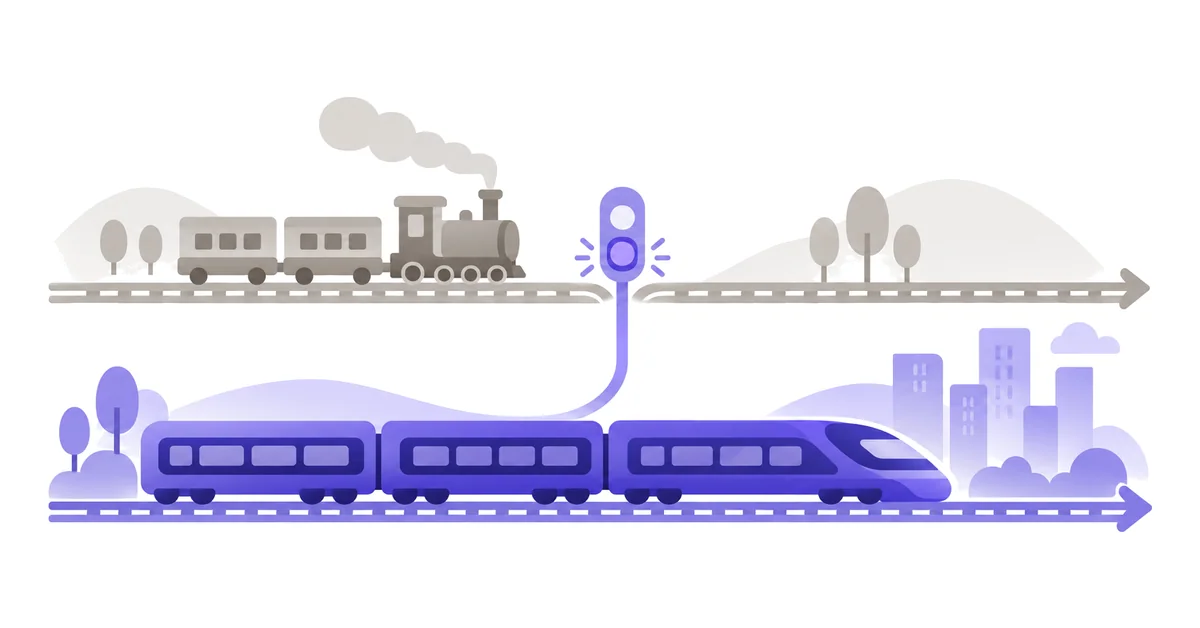
Two trains running on parallel tracks, one old and one new, show a phased migration where the business keeps running.

Phased Migration That Keeps Your Business Running

No weekend big bang that everyone dreads. Data and functions move in small batches, and old and new systems run side by side until the new one proves itself.

Cutover dates are chosen around your calendar, such as month-end, peak season or audits. Each one has a go or no-go review and a documented rollback, so a problem costs you hours, not days.

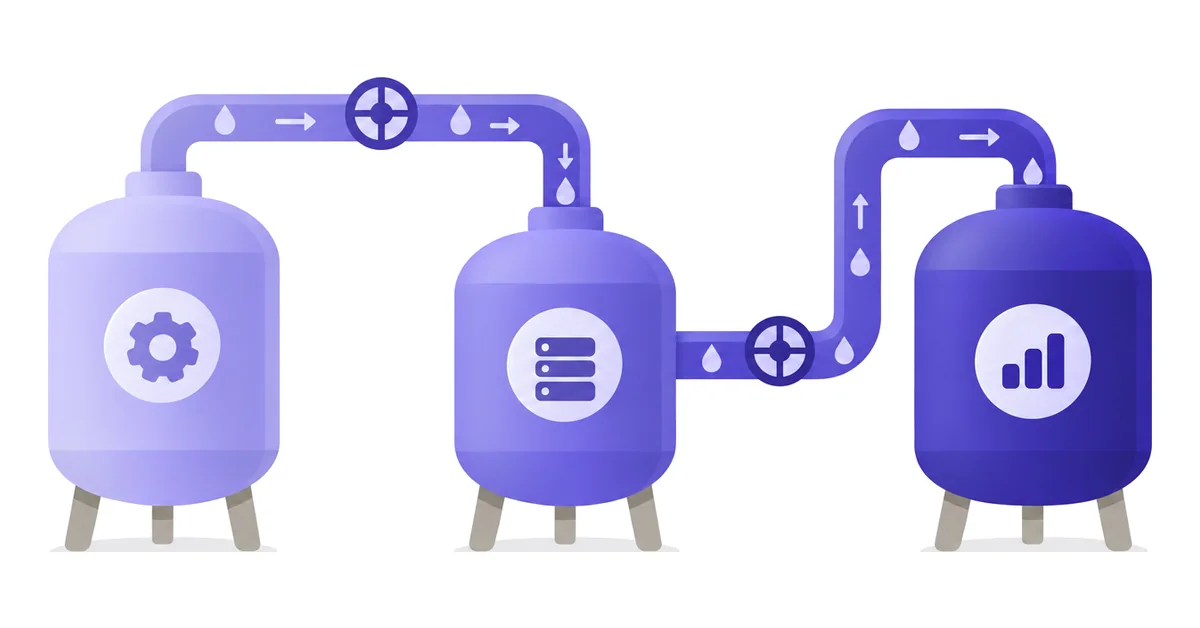
Tanks joined by pipes and valves show systems sharing data automatically so nobody has to re-key it.

Integration Work That Ends Manual Re-Keying

Modernizing a system is only half the job if its neighbors still depend on exports. Your CRM, ERP, finance and operations tools get connected through documented interfaces, with alerts when a sync fails.

That removes the spreadsheet hand-offs that cause disagreeing reports, and it makes the next system you change much easier to swap.

Technology Modernization Consulting for Your Industry

The systems that need attention first in your sector.

Healthcare

Scheduling, records and billing systems often sit on old platforms with strict data rules. Modernization here is phased and tested around clinic hours. See healthcare technology consulting.

Financial Services

Core platforms, reporting and payment systems need audit trails at every step, so cutovers are planned and documented carefully. Learn more about financial technology consulting.

Large Enterprises

Decades of acquisitions leave overlapping systems and duplicate licenses. Consolidation and a clear target architecture bring that cost down. Explore enterprise technology consulting.

Small and Growing Businesses

Outgrown spreadsheets and a patchwork of tools hold back growth. A right-sized upgrade path avoids enterprise-level cost. See small business technology consulting.

How to Choose the Right Technology Modernization Consulting Partner

The right partner separates a stack that gets lighter every quarter from a rewrite that runs out of money halfway. Before you sign, check that your technology modernization consulting partner can show you each of these:

  • A scoring method that decides keep, update, move or retire for each system
  • Experience with the platforms and vendors you run today
  • Phased plans with rollback steps and cutovers placed around your calendar
  • A fixed quote for the first phase before the build starts
  • Progress reporting against cost, speed and risk targets

Also ask who owns the documentation after go-live. You should receive diagrams, runbooks and training, so the knowledge stays inside your business.

What You Can Count On From Your Modernization Partner

  • Signed quote icon

    Fixed Price, Agreed Early

    The build cost is fixed before we start.

  • Coin icon

    High Standards, Fair Pricing

    Full-service, end-to-end consulting at a price that fits a first phase.

  • Personal contact icon

    A Single Point of Contact

    A single person who knows your project and replies quickly.

  • Shield icon

    Your Information Is Secured

    Minimal access rights, documented data flows and an NDA if you want one.

Technology Modernization Consulting FAQs

How Do We Know Which Systems to Modernize First?

Start with the systems that cost you the most to keep running or block the most business change. Your discovery work scores each application for business value, technical health, running cost and risk, so the order of work comes from evidence. Often the first move is a small one, such as retiring an unused tool or upgrading a platform that is close to the end of vendor support.

Do We Have to Replace Our Legacy Systems?

No. Replacement is one of several options, and often the most expensive one. Depending on the system, you may keep it, move it to the cloud as it is, update it in place, wrap it with modern interfaces or retire it. Each choice gets a cost, a risk level and a timeline, so you can compare them before you commit.

How Long Does a Modernization Project Take?

A focused assessment and plan usually takes a few weeks. The build itself depends on scope: a single application upgrade can finish in a quarter, while a core platform migration is often phased over many months. You get a realistic timeline in writing before work starts, and it is built around your busy seasons.

Will Our Business Keep Running During the Migration?

That is the design goal. Work is phased, with parallel runs, rollback plans and cutover dates chosen away from your peak periods. Every phase has a test and a go or no-go review with your team, so nothing switches over until the people who use it are ready.

What Does Technology Modernization Consulting Cost?

It depends on the number of systems, how tangled the integrations are and how much data has to move. After a free discovery call you receive a written scope and a fixed quote for the first phase, so you know the price before anything starts. Later phases are quoted once the earlier ones have shown what the real effort is.

Can You Work with Our Existing IT Team or Vendors?

Yes. Most projects run side by side with your internal staff and your current vendors. You choose how much is done for you and how much is done with you, and your team gets documentation and training so they can run the result on their own.

What Happens to Our Data and Security During Modernization?

Data mapping, access control and backup checks are part of every plan. Sensitive records are handled under least-privilege access, migrations are tested on copies first and each step has a documented rollback. If you work in a regulated field, requirements are listed at the start and checked before go-live.
Start Your Modernization Project With a Free Plan

Get a free discovery call and a clear plan for your first phase.

Get a Free Consultation

Schedule Your Free First Call

Please add your name.
Add a working email address.
Please add a subject line.
Share your goal in a few words.