In Short
- Piloting at one site or team found problems that planning missed in every example here.
- Data cleanup took longer than configuration in most of the projects.
- A parallel run costs extra for a few weeks and prevents a failed cutover.
- Adoption depends on speed and simplicity: a tool that is slower than the old habit will lose.
Reading about methods only goes so far. You learn more from how real rollouts went, including the parts that were slow or expensive. The projects below are typical of the work in technology implementation consulting, with details changed to protect clients.
Each example has the situation, what happened and the steps the team followed. I picked seven that cover healthcare, logistics, finance, manufacturing and distribution, so you can compare them with your own project.
The Seven Examples Compared
| Example | Sector | Main approach |
|---|---|---|
| 1. Patient Scheduling for a Clinic Group | Healthcare | Pilot at one site |
| 2. Order Management for a Freight Forwarder | Logistics | Integration instead of replacement |
| 3. Warehouse System Cutover With a Parallel Run | Logistics | Parallel run |
| 4. Billing Platform Replacement at a Manufacturer | Finance | Trial loads and parallel month-end |
| 5. Phased ERP Rollout Across Three Sites | Manufacturing | Phased by site |
| 6. Secure Messaging for a Pharmacy Chain | Healthcare | Champions and simple setup |
| 7. Customer Portal for a Distribution Company | Distribution | Pilot with customers |
Patient Scheduling for a Clinic Group
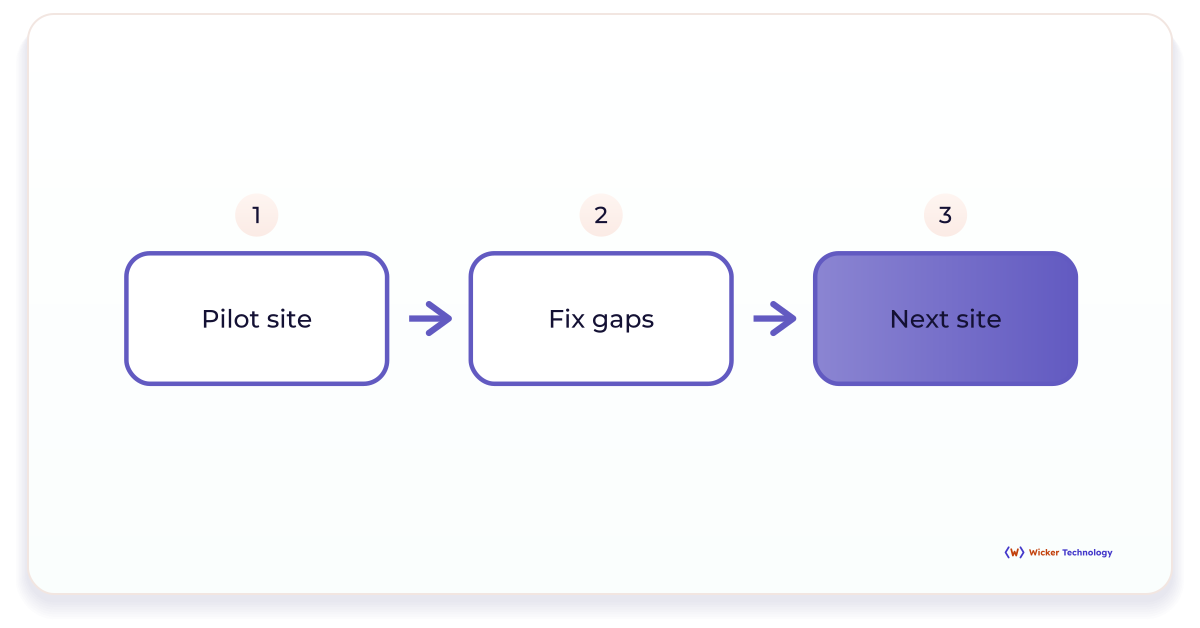
A regional clinic group ran scheduling in four tools across its sites. Front desk staff retyped appointments and no-shows were hard to track. The project replaced them with one scheduling platform and started in a single clinic as a pilot.
The pilot ran for six weeks before the second site joined. Double entry disappeared at the pilot site, and the lessons from the first clinic shaped the training for the rest. The payoff was fewer scheduling errors and a front desk that stopped living in two systems.
How the Rollout Ran
- Mapped the real scheduling process at one clinic.
- Configured the platform around three appointment types.
- Piloted at one site for six weeks.
- Fixed the issues the front desk reported.
- Rolled out to the other sites one by one.
What Was Used
A cloud scheduling platform with a connector to the records system did most of the work. Training videos were recorded at the pilot clinic.
Order Management for a Freight Forwarder
Orders were entered by hand into three places: the ERP, the carrier portal and the billing tool. The team picked an integration approach over replacing any of the systems, which kept the project short.
Orders now flow from the ERP to the carrier portal and on to billing. Re-keying stopped, and month-end no longer started with a cleanup. The hard part was matching customer codes between systems, which took longer than the connection itself.
What the Build Involved
- Listed every field that moved between the three systems.
- Matched customer and carrier codes.
- Built the three connections with alerts on failure.
- Tested with a week of real orders.
- Switched over on a quiet Monday.
What Connected It
An integration platform handled the connections, and a shared sheet tracked the code matches.
Warehouse System Cutover With a Parallel Run
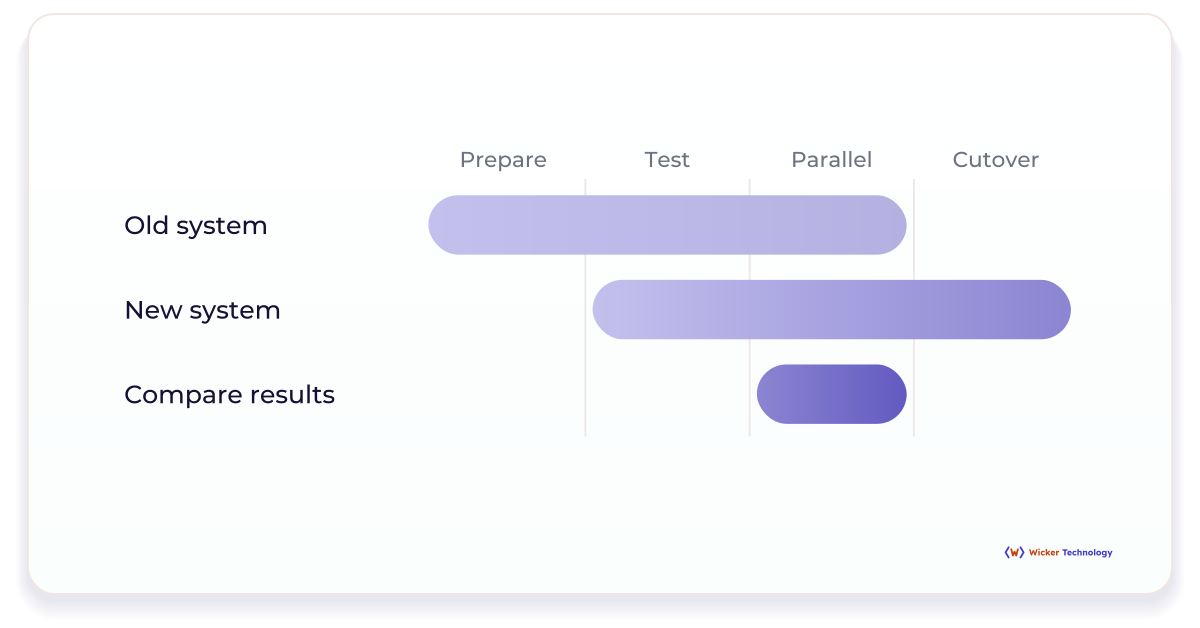
A distributor replaced a warehouse system that had run for fifteen years. The risk was a missed shipment during the switch, so the team ran both systems side by side for two weeks.
The parallel run found three process gaps that testing had missed, including a rush order flow that existed only in one supervisor's habits. Costs went up for a month, and the go-live was calm.
How the Cutover Worked
- Documented the rush and return flows with the floor team.
- Tested with real orders in a sandbox.
- Ran old and new in parallel for two weeks.
- Compared outputs daily and logged gaps.
- Retired the old system after a clean week.
What Supported the Switch
Handheld scanners and a daily comparison sheet. The cost of the parallel run was planned and approved up front.
Billing Platform Replacement at a Manufacturer
Invoices ran on a 15-year-old system that one developer understood. The project planned the move, ran both systems for a month and trained the finance team before the switch.
Invoices now go out sooner and the team no longer depends on one person. The data migration was the largest piece of work, because the old system stored customer terms in free text.
How the Move Was Handled
- Profiled the billing data and found the free-text terms.
- Cleaned and structured customer terms.
- Ran trial loads until errors fell.
- Ran both systems for one month-end.
- Trained the team on real invoices.
What Did the Heavy Lifting
A data profiling tool and spreadsheets for cleanup. The vendor's import tool loaded the final data.
Phased ERP Rollout Across Three Sites
A company with three plants needed one ERP. Instead of switching everything at once, the team went live at the smallest plant first and treated it as a rehearsal.
Each site added lessons: the second plant avoided a labeling problem the first one found, and the third had the smoothest launch. The total took longer than a single cutover, with far less risk.
How the Sites Were Sequenced
- Chose the smallest plant as the first site.
- Held a review after each go-live.
- Updated training and data rules from each review.
- Scheduled the largest plant last.
- Kept a shared issue list across the sites.
What Kept Sites Aligned
The ERP's standard modules, a shared issue board and a short checklist reused at each site.
Secure Messaging for a Pharmacy Chain
Pharmacy staff coordinated by personal phones and group chats. The chain moved to a managed messaging tool with access control and a clear policy.
Adoption depended on speed. The new tool had to be as fast as the old chats, so the team kept the setup minimal and added features only after people used it daily.
How Adoption Was Built
- Interviewed staff about what they used chat for.
- Set up channels that matched store workflows.
- Trained one champion per store.
- Turned off the old group chats after two weeks.
- Reviewed usage monthly.
What the Setup Needed
A managed messaging platform with single sign-on, plus a one-page usage policy.
Customer Portal for a Distribution Company
Customers called to check order status. The company added a portal connected to its ERP so customers could see orders and invoices themselves.
Call volume on status questions fell, and the sales team had more time for selling. The limiting factor was data quality, since the portal made old errors in customer records visible.
How the Portal Launched
- Chose three views: orders, invoices and shipments.
- Cleaned customer records before launch.
- Invited ten customers for a test period.
- Fixed the issues they found.
- Opened it to everyone with a short announcement.
What Powered It
A portal module from the ERP vendor, connected through its standard interface.
What the Seven Projects Have in Common
Looking across the examples, the strongest projects share a pattern. They began with a clear process map, tested with real records and kept the old system available until the new one proved itself. None of them tried to do everything in the first release.
The weakest points were also shared: data cleanup started late, interface lists were incomplete and training came too close to go-live. Those are the same problems I list in my guide to technology implementation challenges.
If you want to copy the approach, the technology implementation framework turns it into five phases, and the technology implementation roadmap shows how to plan the calendar.
What the Numbers Looked Like
Every project tracked a small set of measures from the start. The table shows the ranges I would expect from similar projects, based on my client work. Treat them as a guide for your own targets and measure your own starting values before you promise anyone a result.
| Measure | Where it shows up | Typical movement | When to check |
|---|---|---|---|
| Re-keying and double entry | Scheduling, orders | Falls sharply once systems are connected | 30 days after go-live |
| Billing or order errors | Finance, distribution | Falls by a quarter to a half | First full month-end |
| Time to invoice | Manufacturing, finance | Shortens by days | 90 days after go-live |
| Status calls from customers | Distribution | Falls as portal use grows | 90 days after go-live |
| Support tickets from staff | All projects | Spikes in week one, then settles | Weekly for six weeks |
The last row matters most for planning. Every project had a spike in support questions in the first week, and the teams that expected it handled it calmly. The teams that did not expect it started to doubt the system.
What Each Project Cost in Time and Attention
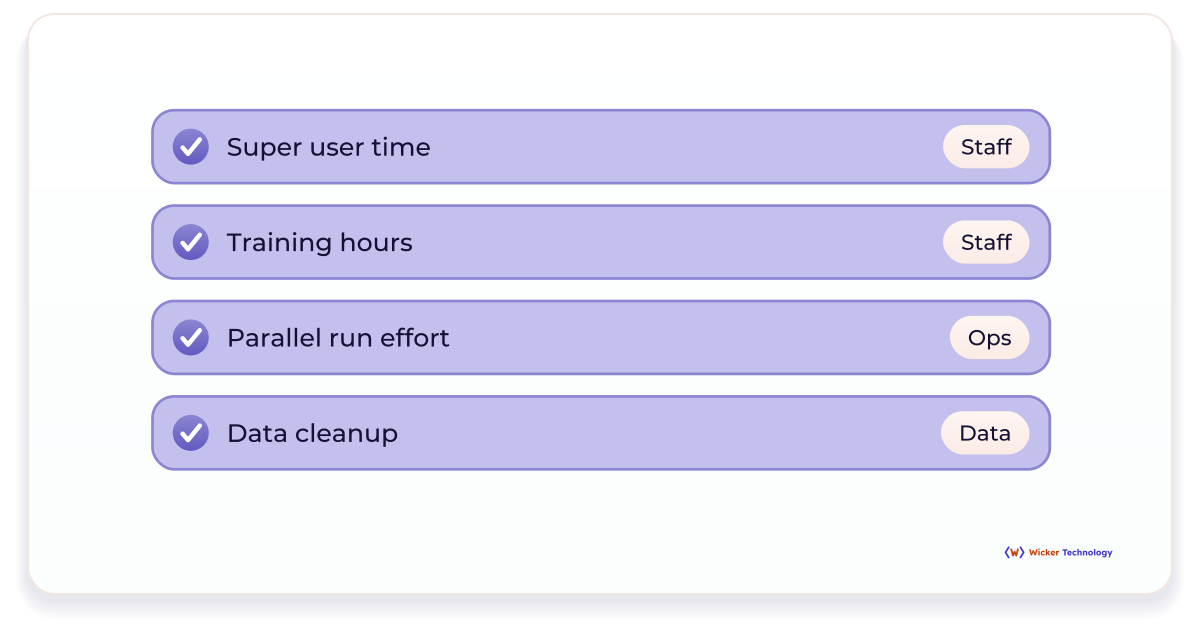
Money is only part of the price. The larger cost in the examples was the time of the people who knew the process. In the freight forwarder example the operations lead spent about a day a week on matching codes and testing for two months. In the ERP rollout each plant gave up a planner for most of the final month.
Plan that time as a real line in the budget. A project that depends on people who are also running daily work will slip when the busy season hits. Ask each manager to name the person and the hours before you sign the plan, and book backups for the busiest weeks.
How to Choose the Right Example for Your Project
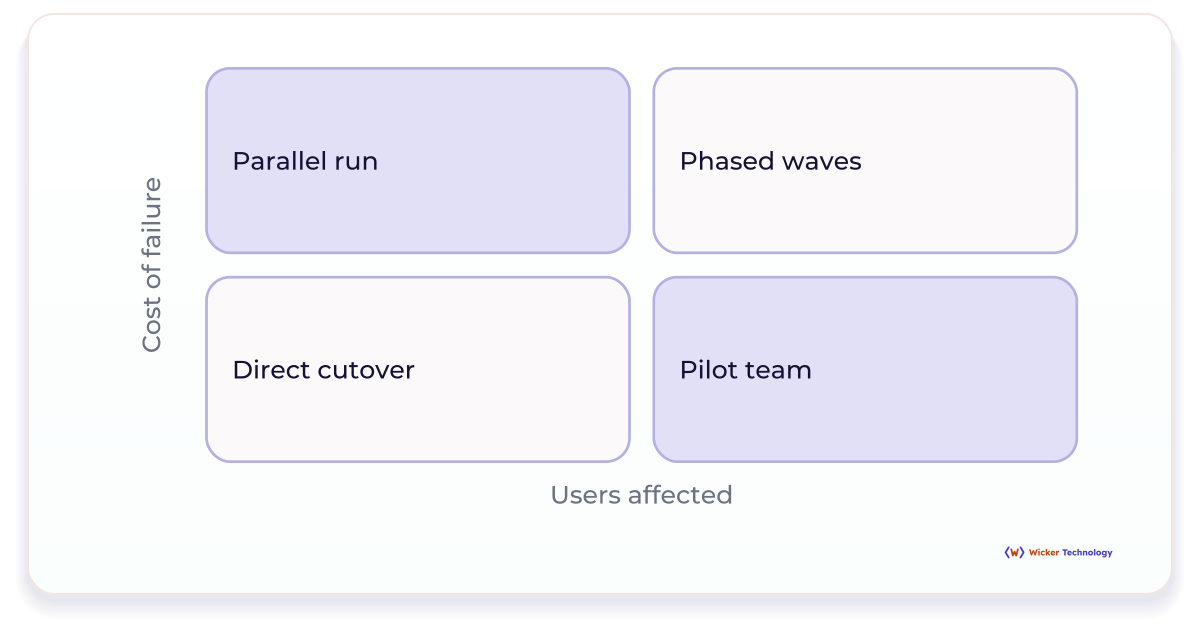
Match your situation to the closest example rather than copying the whole approach. If you have many sites, look at the phased ERP rollout. If the process cannot stop, look at the parallel run. If the problem is adoption, look at the messaging example.
Before you start, write down your own version of three things: the pilot group, the fallback plan and the owner of the data. A good technology implementation strategy builds on exactly these choices.
- You have picked a small group to learn on first.
- You know how long the old system stays available.
- You have named an owner for each data set.
- You have a measure to check 90 days after launch.
Questions About Technology Implementation Examples
What Makes a Technology Implementation Successful?
A clear goal, a named owner, clean data and users who were involved from the start. The software matters less than those four things.
Should I Start with a Pilot?
A pilot is a good idea when the system touches many people or sites. It lets you learn on a small group and adjust before the full rollout.
How Long Does a Typical Implementation Take?
Small tools take weeks, and core platforms take many months. The examples above show that the schedule depends on data cleanup and integrations more than on configuration.
Is a Parallel Run Worth the Cost?
For systems that touch shipments, billing or patient care, usually yes. Two weeks of double work costs less than a failed cutover.
What Is the Most Common Reason Timelines Slip?
Data migration. Old data is messier than anyone expects and cleanup starts late. A trial load in the first weeks gives you a realistic estimate.
How Do I Measure Success?
Pick one or two numbers before the project starts, such as order entry time or billing errors, and measure again about 90 days after launch.
Can Small Companies Use the Same Approach?
Yes, with a lighter version. A one-page plan, a short pilot and a clear owner take the same decisions and far less time.
Important: nothing in this article is legal, financial or tax advice. All figures are estimates from typical projects, so verify them with your own providers and advisers.
Was this useful?
We appreciate the feedback.
Paige Mulvaney
Paige leads the Wicker editorial team and works with the consultants who run the roadmaps, software selections, implementations and integrations to turn real client projects into practical guides. Her focus is plain-language advice on IT strategy, choosing business software and connecting systems so they work together. Every article she edits is checked against current vendor pricing and documentation before it is published.