In Short
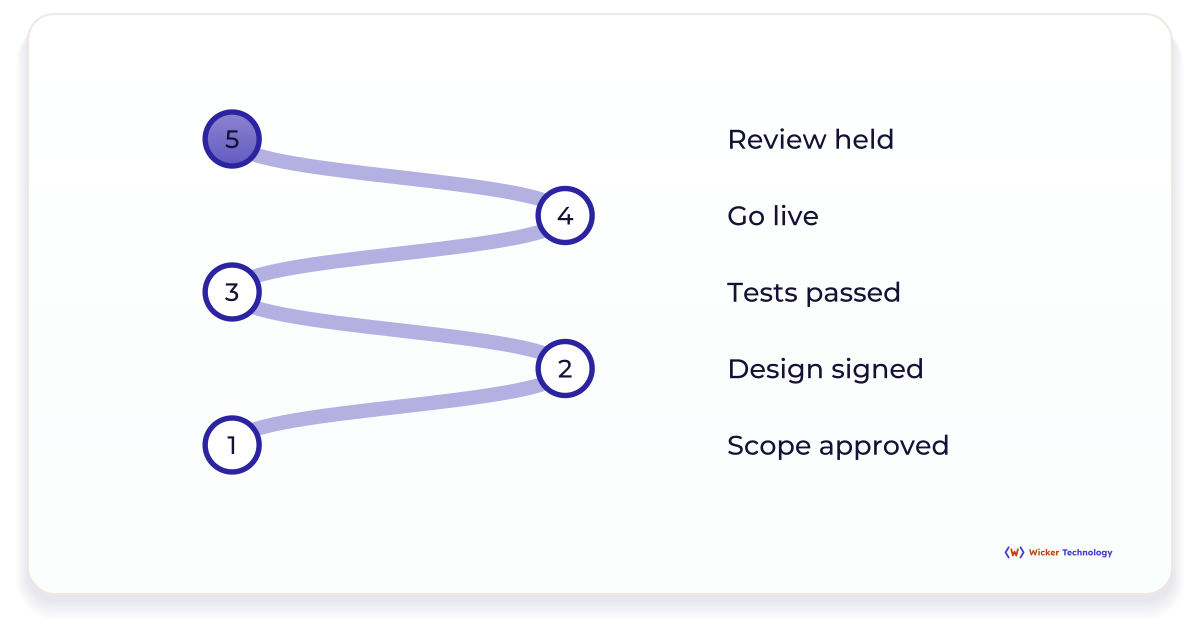
- A mid-sized rollout fits five stages over roughly 36 weeks, from scope approval to the 90-day review.
- Six milestones carry the plan: scope, design, first data load, acceptance sign-off, go-live and the 90-day review.
- Book people for testing and training early. Their availability sets the dates more than the software does.
- Update the roadmap every week, and publish a new version whenever a date moves.
A roadmap puts your framework on a calendar. It shows who decides what, in which week, and what has to be finished first. If you want help building one for your own project, start with a call about technology implementation consulting.
The timeline below is a sample for a mid-sized system with a few integrations. Your dates will differ, but the order of milestones rarely does. Use it as a template and replace the weeks with your own.
Sample Timeline at a Glance
| Weeks | Stage | Milestones |
|---|---|---|
| Weeks 1 to 4 | Prepare | Goal and scope approved, Sponsor and owner named, Current process mapped |
| Weeks 5 to 10 | Design | Future process approved, Interface list complete, First trial data load |
| Weeks 11 to 20 | Develop and Test | Configuration complete, Integrations tested, Acceptance test signed off |
| Weeks 21 to 24 | Launch | Training complete, Go-live, Old system read-only |
| Weeks 25 to 36 | Stabilize | Issue backlog cleared, 90-day review held, Project closed |
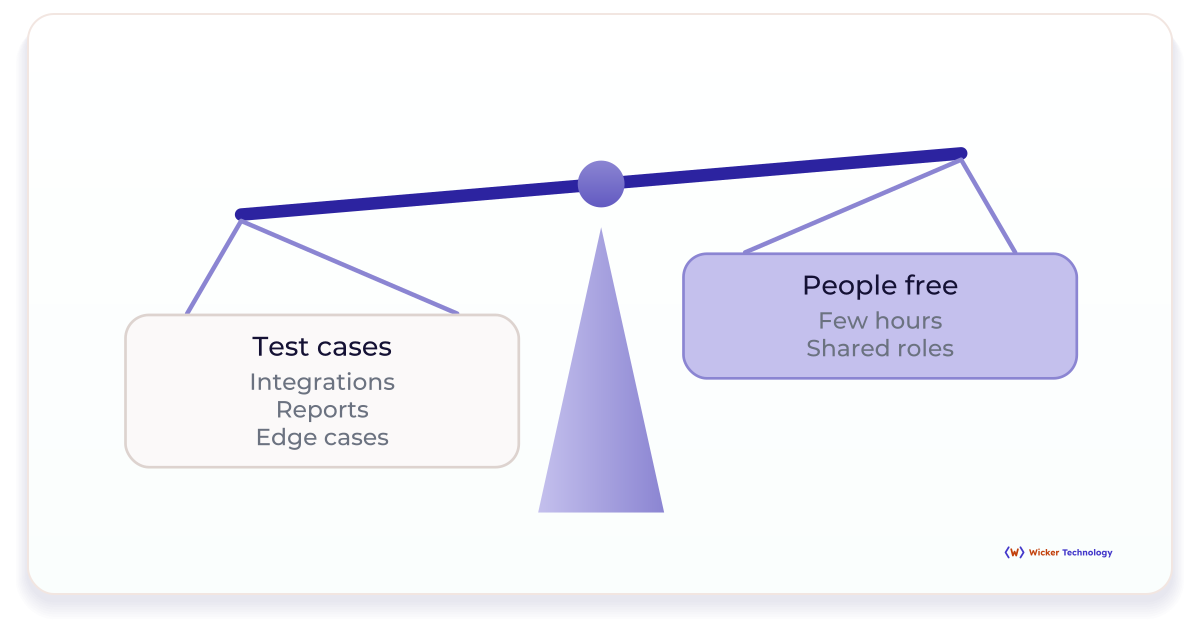
The timeline assumes a team that can give a few hours a week and a vendor that delivers on time. If either is not true, the dates stretch, which is why the dependencies section below matters.
Prepare: Weeks 1 to 4
The first month is about decisions. Write the goal with a measure, confirm the scope and agree on who signs off. Map the current process with the people who do the work.
Do not start configuring anything yet. The temptation is strong, because it looks like progress, but changes in scope later cost more than a slower first month.
The milestones to put on your roadmap: goal and scope approved; sponsor and owner named; current process mapped.
Design: Weeks 5 to 10
Design the future process, list every interface and run the first trial data load on a copy of real data. The error report from that load tells you how much cleanup is coming.
This is the stage where vendor delivery dates and your own team's availability meet. Put both on the roadmap as dependencies.
The milestones to put on your roadmap: future process approved; interface list complete; first trial data load.
The risks that appear in this stage are covered in common technology implementation challenges, and the data one deserves a read before your first trial load.
Develop and Test: Weeks 11 to 20
Configure in small releases and show each one to users. Build and test the integrations, then run acceptance tests on real scenarios. Keep a ranked defect list and agree in advance on what must be fixed before launch.
In my experience this stage is where delays gather, because testing depends on people who also have a day job. Book their time early.
The milestones to put on your roadmap: configuration complete; integrations tested; acceptance test signed off.
Launch: Weeks 21 to 24
Train people on real tasks close to go-live, then run the final data load and switch. Keep the old system read-only for a defined period and staff extra support for the first weeks.
Expect a dip in speed. Tell managers about it in advance so the first week of slower work is not read as failure.
The milestones to put on your roadmap: training complete; go-live; old system read-only.
Stabilize: Weeks 25 to 36
Fix the issues users report, review results against the goal at about 90 days and hand the system over to a permanent owner.
Close the project formally with a short lessons-learned session. Items that did not make the first release move into a second phase with their own date.
The milestones to put on your roadmap: issue backlog cleared; 90-day review held; project closed.
Dependencies That Move Your Dates
Most delays come from a short list of dependencies. Put each one on the roadmap with an owner and a date, and check it every week.
| Dependency | Needed by | Typical slip |
|---|---|---|
| Vendor sandbox access | Start of design | One to two weeks |
| Clean data for trial load | Week 8 | Two to four weeks |
| Interface access from other vendors | Start of build | Two to six weeks |
| Users available for testing | Acceptance test | One to three weeks |
| Training rooms or time slots | Two weeks before go-live | Days |
Your technology implementation framework defines the gates between these stages, and the roadmap puts a date on each. The technology implementation examples show how the same milestones played out in real projects.
What Belongs on the Roadmap Page
Keep the roadmap to one page that a busy sponsor can read in two minutes. The columns below are enough for most projects. Everything more detailed belongs in the project plan.
| Field | What to write | Why it matters |
|---|---|---|
| Milestone | A result, such as acceptance test signed off | Avoids vague tasks like testing in progress |
| Owner | One named person | Two owners means no owner |
| Date | A week, marked fixed or estimated | Shows which dates can move |
| Depends on | The milestone or outside party it waits for | Shows where a slip will spread |
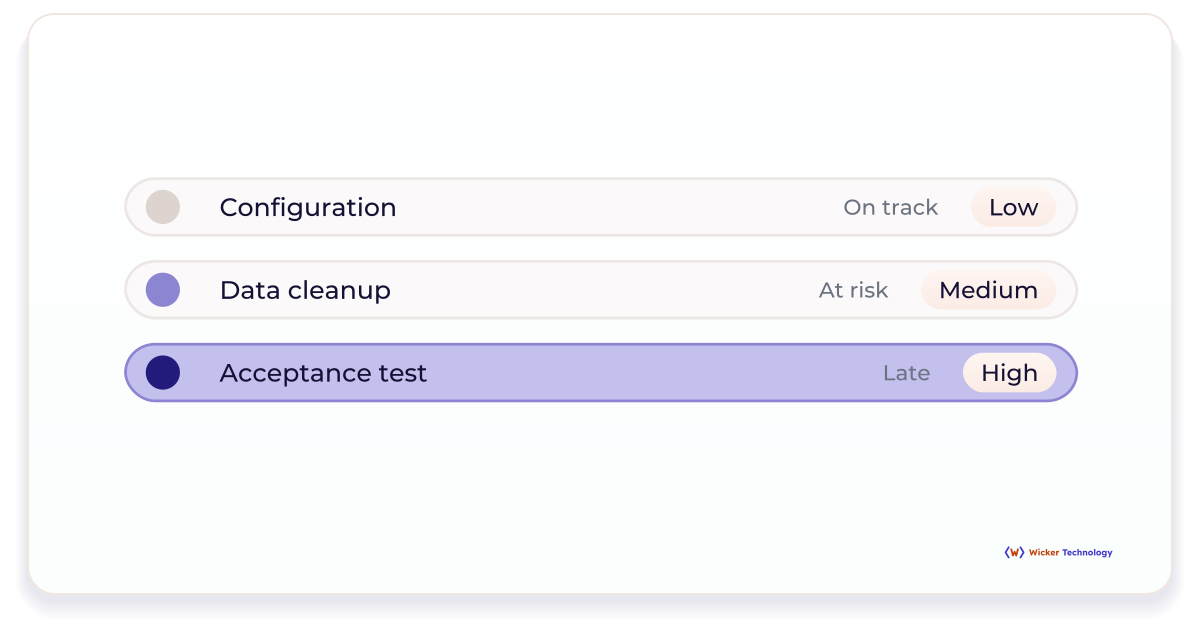
| Status | On track, at risk or late, with one line of reason | Lets sponsors act early |
Use plain statuses. If every row is green until the week before go-live, the roadmap is not telling the truth. A project with a few amber rows in the middle is healthier than one that is green all the way and red at the end.
What a Slipped Milestone Looks Like
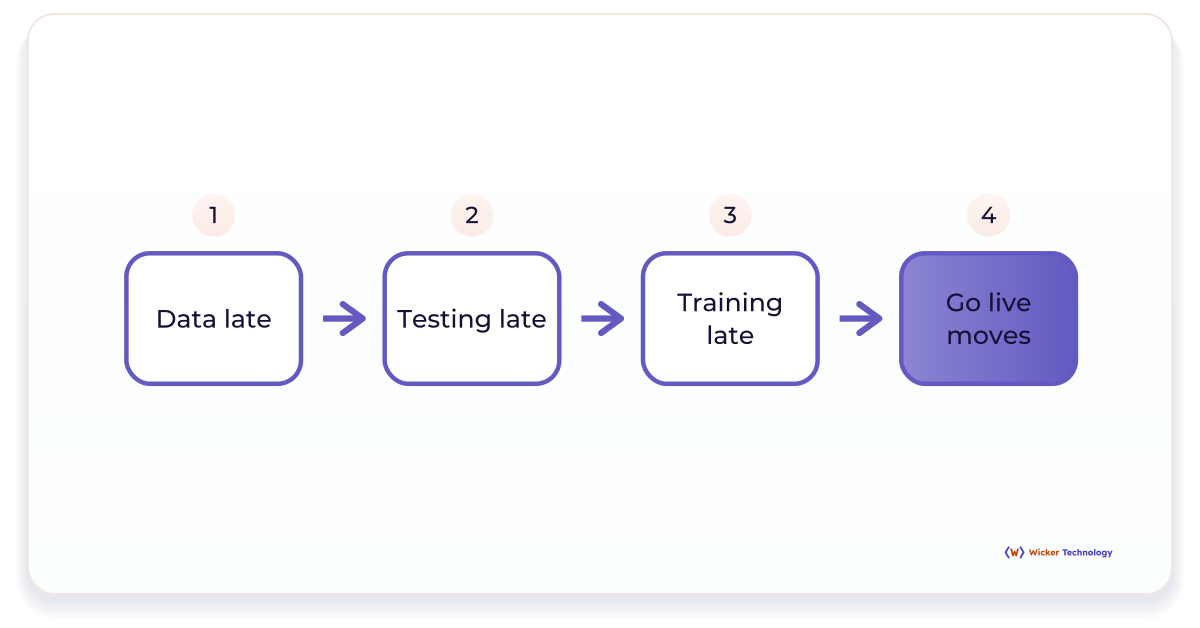
Here is a pattern from a distribution project I worked on. The first trial data load was planned for week eight and slipped to week eleven because customer records needed deduplication. On paper that is three weeks. In practice the interface testing could not start until the data was usable, so it moved by three weeks too, and so did training.
The team had two options. They could cut scope, by moving a reporting module to a second phase, or accept a new go-live date three weeks later. The sponsor chose the later date, because the reporting module was needed on day one. The important part was the timing: they decided in week eleven, not in week twenty.
Notice what the roadmap did. It showed the dependency from data to testing to training, so nobody had to argue about why three weeks became three weeks of delay. It also gave the sponsor a clear choice between two options with named costs.
Checkpoints Between Milestones
Milestones are far apart, so add short checkpoints to catch trouble between them. Three are enough for most projects. A weekly status meeting of thirty minutes looks at the amber and red rows only. A mid-stage review at the halfway point of build and test compares progress against the acceptance criteria. A pre-launch review in week twenty checks the readiness scorecard from the framework.
Each checkpoint ends with one question: does any date need to move? Answering it every week keeps small slips small. It also builds the habit of telling the truth early, which is the main reason roadmaps work at all.
Compressing the Timeline Without Breaking It
Sometimes the date is fixed by a contract end or a regulatory review. You can shorten a roadmap, but only by removing work or running work in parallel, never by squeezing the same work into fewer weeks. The safest cuts are to reduce scope in the first release, to start data cleanup during the prepare stage and to pilot with a smaller group.
Avoid two shortcuts. Cutting acceptance testing moves the defects to your customers, and cutting training moves the cost to your support desk. If the date still does not work, tell the sponsor early so the choice is made with options on the table.
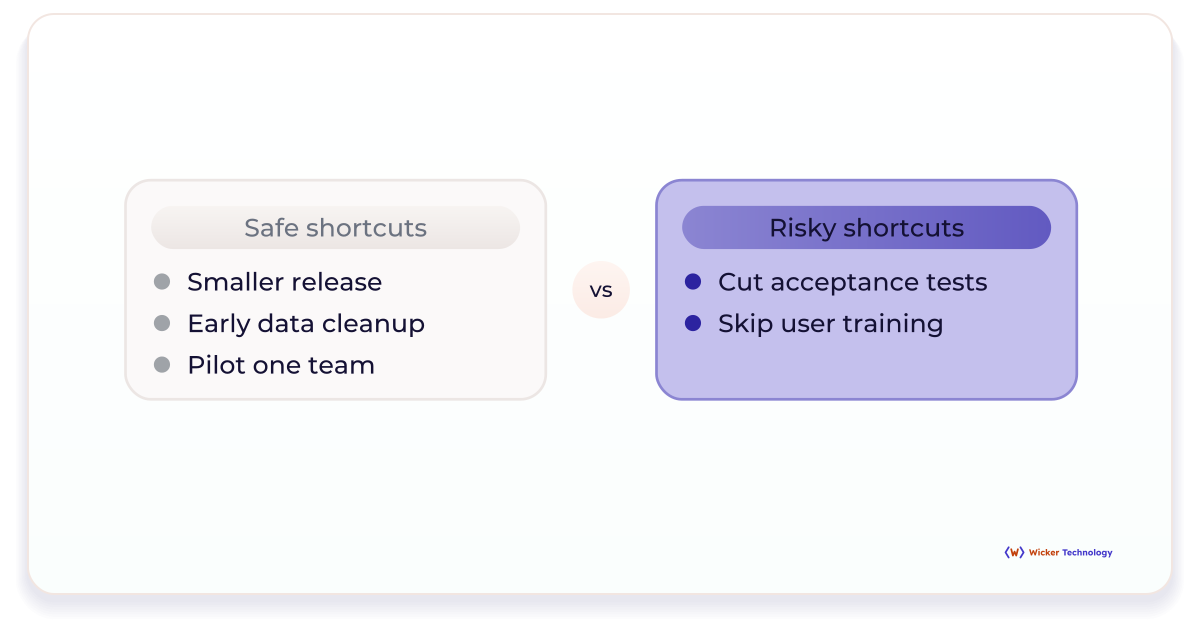
| Option | Time saved | What you give up |
|---|---|---|
| Smaller first release | Several weeks | Features move to a second phase |
| Start data cleanup early | Two to four weeks | Needs people available now |
| Pilot with one team | Reduces risk, not time | Full rollout comes later |
| Cut acceptance testing | One to two weeks | Defects reach customers |
After Go-Live: Keeping the Roadmap Alive
The roadmap does not end at launch. Keep it open through the 90-day review and add the second phase to it: deferred features, reports that users asked for and the retirement of the old system. Put dates and owners on those items too, or they will sit in a wish list for a year.
At the review, compare the measure you set in week one with today's number. Write down the result, even when it is smaller than hoped. That record makes the next project easier to approve and easier to plan.
Close the roadmap with a half-page note on what slipped and why. The causes repeat from project to project, and your next roadmap will start with better buffers.
How to Keep Your Roadmap Honest
A roadmap is only useful if people believe it. Keep it to one page, show owners next to every milestone and mark which dates are fixed by outside events and which are estimates. Review it in the weekly meeting and tell the sponsor about any slip the same day.
Your technology implementation strategy decides what goes into the first release, and the roadmap decides when. When the two disagree, cut scope before you move the go-live date.
- Every milestone has one owner and one date.
- Dependencies on vendors and other teams are visible.
- Buffer sits before the milestones that rely on others.
- The 90-day review is already on the calendar.
Questions About the Technology Implementation Roadmap
What Is a Technology Implementation Roadmap?
It is a dated plan that shows the milestones, owners and dependencies from the first decision to the review after go-live. It turns a framework into a calendar your team can follow.
How Long Should the Roadmap Cover?
For a mid-sized system, plan for roughly four to eight months from kickoff to the 90-day review. Small tools take less and core platforms take more. Build the timeline from the work, not from a target date.
How Is a Roadmap Different from a Project Plan?
A roadmap shows milestones and dependencies on one or two pages for sponsors and teams. A project plan holds the detailed tasks. Keep both, and keep the roadmap short.
What Milestones Matter Most?
Approved scope, approved design, first trial data load, acceptance test sign-off, go-live and the 90-day review. If those six have dates and owners, the rest follows.
How Do I Handle Delays?
Move the dependent milestones, tell the sponsor right away and decide whether to cut scope or accept the new date. Hiding a delay for two weeks usually makes it a month.
Should the Roadmap Include a Buffer?
Yes. Add buffer before the milestones that depend on other people, such as vendor delivery and data cleanup. Put it in the plan openly rather than padding every task.
How Often Should I Update It?
Review it every week in the project meeting and publish a new version when a date moves. A roadmap that is not updated becomes fiction within a month.
Important: nothing in this article is legal, financial or tax advice. All figures are estimates from typical projects, so verify them with your own providers and advisers.
Was this useful?
We appreciate the feedback.
Paige Mulvaney
Paige leads the Wicker editorial team and works with the consultants who run the roadmaps, software selections, implementations and integrations to turn real client projects into practical guides. Her focus is plain-language advice on IT strategy, choosing business software and connecting systems so they work together. Every article she edits is checked against current vendor pricing and documentation before it is published.