In Short
- A technology risk audit checks whether your risk program runs as written and whether the controls work.
- Auditors ask for evidence: a register with history, review notes, test results and proof that fixes were completed.
- Rate findings with a simple formula: control importance times the size of the gap.
- Prepare before the audit starts, because the register, owners and a restore test answer most questions.
An audit is the moment when your risk program meets someone who did not build it. Auditors do not care how good the intentions were. They check whether the register is current, whether owners know their risks and whether a control works when tested. Programs that run monthly come through well, and programs that run before audits do not.
This guide covers what a technology risk audit reviews and why, the evidence to prepare and a formula I use for rating findings. It builds on the work in technology risk consulting, where an audit often follows the first assessment by a year.
What a Technology Risk Audit Covers
The scope depends on why the audit is happening: a customer request, an insurer, a regulator or a leadership decision. Most audits cover the same six areas.
| Area | What the auditor checks | Evidence they usually ask for |
|---|---|---|
| Governance | Roles, policy and risk appetite are defined and approved | Framework document, approvals, role list |
| Risk process | Risks are identified, scored and reviewed on schedule | Register with history, meeting notes |
| Critical systems | Owners, support status and recovery plans exist | System inventory, lifecycle dates, restore tests |
| Vendors | Key suppliers are assessed and have exit options | Vendor reviews, contracts, export tests |
| Projects and change | Major changes are risk-checked before and during delivery | Project risk logs, change approvals |
| Incidents | Incidents are logged, handled and fed back into the register | Incident log, post-incident reviews |
If you have no framework yet, the auditor will note that first, and the rest of the review will be thin. The structure in my technology risk framework article is a fair match to what most auditors expect to see.
Tools can collect much of the evidence automatically, and my ranking of IT risk management software shows which ones are worth a look. If your scores are not in place yet, start with a technology risk assessment first.
Why Each Area Gets Reviewed
Governance matters because without agreed roles, nothing else repeats. The risk process matters because the register is only as good as its last review. Critical systems come next, since that is where an outage hurts. Vendors are reviewed because supplier failure is outside your control, and the only protection is knowing your options. Projects are included because change is where new risk enters. Incidents close the loop, since they show whether the program learns.
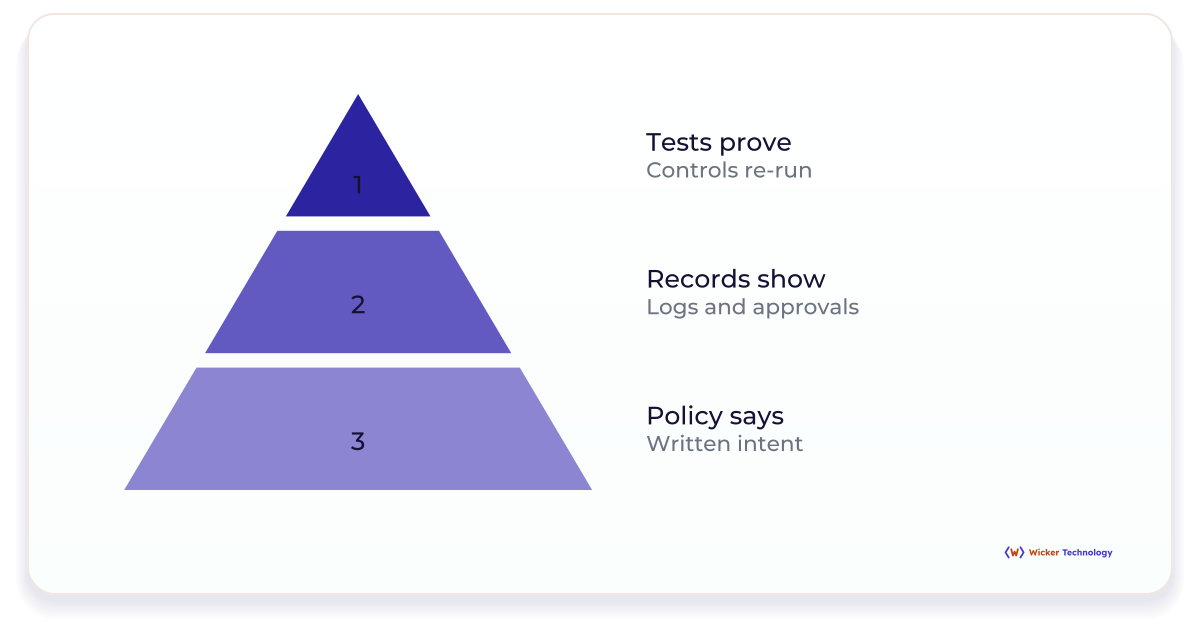
Auditors also compare what is written with what happens. A policy that promises monthly reviews and a register with no changes in six months produces a finding on its own. The same goes for a documented backup process that has never been tested.
The Evidence to Prepare Before the Audit
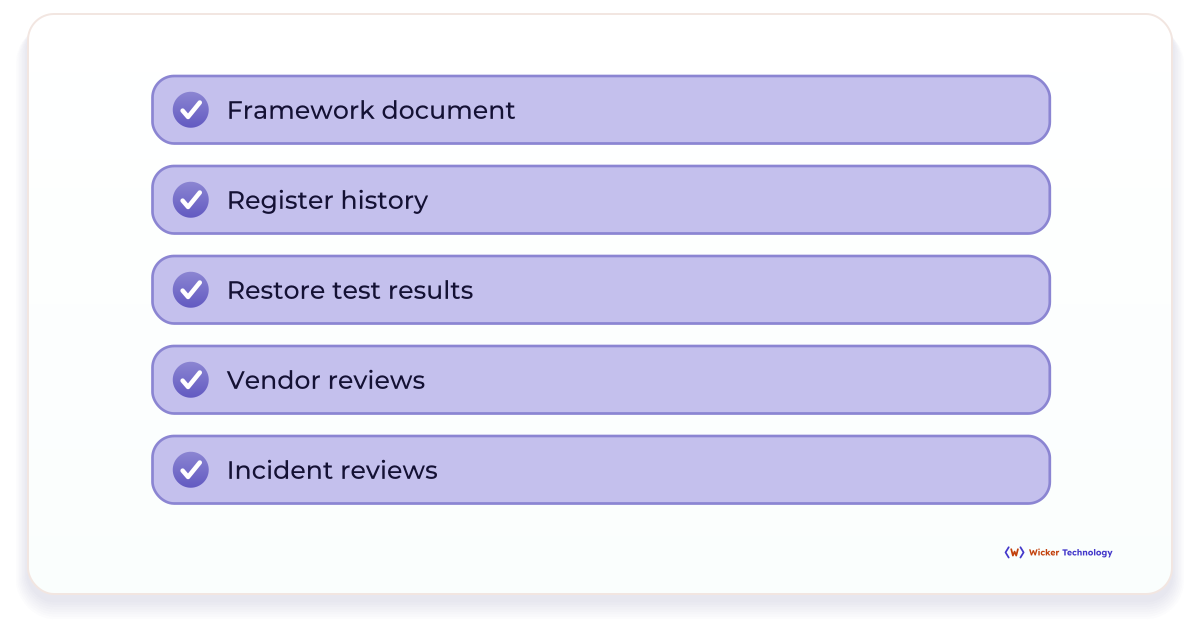
Preparing evidence takes less time than most teams fear, if the program has been running. Gather these items and put them in one folder:
- The framework or policy, with the date and name of the approver
- The risk register with change history for the past 12 months
- Notes from the last four monthly reviews
- The system inventory with owners and support end dates
- The latest restore test result with timing
- Vendor reviews and exit notes for the top suppliers
- The incident log with follow-up actions
- Proof that the last three agreed fixes were completed
If you keep these in a spreadsheet, export the history before the audit starts. If you use a tool, check that the audit trail can be exported. A register that cannot show who changed a score and when invites questions.
A Formula for Rating Audit Findings
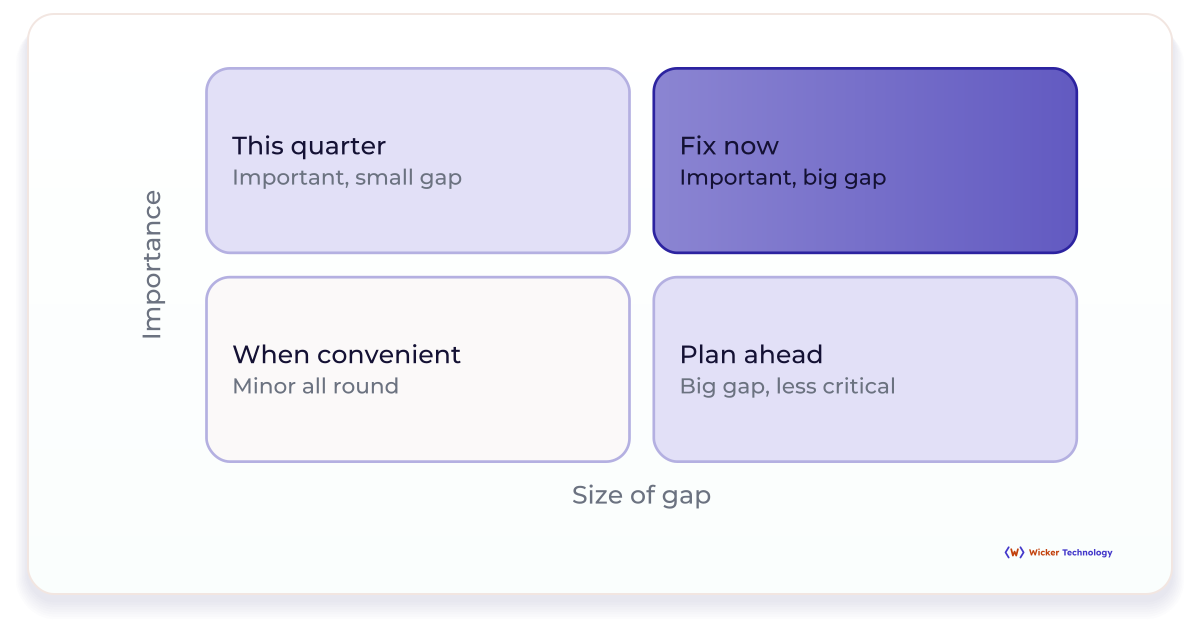
Auditors rate findings, and you can use the same approach to decide which ones to fix first. I use a simple formula: finding rating equals control importance times gap size. Rate importance from 1 to 5, where 5 is a control that protects a core system. Rate the gap from 1 to 5, where 5 means the control is missing or does not work.
| Finding | Importance | Gap | Rating | Priority |
|---|---|---|---|---|
| Restore test never performed for the order system | 5 | 5 | 25 | Fix now |
| Register not updated for four months | 4 | 3 | 12 | Fix this quarter |
| Two vendors lack documented exit notes | 3 | 3 | 9 | Plan within six months |
| Incident log lacks follow-up on two minor events | 2 | 2 | 4 | Fix when convenient |
Findings of 20 and above go to leadership within days. Findings of 10 to 19 get an owner and a date within the quarter. Anything lower gets tracked. The cut-offs are a starting point, so adjust them to your risk appetite, and write the final rule down in the framework.
How Controls Get Tested
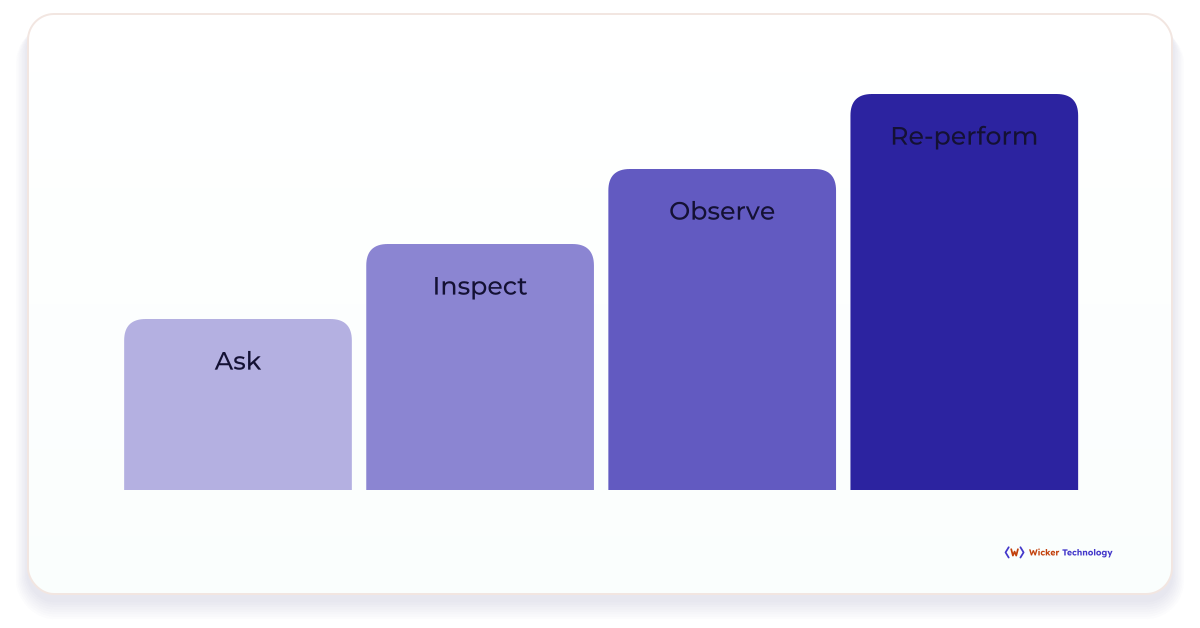
Auditors use four methods, from lightest to strongest: they ask questions, inspect documents, observe a process and re-perform it. For a backup control, that might mean asking the owner, reading the procedure, watching a restore and then running one themselves. The stronger the method, the more convincing the result.
For you, the practical lesson is to run the strongest test yourself first. A restore test, a vendor data export and a failover exercise are all controls you can re-perform before the auditor does. Each one that passes becomes evidence. Each one that fails becomes a fix, found on your terms.
Sampling is another thing to expect. An auditor will usually pick several risks, several vendors and several changes, and follow each from start to finish. Make sure those samples show a complete trail. A risk with an owner, a score, a treatment and a closure note reads well. A risk with half of those fields reads like a program that is not run. Choose a handful of entries yourself and check the trail, as a dry run.
Responding to the Report
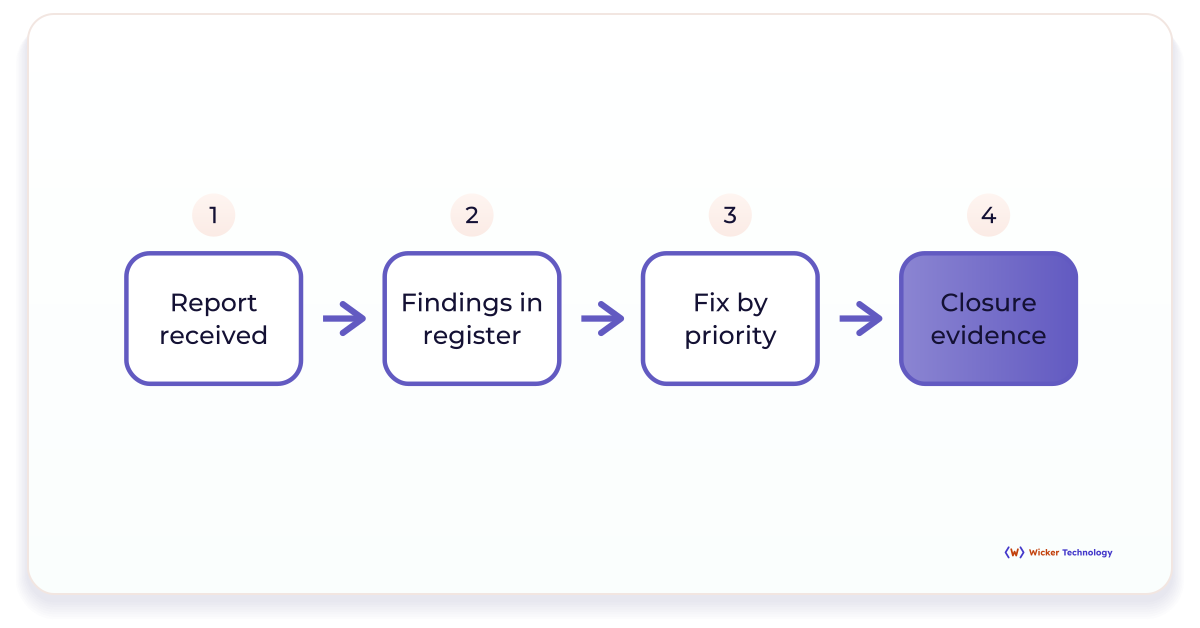
Treat the draft report as a conversation. Check the facts first, and correct anything that is wrong with evidence. Then respond to each finding with an owner, a date and a short action. Avoid promises that your team cannot keep. A realistic date, met, is better than an ambitious one that slips twice.
After the audit, fold the findings into the register as risks, with the same scoring as everything else. That keeps one list of what needs work, and it lets you show leadership the progress from one audit to the next. The monthly rhythm described in my guide to technology risk management turns the next audit into a routine check.
Mistakes I See Before and During Audits
The biggest is cramming. A team spends the three weeks before the audit updating the register, and the history shows it: dozens of changes on the same day. Auditors notice. The second is hiding weaknesses. A known gap that you disclose, with a plan, is a smaller finding than the same gap discovered. The third is overpromising in the policy. Write what you do, not what you wish you did.
Another common issue is evidence scattered across personal drives and inboxes. Put it in one shared place with clear names, and give one person the job of keeping it current. Look at the patterns in technology risk examples, and you will see that nearly every one involves something that existed in practice but not on paper.
Running Your Own Dry Run
A dry run is the cheapest preparation you can do. Pick three critical systems and follow each one through the audit areas as an auditor would. For each system, ask who owns it, when its support ends, when its recovery was last tested, which vendor supports it and what happened in the last incident. Write the answers down, and note where the evidence is missing.
The gaps are usually small and fixable: an owner who changed roles and was never updated, a vendor review that is a year old, a restore test that nobody wrote up. Fix them before the audit, and record the fix in the register with a date. The record shows the auditor that your process finds and closes its own gaps, which is exactly what they want to see.
Add one more step. Ask someone outside the program to read the evidence folder cold, and to explain back how your risk process works. If they cannot, an auditor will struggle too. The explanation is also useful for onboarding new owners, so the work does not go to waste once the audit is done.
Who in Your Team Should Be in the Room
Plan the audit calendar with the people who will be asked questions. The program owner answers for the process and holds the evidence folder. System owners answer for their systems and should be ready to explain what they do when something fails. A finance or procurement contact covers vendor contracts, and a leadership sponsor confirms the appetite and approvals.
Brief each person for 15 minutes before the audit. Tell them what the auditor will ask, remind them to answer plainly and to say so when they do not know. An honest "I will find out and send the evidence" is better than a guess. Keep a log of every request the auditor makes and every item you deliver, so that nothing is asked for twice and nothing goes missing.
After the audit, thank the people who helped and share the outcome with them. Teams that see the result and the plan stay willing to help with the next round, and that goodwill is worth more than any template.
How to Choose Between an Internal and an External Audit
An internal audit is cheaper and keeps knowledge in house. An external audit carries more weight with customers, insurers and regulators, and it brings a view from other organizations. For a first review, many teams pick external, then move to internal reviews between external rounds. Check these four points before you decide:
- Who asked for the audit, and what will they accept as proof?
- Is the reviewer independent of the controls under review?
- Do you have a register, owners and a restore test to show?
- Is there time before the start to fix what you find in your own dry run?
Questions About Technology Risk Audits
What Is a Technology Risk Audit?
It is an independent review of how you identify, assess, treat and monitor technology risk. The auditor tests whether your documented process is followed and whether the key controls work as intended.
How Is It Different from a Technology Risk Assessment?
An assessment finds and scores risks. An audit tests the program and the controls around them. If you have not yet scored your risks, start with my guide to a <a href="/technology-risk-assessment/">technology risk assessment</a>.
Who Performs It?
Internal audit, an external audit firm or an independent adviser. Independence matters: the reviewer should not have designed or run the controls under review.
How Long Does an Audit Take?
A focused audit of a risk program and ten critical systems often takes three to six weeks, including evidence requests and a review of the draft report. Larger scopes take longer.
What Evidence Will Be Requested?
Typically the framework or policy, the risk register with change history, meeting notes, system owner lists, vendor reviews, backup and restore test results, incident logs and proof that agreed fixes were completed.
What Happens If the Audit Finds Gaps?
You receive findings with ratings and recommendations. You respond with an owner and date for each, and the auditor may follow up to verify. Gaps are normal. Unowned gaps are the problem.
How Can We Prepare in a Month?
Update the register, confirm each owner, run a restore test, collect vendor documents and write a short summary of how your process works. A tool can help with evidence, and my overview of <a href="/it-risk-management-software/">IT risk management software</a> compares options.
Important: nothing in this article is legal, financial or tax advice. All figures are estimates from typical projects, so verify them with your own providers and advisers.
Was this useful?
We appreciate the feedback.
Paige Mulvaney
Paige leads the Wicker editorial team and works with the consultants who run the roadmaps, software selections, implementations and integrations to turn real client projects into practical guides. Her focus is plain-language advice on IT strategy, choosing business software and connecting systems so they work together. Every article she edits is checked against current vendor pricing and documentation before it is published.