In Short
- IT risk management software falls into two groups: enterprise GRC suites and compliance automation tools built for audit readiness.
- ServiceNow, Archer, OneTrust and MetricStream fit large programs with many risk owners and workflows.
- Vanta, Drata and Secureframe suit teams whose main goal is passing audits fast; Hyperproof and LogicGate sit between the two groups.
- Most vendors here do not publish prices, so plan on demos and written quotes, and ask what is included before you compare.
The Best IT Risk Management Software at a Glance
| Tool | Type | Best for |
|---|---|---|
| 1. ServiceNow IRM | Enterprise GRC | Large organizations that already run ServiceNow and want risk tied to assets and incidents |
| 2. Archer | Enterprise GRC | Large, regulated organizations with many risk domains |
| 3. OneTrust | GRC and privacy | Organizations that already use OneTrust for privacy and want IT risk in the same suite |
| 4. MetricStream | Enterprise GRC | Enterprises that want separate cyber, IT risk, policy and vendor modules |
| 5. LogicGate Risk Cloud | Configurable GRC | Mid-sized teams that want to configure their own risk workflows |
| 6. Hyperproof | GRC and compliance | Teams that need risk and compliance work linked, with many frameworks |
| 7. Vanta | Compliance automation | Growing companies that need audit readiness fast |
| 8. Drata | Compliance automation | Teams that want continuous controls monitoring plus a third-party risk plan |
| 9. Secureframe | Compliance automation | Teams that want a published entry price and a path to more advanced plans |
The 9 Best IT Risk Management Software Tools, Ranked
I start with the platforms that suit the widest range of risk programs and move toward the compliance automation tools, so you can stop when you find your fit. Software holds a risk program together but does not create one. In technology risk consulting work, the register and the scoring method come first, and the tool comes after.
ServiceNow IRM
The Strongest Choice If Your IT Assets, Incidents and Changes Already Live in ServiceNow
ServiceNow Integrated Risk Management links risk and control data to the same platform that holds your assets, incidents and changes.
ServiceNow describes a Tech and Cyber Risk Management use case that aligns IT and security risks with business impact and automates assessments. The advantage is context: a risk can point at the real systems and the real incidents behind it.
I recommend it for companies that already run ServiceNow, because the risk data sits next to the configuration data. If you do not, expect a large project. Many teams find that technology risk examples from similar companies help scope that first phase.
Where ServiceNow IRM Shines
- Risks connect to assets, incidents and changes in one platform
- Automated assessments and real-time dashboards
- AI agents that assess controls and flag gaps are offered
Where ServiceNow IRM Falls Short
- A heavy implementation if you are new to the platform
- Cost and complexity are high for small programs
ServiceNow IRM Pricing
ServiceNow does not publish prices for IRM. The product page points to plans and packages, a demo or a conversation with sales.
ServiceNow IRM Reviews
I could not load a current G2 or Capterra rating for ServiceNow IRM while writing this, so I left it out. Check both sites for the latest score before you shortlist it.
Archer
A Long-Standing Enterprise GRC Suite for Organizations With Many Risk Domains and Reporting Duties
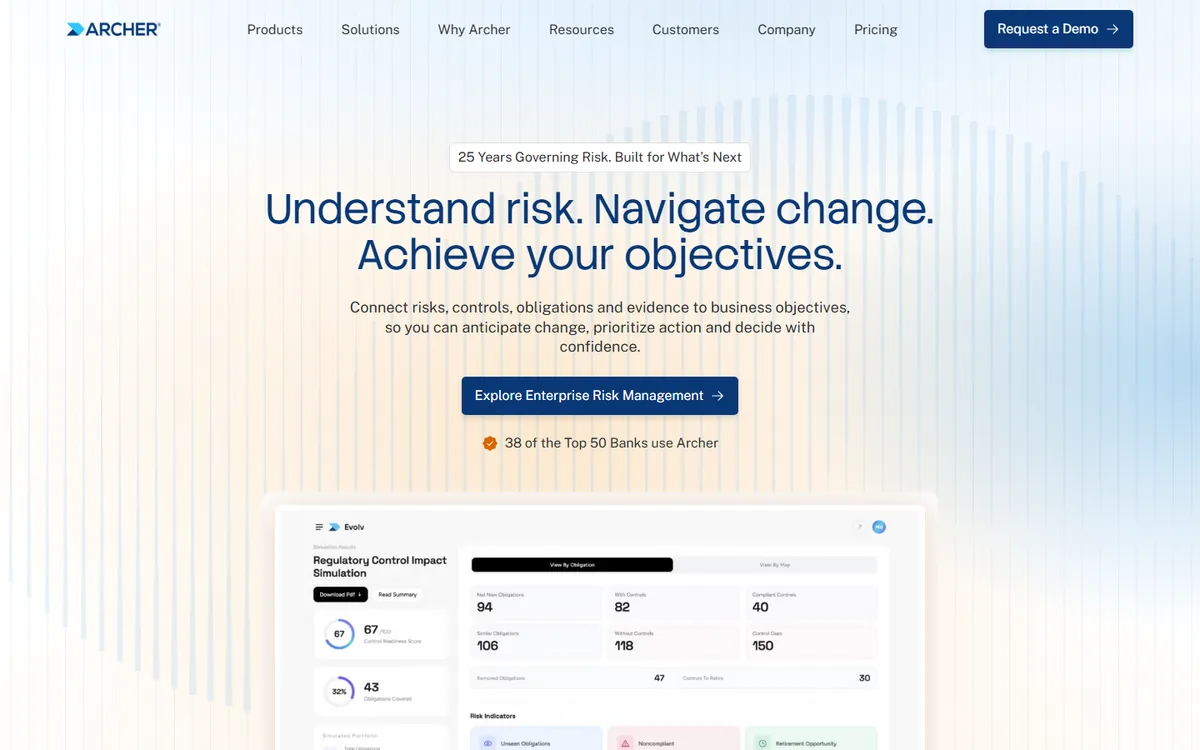
Archer offers IT and security risk management, third-party governance, audit management and compliance products on one platform.
Archer lists a Cyber and IT Risk area with IT and Security Risk Management and AI Governance, next to enterprise risk, compliance, audit and third-party governance. That range makes it a candidate when one platform must serve several risk teams.
It rewards a clear owner and a well-designed data model. I would not choose it for a team of five that only needs a register and an audit tracker.
Where Archer Shines
- Wide product range from IT risk to audit and third-party governance
- Suits large programs with many contributors
- Compliance, policy and ESG modules sit on the same platform
Where Archer Falls Short
- More platform than a small team needs
- Setup depends on careful design of workflows and data
Archer Pricing
Archer links to a pricing page, but the details were not visible when I checked. Expect a quote based on the products and users you choose.
Archer Reviews
I could not load a current G2 or Capterra rating for Archer while writing this, so I left it out. Check both sites for the latest score before you shortlist it.
OneTrust
A Sensible Add-On If Privacy and Third-Party Programs Already Run on OneTrust
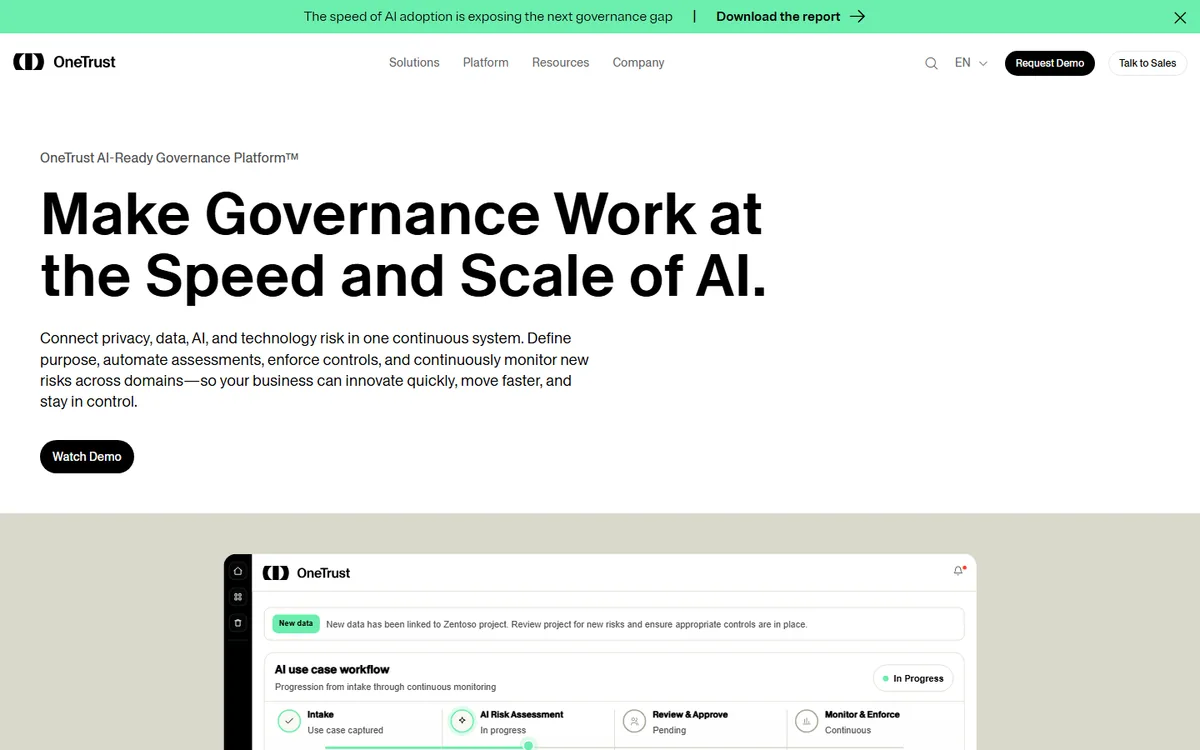
OneTrust IT Risk Management automates risk assessments, control management and reporting for IT and information security programs.
OneTrust describes identifying risk across assets, processes and vendors, quantifying it from a standard matrix up to automated calculations, and reporting through key risk indicator dashboards. That covers the core of an IT risk register.
The strength is breadth if you already use the suite for privacy or vendor risk. If IT risk is your only need, compare it with tools built for that purpose.
Where OneTrust Shines
- Qualitative and quantitative scoring options
- Key risk indicator dashboards and report templates
- Fits well with privacy and vendor risk work in the same suite
Where OneTrust Falls Short
- Less compelling if you need IT risk only
- Pricing needs a sales conversation
OneTrust Pricing
OneTrust does not publish prices for IT Risk Management. The page offers a demo request or sales contact.
OneTrust Reviews
I could not load a current G2 or Capterra rating for OneTrust while writing this, so I left it out. Check both sites for the latest score before you shortlist it.
MetricStream
A Modular GRC Suite for Teams That Want to Start With Cyber and IT Risk and Add Modules Later
MetricStream sells Cyber GRC with products for IT and cyber risk, compliance, policy and vendor risk.
MetricStream lists IT and Cyber Risk, IT and Cyber Compliance, IT and Cyber Policy and Vendor Risk as separate products. You can begin with one and grow the program, which suits teams that want to phase the work.
The vendor claims a three-year ROI and a payback of under six months on its site. I treat those as vendor figures and suggest you ask for references in your own industry and size.
Where MetricStream Shines
- Separate modules let you phase the rollout
- Policy and vendor risk sit on the same platform
- Built for programs with many contributors
Where MetricStream Falls Short
- Each module adds to the cost
- Needs real process design before it pays off
MetricStream Pricing
MetricStream does not publish prices. The site offers a demo or a sales contact.
MetricStream Reviews
I could not load a current G2 or Capterra rating for MetricStream while writing this, so I left it out. Check both sites for the latest score before you shortlist it.
LogicGate Risk Cloud
A Configurable Platform for Teams That Want to Shape Their Own Risk Workflows Without Code
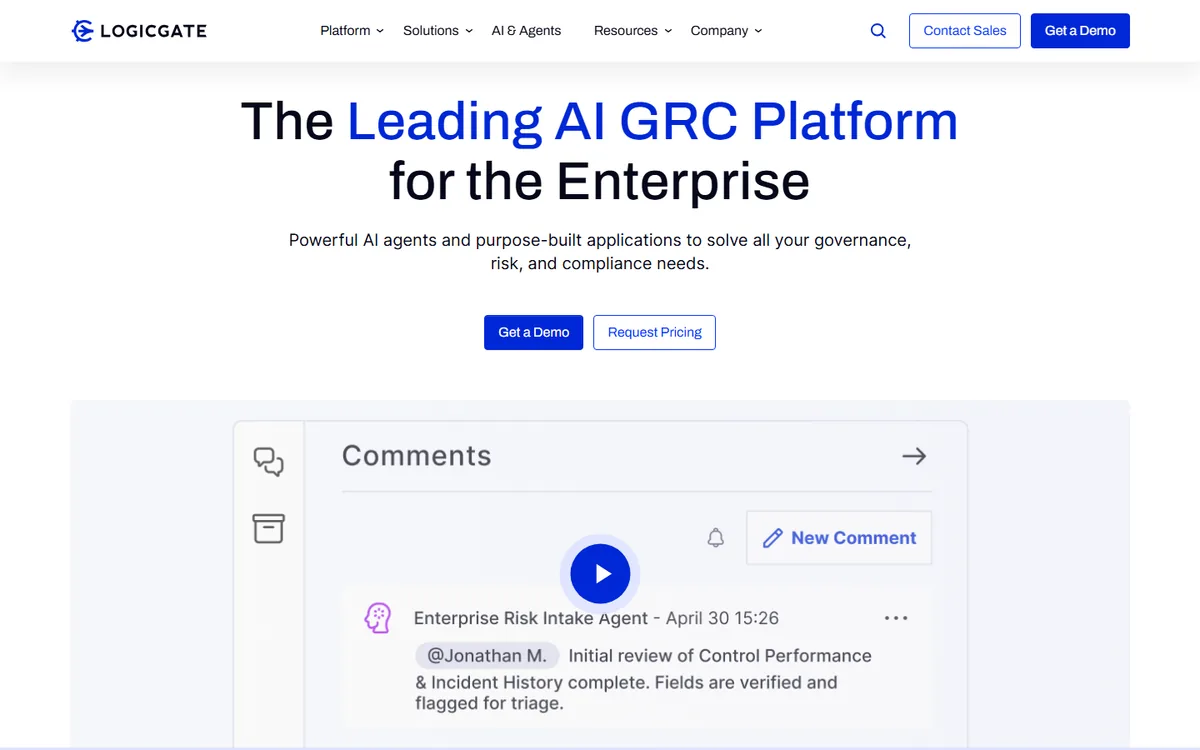
LogicGate Risk Cloud offers workflow applications for risk, compliance and audit, with a pricing model based on the applications you use.
LogicGate says it offers 30+ applications and that you pay for the workflow sets you need plus Power User licences for the people who build and manage the program. Standard and external users are included at no extra cost, which matters when many colleagues only need to respond to assessments.
I like the model for mid-sized teams, because you do not pay per respondent. Quantification and services are separate add-ons, so check what your program needs.
Where LogicGate Risk Cloud Shines
- Standard and external users are included at no extra charge
- Configurable workflows across risk, compliance and audit
- Applications can be added over time
Where LogicGate Risk Cloud Falls Short
- Power User licences still add up
- Quantification and services are priced separately
LogicGate Risk Cloud Pricing
LogicGate prices by applications and Power User licences, with Risk Cloud Quantify and services as add-ons. No dollar amounts are published, so you need a sales conversation.
LogicGate Risk Cloud Reviews
I could not load a current G2 or Capterra rating for LogicGate Risk Cloud while writing this, so I left it out. Check both sites for the latest score before you shortlist it.
Hyperproof
A Good Middle Path Between Compliance Automation and a Full GRC Suite
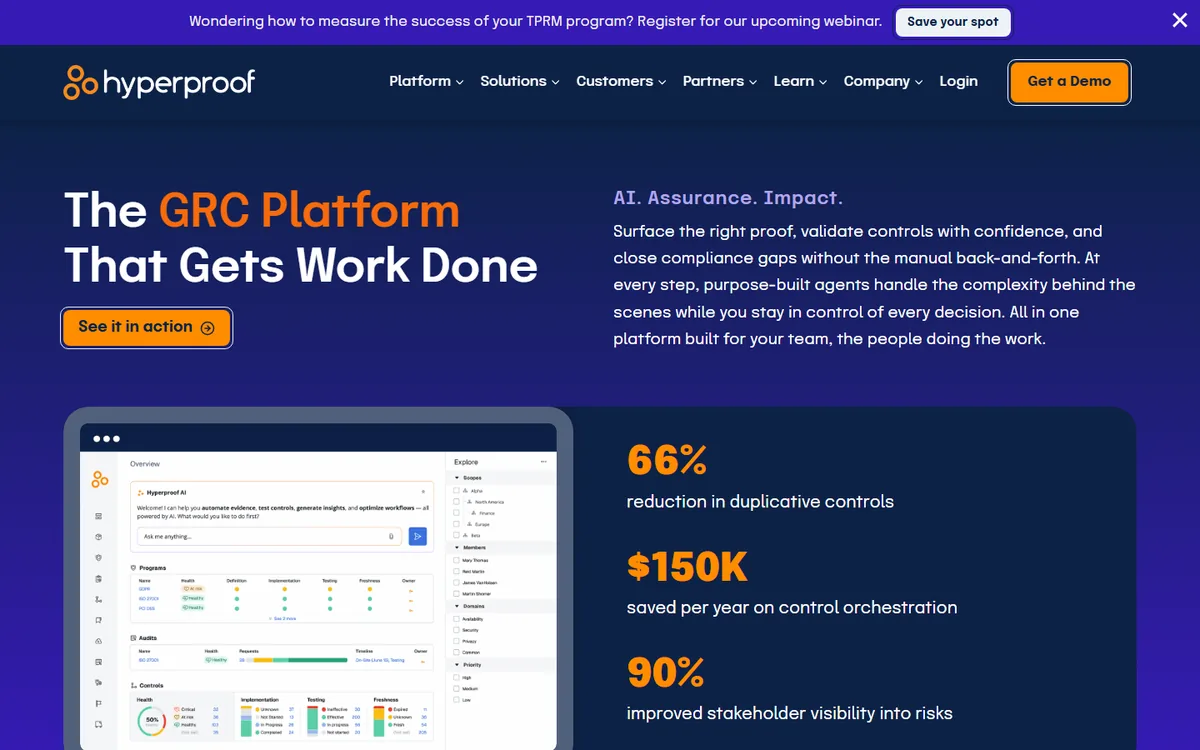
Hyperproof is a GRC platform with compliance, risk, audit, trust and third-party risk modules and 160+ pre-built frameworks.
Hyperproof says it automates control mapping across frameworks and connects controls to risks. Its site mentions 160+ pre-built frameworks and 200+ integrations, which lets you reuse evidence across audits.
I would look at it when you have outgrown a compliance-only tool but do not want a heavy enterprise suite. The site does not detail IT risk features beyond the Risk module, so test that part in a demo.
Where Hyperproof Shines
- Controls map across many frameworks
- Modules for risk, audit and third-party risk
- A large set of integrations
Where Hyperproof Falls Short
- IT risk features are less specific than in enterprise suites
- No public pricing
Hyperproof Pricing
I could not load a public price list for Hyperproof, and the home page offers a demo or proposal request. Plan on a quote.
Hyperproof Reviews
I could not load a current G2 or Capterra rating for Hyperproof while writing this, so I left it out. Check both sites for the latest score before you shortlist it.
Vanta
The Fast Route to Audit Readiness for Companies That Need a Certification to Win Deals
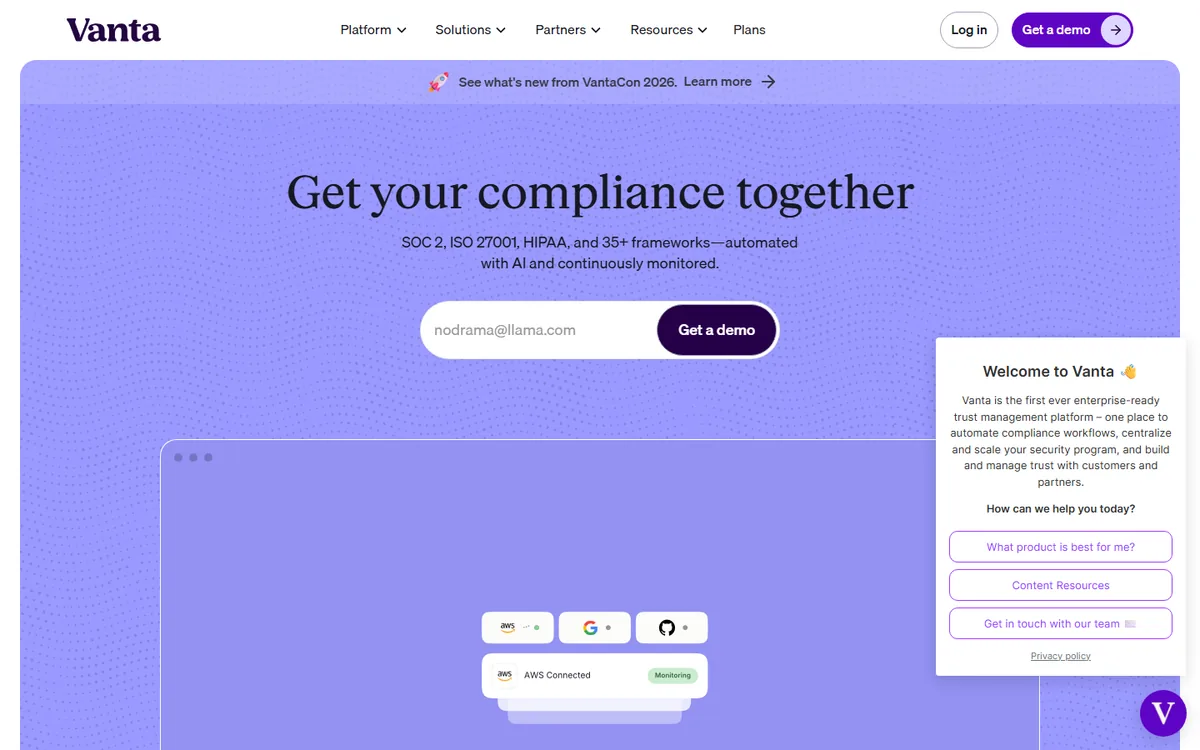
Vanta automates evidence collection and monitoring for security and compliance programs, with plans from Essentials to Enterprise.
Vanta connects to your cloud and business systems, checks controls continuously and gathers evidence for audits. It is a good match when a customer asks for a security report and you need to show a program quickly.
It is stronger on compliance than on enterprise risk. If you need detailed risk workflows across many departments, compare it with the GRC suites above.
Where Vanta Shines
- Evidence collection and monitoring reduce audit prep
- Clear plan structure from Essentials to Enterprise
- Quick to start for small and growing teams
Where Vanta Falls Short
- Less depth for enterprise risk workflows
- Prices are shown only through a demo
Vanta Pricing
Vanta lists four plans, Essentials, Plus, Professional and Enterprise, but does not publish dollar amounts. It asks you to request a demo for personalized pricing.
Vanta Reviews
I could not load a current G2 or Capterra rating for Vanta while writing this, so I left it out. Check both sites for the latest score before you shortlist it.
Drata
A Strong Alternative to Vanta With a Separate Plan for Third-Party Risk
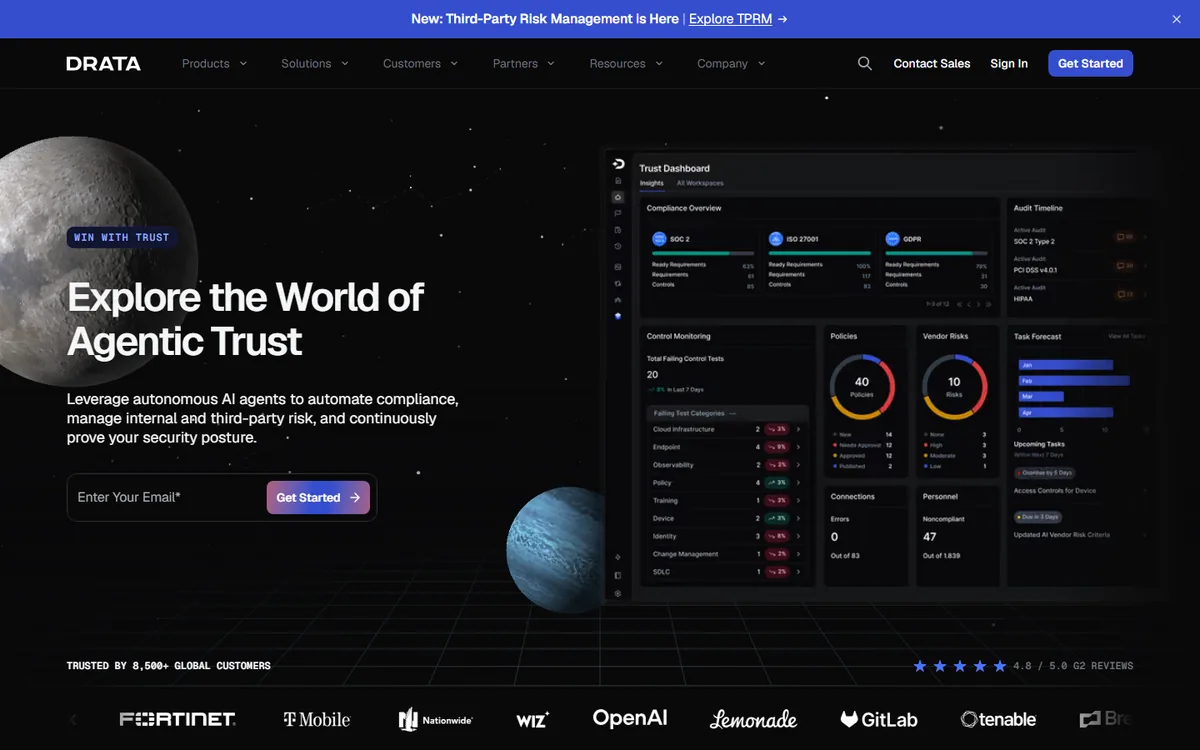
Drata provides compliance automation in three tiers, Foundation, Advanced and Enterprise, plus a separate third-party risk plan.
Drata covers the same ground as Vanta: connecting to your systems, monitoring controls and preparing evidence for audits. Its pricing page also lists a separate Third-Party Risk Management plan, which helps if vendor risk is a priority.
I suggest you run both vendors through the same demo script. Ask each to show how a failed control becomes a tracked fix.
Where Drata Shines
- Continuous controls monitoring
- A dedicated third-party risk plan
- Tiered plans that grow with you
Where Drata Falls Short
- Compliance first, enterprise risk second
- No public prices
Drata Pricing
Drata describes Foundation, Advanced and Enterprise tiers and a Third-Party Risk Management plan, without listing prices. You contact sales for costs.
Drata Reviews
I could not load a current G2 or Capterra rating for Drata while writing this, so I left it out. Check both sites for the latest score before you shortlist it.
Secureframe
The Only Tool Here With a Published Entry Price, Which Makes Early Budgeting Easier
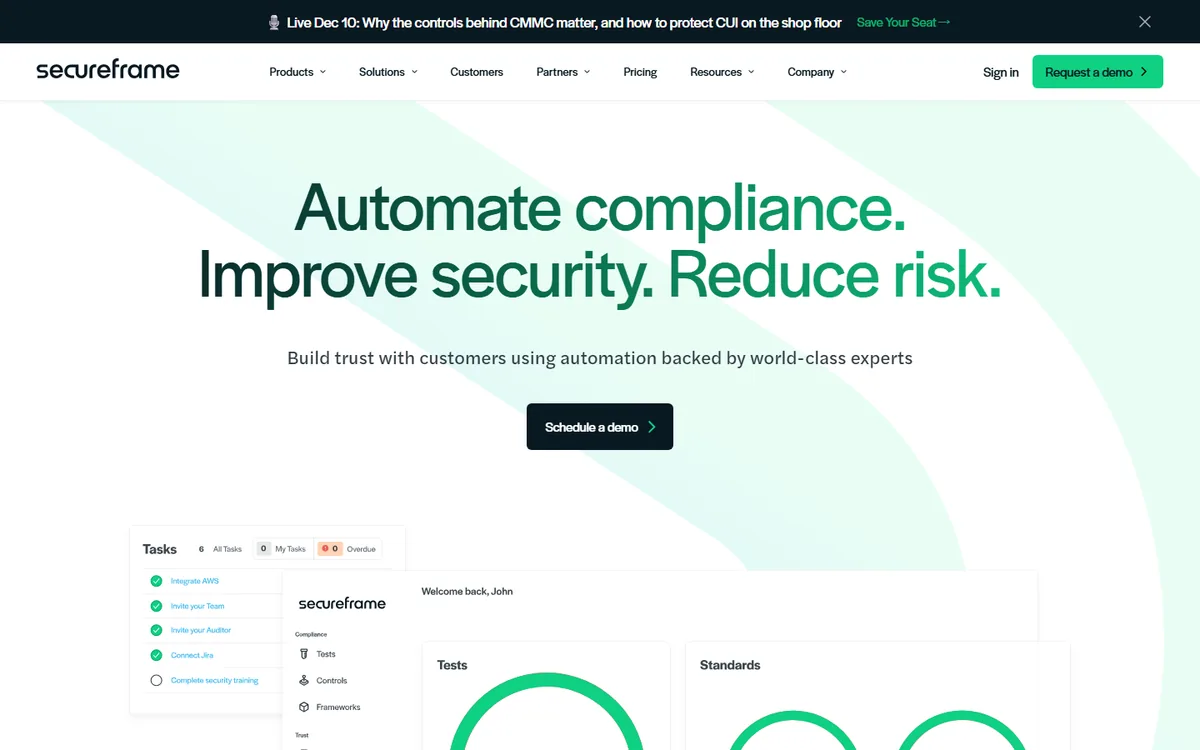
Secureframe offers Fundamentals, Complete and Defense plans for compliance and risk work, with a Trust Center and AI questionnaire automation.
Secureframe lists Fundamentals starting at $7,500 per year, with infrastructure monitoring, evidence collection, policy and personnel management, risk management and a Trust Center. Complete adds advanced third-party risk and user access reviews. Defense targets CMMC compliance.
A published entry price helps you judge the budget early. As with the other compliance tools, check how deep the risk management goes before you rely on it for enterprise risk.
Where Secureframe Shines
- A published starting price
- Trust Center and questionnaire automation
- A plan aimed at CMMC compliance
Where Secureframe Falls Short
- Higher plans need a quote
- Risk management depth suits audit-driven programs more than enterprise risk
Secureframe Pricing
Secureframe lists Fundamentals from $7,500 per year. Complete and Defense require a quote request.
Secureframe Reviews
I could not load a current G2 or Capterra rating for Secureframe while writing this, so I left it out. Check both sites for the latest score before you shortlist it.
Estimate the Return on IT Risk Management Software
Enter the manual hours your team spends on spreadsheets, evidence collection and risk reporting, and the monthly price of the tool you are considering. The calculator shows what it could return in a year.
Is the Software Worth the Cost?
Move the sliders to match the work you want the tool to cover and the plan you are considering.
How to Choose IT Risk Management Software
In my experience, a tool that matches the size of your program beats a bigger platform. Before you book demos, answer four questions:
- Is your main driver audits and certifications, or enterprise-wide risk reporting?
- How many risk owners and approvers need to work in the tool?
- Which systems must it pull evidence or asset data from?
- Who will run it day to day, and who owns the scoring method?
If audits drive the work, look at Vanta, Drata, Secureframe or Hyperproof. If many teams own risks, look at ServiceNow, Archer, OneTrust, MetricStream or LogicGate. Many teams find it easier to compare tools after a technology risk assessment has shown what the program must cover, and after they know how they will run technology risk management day to day. Whatever you pick, plan for the evidence an auditor will ask for, as in my technology risk audit guide. Before you pick, write down how you score risk, as in my technology risk framework, because every tool here needs that input. If you want a second opinion, a short call usually settles it.
Questions About IT Risk Management Software
What Is IT Risk Management Software?
It is software that stores your technology risks, scores them, assigns owners, tracks fixes and often links them to controls and audit evidence. Many products are sold as GRC, which stands for governance, risk and compliance.
Do I Need Software, or Is a Spreadsheet Enough?
A spreadsheet is enough for a small register with a few owners. Once several teams update risks, auditors ask for evidence and you need reminders and history, software starts to pay for itself. The method matters more than the tool, so I cover it in my guide to <a href="/technology-risk-management/">technology risk management</a>.
What Is the Difference Between a GRC Platform and a Compliance Automation Tool?
A GRC platform handles risk across the whole organization, with configurable workflows. A compliance automation tool such as Vanta, Drata or Secureframe focuses on collecting evidence from your systems to pass specific audits. Some vendors, such as Hyperproof, combine both ideas.
How Much Does IT Risk Management Software Cost?
Most vendors do not publish prices. Secureframe lists a Fundamentals plan from $7,500 per year, and the rest ask for a quote. Enterprise suites also charge for implementation and add-on modules, so ask for the full cost over three years.
How Long Does Implementation Take?
Compliance automation tools can be connected to your systems in days to weeks. Enterprise GRC suites often take months, because workflows, roles and data have to be designed. An <a href="/technology-risk-assessment/">technology risk assessment</a> before you buy shortens the work.
Can the Tool Run My Risk Assessments for Me?
It can send questionnaires, collect scores and calculate ratings. It cannot decide what matters to your business. You still need people who understand the systems to judge likelihood and impact.
What Should I Look at in a Demo?
Ask the vendor to load a sample of your own risks and controls, then watch how an owner updates a risk, how a reviewer approves it and how a report is produced. Check how audit history is stored, since that is what auditors will ask to see. Seeing how a real audit goes, as in my <a href="/technology-risk-audit/">technology risk audit</a> guide, helps you ask sharper questions.
Disclaimer: Prices, plans and ratings change often. They were checked when this article was last updated, so confirm them on each vendor’s site before you buy. Nothing here is legal or financial advice.
Was this useful?
We appreciate the feedback.
Paige Mulvaney
Paige leads the Wicker editorial team and works with the consultants who run the roadmaps, software selections, implementations and integrations to turn real client projects into practical guides. Her focus is plain-language advice on IT strategy, choosing business software and connecting systems so they work together. Every article she edits is checked against current vendor pricing and documentation before it is published.