In Short
- Rippling, Gusto and BambooHR cover most small and mid-sized companies, depending on whether you want an all-in-one platform, simple payroll or a clear HR record.
- Deel is the practical option for teams hiring across countries, and Workday and UKG Pro suit large enterprises.
- Many vendors do not publish prices, so ask for a written quote that lists every fee before you compare.
- Check how each system connects to your payroll, accounting and recruiting tools before you shortlist it.
The Best HR Software at a Glance
| Software | Type | Best for |
|---|---|---|
| 1. Rippling | HRIS, payroll and IT in one platform | Growing companies that want HR, payroll, devices and apps managed together |
| 2. Gusto | Payroll and HR for small US businesses | Small US companies that want simple payroll with basic HR |
| 3. BambooHR | HRIS for small and mid-sized companies | Companies of 25 to 500 people that need a clear HR system of record |
| 4. Deel | Global payroll, contractors and employer of record | Companies hiring across countries |
| 5. ADP Workforce Now | Payroll and HCM for mid-sized employers | Mid-sized employers that need payroll, compliance and support at scale |
| 6. Paylocity | HCM suite with strong employee engagement tools | Mid-sized companies that want payroll plus engagement features |
| 7. Paychex Flex | Payroll and HR for small and mid-sized businesses | Companies that want payroll with local support and optional HR services |
| 8. Paycor | HCM for small and mid-sized businesses | Hourly and shift-based employers |
| 9. Justworks | PEO and payroll for small businesses | Small teams that want benefits and compliance handled for them |
| 10. HiBob | HRIS for mid-sized, modern companies | Mid-sized companies with hybrid or global teams that value culture tools |
| 11. Zoho People | Low-cost HRIS within the Zoho suite | Small companies already using Zoho |
| 12. UKG Pro | Enterprise HCM and workforce management | Large employers with complex workforce management needs |
| 13. Workday HCM | Enterprise HCM and financials | Large organizations standardizing HR and finance on one platform |
| 14. Greenhouse | Applicant tracking and recruiting | Companies with structured, high-volume hiring |
| 15. Workable | Recruiting software for small and mid-sized teams | Small and mid-sized teams that want quick job posting and AI-assisted sourcing |
The 15 Best HR Software Options, Ranked
I start with the platforms that suit the widest range of companies and move toward enterprise suites and specialist recruiting tools, so you can stop reading once you find your fit. In the HR technology consulting projects I review, the way a system connects to payroll and finance usually matters more than any single feature.
Rippling
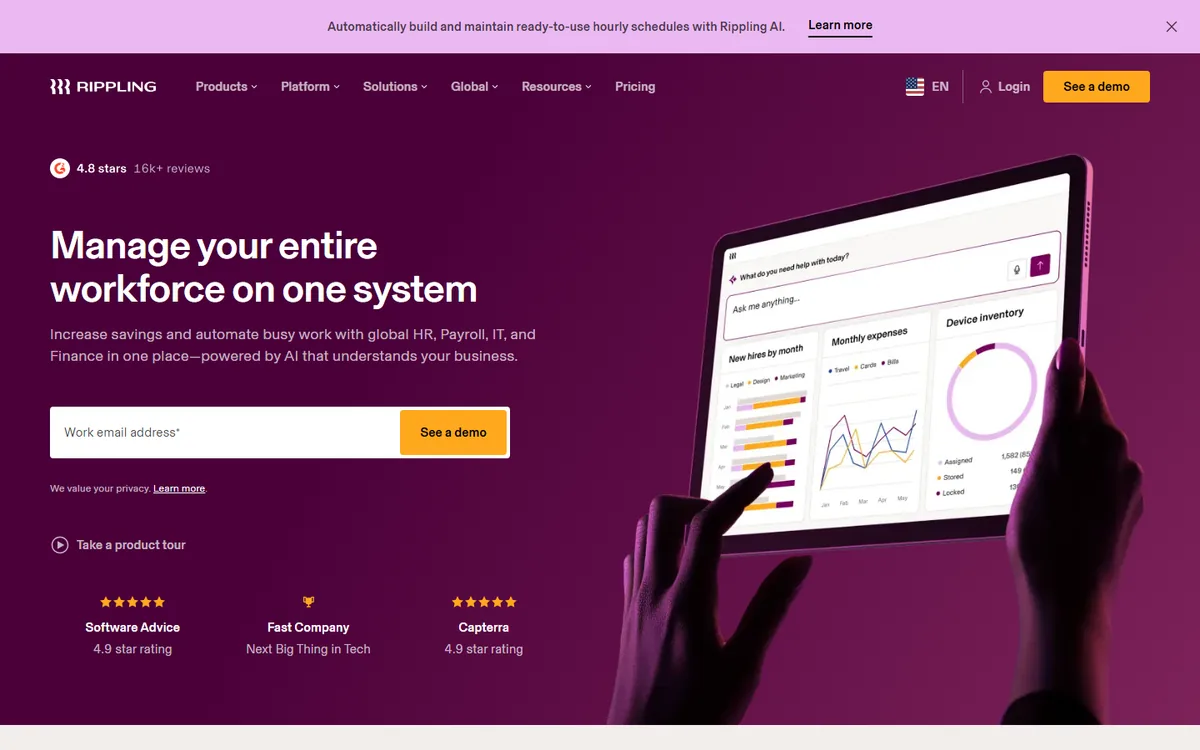
The Strongest Pick If You Want HR, Payroll and IT Managed From One Employee Record
Rippling combines HRIS, payroll, benefits, time tracking, device management and app access on a single employee record.
I put Rippling first because it solves a problem I meet in almost every selection project: the same employee fact has to be entered in several systems. When you hire someone in Rippling, payroll, benefits, a laptop order and app accounts can all follow from one entry.
The trade-off is breadth. You buy it as modules, and the full suite takes careful scoping to avoid paying for features you do not use. In my experience, it fits best when HR and IT will share ownership of the platform.
Where Rippling Shines
- One employee record drives payroll, benefits, devices and app access
- Modules can be added over time
- Automations and workflows are flexible for onboarding and offboarding
Where Rippling Falls Short
- Total cost rises quickly as modules are added
- The scope of the platform needs careful planning before rollout
Rippling Pricing
Rippling publishes a starting price of $8 per employee per month plus a monthly base fee. The total depends on the modules you choose and your headcount, and a custom quote is needed for the full price.
Rippling Reviews
- G2: rated 4.7/5 (across 15,203 ratings)
- Capterra: rated 4.8/5 (across 5,562 ratings)
Gusto
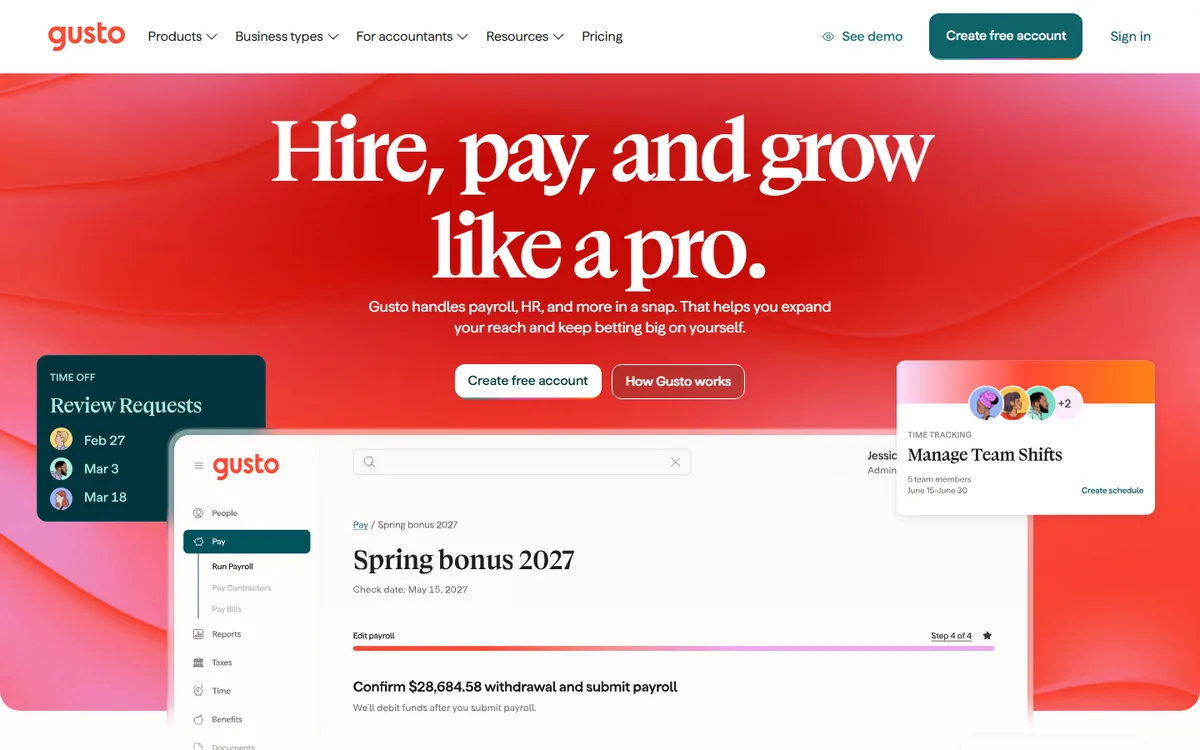
Simple, Friendly Payroll for Small US Teams That Do Not Want an HR Project
Gusto runs payroll, benefits and basic HR for small US businesses through a clean, easy-to-use interface.
Gusto is the platform I suggest when a small business wants payroll that works without a long rollout. It handles US payroll runs, tax filings, benefits administration and onboarding with an interface that most owners can use on day one.
It is a poor fit for complex organizations. Multi-country payroll, detailed approval hierarchies and deep reporting are limited, so companies that grow past a certain size often outgrow it and start a second selection project.
Where Gusto Shines
- Easy to set up and use
- Payroll, benefits and onboarding in one place
- Fair pricing for very small teams
Where Gusto Falls Short
- Limited fit for complex or international workforces
- Reporting is basic compared with larger platforms
Gusto Pricing
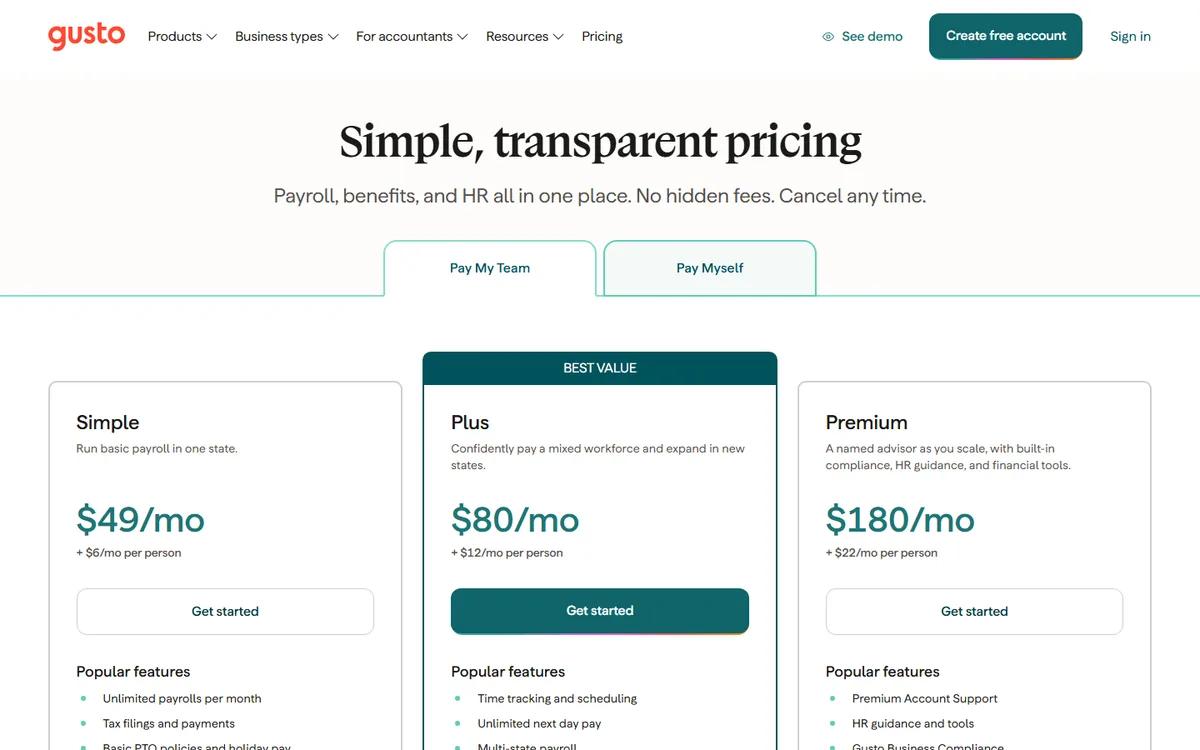
G2 lists plans starting at $49 per month, with a per-person fee on top. Higher plans add features such as time tracking and benefits tools. Check Gusto’s own pricing page for the current plan details.
Gusto Reviews
- G2: rated 4.6/5 (across 14,034 ratings)
- Capterra: rated 4.6/5 (across 4,233 ratings)
BambooHR
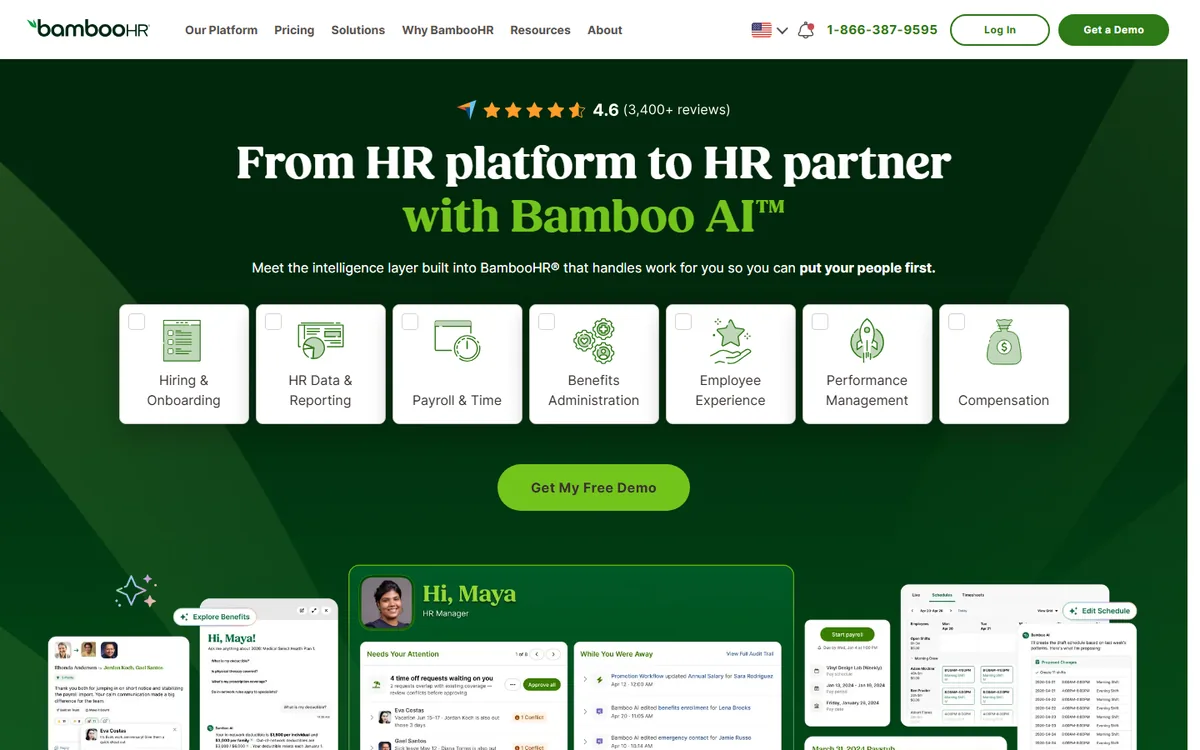
An Easy-to-Adopt HR System of Record for Small and Mid-Sized Companies
BambooHR is a long-established HRIS covering employee records, onboarding, time off, performance and optional payroll.
BambooHR is the HRIS I most often see people actually use. It is approachable, the employee directory and time-off tools are intuitive and managers do not need training to find what they need.
Payroll and benefits administration are add-ons, and the depth of reporting and workflow customization is modest. If you need a rich configuration layer or many countries, look further up the list.
Where BambooHR Shines
- Intuitive for HR staff, managers and employees
- Strong employee records and onboarding
- Published pricing makes budgeting easier
Where BambooHR Falls Short
- Payroll and some modules cost extra
- Customization is limited for complex organizations
BambooHR Pricing
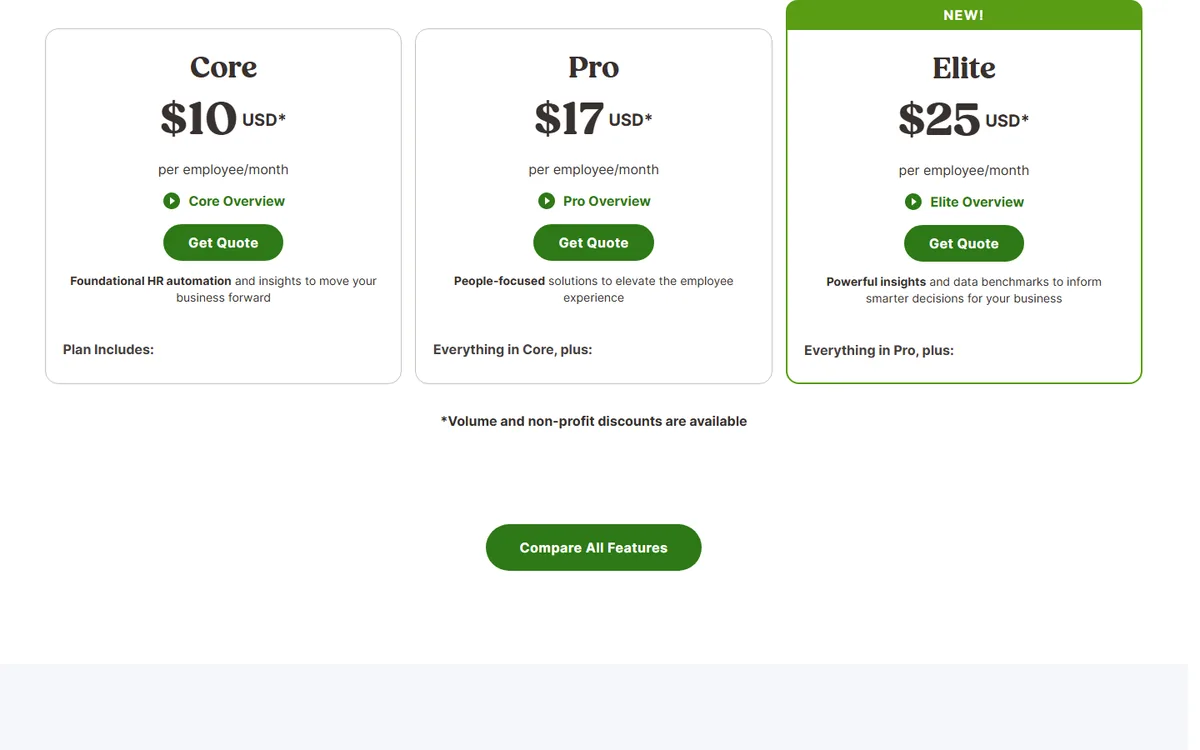
BambooHR publishes its plans: Core at $10 per employee per month, Pro at $17 and Elite at $25. Companies with 25 or fewer employees can pay flat monthly rates, listed at $250 for Core, $425 for Pro and $650 for Elite. Volume and nonprofit discounts are available.
BambooHR Reviews
- G2: rated 4.4/5 (across 8,356 ratings)
Deel
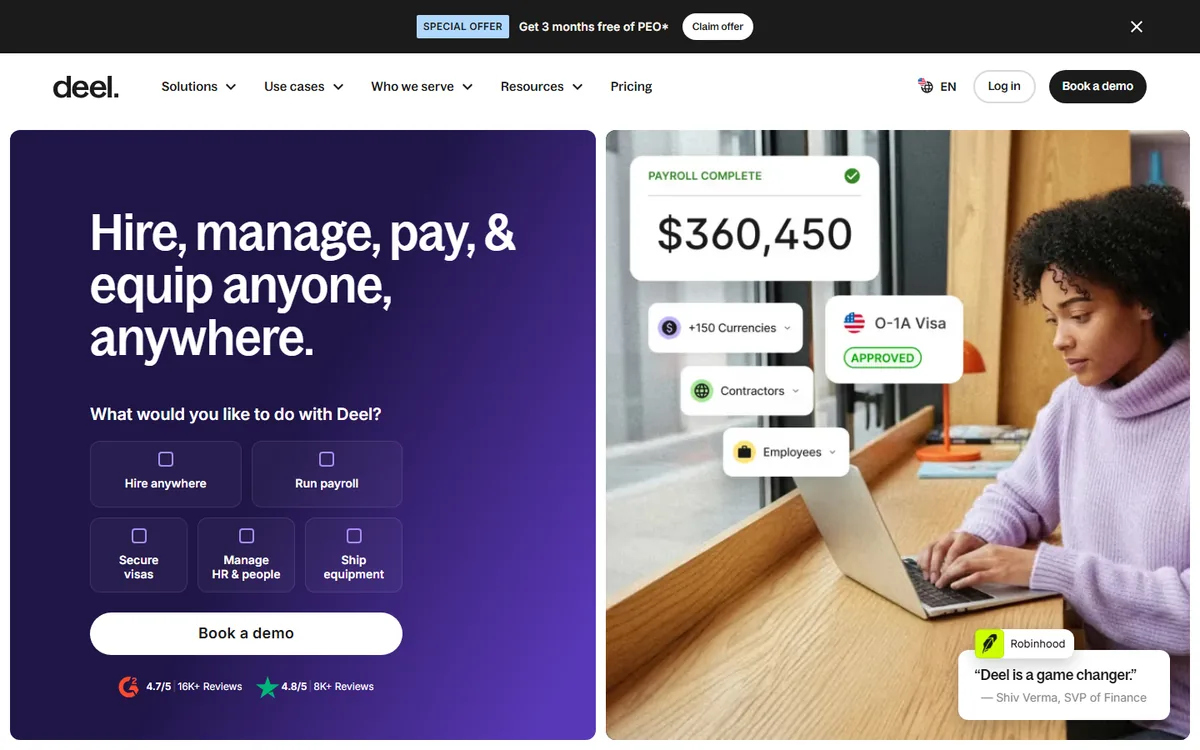
The Practical Choice When Your Team Is Spread Across Several Countries
Deel handles global payroll, contractor payments and employer of record services, with HR tools around them.
Deel earns its place for companies with workers in many countries. It lets you hire a contractor or an employee abroad without setting up a local entity, and handles contracts, payments and compliance through one interface.
The HR features have grown, but the strength is still international hiring and payroll. If your workforce sits in one country, a local specialist is usually cheaper, and per-person fees add up for large teams.
Where Deel Shines
- Hires and pays people in many countries from one place
- Contractors, employees and employer of record in the same system
- Fast onboarding of international hires
Where Deel Falls Short
- Per-worker pricing adds up for large teams
- Less compelling for single-country companies
Deel Pricing
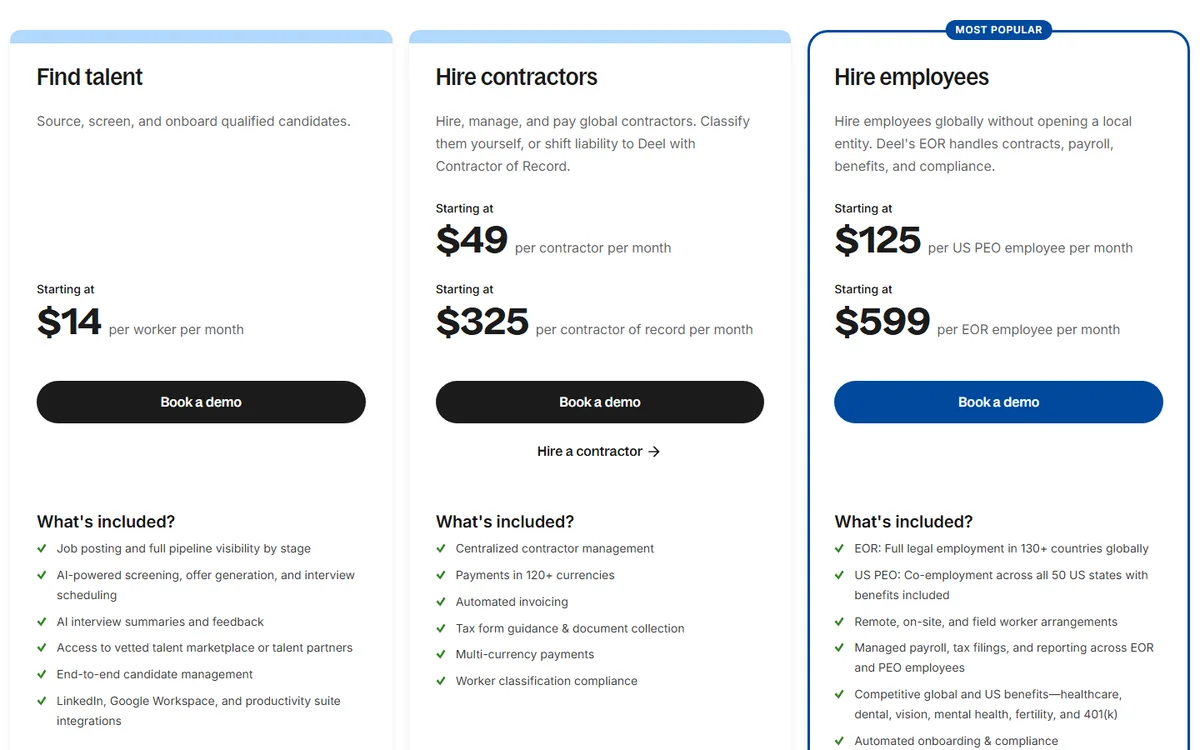
G2 lists Deel Global Payroll from $29 per employee per month, Deel US Payroll from $24 and Deel Compensation from $15 per month. Prices for contractors and employer of record services differ, so confirm them on Deel’s site.
Deel Reviews
- G2: rated 4.7/5 (across 7,492 ratings)
ADP Workforce Now
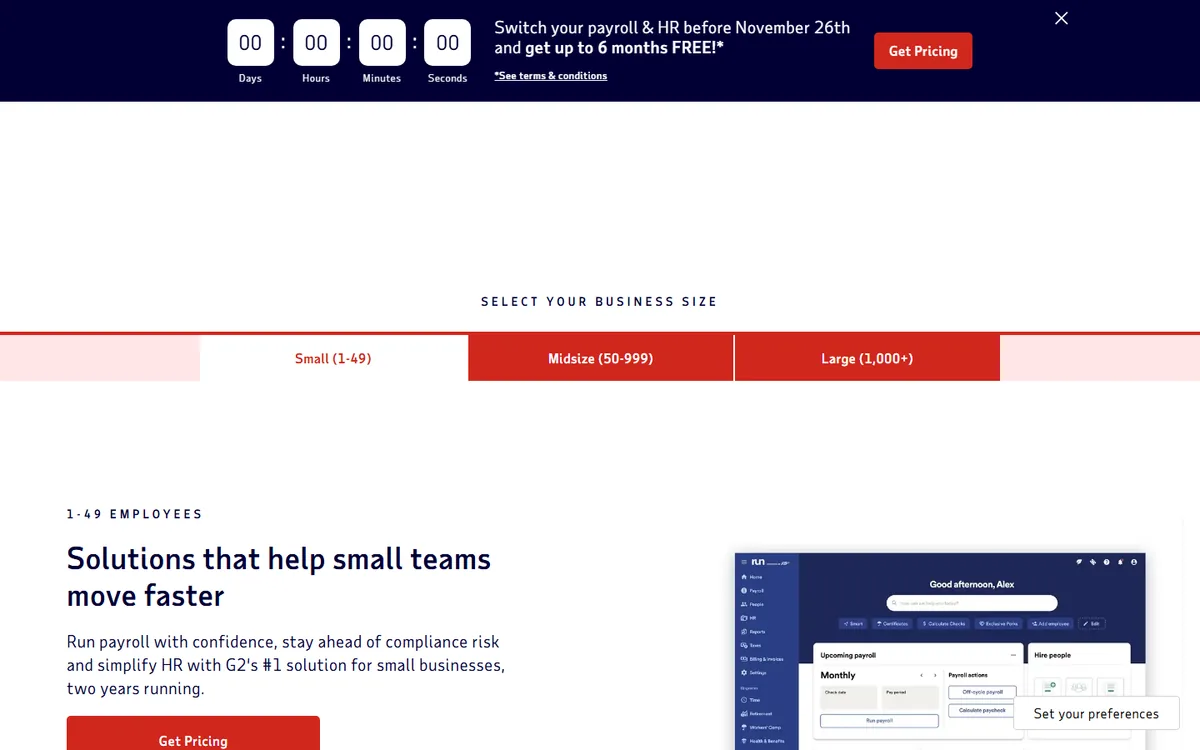
A Proven Payroll and HR Suite for Mid-Sized Employers With Complex Rules
ADP Workforce Now covers payroll, benefits, time, talent and compliance for mid-sized organizations.
ADP Workforce Now is a safe, established choice for employers with multi-state payroll, union rules or several pay types. It has deep payroll and tax capability, and a large support organization behind it.
Interfaces are less modern than newer entrants, and pricing is quote-based, so comparisons take effort. Implementation quality varies with the team assigned, which is why I suggest you ask for references from companies of your size.
Where ADP Workforce Now Shines
- Deep payroll and tax capability
- Handles complex pay rules and multiple states
- Large support and service organization
Where ADP Workforce Now Falls Short
- Interface feels dated next to newer platforms
- No public pricing
ADP Workforce Now Pricing
ADP does not publish plan prices for Workforce Now. Price on request and depends on headcount and modules, so request a written quote with every fee itemized.
ADP Workforce Now Reviews
- G2: rated 4.2/5 (across 4,513 ratings)
Paylocity
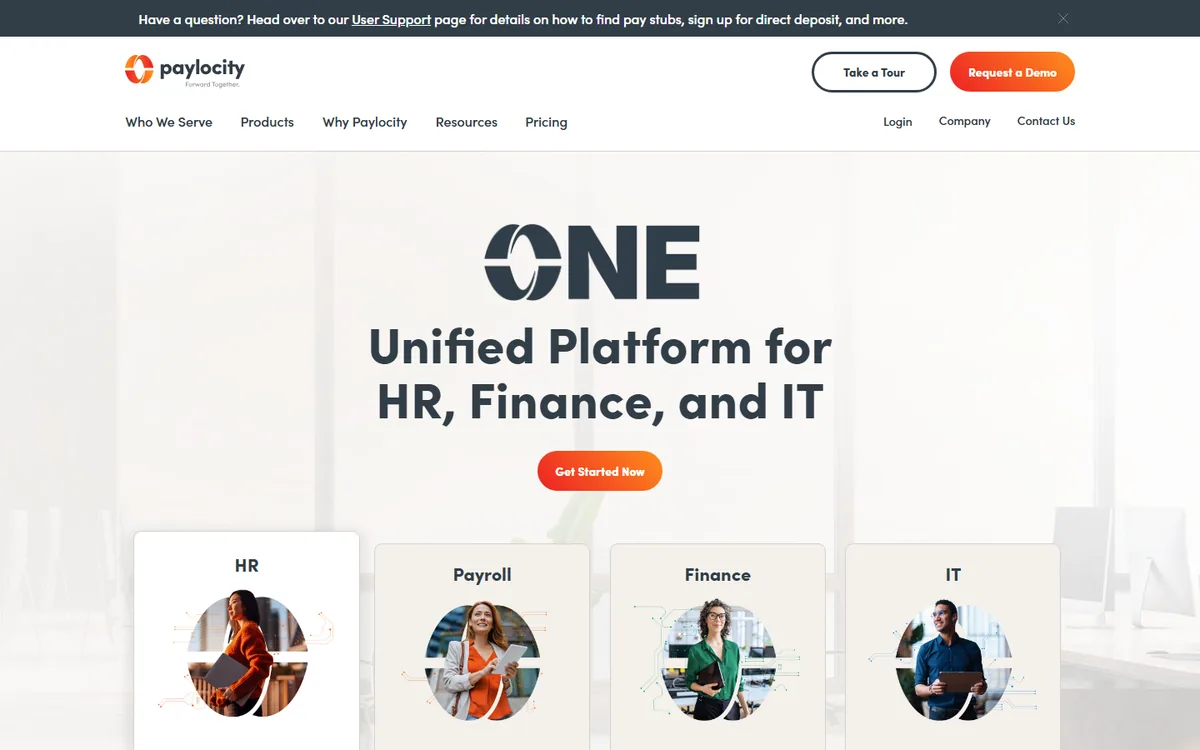
Payroll and HR With Unusually Good Employee-Facing Tools for Mid-Sized Companies
Paylocity combines payroll, HR, time and talent tools with community and communication features for employees.
Paylocity covers the standard HCM ground and adds employee-facing features such as announcements, recognition and a mobile app. For distributed or hourly workforces, that communication layer can matter as much as the payroll engine.
Price on request, and modules add cost as you go. Check the integrations to your accounting and benefits providers early, because those connections decide how much manual work remains.
Where Paylocity Shines
- Strong mobile and employee communication features
- Wide set of HR, payroll and time modules
- Good fit for hourly workforces
Where Paylocity Falls Short
- No public pricing
- Add-on modules raise the cost over time
Paylocity Pricing
Paylocity does not publish pricing. Plans are quote-based and depend on headcount and the modules you choose.
Paylocity Reviews
- G2: rated 4.4/5 (across 6,392 ratings)
Paychex Flex
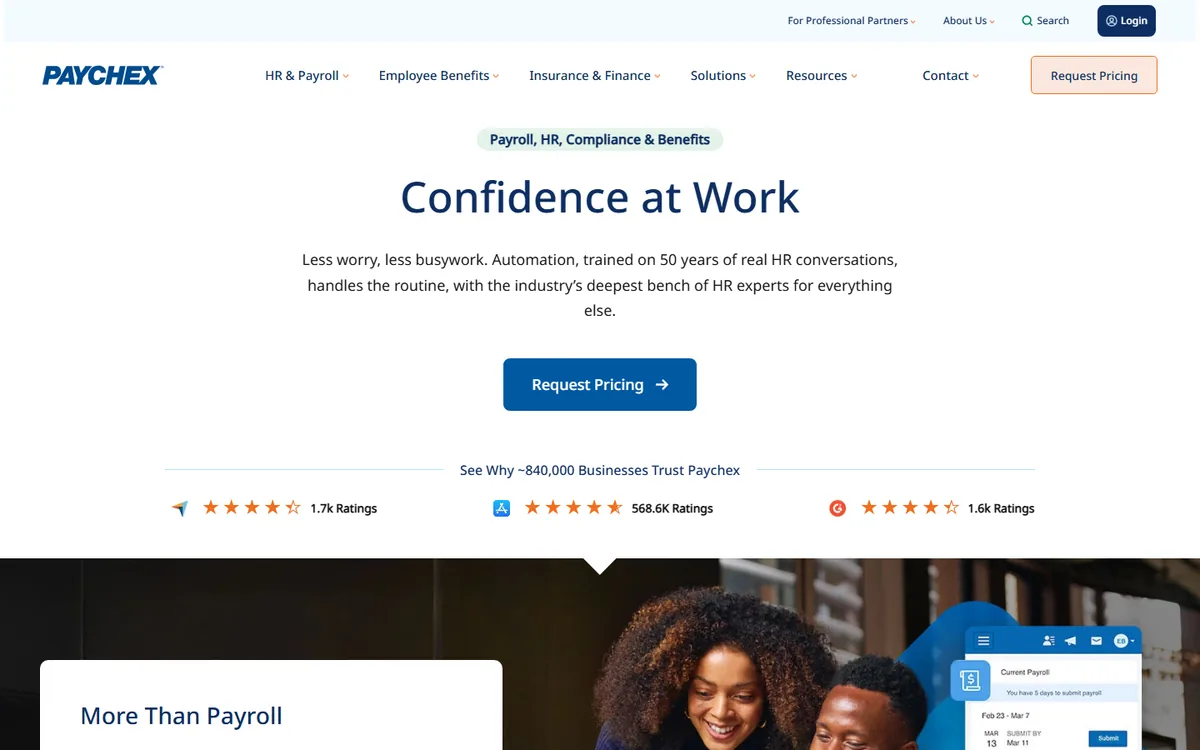
A Well-Known Payroll Provider With Help From Real People
Paychex Flex offers payroll, HR, benefits and time tools, with a range of plan sizes and service options.
Paychex Flex fits businesses that want payroll to be someone else’s problem, with phone support and optional compliance services. It scales from small teams to mid-sized employers.
Ratings are lower than those of newer platforms, and the feature set can feel dated. Because pricing is quote-based and bundled, I suggest comparing it carefully against a payroll-only competitor before you sign.
Where Paychex Flex Shines
- Human support and local service options
- Scales from small to mid-sized businesses
- Optional HR and compliance services
Where Paychex Flex Falls Short
- Interface is less modern
- No public pricing
Paychex Flex Pricing
Paychex does not list a price for Flex. Price on request and varies with plan, headcount and services.
Paychex Flex Reviews
- G2: rated 4.1/5 (across 1,764 ratings)
Paycor
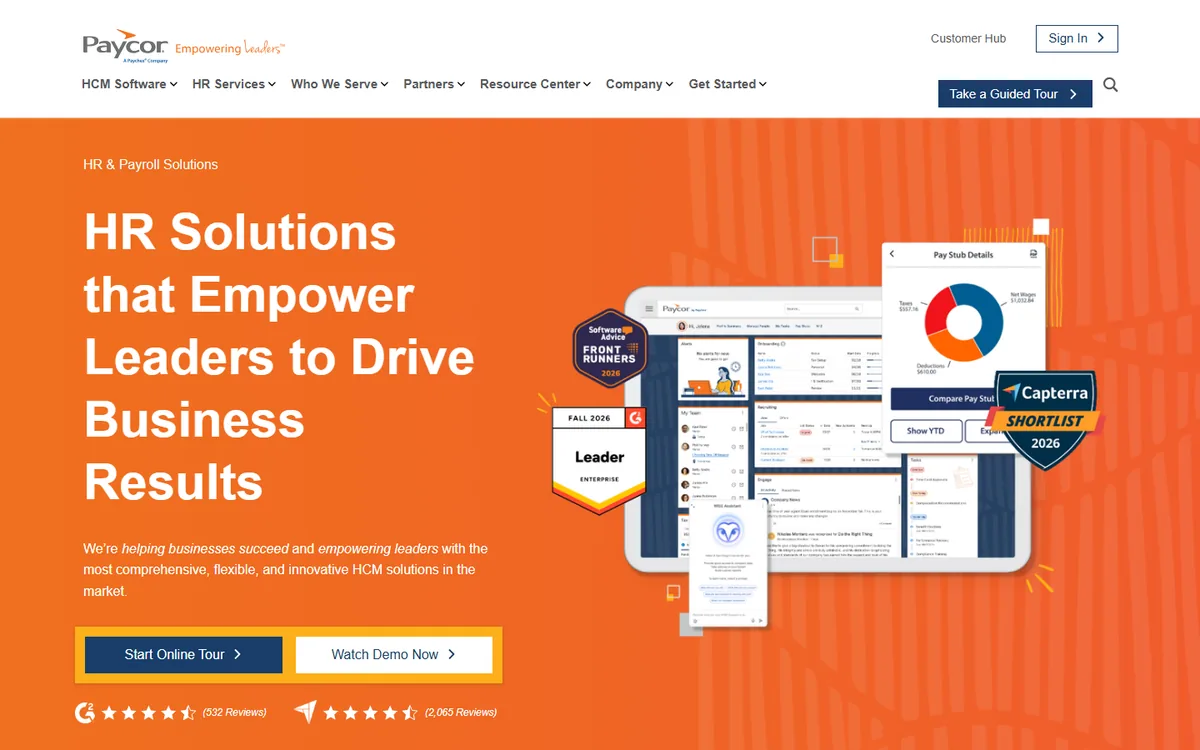
A Practical HR and Payroll System Built Around Hourly and Shift Work
Paycor provides payroll, HR, scheduling and time tracking, with a focus on small and mid-sized businesses.
Paycor is strongest where scheduling and time tracking meet payroll, which describes restaurants, retail, healthcare and other shift-based work. It also includes reporting that managers can use without help from HR.
Ratings are the lowest in this list, and reviewers report uneven support. I would pilot it with real payroll data before committing, and I would ask for support references from a company in your sector.
Where Paycor Shines
- Scheduling, time and payroll in one system
- Reporting that managers can use
- Suited to hourly workforces
Where Paycor Falls Short
- Support experience varies in reviews
- Interface and setup need patience
Paycor Pricing
Paycor does not publish plan prices. Quotes depend on headcount and modules.
Paycor Reviews
- G2: rated 4.0/5 (across 2,075 ratings)
Justworks
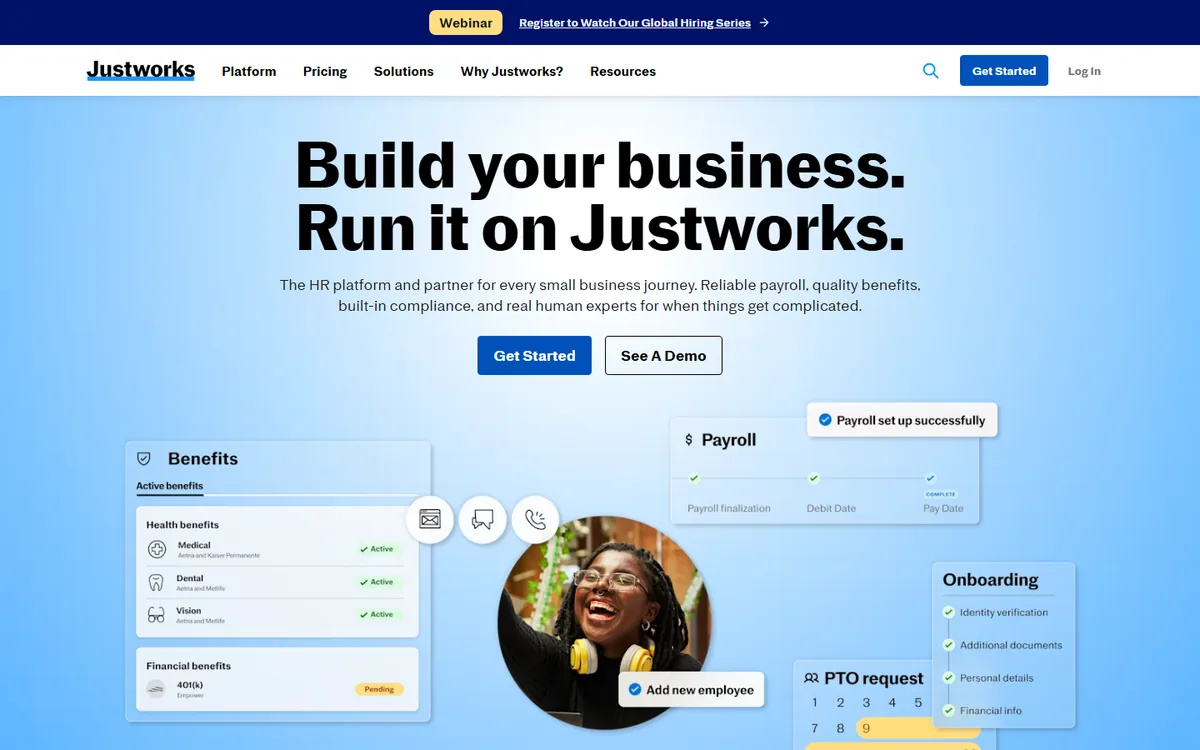
A Straightforward PEO Option for Small Teams That Want Benefits and Compliance Handled
Justworks offers payroll-only and PEO plans, with benefits access, compliance support and a simple interface.
Justworks is a good fit for small companies that want access to group benefits and help with compliance. As a PEO, it becomes a co-employer for certain tasks, which simplifies benefits and workers’ compensation for you.
The PEO model is not for everyone. You give up some flexibility in benefits and policies, and costs per person are higher than payroll-only software. Be sure you understand what the co-employment arrangement covers.
Where Justworks Shines
- Benefits and compliance support for small teams
- Clean, simple interface
- Payroll-only option available
Where Justworks Falls Short
- PEO model reduces flexibility
- Per-person cost is higher than payroll-only tools
Justworks Pricing
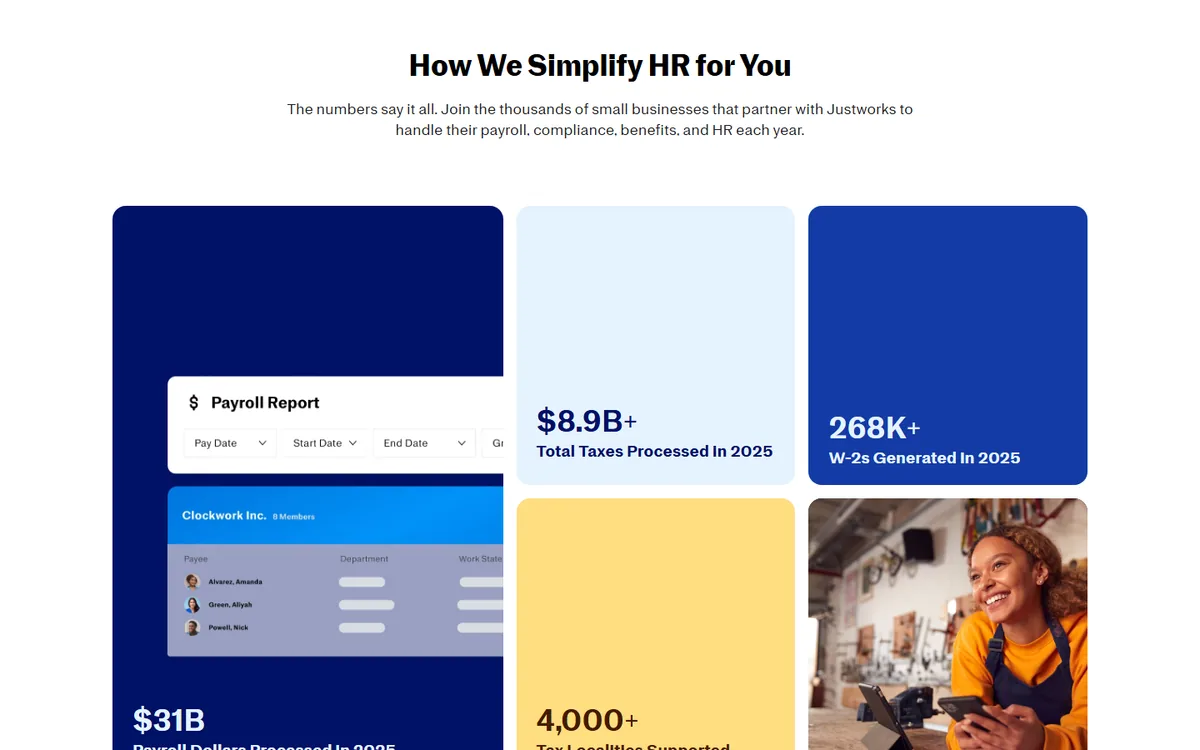
G2 lists Payroll Only from $8 per employee per month and the full PEO from $79 per employee per month. Check Justworks for current pricing and minimums.
Justworks Reviews
- G2: rated 4.6/5 (across 1,131 ratings)
HiBob
A Modern HRIS for Mid-Sized Companies That Care How Their Tools Feel
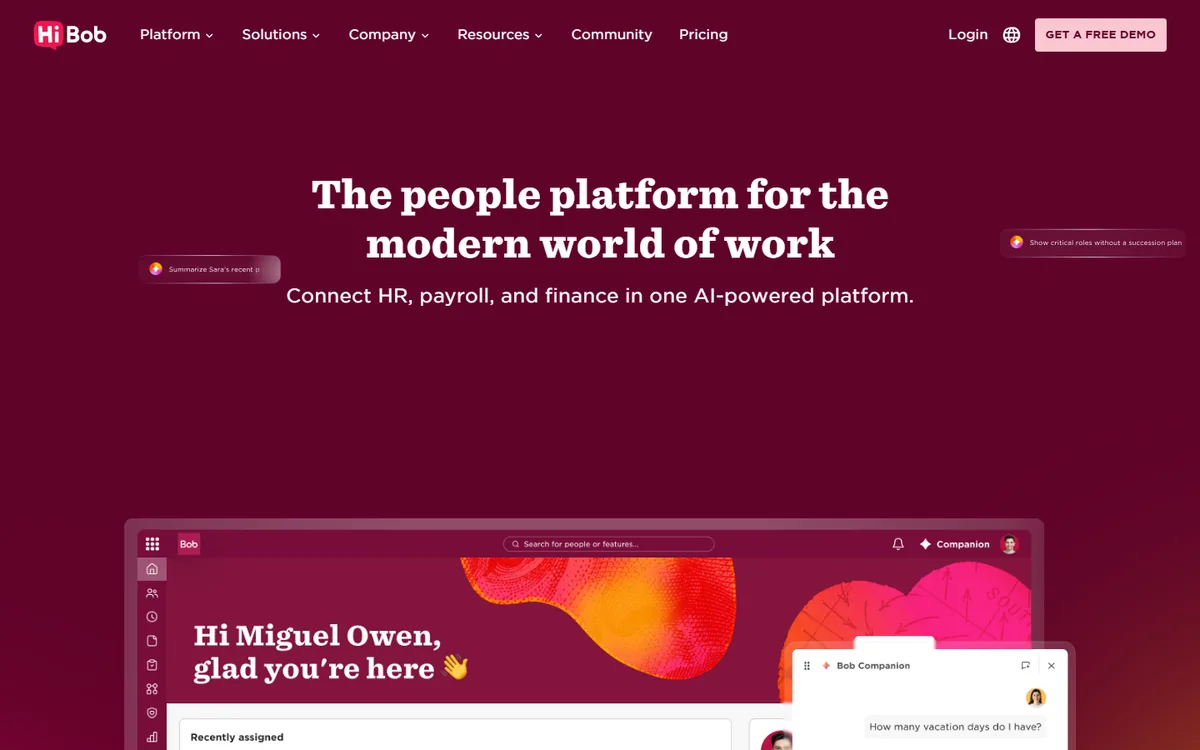
HiBob, branded as Bob, offers an HRIS with strong people data, onboarding, performance, compensation and engagement tools.
HiBob appeals to companies that want a modern interface and good people analytics. It handles core HR, compensation and hiring modules, and its employee profile and culture features are noticeably polished.
Payroll is handled through integrations or a payroll hub, depending on the country, so check what applies to your locations. No public pricing, and I find the demo-to-quote process takes longer than with simpler tools.
Where HiBob Shines
- Modern interface employees actually use
- Good people analytics and compensation tools
- Suitable for hybrid and global teams
Where HiBob Falls Short
- No public pricing
- Payroll depends on country and integrations
HiBob Pricing
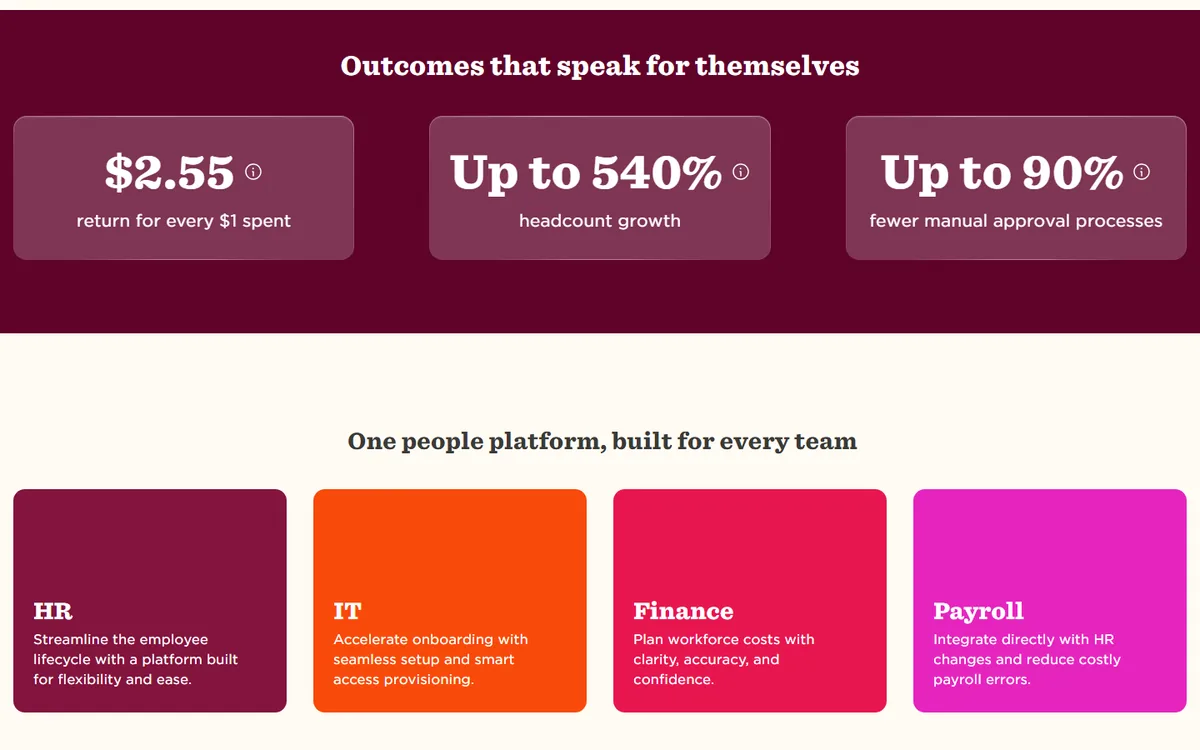
HiBob does not publish pricing. Its site directs you to request a demo, and pricing is quote-based.
HiBob Reviews
- G2: rated 4.5/5 (across 2,754 ratings)
Zoho People
A Budget-Friendly HRIS That Works Best Inside the Zoho Ecosystem
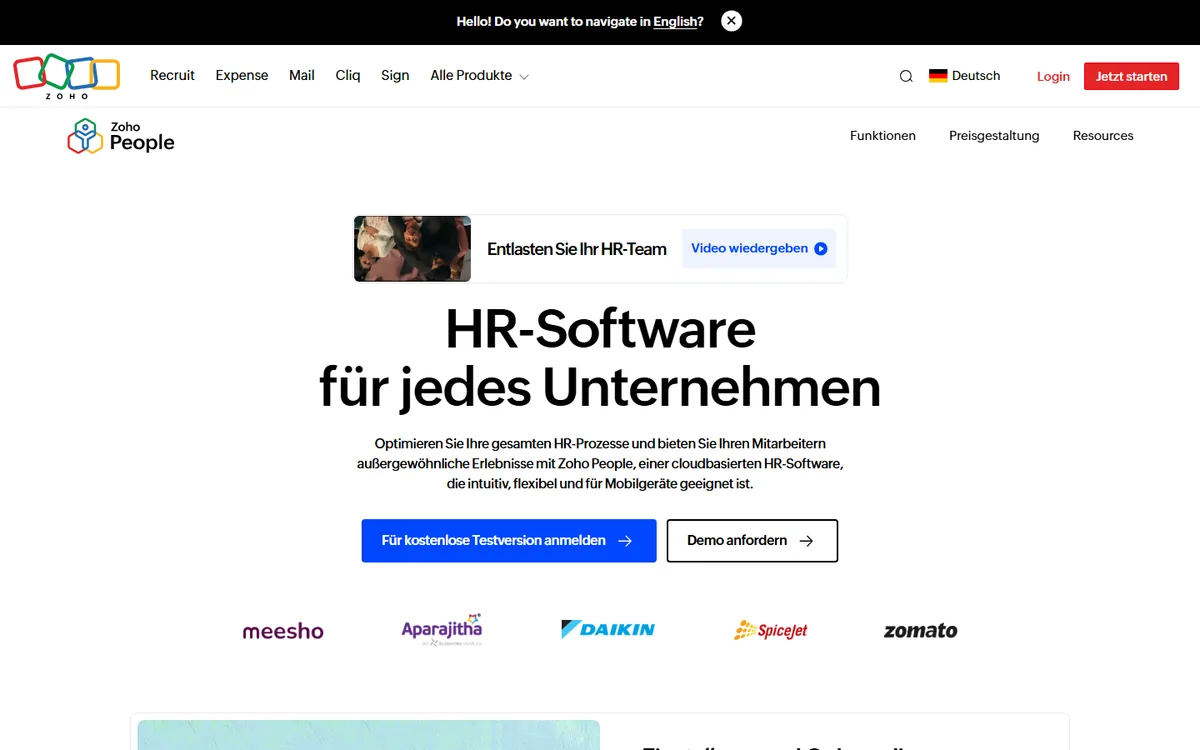
Zoho People covers employee records, leave, attendance and performance, and connects to the wider Zoho suite.
Zoho People is attractive on price and works well if you already use Zoho CRM, Books or Recruit. Employee records, leave, attendance and basic performance tools are included, and the platform is configurable.
Configuration takes time, and the interface is less polished than that of premium competitors. Payroll support depends on the country, so confirm that your region is covered before you commit.
Where Zoho People Shines
- Low entry cost, including a free plan for very small teams
- Integrates with other Zoho products
- Configurable workflows and forms
Where Zoho People Falls Short
- Setup takes more effort than simpler tools
- Payroll coverage depends on the country
Zoho People Pricing
Zoho lists a free plan for up to 5 users, plus Essential HR, Professional, Premium and Enterprise plans with a minimum of 5 users on paid plans. Per-user prices were not shown on the page I read, so check the current pricing page. Organizations above 500 users should request a quote.
Zoho People Reviews
- G2: rated 4.5/5 (across 432 ratings)
UKG Pro
A Deep Enterprise Suite for Large Workforces With Complicated Scheduling and Pay Rules
UKG Pro is an enterprise HCM platform covering payroll, talent, and workforce management for large employers.
UKG Pro serves large organizations with many pay rules, shift patterns and compliance demands. It combines payroll, HR and workforce management at a depth smaller suites do not offer.
That depth comes with a long implementation and a high price. It is rarely the right choice below a few thousand employees, and I advise clients to confirm they have the internal capacity to run a project of that size.
Where UKG Pro Shines
- Deep workforce management and scheduling
- Handles complex pay rules at scale
- Broad suite for large employers
Where UKG Pro Falls Short
- Long, resource-heavy implementations
- Cost and complexity are high for mid-sized companies
UKG Pro Pricing
UKG does not publish pricing for UKG Pro. G2 shows a perceived cost in the highest band, and pricing is quote-based.
UKG Pro Reviews
- G2: rated 4.3/5 (across 2,274 ratings)
Workday HCM
The Enterprise Standard for Global HR That Rewards Careful Implementation
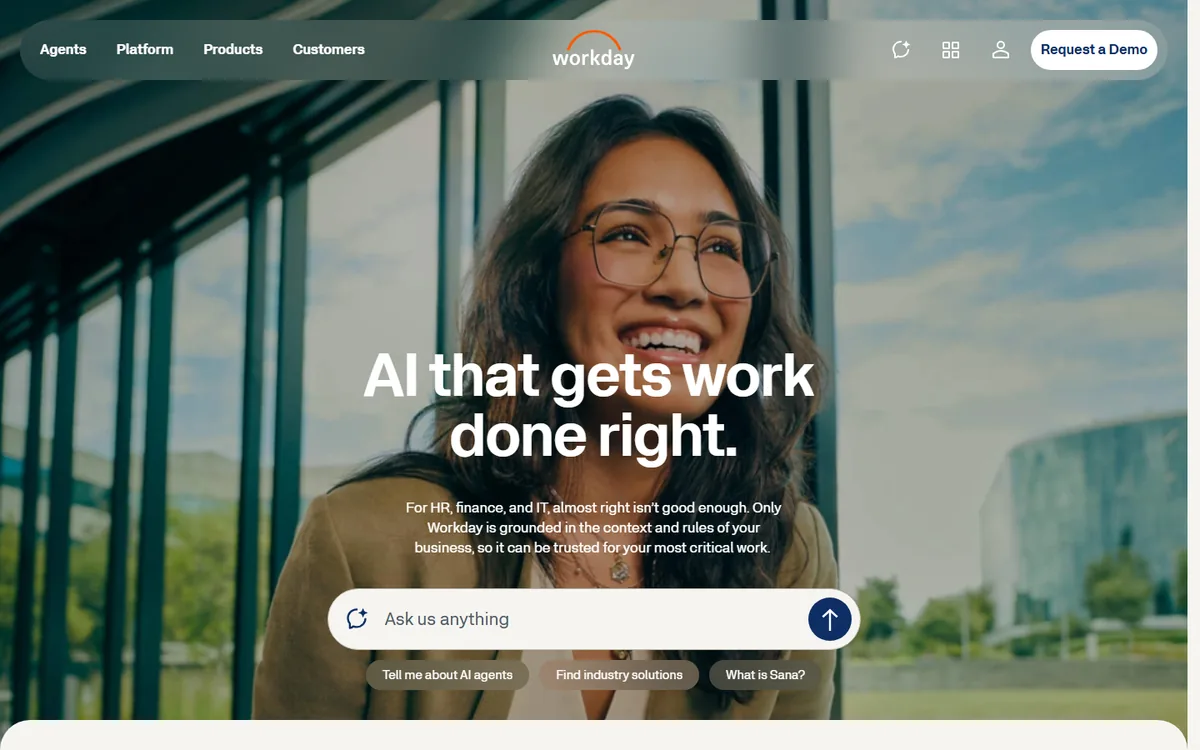
Workday HCM provides global HR, payroll, talent and planning, and pairs with Workday Financials for larger organizations.
Workday HCM is a common choice for large and global organizations that want a single system for HR and, often, finance. It offers a unified data model and strong reporting once configured.
Implementations are demanding and expensive, and the platform is typically sold to enterprises. I tell clients that success depends more on the implementation partner and internal ownership than on the software itself.
Where Workday HCM Shines
- Unified data model across HR and finance
- Strong reporting and global capability
- Regular, scheduled updates
Where Workday HCM Falls Short
- Costly and lengthy implementation
- Typically suited to large enterprises only
Workday HCM Pricing
Workday does not publish pricing. Plans are quote-based and tied to employee count and modules.
Workday HCM Reviews
- G2: rated 4.2/5 (across 2,500 ratings)
Greenhouse
A Structured Recruiting System for Teams That Hire Often and Want Consistent Interviews
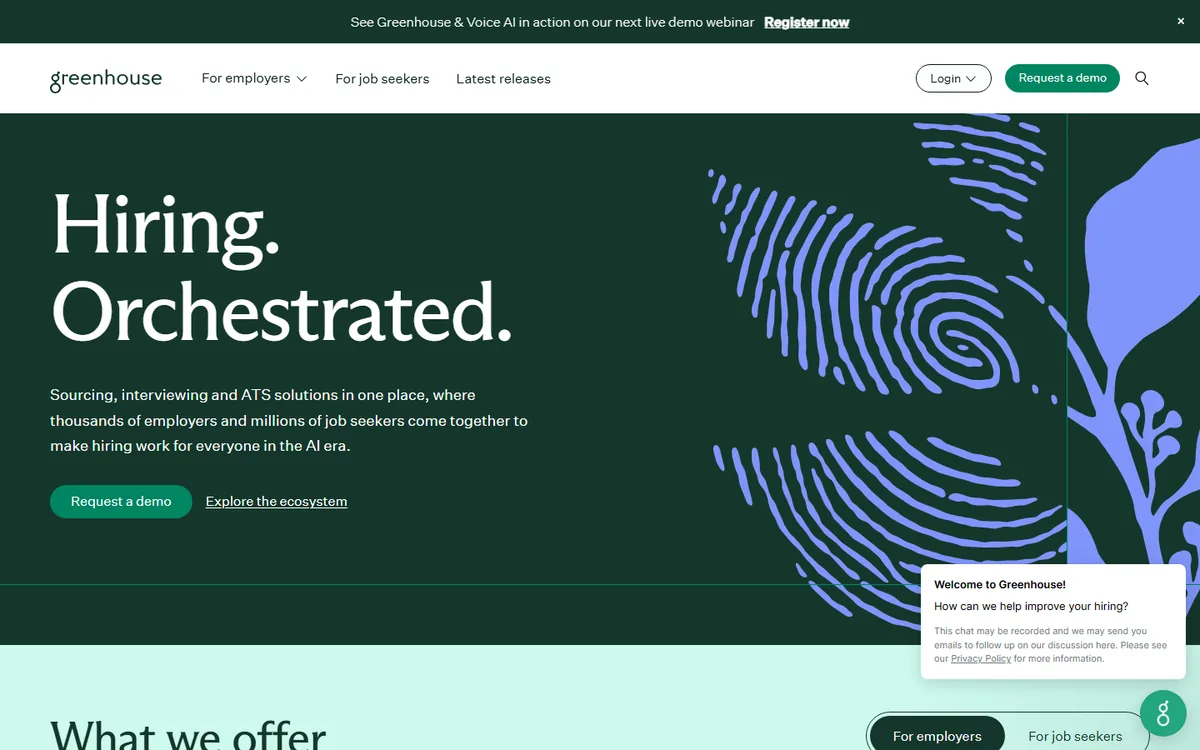
Greenhouse is an applicant tracking system with structured interview kits, scorecards, reporting and many integrations.
Greenhouse is the ATS I recommend when hiring is a core process and consistency matters. Structured interview kits and scorecards make it easier to compare candidates fairly, and the integration list is long.
It is more than a small company needs for occasional hiring, and costs reflect that. Make sure it connects cleanly to your HRIS, so approved offers flow into onboarding without re-keying.
Where Greenhouse Shines
- Structured interviews and scorecards
- Large integration marketplace
- Good reporting on the hiring funnel
Where Greenhouse Falls Short
- More system than occasional hirers need
- No public pricing
Greenhouse Pricing
Greenhouse does not publish plan prices on G2, and its pricing is quote-based by plan and company size. Check its pricing page for the current plan structure.
Greenhouse Reviews
- G2: rated 4.4/5 (across 4,063 ratings)
Workable
A Quick-to-Start Recruiting Tool for Small and Mid-Sized Teams
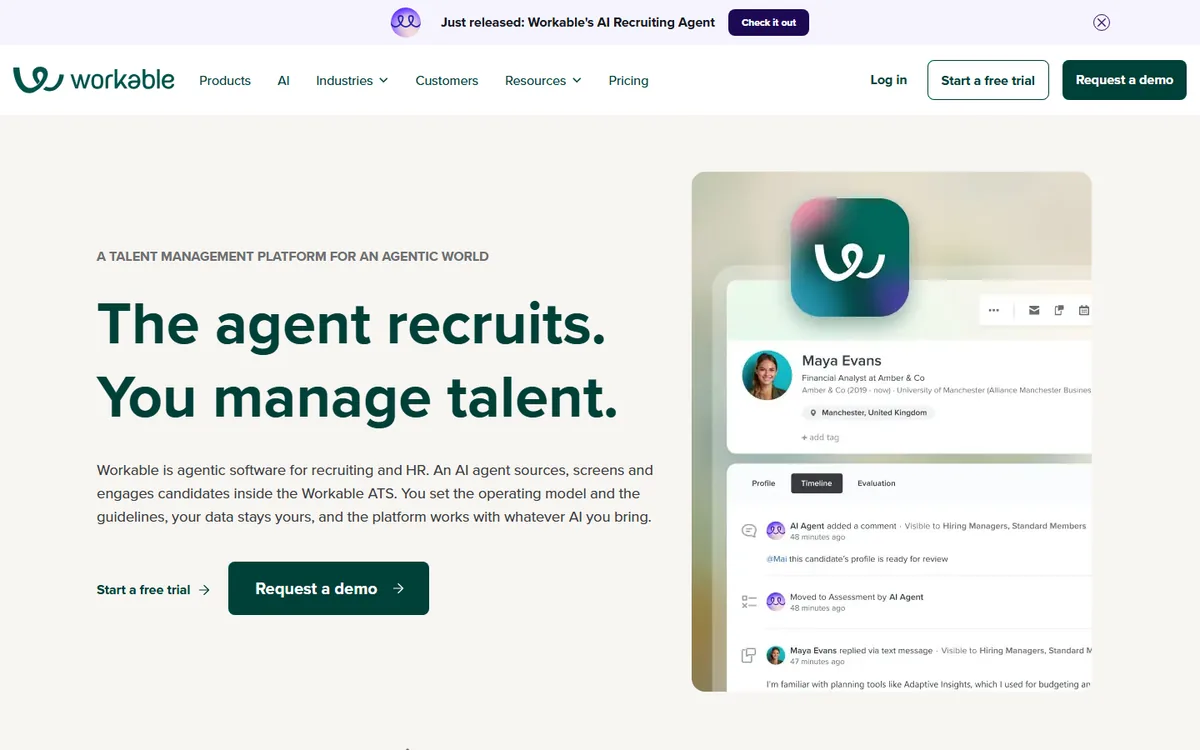
Workable offers job posting, applicant tracking, sourcing and basic HR in one tool, aimed at small and mid-sized teams.
Workable is quick to set up. You can post to multiple job boards, track candidates through a pipeline and use built-in sourcing tools without a long project.
Pricing is a monthly subscription based on usage and plan, so it suits teams with steady hiring. If you hire only a few times a year, compare it with a lighter tool, and check how it hands data over to your HR system.
Where Workable Shines
- Fast setup and simple pipeline
- Built-in job board posting and sourcing
- Predictable monthly plans
Where Workable Falls Short
- Less configurable than enterprise recruiting suites
- Monthly cost is hard to justify for rare hiring
Workable Pricing
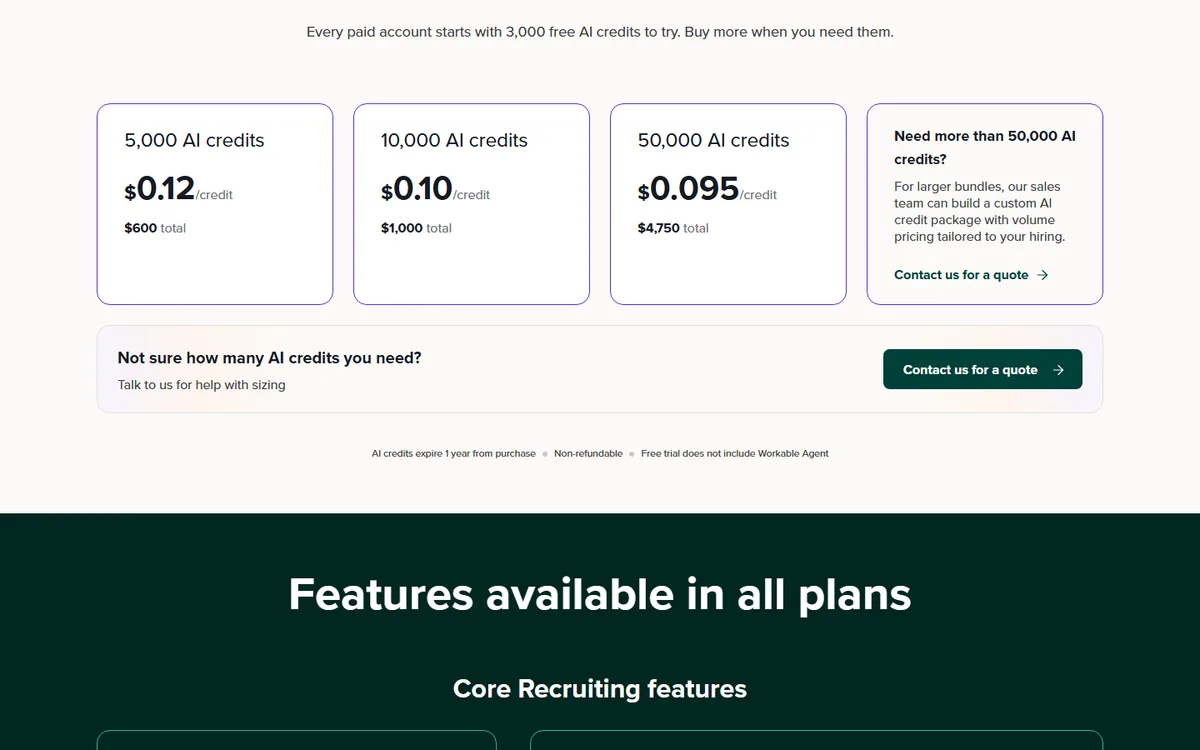
G2 lists the Standard plan at $299 per month, Premier at $599 per month and Enterprise at $719 per month. Plans are usage-based, so confirm the current prices on Workable’s site.
Workable Reviews
- G2: rated 4.4/5 (across 714 ratings)
Estimate the Return on HR Software
Before you pick a plan, check whether the numbers work for you. Enter the manual hours you want to remove, such as re-keying data or building reports, and the monthly price of the software you are considering. Treat the result as a rough guide and ground it in your own volumes. If you want to see where the time goes first, my HR technology challenges guide lists the common bottlenecks.
Is the Software Worth the Cost?
Move the sliders to match the work you want the tool to cover and the plan you are considering.
How to Choose the Right HR Software
In my experience, fit with your headcount and your countries decides more than any feature list. Before you compare vendors, I suggest you answer four questions:
- How many employees do you have now, and how many in three years?
- In which countries do you pay people, and under which employment models?
- Which systems must the HR software connect to, such as accounting, benefits or an applicant tracking system?
- Who will own configuration after launch: HR, IT or an outside partner?
If you are a small US team, start with Gusto, BambooHR or Justworks. If you want one platform for HR and IT, look at Rippling. If you hire across borders, shortlist Deel. Large employers should compare Workday, UKG Pro and ADP, and teams with heavy hiring should add Greenhouse or Workable. The planning that sits behind the choice is covered in my HR technology strategy guide, and the steps after signing are in HR technology implementation. Which trends may affect your shortlist is covered in HR technology trends, and my HR technology roadmap shows how to sequence the rollout. If you want a second opinion on your shortlist, a short call usually settles it.
Questions About Choosing HR Software
What Is the Best HR Software for a Small Business?
For US teams with simple needs, I usually point to Gusto for payroll with basic HR or BambooHR for a stronger HR system of record. Pick based on whether payroll or HR is your bigger need, and check how the two connect to your accounting software.
What Is the Difference Between an HRIS, Payroll and HCM?
An HRIS stores employee data and runs HR processes. Payroll calculates and pays wages and taxes. HCM is the broad term for suites that combine HRIS, payroll, time, talent and more. Many products cover all three, but they are not always equally strong in each.
How Much Does HR Software Cost?
Published prices in this list range from about $8 per employee per month to $29 per employee per month for entry-level products, and many vendors do not publish prices at all. Always ask for a written quote that includes implementation, add-on modules and support.
Should I Buy a Suite or Best-of-Breed Tools?
A suite reduces integration work and keeps one employee record, which helps small teams. Best-of-breed tools can offer deeper features in one area, such as recruiting, but need good integrations. I suggest you weigh the integration effort before deciding.
How Long Does HR Software Implementation Take?
Small teams can go live in a few weeks, mid-sized companies usually need a few months and enterprise systems take much longer. Payroll should run in parallel with the old system for at least one cycle before you switch.
What Should I Check Before I Sign a Contract?
Look at per-employee fees, minimums, add-on module costs, implementation fees, renewal increases, data export rights and the notice period. Also ask for references from companies of your size and industry.
How Do I Connect HR Software to Payroll and Accounting?
Check native integrations first, then look at an integration platform for gaps. Test with real records, and set alerts for failed syncs so errors do not pile up unnoticed. My guide to HR technology implementation covers the steps.
Disclaimer: Prices, plans and ratings change often. They were checked when this article was last updated, so confirm them on each vendor’s site before you buy. Nothing here is legal or financial advice.
Was this useful?
We appreciate the feedback.
Paige Mulvaney
Paige leads the Wicker editorial team and works with the consultants who run the roadmaps, software selections, implementations and integrations to turn real client projects into practical guides. Her focus is plain-language advice on IT strategy, choosing business software and connecting systems so they work together. Every article she edits is checked against current vendor pricing and documentation before it is published.