In Short
- Plan the next 12 months in detail and months 13 to 36 in outline, and review the plan every quarter.
- Sequence work in this order: foundations, stabilize and save, connect, replace and modernize, improve.
- Dependencies cause most delays, so list them and place each prerequisite before the project that needs it.
- Show run costs next to project costs, and hold a reserve for work you cannot predict.
A roadmap is where a strategy meets the calendar. It answers questions leaders ask in every budget meeting: what happens first, what does it cost, who is responsible and when will we see a result? In enterprise technology consulting work, I build the roadmap right after the assessment, and I keep it short enough to be read.
Below is the five-phase structure I adapt for clients, with the milestones, the typical delays and a way to keep the plan current. Treat the timings as a starting point, because your landscape and your capacity set the real pace.
The Timeline at a Glance
| Phase | Typical window | Main milestone | Gate before the next phase |
|---|---|---|---|
| 0. Foundations | Months 1 to 3 | Inventory, owners and intake routine in place | Every system has a named owner |
| 1. Stabilize and Save | Months 3 to 9 | Duplicate tools retired, top risk fixed | Savings confirmed against contract end dates |
| 2. Connect | Months 6 to 15 | Core systems integrated, one reporting source | Finance and operations agree on the numbers |
| 3. Replace and Modernize | Months 12 to 30 | Core platform migrated and the old one retired | Parallel run completed without critical errors |
| 4. Improve | Months 24 to 36 | Results reviewed, strategy refreshed | Next cycle funded |
Phases overlap on purpose. Connection work starts while savings are still being confirmed, because integration teams and retirement teams are rarely the same people. The overlap only works if capacity is planned, which I return to further down.
What Happens in Each Phase
Phase 0: Foundations (Months 1 to 3)
- Inventory and ownership list complete
- Intake routine and standards agreed
- Data cleanup started for the first migration
- Quick-win retirements chosen
Phase 1: Stabilize and Save (Months 3 to 9)
- Retire duplicate tools and unused licenses
- Fix the highest-risk system, such as an unsupported platform
- Set up backup, recovery and access reviews
- Renegotiate the largest renewals
Phase 2: Connect (Months 6 to 15)
- Build integrations between core systems
- Create one reporting source for finance and operations
- Replace manual exports with tested interfaces
- Add monitoring for failed syncs
Phase 3: Replace and Modernize (Months 12 to 30)
- Migrate the core platform chosen in the strategy
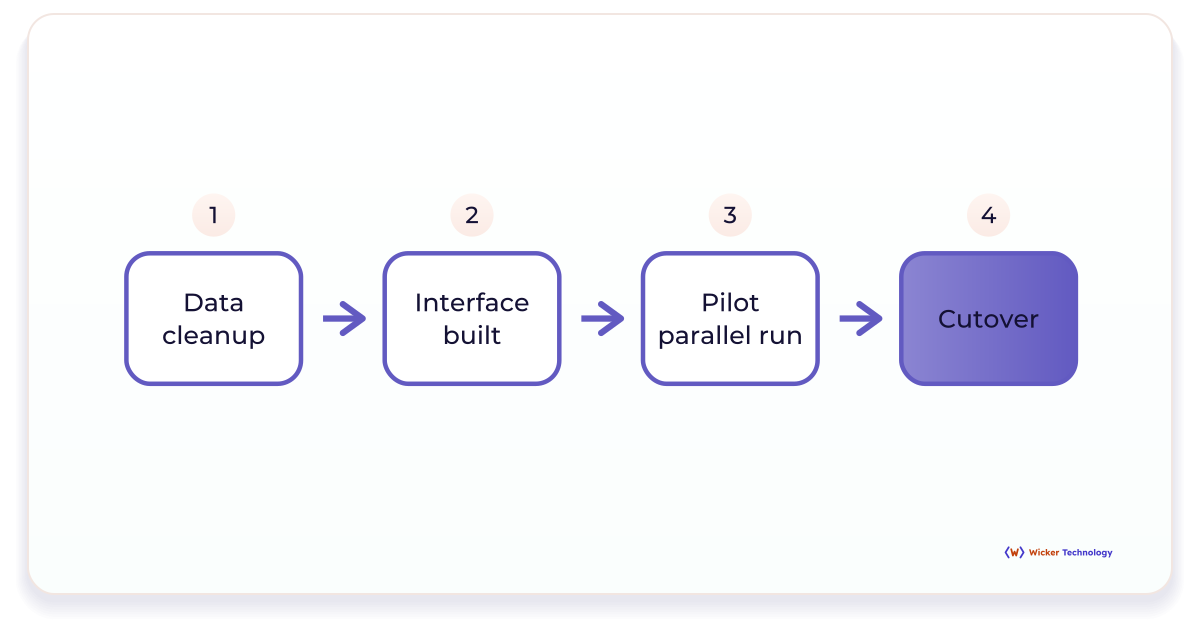
- Run old and new in parallel for one cycle
- Train users before each cutover
- Decommission the old system and export its data
Phase 4: Improve (Months 24 to 36)
- Review results against the original outcomes
- Extend standards to new business units
- Refresh the strategy and the roadmap
- Plan the next round of retirements
Phase 1 deserves more attention than it usually gets. It pays for the rest. When I helped a manufacturer retire four overlapping tools and renegotiate two large contracts in its first nine months, the saving covered most of the integration work that followed. Your numbers will differ, but the logic holds: early savings earn credibility, and credibility keeps the plan funded.
Dependencies That Delay Roadmaps
A roadmap fails quietly when a prerequisite is missing. The ones I see most often are:
- Data quality: a migration cannot start until customer or product data is cleaned and owned
- Identity: single sign-on and access reviews come before new systems are connected
- Contracts: a vendor notice period can make a replacement date impossible
- People: the same three experts are needed on four projects at once
- Business calendar: year-end, audits and seasonal peaks block cutovers
Mark each dependency on the plan as a gate. A project cannot start until its gate is passed. If you are unsure what the gates are, the enterprise technology assessment readiness ratings point to them.
Budget, Capacity and the Reserve
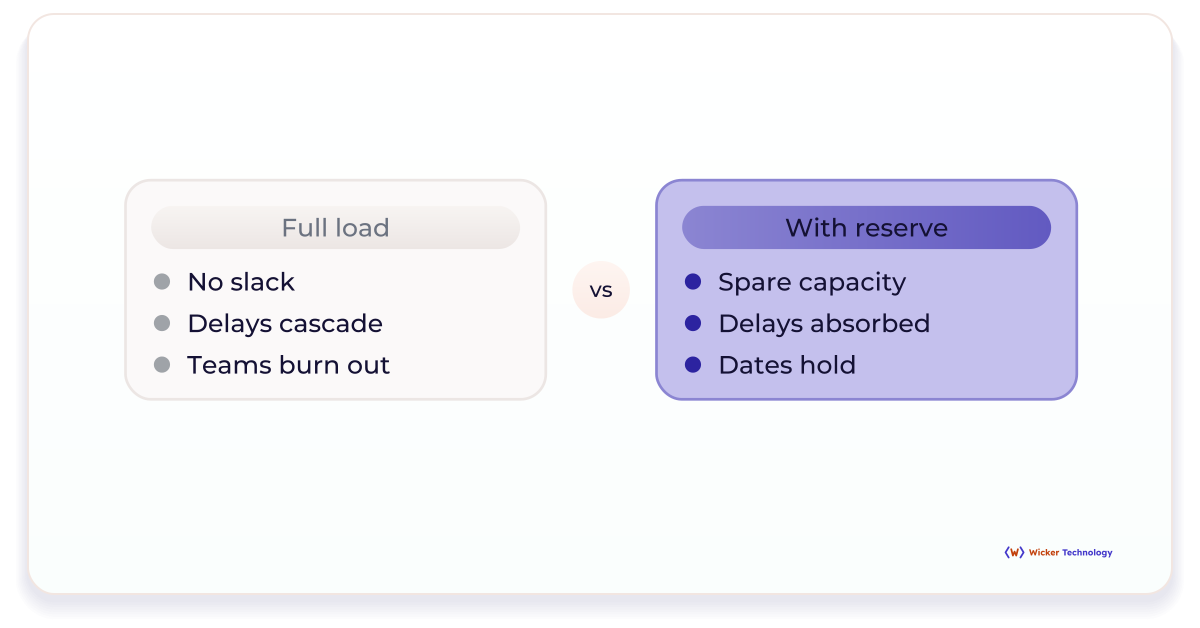
Give each initiative three numbers: one-time project cost, yearly run cost and internal staff time. The staff time is the number people skip, and it is often the real constraint. A roadmap that asks the same eight people to deliver five projects in a quarter will slip, whatever the budget says.
| Item | What to record | Common mistake |
|---|---|---|
| Project cost | Licenses, services, hardware and contingency | No contingency line |
| Run cost | Yearly license, hosting, support and licenses for extra users | Counting only the first year |
| Internal time | Days per role per quarter | Assuming staff are free for project work |
| Reserve | A share of budget and capacity left unassigned | Planning at 100% utilization |
I suggest you agree the reserve with your CFO before the plan is approved. A share around 10 to 15 percent of capacity is a sensible start for a landscape that is still changing, but treat that as a rule of thumb from my own projects, not a standard. The priorities that drive the numbers are set in the enterprise technology strategy.
A Worked Example of the First 12 Months
Take a distribution company with about 90 systems, three overlapping reporting tools and a warehouse platform that loses vendor support in 18 months. The figures are illustrative, but the sequence mirrors what I recommend.
| Quarter | Work | Owner | Milestone |
|---|---|---|---|
| Q1 | Inventory, ownership list, intake routine, warehouse vendor shortlist | CIO, procurement | Every system has an owner; shortlist approved |
| Q2 | Retire two reporting tools, renegotiate the two largest renewals, select the warehouse platform | Finance, CIO | Savings logged; contract signed |
| Q3 | Clean item and location data, build the interface to the ERP, train pilot site | Operations, IT | Pilot site ready for parallel run |
| Q4 | Parallel run, cutover at the pilot site outside peak season, plan the other sites | Operations | First site live; rollout dates agreed |
Notice what the plan leaves out. There is no new reporting platform in year one, because the data is not clean yet. There is no cutover in peak season. And the first quarter contains no technology purchase at all, only decisions and ownership. That restraint is what keeps the later quarters on time.
Risks to Put on the Page
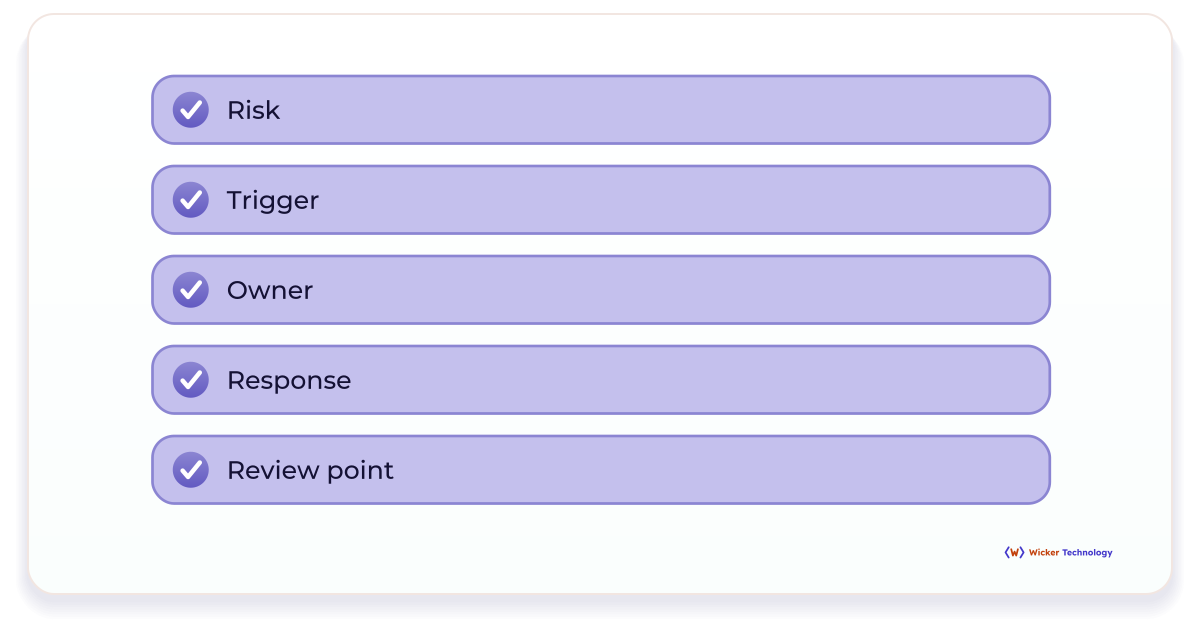
A roadmap without a risk list reads as a promise. A roadmap with one reads as a plan. Add the five risks you can already see, each with an owner and a response. Common entries are a key vendor missing a date, a key person leaving, a budget cut, a business event that blocks a cutover and a data problem found late.
For each risk, write a trigger that tells you it is happening, such as a milestone missed by two weeks. When the trigger fires, the owner brings the response to the quarterly review. This is the cheapest insurance in the whole plan, and it only takes an hour to write.
Telling the Story to Each Audience
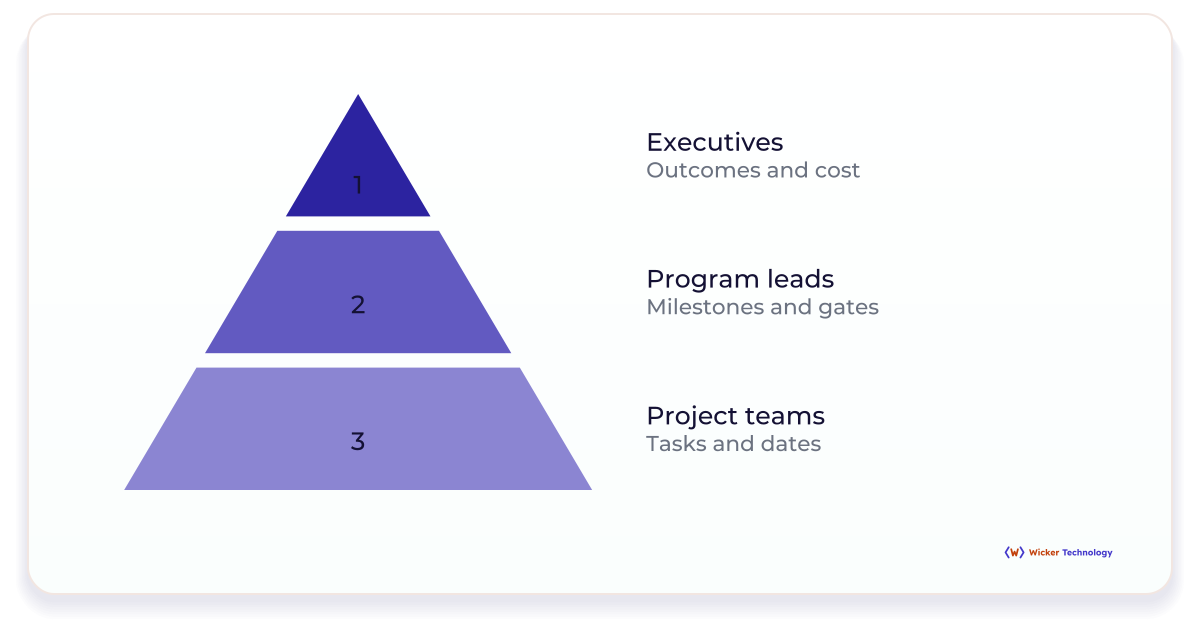
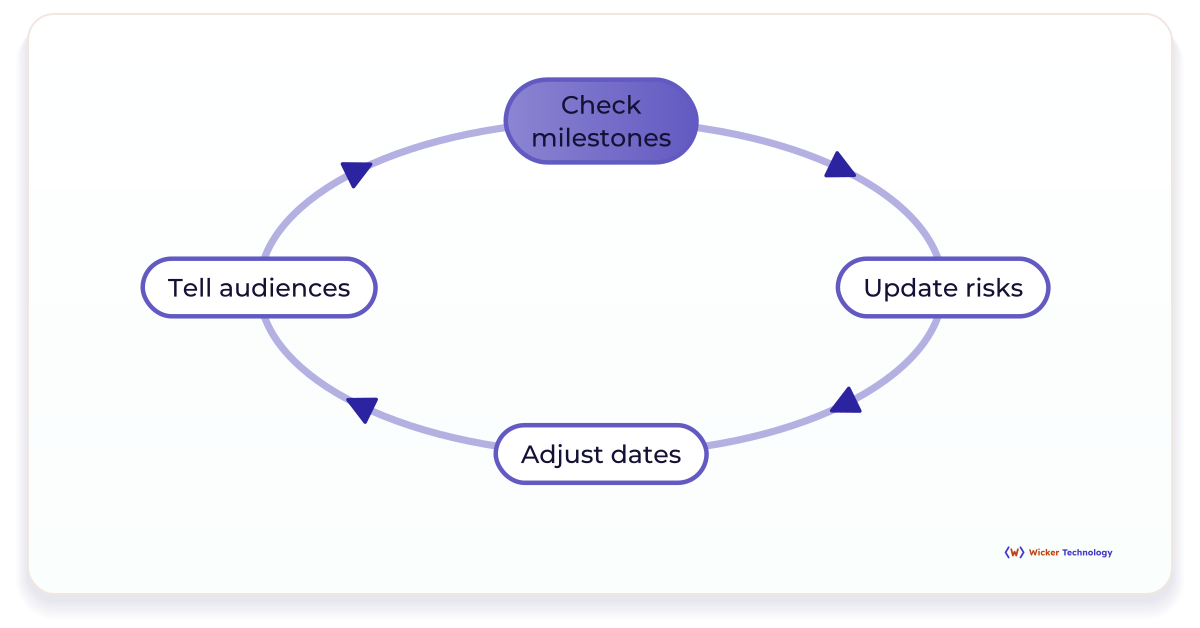
The same roadmap needs three versions. Executives want one page: outcomes, major milestones, total cost and the three biggest risks. Business owners want to know when their system changes, what they must prepare and who to call. Technical teams want the detail: dependencies, environments, cutover plans and test steps.
Write the executive page first. If you cannot fit the plan on one page, you do not yet understand it well enough to run it. Then derive the other two versions from the same source, so the dates never disagree.
Communicate changes the same way. When a milestone moves, tell each audience what changed, why and what it affects. Silence about slipped dates is what turns a manageable delay into a loss of trust. A short note after each quarterly review, with what moved and why, is usually enough to keep confidence intact.
Planning Capacity Before You Plan Dates
Dates come last. Start by listing who is needed for each project: the business owner, a technical lead, a data owner and a tester. Then check how many of those roles are the same person across projects. A person who appears in four projects in the same quarter is a schedule risk, and the roadmap should show it.
When capacity is short, you have three options: move a project, add outside help or reduce scope. Decide which in the quarterly review. The worst option is to say nothing and hope people work longer, because it produces a plan that looks fine and a delivery that does not.
Outside help works best for work that is specialized and finite, such as a migration or a vendor selection, and worst for work that needs deep knowledge of your business, such as defining data ownership. Keep the second kind in-house and bring partners in for the first.
Keeping the Roadmap Alive
Review it every quarter in a one-hour meeting. Look at four things: what finished, what slipped and why, what changed in the business and what moves into the detailed window. Update the one-page version and send it to leadership. If the plan is only touched at budget time, it will be wrong by the second quarter.
Track progress with milestones and not with percent complete. A milestone is either reached or not, and that is easier to discuss. The day-to-day work of running the landscape between milestones is covered in enterprise technology management.
How to Choose the Right Level of Detail
A small organization can run on a one-page plan and a shared task list. A group with several business units needs a portfolio view, with one roadmap per unit and a combined view for the executive team. Match the detail to the number of people who need to coordinate. More than that is paperwork.
To see roadmaps in context, look at the enterprise technology examples, where several organizations describe how sequencing shaped the result. If you would like help drafting yours, a short call is a good place to start.
Questions About Enterprise Technology Roadmaps
What Is an Enterprise Technology Roadmap?
It is a time-based plan that shows which technology changes you will make, in what order, at what cost and with which owners. It turns the priorities from your strategy into funded projects with milestones.
How Far Ahead Should a Roadmap Look?
Plan in detail for the next 12 months and in outline for months 13 to 36. Anything further out changes too often to be worth detailing. Review the plan every quarter and move the window forward.
How Detailed Should It Be?
Detailed enough that an owner knows what to start and when, and short enough that an executive can read it in ten minutes. One page for leadership and a longer working version for the teams is a good split.
What If Priorities Change Mid-Year?
They will. Keep a reserve of capacity and budget, and use the quarterly review to swap items in and out. Record what moved and why, so the plan stays credible.
How Do We Handle Dependencies Between Projects?
List them explicitly. Data cleanup before a migration, identity before single sign-on and integration platform before new connections are common examples. Place the prerequisite first and mark it as a gate for the project that needs it.
Should the Roadmap Include Run Costs?
Yes. Show project cost and the yearly cost to run the result, including licenses, support and the staff time involved. Without run costs a project can look cheap while quietly adding to the budget for years.
Who Approves the Roadmap?
The executive team approves it, with the CFO signing the budget. Business owners accept responsibility for their projects, and the CIO owns the plan as a whole.
Important: nothing in this article is legal, financial or tax advice. All figures are estimates from typical projects, so verify them with your own providers and advisers.
Was this useful?
We appreciate the feedback.
Paige Mulvaney
Paige leads the Wicker editorial team and works with the consultants who run the roadmaps, software selections, implementations and integrations to turn real client projects into practical guides. Her focus is plain-language advice on IT strategy, choosing business software and connecting systems so they work together. Every article she edits is checked against current vendor pricing and documentation before it is published.