In Short
- Business technology management is the ongoing work of owning, funding and reviewing the systems your company runs.
- Every system needs a named owner, a cost, a renewal date and a reason to exist.
- A short monthly review catches most problems: unused licenses, expiring contracts and open risks.
- Keep governance light. Heavy processes get ignored, and light ones get followed.
Most companies manage technology by reaction. A tool breaks, a team asks for a new subscription, a renewal invoice arrives and someone approves it. Each decision is reasonable, and the sum is a stack that costs more every year and nobody fully understands.
I have seen this in companies with ten employees and in ones with a thousand. The fix is a small set of habits, not a big program. This guide describes them, and it builds on the work I do in business technology consulting. If you are still setting direction, start with business technology strategy, then come back here to run what you build.
What Business Technology Management Covers
Business technology management is the ongoing work of owning, funding, securing and reviewing the systems your company runs. It sits between the planning documents and the daily help desk. A business technology roadmap says what you will change. Management is what keeps the rest working while you change it.
It includes five areas: the inventory of systems, ownership and decision rights, vendor and contract management, budget and cost control, and risk and security. Each area has a small set of routines, and none of them needs special software to begin.
| Area | Main question | Routine that answers it |
|---|---|---|
| Inventory | What do we run? | One shared list, updated monthly |
| Ownership | Who decides? | A named owner per system |
| Vendors | What did we agree to? | Renewal calendar and contract file |
| Budget | What does it cost and return? | Quarterly spend and usage review |
| Risk | What could go wrong? | Access review and backup test |
Start With an Honest Inventory
You cannot manage what you cannot list. Pull data from three places: your finance system for subscriptions and invoices, your identity provider or email admin for apps people sign into, and the teams themselves for tools paid on personal cards. The three lists never match, and the differences are where your problems hide.
For each system, capture the owner, purpose, annual cost, renewal and notice dates, number of paid and active users, the data it holds and the systems it connects to. I have a rule for the first pass: do not fix anything while you list. People stop being honest when they think every answer triggers a cut.
Give Every System an Owner and a Decision Right
An owner is a person, not a department. They know what the system is for, approve changes to it and attend the review. Owners are usually business leads, such as the sales lead for the CRM and the finance lead for the accounting system, supported by IT for technical work.
Decision rights should be written on one page. Who can buy a tool under a set amount? Who approves a tool that touches customer data? Who signs a contract? Without these rules, teams guess, and guessing produces both shadow tools and long waits. A fast, clear process reduces both.
| Decision | Typical owner | Needs review by |
|---|---|---|
| New tool under a set amount | Team lead | Finance, for budget |
| New tool with customer data | Department head | Security and legal |
| Contract signature | Executive | Finance and legal |
| Retiring a system | System owner | Teams that use it |
Manage Vendors and Contracts, Not Just Software
Most of the money you lose on technology leaks through contracts. Automatic renewals, price increases that arrive with 30 days of notice, minimum seat counts and fees to export your own data all hide in paragraphs nobody reads again after signing. A calendar with every renewal and notice date, reviewed monthly, solves half of this.
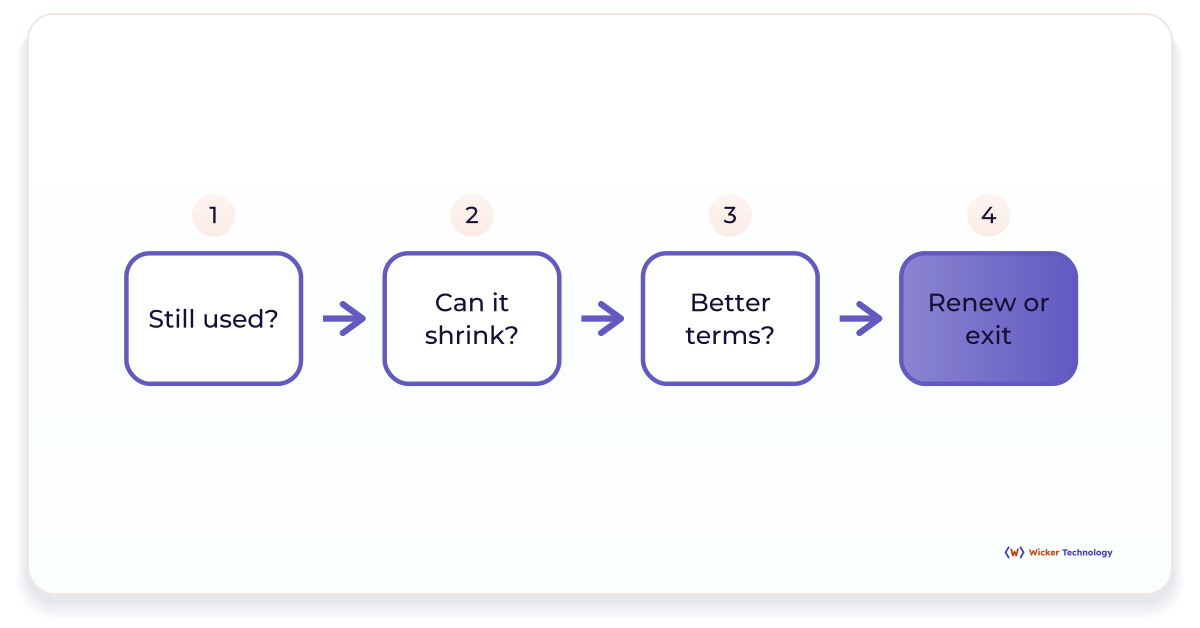
Before a renewal, ask three questions. Do we still use it? Can we reduce the seats or the plan? What would it take to leave? That last one matters because the answer sets your negotiating position. When selecting new tools, my ranking of business technology solutions shows the questions I ask every vendor.
Control Spend With a Quarterly Review
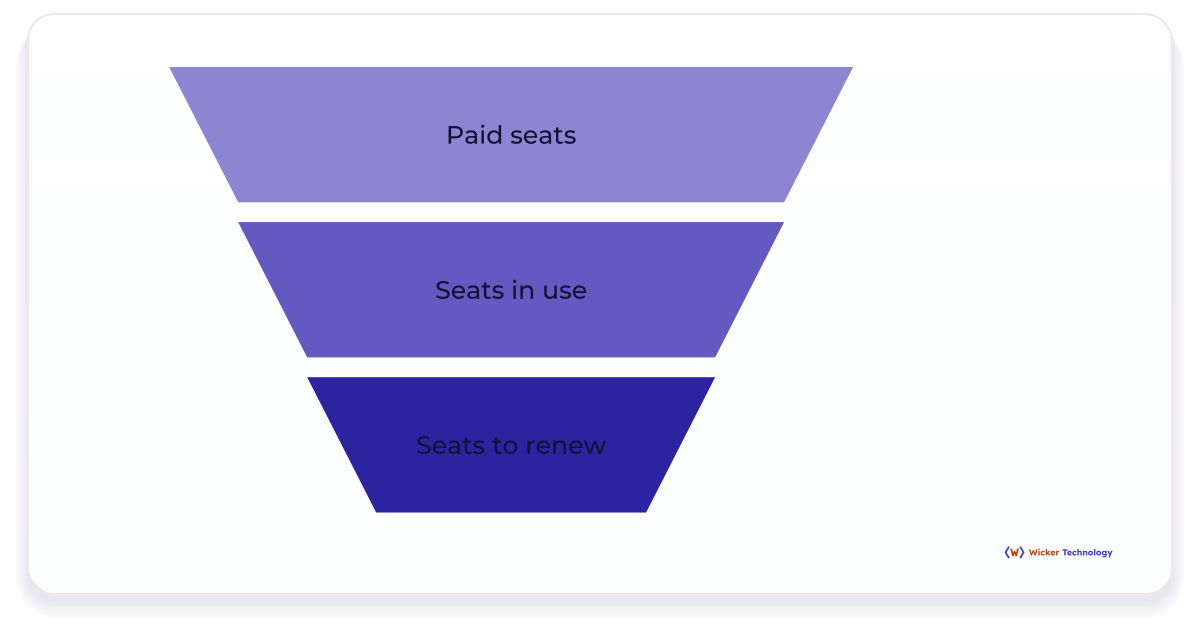
Look at three numbers each quarter: total technology spend as a share of revenue, spend per employee and the share of paid licenses that were active in the last 30 days. None of them is a target, and all of them show drift. A rising share of unused licenses tells you where to cut, and rising spend per employee tells you where to ask questions.
Pair every cut with a reason people can hear. Teams accept removals when the reason is a duplicate tool or a seat nobody used, and resist when it looks arbitrary. My collection of business technology examples shows how companies of different sizes found savings without hurting the work.
Keep Risk and Security in the Routine
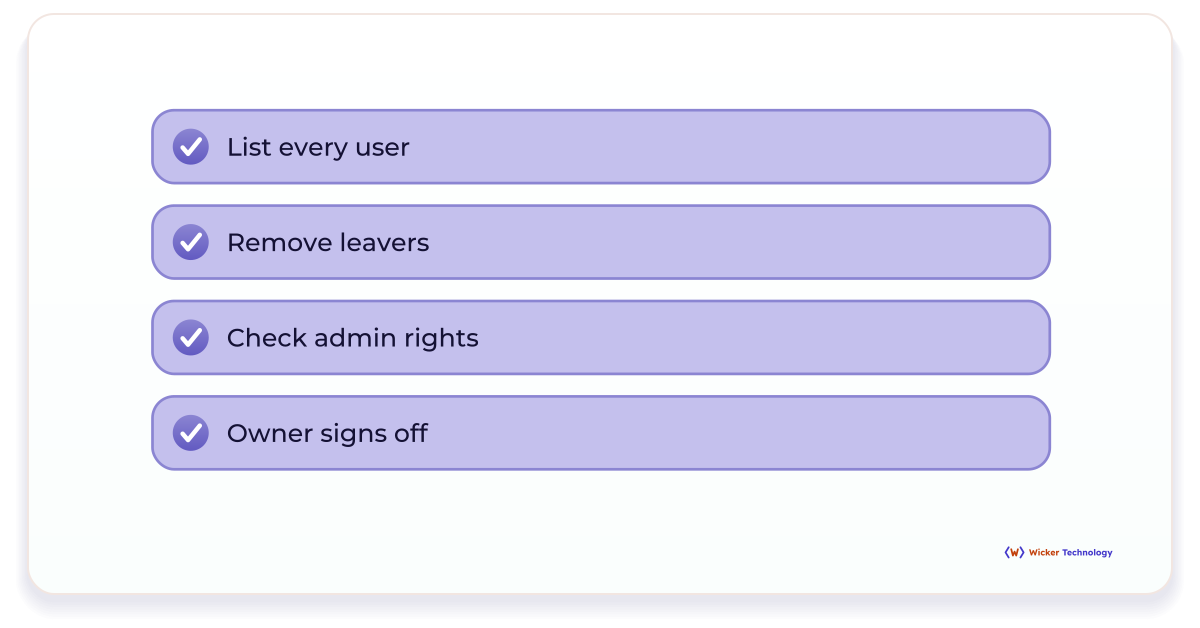
Security is part of management, not a separate project. Four checks cover most of what goes wrong: who has access to what, whether backups restore, whether software is still supported and which vendors hold your data. Put each on the calendar and give it an owner.
An access review is the simplest. Once a quarter, ask each system owner to confirm the list of users. People who changed roles or left the company show up immediately, and removing them shrinks your exposure for free. A restore test is the second: pick a backup and recover one file, once a quarter, and write down how long it took.
Handle Shadow IT Without Starting a War
Shadow IT means tools bought outside the official process, and nearly every company has some. People do not do it to cause trouble. They do it because a deadline is close and the approved route takes three weeks. If you respond with a ban, the tools simply go further out of sight.
Do this instead: publish a short list of approved tools for common needs, set a two-day answer time for new requests and ask teams to register what they already use, with no penalty for the first round. After that round you will usually find a few risky tools to move, a few duplicates to merge and one or two good finds to adopt company-wide. Treat the registered list as the start of your inventory, not as a confession.

Mistakes I See in Technology Management
The first is putting everything under IT. Business-owned tools such as a CRM or a marketing platform need a business owner who understands the process, with IT in support. The second is buying a governance tool before the habits exist, which gives you a dashboard nobody updates. A spreadsheet and a monthly meeting beat any software you do not use.
The third is running reviews with no authority to decide. If the meeting can only note problems, people stop coming. Give the group the right to approve cancellations and small purchases. The fourth is treating cost cutting as the whole job. Cheap technology that slows your team down is expensive, so look at hours as well as invoices.
What Changes as Your Company Grows
At ten people, one person can hold the inventory in a spreadsheet and approve purchases over coffee. At a hundred, you need written decision rights, a shared calendar and an owner for each system. At a thousand, you also need a standard for how teams request tools, a security review step and a person whose job is vendor management.
Add structure only when the pain justifies it. I have watched twenty-person companies adopt processes designed for enterprises, and the result was people avoiding the process. Start with the five areas above, keep each routine to an hour or less and add a layer when a specific problem repeats twice. That rule keeps the practice proportionate and keeps people on your side. It also keeps the cost of management itself low, which matters because a program that costs more than it saves will lose its funding at the next budget round.
A Monthly Routine That Takes One Hour
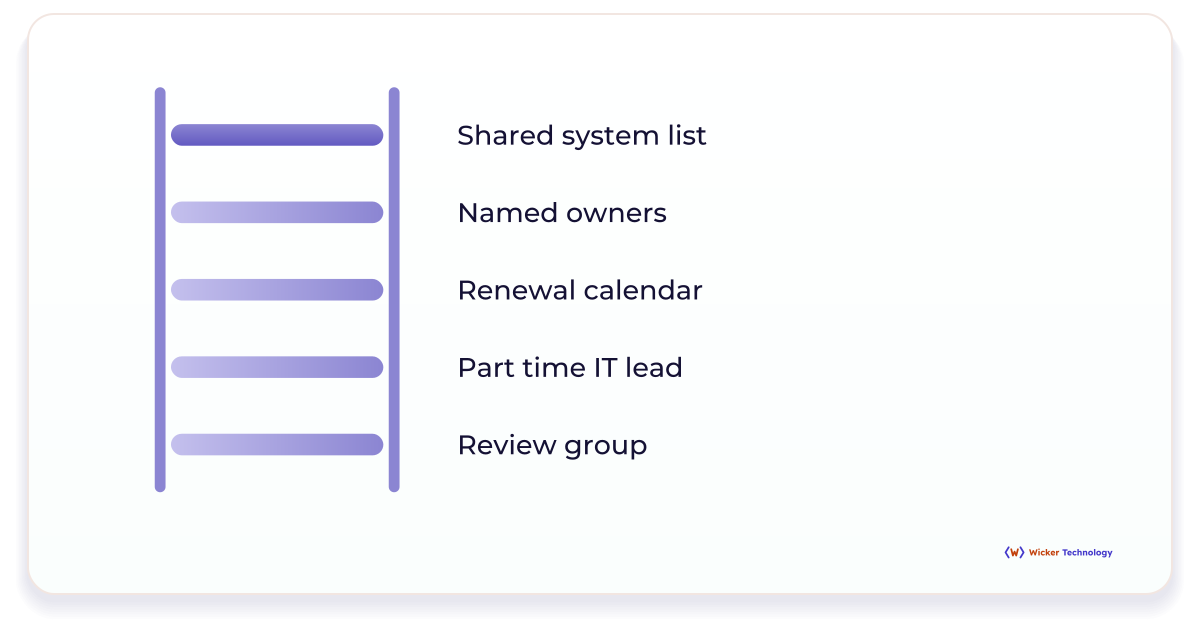
The routine is deliberately short. Hold a one-hour meeting with a technology lead, a finance lead and one business representative. The agenda is fixed so that people can prepare in ten minutes.
| Minutes | Agenda item | Output |
|---|---|---|
| 10 | Renewals due in the next 90 days | Decide keep, change or cancel |
| 10 | Spend against budget | Flag anything over plan |
| 15 | Open risks and access issues | Owner and date for each |
| 15 | Requests for new tools | Approve, defer or decline |
| 10 | Roadmap progress | Update status and blockers |
Keep minutes of two lines per item. In six months you will have a record of decisions, which helps when someone asks why you chose a tool or what happened to it. The record also makes auditors and acquirers happy, because it shows the company controls its own stack.
How to Know Your Management Is Working
You are managing well when surprises get rare. Renewals do not catch you off guard, nobody learns about a tool from the invoice and a new hire gets access on day one. Check yourself against this list:
- Every system has a named owner, a cost and a renewal date.
- A person can answer within a day what data a given vendor holds.
- You hold a monthly review and a quarterly spend review.
- You can tell the board which three technology changes are planned and why.
If you cannot tick most of these, you do not need a bigger budget. You need a short project to catch up, which is exactly what business technology consulting is for, and the business technology roadmap then gives you the sequence for what comes next.
Questions About Business Technology Management
What Is Business Technology Management?
It is the ongoing practice of deciding what technology your company uses, who owns it, what it costs and when to change it. It covers software, hardware, vendors, security and budgets, and it connects them to business goals.
How Is It Different from IT Management?
IT management often focuses on running infrastructure and supporting users. Business technology management is wider: it includes business-owned tools such as CRM or marketing software, and it asks whether each one earns its cost.
Who Should Own Technology in a Small Company?
A named person, even if it is a part-time duty. In a small company that is often the operations lead or a finance manager with an external IT provider. What matters is that someone can answer what you run, what it costs and when it renews.
How Often Should We Review Our Technology?
Hold a short review every month and a deeper one every quarter. Monthly covers renewals, access and open issues. Quarterly looks at spend, usage and whether any tool should be merged or retired.
How Do We Stop Shadow IT?
Make the approved path easy. A short request form with a fast answer works better than a ban. Teams buy their own tools when the official process takes weeks, so measure and shorten your own approval time.
What Should Be in a Technology Inventory?
For each system record the owner, purpose, annual cost, renewal and notice dates, number of users, data it holds and connections to other systems. A shared spreadsheet is enough to begin.
When Should We Bring in a Consultant?
Consider one when spend is growing faster than revenue, a major renewal is near, you are merging companies or a past project failed. An outside review is quick and gives you a clean starting inventory.
Important: nothing in this article is legal, financial or tax advice. All figures are estimates from typical projects, so verify them with your own providers and advisers.
Was this useful?
We appreciate the feedback.
Paige Mulvaney
Paige leads the Wicker editorial team and works with the consultants who run the roadmaps, software selections, implementations and integrations to turn real client projects into practical guides. Her focus is plain-language advice on IT strategy, choosing business software and connecting systems so they work together. Every article she edits is checked against current vendor pricing and documentation before it is published.