In Short
- Most small business technology problems start with missing ownership, not missing tools.
- Security basics and tested backups are the fastest, cheapest risk reducers.
- A yearly subscription audit usually finds cash you are already wasting.
- Write requirements before you watch a software demo.
Most small businesses run on a patchwork of subscriptions, personal devices and one person who knows how it all connects. That works until the person leaves, the laptop breaks or a client asks about your security. My small business technology consulting work starts with exactly these problems.
Here are the seven challenges I see most often, why they happen and what to do about each. The fixes are small enough for one person to start this month.
The Seven Challenges and Their First Fix
| Challenge | What it looks like | First fix |
|---|---|---|
| 1. Subscription creep | Dozens of tools, many unused | Annual software audit |
| 2. Security without a security team | Default settings and shared passwords | Multi-factor sign-in and a password manager |
| 3. No technology owner | Everything waits for "someone" | Name one owner and give them time |
| 4. Scattered data | Customer details in five places | Pick one system of record |
| 5. Remote work and devices | Personal laptops and unmanaged phones | Basic device rules and updates |
| 6. Choosing software | Too many options and demos | Write requirements first |
| 7. Backups and downtime | Nobody has tested a restore | Automatic backup and a restore test |
1. Subscription Creep
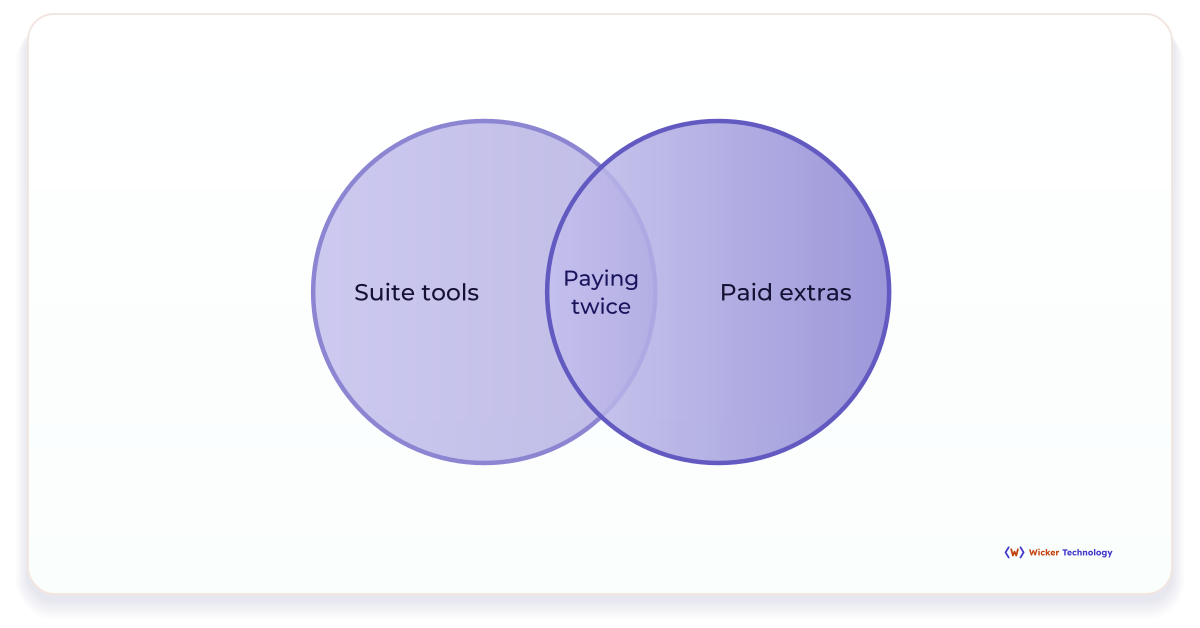
Software is easy to buy and hard to cancel. One person signs up for a project tool, another adds a design app and a trial converts to a paid plan nobody remembers. In my audits of small businesses the surprise is rarely one big bill. It is a long tail of small ones that adds up to a real monthly cost.
The audit takes an afternoon. Export your card and bank statements, list every recurring software charge and ask who uses each tool. You will usually find overlaps, such as two video call tools or two file storage services.
Do This
- Review all recurring charges once a year.
- Assign each tool a named owner.
- Put renewal dates in a shared calendar, 30 days ahead.
Avoid This
- Letting anyone buy tools on a personal card.
- Keeping a tool because canceling feels like admitting a mistake.
2. Security Without a Security Team
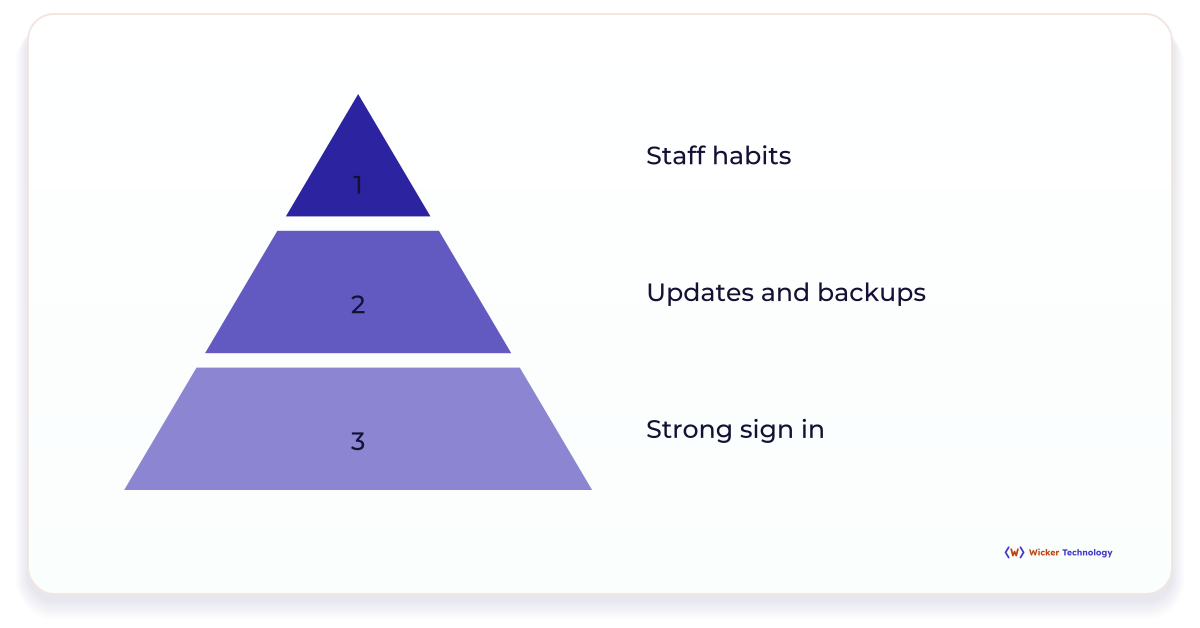
Attackers do not skip small businesses. Verizon's data breach report finds that ransomware shows up in 48% of the breaches it analyzed, across companies of every size, so a smaller target still gets hit when the basics are missing. The usual weak points are reused passwords, no second sign-in step and email accounts that were never locked down.
You can close most of this gap with free guidance. The SBA and FTC both publish checklists for small businesses, and CISA recommends starting multi-factor authentication with email, file storage and remote access.
Do This
- Turn on multi-factor authentication for email, banking and accounting.
- Use a password manager for the whole team.
- Run a short phishing exercise each year.
Avoid This
- Sharing one login between several people.
- Treating security as a one-time project.
3. No One Owns Technology
In a team of fifteen, technology tends to belong to whoever is most comfortable with computers. That person also has a day job. Requests pile up, updates slip and nobody makes decisions about what to buy.
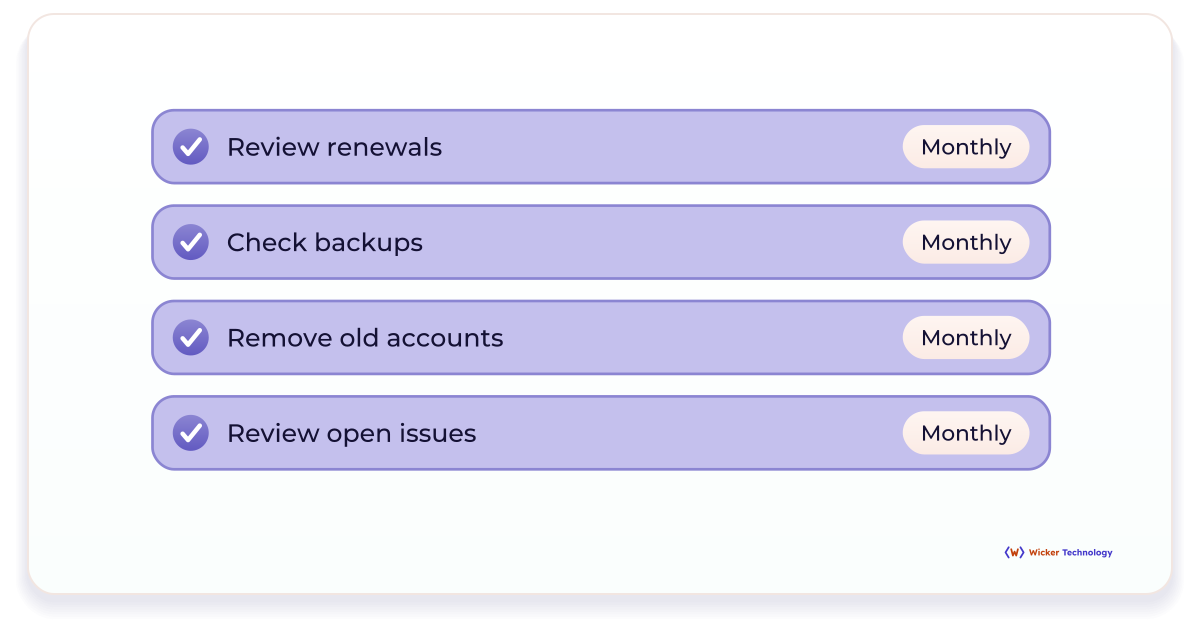
Name an owner and give them real hours. Two to four hours a month is enough for many businesses when the owner has a simple agenda: renewals, access changes, updates and open issues. If the owner is a person on your team, add an outside partner they can call for the hard problems.
Do This
- Write down who approves purchases and who handles access changes.
- Hold a 30 minute technology check-in every month.
- Keep a one page list of systems, logins owners and renewal dates.
Avoid This
- Relying on one person with no documentation.
- Letting the loudest request set the priority.
4. Scattered Business Data
Customer details live in an email inbox, a spreadsheet, an invoicing tool and a CRM nobody updates. When someone asks for a customer's history, the answer takes an hour. When an employee leaves, part of the picture leaves with them.
Pick one system of record for customers and one for money, and make everything else feed them. That usually means a CRM and an accounting tool, with a few connections between them. My guide to small business software lists options by budget.
Do This
- Choose one place for customer records.
- Connect forms, email and invoicing to that place.
- Export a backup of customer data monthly.
Avoid This
- Adding another tool before cleaning up the first.
- Keeping critical data in personal accounts.
5. Remote Work and Personal Devices
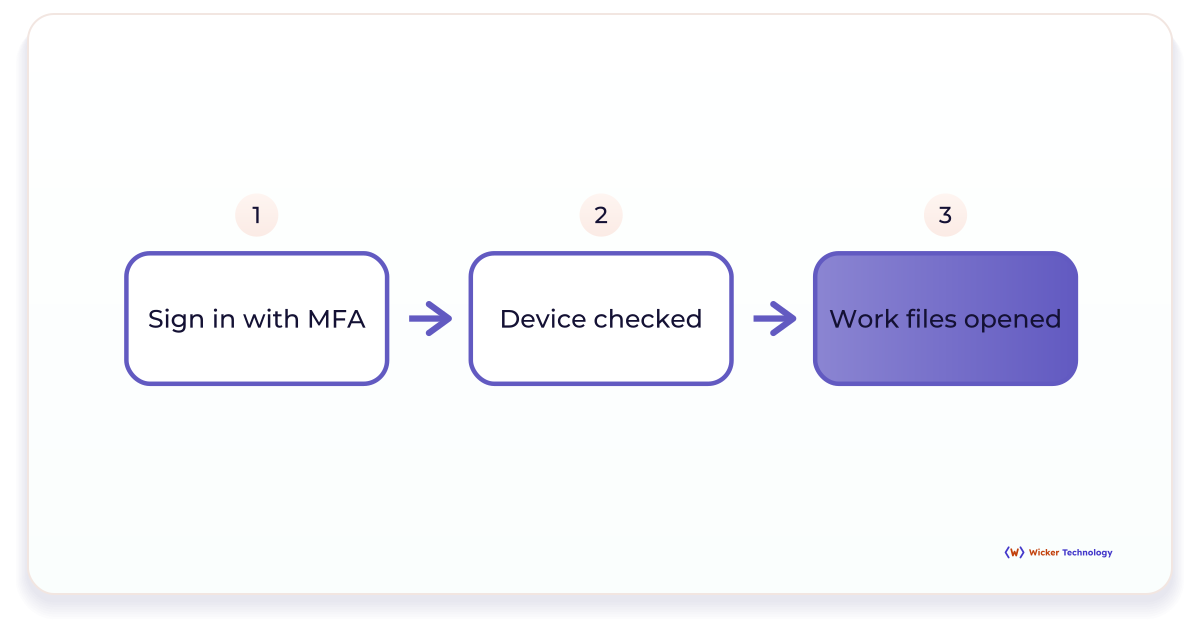
Staff use home laptops, personal phones and public Wi-Fi to reach company data. You cannot control every device, but you can set basic rules: updates on, screen lock on, company accounts protected by multi-factor sign-in and a way to remove access when someone leaves.
Cloud tools make this easier. Microsoft 365 and Google Workspace both include device and access controls in their business plans, and I find owners rarely switch them on.
Do This
- Require screen locks and automatic updates.
- Use single sign-on or a shared password manager.
- Remove access on a person's last day.
Avoid This
- Allowing company files to sit on personal cloud accounts.
- Skipping the offboarding checklist when it is busy.
6. Choosing the Right Software
Demo calls blur together, and every vendor says it is easy. The businesses that choose well start with a one page list of what must work: the three or four tasks the tool has to do, who will use it, which systems it has to connect to and the budget.
Run a two week trial with real work before you commit to an annual plan. If you want to know what the market is heading toward before you buy, my overview of small business technology trends covers where tools are moving.
Do This
- Write requirements before you watch a demo.
- Test with one real workflow and two real users.
- Ask what happens to your data if you leave.
Avoid This
- Buying on a feature list you will never use.
- Signing multi-year terms for an unproven tool.
7. Backups and Downtime
Nobody thinks about backups until a laptop dies or ransomware locks a shared drive. A backup you have never restored is a guess. I have seen small firms find out during an outage that the backup job had been failing for months.
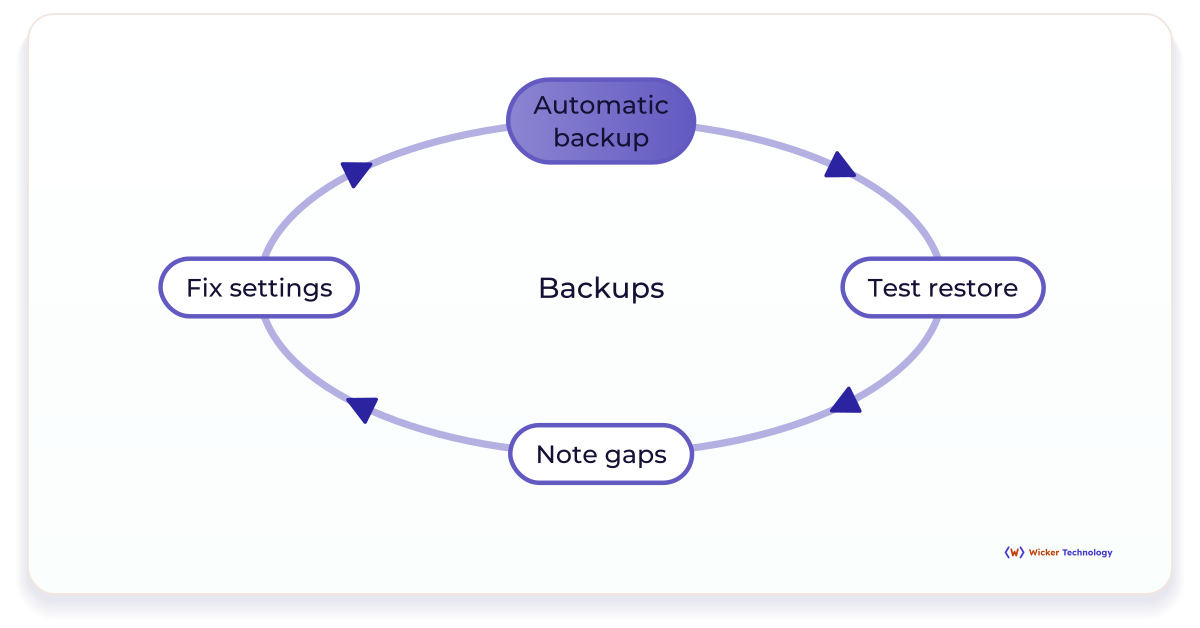
Automatic cloud backup for critical data and a test restore twice a year covers most of the risk. Write down who to call and what to do in the first hour. My small business technology checklist includes this and nine other checks.
Do This
- Back up automatically to a location separate from your office.
- Test a restore twice a year.
- Write a one page first-hour plan.
Avoid This
- Assuming cloud tools back up everything for you.
- Storing the only backup on a drive in the same room.
A Realistic First 90 Days
Seven problems sound like a year of work. In practice, one person with a few hours a week can make real progress in a quarter if the order is right. The plan below is what I give owners who ask where to begin, and the timing assumes a team of ten to thirty people.
| Period | Focus | What you have at the end |
|---|---|---|
| Weeks 1 to 2 | Accounts, multi-factor sign-in and a password manager | Every important account is protected and has a named owner |
| Weeks 3 to 4 | Backups and a restore test | Proof that you can bring back files and email |
| Weeks 5 to 8 | Subscription audit and requirements for any replacement | A shorter software list and a cost saving you can name |
| Weeks 9 to 12 | One system of record for customers and a written first-hour plan | Cleaner data and a plan for the worst day |
Delays happen. Staff are on holiday, a vendor takes two weeks to answer and a migration finds messy data. Build slack into the weeks and accept that the first quarter ends with the basics done and the rest scheduled. That is a good result.
Questions to Ask Before You Hire Help
Outside help can shorten the list, and it can also add another subscription-style cost. Before you sign with a managed provider or consultant, ask what is included, who owns the accounts and what happens if you leave. You should hold every admin login, and the documentation should be written in a way a new hire could follow.
Ask for a fixed quote for a defined first project. Open-ended hourly work is fine for small fixes, and it makes budgeting hard when the scope is unclear. A good partner is happy to explain what they would not do, which is often the most useful part of the first call.
How to Decide What to Fix First
Score each challenge by two things: how likely is it to hurt you in the next year, and how long would the fix take? Security basics and backups score high on both likelihood and quick fixes, so they come first. Subscription cleanup pays back fastest in cash.
One last point on cost. Most of these fixes cost more time than money, and the time is easy to underestimate. A multi-factor rollout, a backup test and a subscription audit each take a few focused hours spread over a few weeks. Put those hours on someone's calendar, and tell the team why, so the work is not treated as an interruption.
If you would rather have help sorting the list, a short call with a consultant usually gets you a ranked plan and cost range in one conversation.
Questions About Small Business Technology Challenges
What Is the Biggest Technology Challenge for a Small Business?
In the businesses I work with it is ownership. Nobody is responsible for the full picture, so subscriptions pile up, security settings stay at defaults and updates wait for a quiet week that never comes. Naming one owner and giving them a few hours a month fixes more than any new tool.
How Much Should a Small Business Spend on Technology?
The right amount depends on your industry and how much of your work runs through software. Instead of a percentage, add up what you pay today, including forgotten subscriptions, and compare it with what you would pay for the tools you actually use. Then add a line for security and backup.
Do I Need an IT Person or Can I Outsource?
Many small businesses do well with a managed IT provider for support and an occasional consultant for projects. A full-time hire usually makes sense once the team grows past a few dozen people or your systems become specialized. Compare the quotes on your actual needs.
Which Security Steps Matter Most?
Multi-factor sign-in on email and financial accounts, automatic updates, tested backups and staff training on phishing. The SBA and FTC guidance listed below covers these basics and is free to read.
How Often Should I Review My Software?
Once a year at minimum, and whenever a renewal comes up. List each tool, who uses it and what it costs. Cancel anything unused and check whether two tools overlap.
Is It Worth Switching Tools to Save Money?
Sometimes. Switching costs time for migration and training, so a small saving rarely justifies it. A switch pays when the new tool replaces two or three others, or when the old one blocks growth.
What Should I Do After a Security Incident?
Disconnect affected devices, change passwords from a clean device, tell your bank and insurer if money or data is involved and follow the FTC's breach response guide. Then review what allowed it, so you can close that gap.
Sources
- SBA: Strengthen Your Cybersecurity
- FTC: Cybersecurity for Small Business
- CISA: Require Multifactor Authentication
- Verizon Data Breach Investigations Report
Important: nothing in this article is legal, financial or tax advice. All figures are estimates from typical projects, so verify them with your own providers and advisers.
Was this useful?
We appreciate the feedback.
Paige Mulvaney
Paige leads the Wicker editorial team and works with the consultants who run the roadmaps, software selections, implementations and integrations to turn real client projects into practical guides. Her focus is plain-language advice on IT strategy, choosing business software and connecting systems so they work together. Every article she edits is checked against current vendor pricing and documentation before it is published.