In Short
- Write the decision brief and requirements before you see a single demo.
- Treat must-haves as pass or fail and score everything else from 0 to 5 with fixed weights.
- Compare five-year cost, not the first-year price, and combine fit and cost in one formula.
- When scores are close, references, contract terms and vendor health break the tie.
Most technology selections are decided in the demo that comes last. The final vendor shows the cleanest slides, the group remembers it best, and the choice follows. A framework fixes that by deciding how you will judge before anyone sells to you. If you want a partner to run it, technology selection consulting covers the whole process. If you want to run it yourself, the model below works.
The framework has six steps and one formula. The formula turns weighted scores and five-year cost into a single comparable number, and the steps keep the inputs honest.
The Six Steps at a Glance
| Step | What you do | What you have afterwards |
|---|---|---|
| 1. Frame the decision | State the problem, the users, the deadline and the budget ceiling | One-page decision brief |
| 2. Write requirements | List what the system must do, with real scenarios | Ranked requirements, split into must-have and nice-to-have |
| 3. Screen the market | Cut a long list down using the must-haves | Shortlist of three to five vendors |
| 4. Test with scenarios | Run demos and trials on your own data | Scores per requirement |
| 5. Check references and risk | Call customers, check vendor health and contract terms | Risk notes per vendor |
| 6. Decide with the formula | Combine weighted scores and total cost | Ranked recommendation |
Step 1: Frame the Decision Before You Look at Products
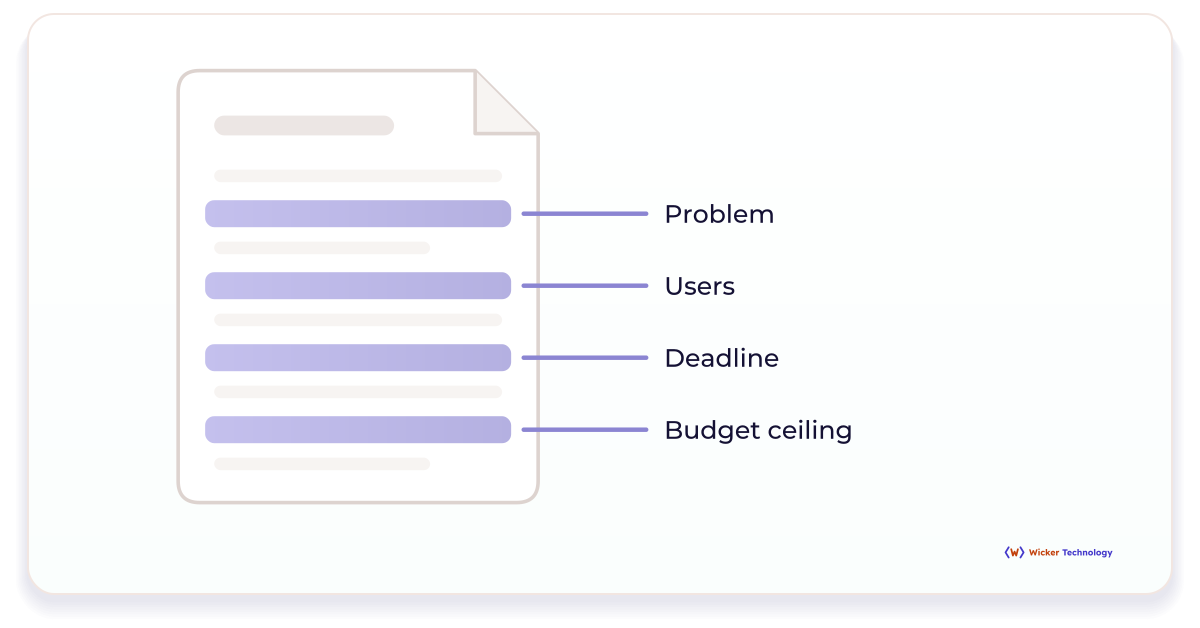
Write one page. What problem does the system solve? Who uses it and how many people? What must it connect to? What is the latest date it must be live, and what is the most you can spend over five years? Teams that skip this page often discover in week six that finance and operations had different budgets in mind.
Name the decision-maker and the people who can veto. A veto from security or legal in the last week costs more than their time in the first.
Step 2: Write Requirements From the Work
Do not copy a feature list from a vendor site. Sit with the people who use the current system and write down what they do in a normal week and what goes wrong. Turn each task into a scenario: "A customer changes an order after it has shipped. The system must show the new total, notify the warehouse and keep the old version in the history."
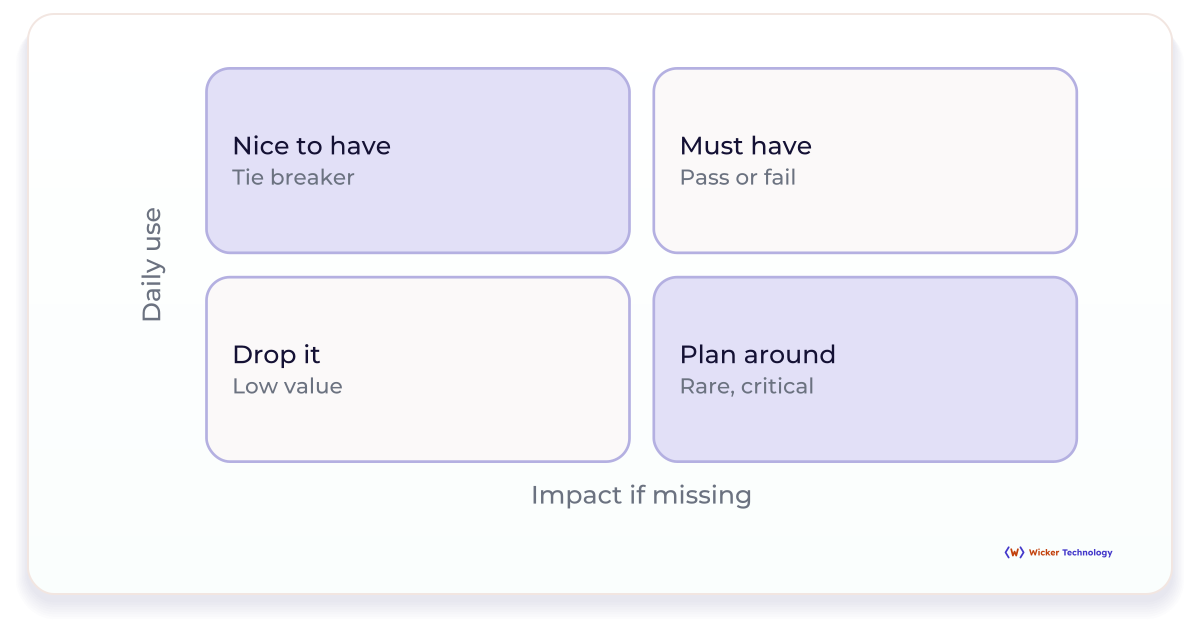
Mark each requirement as must-have or nice-to-have. A must-have is a pass or fail test, not a score. If a vendor fails one, it leaves the shortlist. Keep must-haves to about ten, because a longer list means nothing is really a must. For a printable version of the verification steps, the technology selection checklist covers what to check before you sign.
Step 3: Screen the Market
Start with a long list of eight to twelve products from analyst reports, peer recommendations and review sites. Then apply the must-haves, company size fit and a price check. Most long lists drop to three to five vendors in an afternoon. Resist adding a favorite from the boss's golf partner to the shortlist without testing it against the same must-haves. If it passes, it stays. If it fails, you have a written reason.
Step 4: Test With Your Scenarios
Send each shortlisted vendor the same scenarios and the same sample data, and give them the same time slot. Ask them to run the scenarios live, not to walk through slides. Have two or three of your users in the room and give each a score sheet. Scores from users who do the work every day count more than scores from managers who watch.
Score each requirement from 0 to 5. Write down one sentence for every score under 3 so you remember the reason a week later. Where a trial is possible, test with real records for at least two weeks. A trial exposes slow screens and awkward imports that a demo hides. The technology selection examples show how teams ran these tests in practice.
Step 5: Check References and Vendor Risk
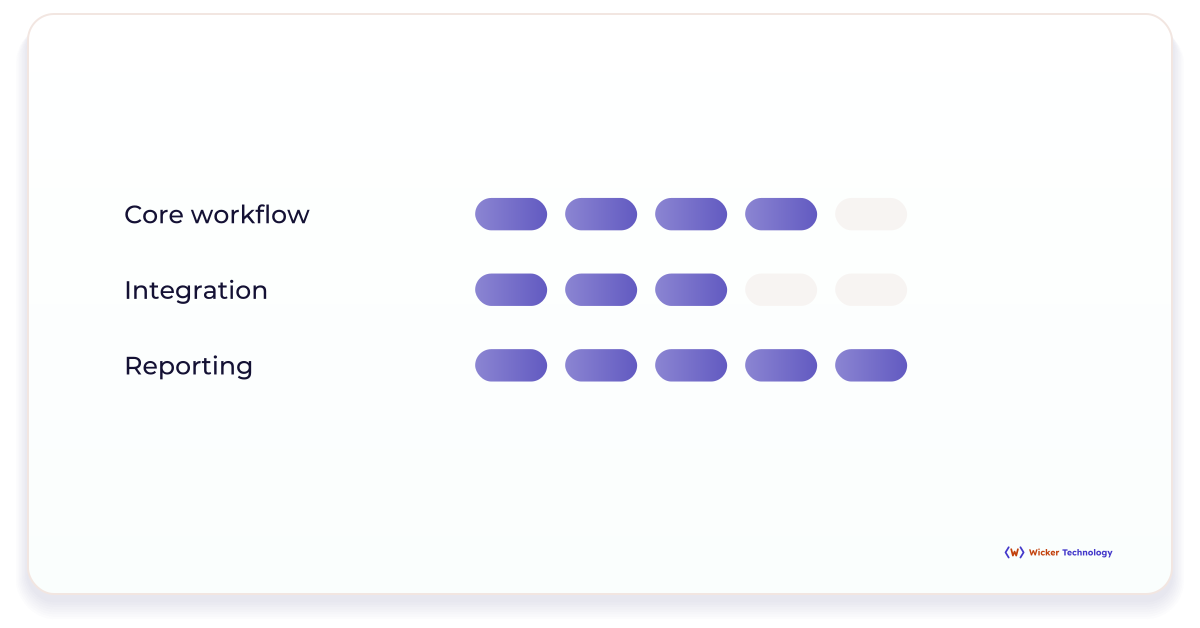
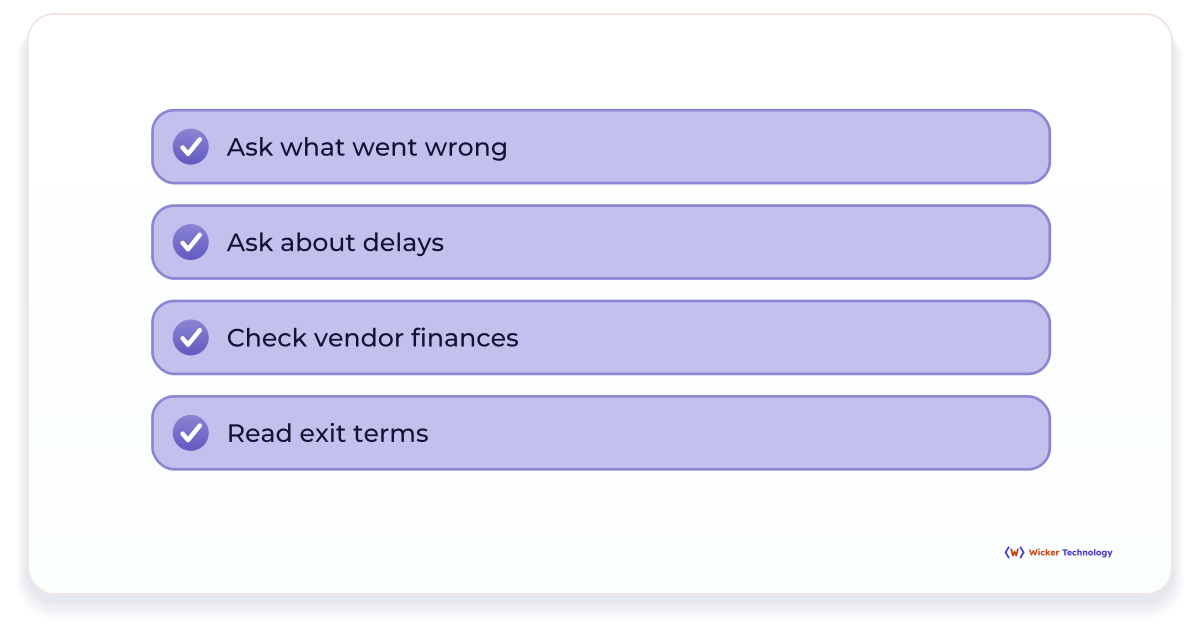
Ask each vendor for three references in your size and industry, then add one you find yourself. Ask every reference the same five questions: How long did go-live take compared with the plan? What did it cost beyond the license? What does support do when something breaks? What would you change? Would you buy it again?
Look at the vendor too. How long has it existed, is it profitable or funded, who owns it and how often does it ship updates? A great product from a vendor that gets acquired mid-contract is a risk. Read the contract for price caps on renewals, data export rights and exit terms. For legal wording, have your counsel review the final draft.
Step 6: Decide With the Formula
The formula is simple on purpose:
Selection score = (weighted fit score ÷ 5) × 100 − cost penalty
Weighted fit score is the sum of each requirement score multiplied by its weight, with weights adding up to 100 percent. The cost penalty is the five-year total cost of a vendor divided by the five-year cost of the cheapest vendor, minus one, multiplied by 20. A vendor that costs 25 percent more than the cheapest loses five points. You can change the 20 to match how price-sensitive you are. What matters is that you set it before you see the scores.
| Vendor | Weighted fit (out of 5) | Five-year cost | Cost penalty | Selection score |
|---|---|---|---|---|
| Vendor A | 4.2 | $310,000 | 0.0 | 84.0 |
| Vendor B | 4.5 | $395,000 | 5.5 | 84.5 |
| Vendor C | 3.8 | $340,000 | 1.9 | 74.1 |
In this worked example, Vendor B has the best fit and Vendor A the lowest cost, and they finish within half a point. That is the useful result: the decision is close, so risk and references should break the tie. If one vendor had won by ten points, you would not need the tie-breaker.
Running a Trial That Tells You Something
A trial is only useful if it has a purpose. Before it starts, write down three things you want to learn, for example whether the import handles your messy customer records, whether the mobile screens are fast enough on your network and whether your team can build a report without help. Give the vendor a fixed window and ask for a contact who answers within a day.
At the end, each tester writes a half-page of findings. Those notes feed the scores in step four and the questions for the reference calls in step five. If a vendor will not support a trial, treat that as a data point about its support. Share the combined notes with the vendors too, so they can correct a misunderstanding or fix a bug before you decide.
Build the Five-Year Cost Honestly
The five-year figure is where most comparisons go wrong. Include the license or subscription with expected price rises, implementation and configuration, integrations, data migration, training, extra environments, support tiers and the internal time of your own staff. Then check what each vendor charges for the things you will add in year three, such as extra users, modules and storage.
| Cost item | Year 1 | Years 2 to 5 | Key question the vendor |
|---|---|---|---|
| Subscription or license | Quoted | Rises with users and price caps | What is the renewal increase cap? |
| Implementation | Large | Small | Is it fixed price or time and materials? |
| Integrations | Medium | Maintenance | Who maintains them after go-live? |
| Training | Medium | Small | Is training per user or unlimited? |
| Support | Included or extra | Often rises | What do response times cost? |
Setting Weights Without a Fight
Weights cause more arguments than any other part of the framework, so it helps to use a method that surfaces disagreement early. Give each stakeholder group 100 points to spread across the requirement groups, such as core workflow, integration, reporting, security, usability and support. Put the answers side by side. Where groups agree, you are done. Where they differ by more than ten points, talk it through, because the difference usually reflects a real difference in the work they do.
Keep the number of groups small, six to eight at most. With more, each weight becomes so small that no single requirement can move the result, and the score turns into noise. If a group of requirements never matters in any debate, it probably does not belong in the framework.
| Requirement group | Finance | Operations | IT | Agreed weight |
|---|---|---|---|---|
| Core workflow fit | 20 | 40 | 25 | 30% |
| Integration | 15 | 15 | 30 | 20% |
| Reporting | 30 | 10 | 10 | 15% |
| Security and compliance | 15 | 10 | 25 | 15% |
| Usability and adoption | 10 | 20 | 5 | 12% |
| Support and vendor | 10 | 5 | 5 | 8% |
In this example the groups started apart on reporting and workflow fit and landed on a compromise after a short discussion. The final column is what goes into the formula, and it stays fixed from that moment on.
How to Choose When the Scores Are Close
When two vendors land within five points, look at four tie-breakers in this order: the weakest must-have score, the quality of references, contract flexibility and the vendor's financial health. Put the answer in writing and share it with everyone who scored. People accept a decision they can follow, even if their favorite lost.
Before you sign, run a short pilot or a paid proof of concept if the contract is large. Two weeks with five users on real work will tell you more than another round of demos.
Questions About the Technology Selection Framework
How Many Vendors Should I Compare?
Three to five after screening. Fewer than three gives you no leverage, and more than five exhausts your team without improving the decision. Start with a longer list and cut it using the must-haves.
How Do I Set the Weights for Requirements?
Ask the people who use the system to divide 100 points among the requirement groups, then compare their answers. Disagreements point to the requirements worth a discussion. Fix the weights before any demo and do not change them afterwards.
Should Price Be Part of the Score?
Keep fit and cost separate and combine them in the formula. That way you can see what you pay for each extra point of fit. Hiding cost inside the score makes the trade-off invisible.
Do I Need a Request for Proposal?
Not always. For a mid-sized purchase, scripted demos with the same written questions are often enough. Use a formal request when procurement rules require it or when you have many vendors in play.
How Long Should a Selection Take?
Four to ten weeks for most mid-sized systems. Large programs with formal procurement take longer. If your selection runs past three months, check whether the requirements were too vague or the decision-maker is unclear.
What If No Vendor Meets All Must-Haves?
Check whether a must-have is really a nice-to-have. If it is a true must, consider combining two products, asking a vendor for a dated roadmap commitment in the contract or building a small custom piece. The scorecard shows which route costs least.
Can I Use This Framework for Small Purchases?
Yes, in a short form. For a tool under a few thousand dollars, use a one-page brief, five requirements and two trials. Keep the full process for systems you will live with for years.
Important: nothing in this article is legal, financial or tax advice. All figures are estimates from typical projects, so verify them with your own providers and advisers.
Was this useful?
We appreciate the feedback.
Paige Mulvaney
Paige leads the Wicker editorial team and works with the consultants who run the roadmaps, software selections, implementations and integrations to turn real client projects into practical guides. Her focus is plain-language advice on IT strategy, choosing business software and connecting systems so they work together. Every article she edits is checked against current vendor pricing and documentation before it is published.