In Short
- Scripted demos on real scenarios make vendors comparable.
- A five-year cost model often changes the ranking.
- Independent references, pilots and integration proofs find risk before you sign.
- Match the effort to the cost of being wrong.
Software selection looks different in every company, yet the tactics that work are few. Below are nine that I have seen change the outcome of a purchase, each from a real project type with the details anonymized. If you want the whole process around them, technology selection consulting brings the tactics together, and the technology selection framework shows the order.
Each example has what happened, why it mattered, the steps and what you need to try it. Pick the two or three that fit your next purchase, not all nine.
Nine Tactics at a Glance
| Tactic | Best used when | Main benefit |
|---|---|---|
| 1. Scripted demos | Several vendors look alike | Comparable results |
| 2. Weighted scorecard | Stakeholders disagree | Fewer arguments |
| 3. Independent reference | Vendor references sound perfect | Honest risk picture |
| 4. Five-year cost model | Pricing models differ | Correct ranking |
| 5. Paid pilot | Contract is large | Risk found early |
| 6. Integration proof | Many connected systems | No go-live surprises |
| 7. Early security review | Regulated data | No late veto |
| 8. Exit terms | Long contract | Freedom to leave |
| 9. Selection retro | You buy often | A better next purchase |
Nine Selection Tactics With Real Results
Scripted Demos for a Warehouse System
A distributor with two sites had three warehouse system demos on the calendar and no way to compare them. I helped the team write four scripts from real receiving and picking days, including a short-shipped pallet and a mislabeled carton. Each vendor ran the same scripts on the same sample data. Two vendors stumbled on the short-shipped pallet in front of the floor supervisors, and the ranking was clear before anyone opened a spreadsheet.
The team signed with the vendor whose screens the pickers could follow without training notes. Go-live came two weeks ahead of the plan in the project I saw, partly because the people who would use the system had already picked it.
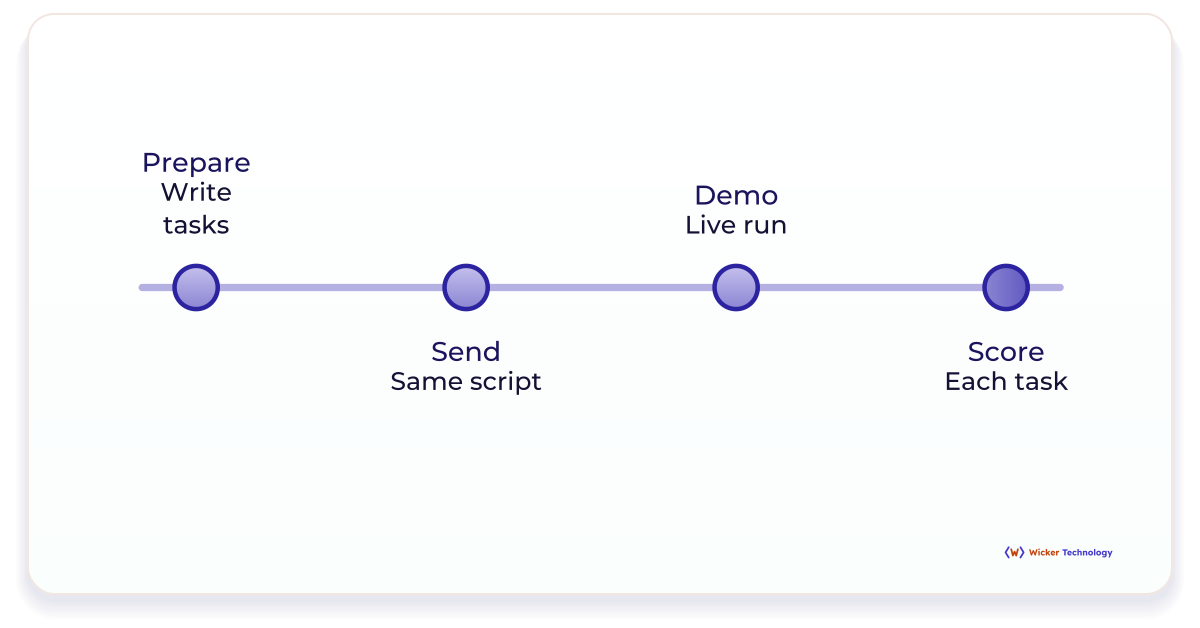
How the demos run
- Pick four to six scenarios from real days, including one exception.
- Send the scripts and sample data to every vendor a week ahead.
- Invite the floor users and give each a score sheet.
- Score the same day, in writing, with one sentence per low score.
- Drop any vendor that fails a script before comparing prices.
Tools and setup
A shared spreadsheet and a projector are enough. Record each demo so people who could not attend can score it later.
Weighted Scorecard for a Clinic Scheduling Platform
A clinic group needed one scheduling system for eleven locations. Clinical, front desk and finance each wanted something different. Before any vendor was invited, the three groups divided 100 points across requirement groups, and the surprise was how close their views were once they saw them side by side. The weights were locked and stored with the decision brief.
When two vendors finished within three points, nobody argued about the scoring, because the weights had been agreed in advance. The tie was settled by reference calls, which is how a close decision should end.
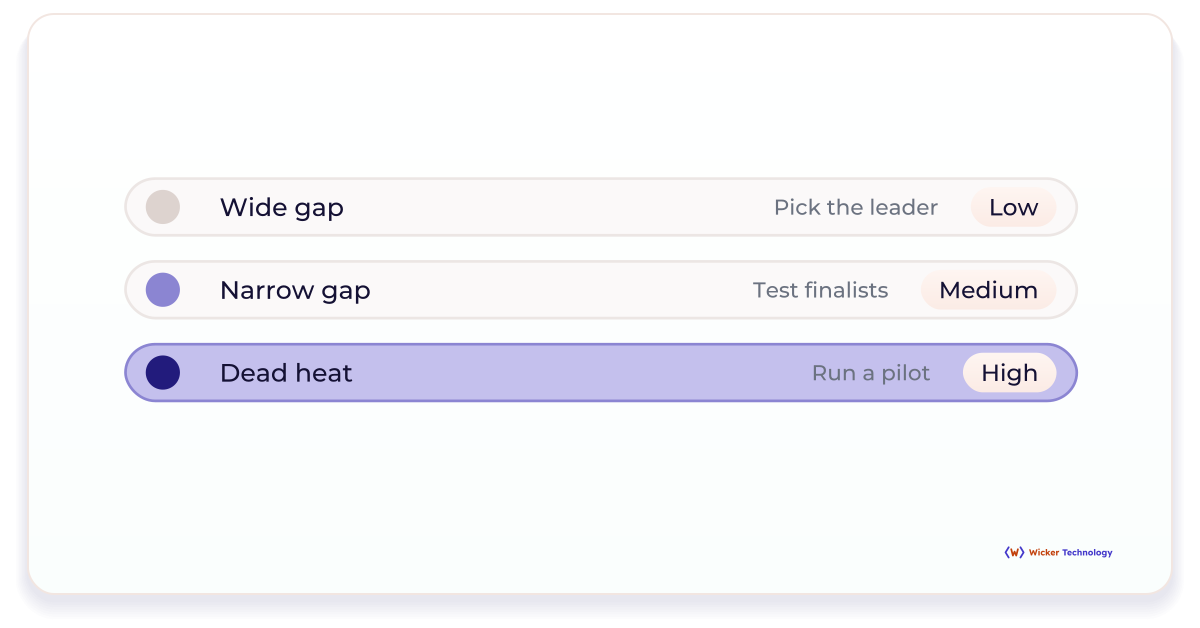
How the weights get set
- Group the requirements into five to eight areas.
- Have each stakeholder group split 100 points.
- Compare and discuss the gaps, then fix the weights.
- Score vendors against the weights only after the demos.
- Use references to break any tie under five points.
Tools and setup
A simple weighted sheet does the job. Keep the version with the locked weights read-only.
Reference Calls That Included One the Vendor Did Not Pick
A specialty pharmacy chain was down to two vendors. Both gave glowing references. The project lead also found a third customer through a user group and called it. That customer described a six-month delay in the data migration, which neither vendor reference had mentioned.
The chain kept the vendor but changed the contract: migration milestones with payments tied to them, plus a named migration lead on the vendor side. The risk did not kill the deal, but it moved from the buyer to the contract.
How the calls are run
- Ask the vendor for three references of your size and industry.
- Find one more through a user group or a professional network.
- Ask all references the same five questions.
- Write each call up and share it with the team.
- Turn every risk you hear into a contract clause or a plan.
Tools and setup
Professional networks and vendor user forums are the best source of independent references. Offer to share your own notes in return.
A Five-Year Cost Model That Changed the Ranking
A logistics company compared three transport management systems. The cheapest first-year quote came from a vendor that charged per shipment and per carrier connection. Once the finance lead modeled five years at the company's expected growth, that vendor became the most expensive of the three.
The model took two days to build and moved the decision. The team chose the middle-priced vendor with a flat pricing tier and a renewal cap in the contract, and finance had a budget it could defend.
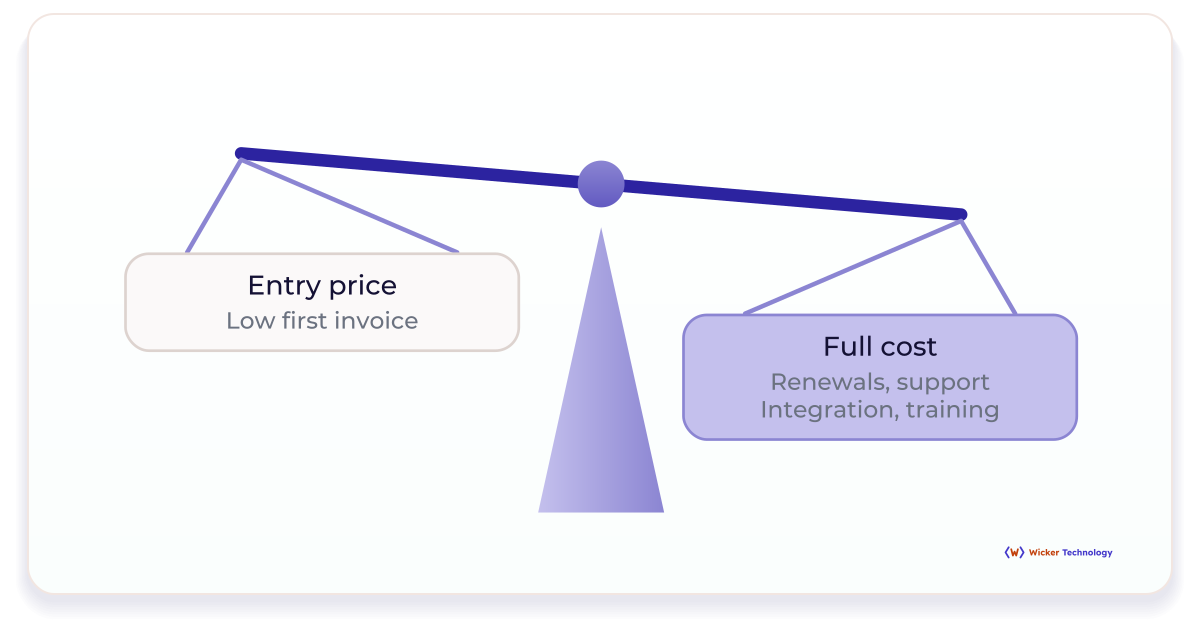
How the model is built
- List every cost line, not just the license.
- Model your expected growth in users, volumes and sites.
- Ask each vendor for a price list for what you will add later.
- Add internal staff time at a loaded hourly rate.
- Compare totals and put the renewal cap in writing.
Tools and setup
A spreadsheet with one tab per vendor and one summary tab is enough. Share the assumptions with the vendors so they can correct mistakes.
A Paid Pilot Before a Large Contract
A manufacturer was about to sign a seven-figure contract for a quality management system. The consultant advised a paid four-week pilot with one production line and real records. The pilot showed that the mobile screens were too slow on the shop floor wireless network.
The vendor fixed the issue in the pilot, and the contract included a performance clause for the screens. The pilot fee was a small share of the contract and removed the largest risk on the list.
How the pilot is run
- Define one line, one team and a clear success measure.
- Agree the pilot fee, length and what happens afterwards.
- Use real data, and let the users do the work.
- Measure speed, errors and user feedback each week.
- Write the findings into the contract.
Tools and setup
The vendor provides the environment. Your IT team confirms network access and test accounts before day one.
Integration Proof Before Signing
A distribution company needed a new ERP to exchange orders with its carriers and a billing system. The vendor's marketplace listed all three. In the proof, the carrier connector handled only half of the shipment statuses the company used.
The company asked for the missing statuses as a contractual deliverable with a date, and priced a fallback in case the vendor missed it. Without the proof, the gap would have shown up during go-live.
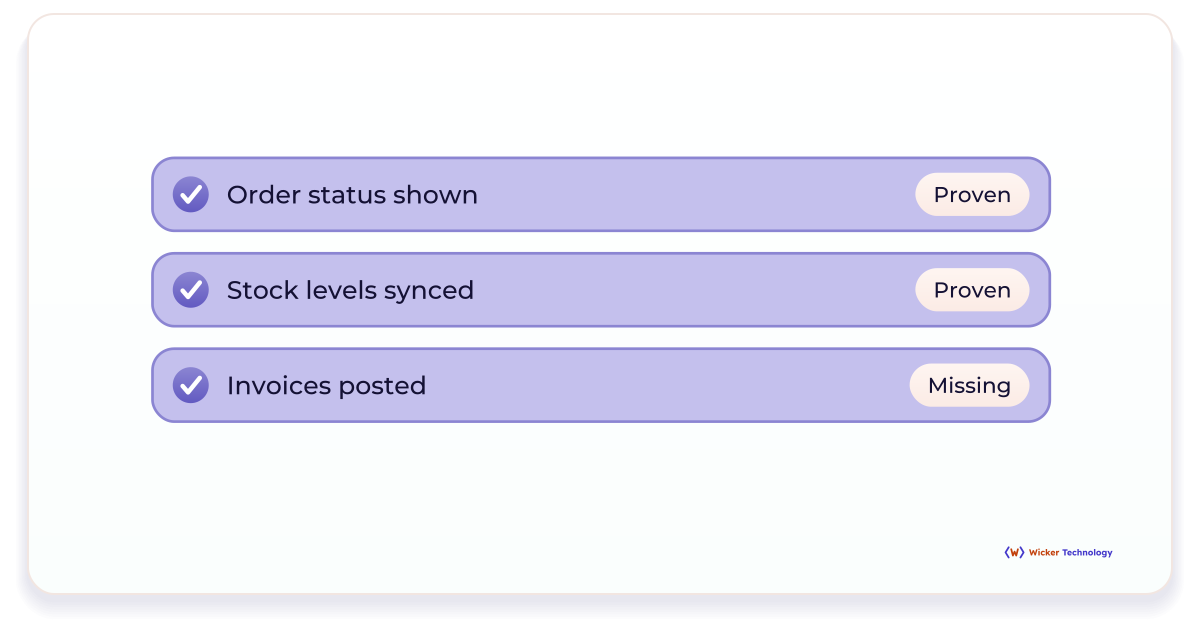
How the integration proof works
- List every connection and the data it must carry.
- Ask the vendor to demonstrate each one with your data.
- Document what the connector does not cover.
- Get gaps in the contract as dated deliverables.
- Price a fallback for the most critical connection.
Tools and setup
Ask for sandbox access to the connector. Your integration lead should run the tests, not the sales engineer.
Security Review Before the Shortlist
A financial services firm used to run the security review after the choice. On a recent purchase, it moved the review to the shortlist stage. One of three vendors could not provide an audit report that covered the product being sold, only its parent company's hosting.
The vendor was removed in week two instead of week ten. The team spent its energy on the two remaining options and avoided a late veto from the security lead.
How the review fits in
- Send the security questionnaire with the first request.
- Ask for current audit reports and read their scope.
- Check data location and access controls.
- Have the security lead sit in on one demo.
- Record the answers in the decision file.
Tools and setup
Use a standard questionnaire so vendors can reuse their answers. Keep the answers with your compliance records.
Exit Terms Negotiated Up Front
A mid-sized services company was buying a new CRM. In the contract review, the team found that data exports were possible only in a proprietary format, and that the renewal price was uncapped. Both points were negotiable before signing and nearly impossible afterwards.
The vendor agreed to a standard export format, free exports on request and a renewal cap. The terms cost nothing at signing, and the company knows it can leave without a rebuild.
How the contract talks go
- Ask for the export format and fees in the first demo.
- Request a renewal cap, in percent, in the draft contract.
- Define how long data stays retrievable after termination.
- Ask for service levels with credits.
- Have counsel review the final wording.
Tools and setup
Your legal counsel should review the contract. Bring a short list of the technical points they should look at.
A Selection Retro After Go-Live
A healthcare group ran a short review six months after a billing system went live. It compared the original scorecard with what happened: where the scores were right, where the vendor had overpromised and which requirement nobody had thought of. Three scores had been too generous.
The review became a short template for the next purchase, with two new questions on data migration and one new reference question. Each selection after that went faster and caught more.
How the retro runs
- Schedule the review before go-live.
- Compare each score with the real result.
- List what was missing from the requirements.
- Update the scorecard template.
- Share the findings with the next project team.
Tools and setup
A one-hour meeting and the original scorecard are enough. Keep the template where the next team can find it.
Combining the Tactics
You do not need all nine on every purchase. For a small tool, scripted demos and a five-year cost check are enough. For a core system, add references, an integration proof and a pilot. For regulated data, bring the security review to the start. The technology selection checklist is the quick way to see which tactic covers which risk before you sign.
How to Choose Your Tactics
Start with the risk that worries you most. If it is fit, run scripted demos. If it is cost, build the five-year model. If it is vendor behavior, find an independent reference. If it is the cost of leaving, work on exit terms. The risk you name first usually points to the right tactic, and the others follow as the purchase grows.
Keep a short record of what you did and what you found. That record is the raw material for tactic nine, and it is the first thing a new team member will want to read.
Questions About Technology Selection Examples
Which Selection Tactic Gives the Most Value for the Least Effort?
Scripted demos. Writing four scenarios from real work takes a day or two and changes how every vendor is judged. A five-year cost model comes second, because it often changes the ranking.
How Do I Find Independent References?
Ask in vendor user groups, professional networks and industry forums. Look for companies of your size that bought the product in the last two years. Offer to share your findings in return, and most people are happy to talk.
Are Paid Pilots Worth the Fee?
For large contracts, yes. The fee is usually a small share of the contract, and the pilot shows problems that a demo never does. Agree the success measure and what happens to the fee if you sign.
What If a Vendor Refuses to Run My Scripts?
Take it as information. A vendor that will not show your scenarios live is telling you something about the product or the support you would get. Drop it or ask why in writing.
How Many People Should Score the Demos?
Five to eight, mixing the people who use the system daily with one or two managers. More than ten makes the scoring slow and the discussion shallow.
Do These Tactics Apply to Cloud Subscriptions?
Yes. Scripted demos, references, cost models and exit terms apply to subscriptions as much as to licenses. Pay extra attention to renewal caps and data export, because switching later is easy to underestimate.
Can I Use These Examples for a Small Team?
Yes, in a shorter form. A two-person team can run three scenarios, call two references and compare three years of cost in a few days. The principle is the same: write down how you will judge before you watch the demo.
Important: nothing in this article is legal, financial or tax advice. All figures are estimates from typical projects, so verify them with your own providers and advisers.
Was this useful?
We appreciate the feedback.
Paige Mulvaney
Paige leads the Wicker editorial team and works with the consultants who run the roadmaps, software selections, implementations and integrations to turn real client projects into practical guides. Her focus is plain-language advice on IT strategy, choosing business software and connecting systems so they work together. Every article she edits is checked against current vendor pricing and documentation before it is published.