In Short
- Aha! Roadmaps is the most complete choice when goals, scoring and several views matter.
- monday.com, Smartsheet and Asana suit teams that need the roadmap next to project work.
- Jira Software and Jira Product Discovery fit companies that already deliver in Atlassian tools.
- Miro is the best place to draft a roadmap with stakeholders, and a weak system of record.
The Best Technology Roadmap Software at a Glance
| Tool | Type | Best for |
|---|---|---|
| 1. Aha! Roadmaps | Product and technology roadmapping | Teams that need goals, initiatives and releases linked in one plan |
| 2. monday.com | Work management platform | Teams that want roadmaps, projects and workflows in one flexible tool |
| 3. Smartsheet | Spreadsheet-style work management | Teams used to spreadsheets that need dependencies, reporting and governance |
| 4. Productboard | Product management platform | Teams that prioritize from customer and stakeholder input |
| 5. ProductPlan | Roadmapping software | Teams that mainly need clean, shareable roadmaps |
| 6. Jira Software | Issue tracking and delivery | Engineering teams that already deliver work in Jira |
| 7. Jira Product Discovery | Idea and priority management | Teams on Atlassian that need a prioritization layer in front of delivery |
| 8. Miro | Visual collaboration board | Workshops and early roadmap drafts with many stakeholders |
| 9. Asana | Work management platform | Cross-functional teams that want timelines and goals in one tool |
| 10. ClickUp | All-in-one project management | Small teams that want roadmaps, tasks and docs at a low price |
The 10 Best Technology Roadmap Software Tools, Ranked
I start with the tools that cover the widest range of needs and move toward specialist and lightweight options. In the technology roadmap consulting work I review, the roadmap itself matters more than the tool: a clear method in a spreadsheet beats a confused one in expensive software. Ratings and prices come from Capterra listings read in November 2026, and I mention where a figure is not published.
Aha! Roadmaps
The Most Complete Option When You Need Goals, Initiatives and Roadmap Views Tied Together
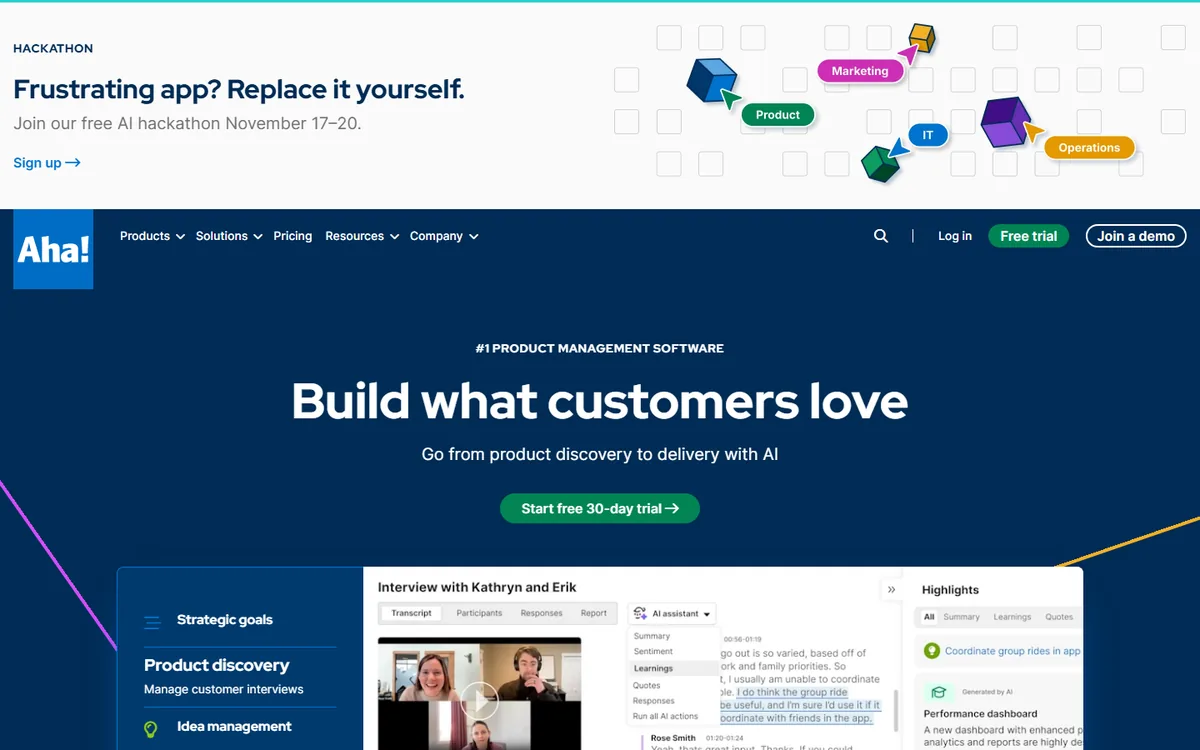
Aha! Roadmaps links strategy, initiatives and releases, and builds roadmap views for different audiences from the same data.
I put Aha! first because it is the tool I see used best by teams that treat the roadmap as a decision tool. You set goals, attach initiatives to them and score those initiatives, and the roadmap views are generated from that structure. A leadership view and a delivery view come from the same data, so they do not drift apart.
The cost of that depth is setup. You need to decide on a scoring model, a goal structure and who edits what, and that takes a few weeks. Once it is in place, the quarterly review is faster than in any spreadsheet. For smaller teams that only need a timeline, it is more than required. If you want to see what a finished plan looks like first, my technology roadmap examples show how strong teams lay theirs out.
Where Aha! Roadmaps Shines
- Goals, initiatives and releases stay linked, so every item traces back to a reason
- Scoring models help rank initiatives without long debates
- Roadmap views for executives and delivery teams come from the same data
Where Aha! Roadmaps Falls Short
- Setup takes real effort and some training
- Pricing is per user and climbs quickly for large groups
Aha! Roadmaps Pricing
Aha! has no free plan. Capterra lists paid plans from $59 per user per month, and the vendor offers a free trial. Add-on products for ideas, development and whiteboards are priced separately.
Aha! Roadmaps Reviews
- Capterra: rated 4.7/5 (across 570 ratings)
monday.com
A Flexible Work Platform That Lets Non-Technical Teams Build and Share Roadmaps Fast
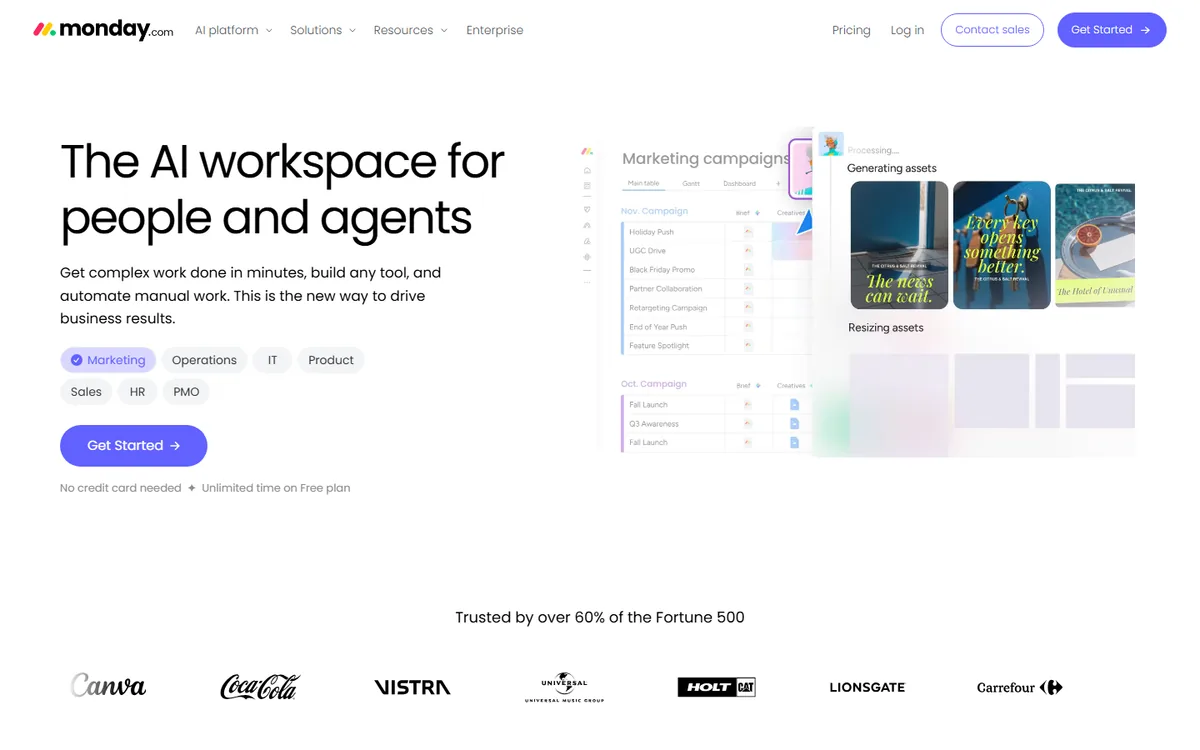
monday.com turns boards into timelines, Gantt views and dashboards, so a technology roadmap can sit next to the projects that deliver it.
monday.com is the tool I suggest when your roadmap has to live beside project work and the people editing it are not technical. You can build a board with initiatives, owners, dates and status in an afternoon, then add a timeline, a Gantt view and a dashboard for leadership. Automations handle reminders and status changes.
The trade-off is structure. The flexibility that makes the first board easy also lets every team build its own, and a portfolio of boards without conventions becomes hard to roll up. Agree on columns and naming before you scale, and keep one master board for the roadmap itself.
Where monday.com Shines
- Easy for non-technical users to start and customize
- Timeline, Gantt and dashboard views are built in
- Automations and integrations cover routine updates
Where monday.com Falls Short
- Boards drift apart without shared conventions
- Scoring and prioritization need extra setup compared with dedicated roadmap tools
monday.com Pricing
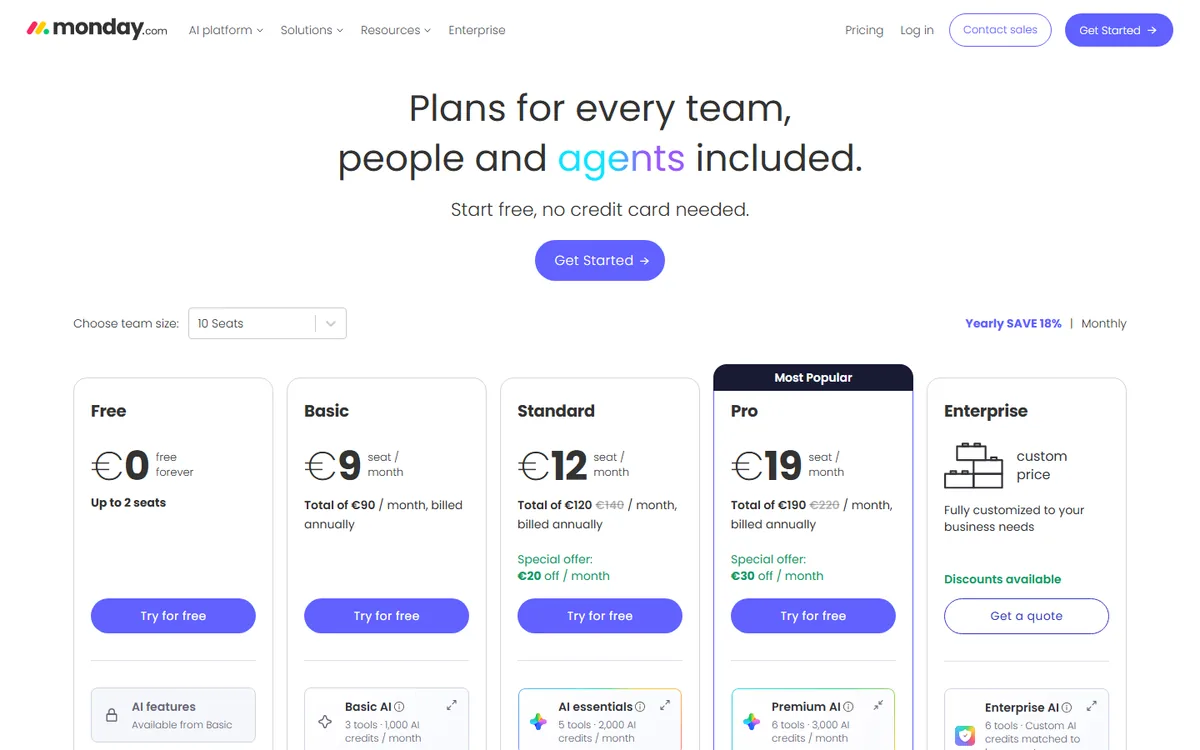
monday.com has a free version and a free trial. Capterra lists the Basic plan from $9 per user per month, billed annually with a three-seat minimum. Higher plans add more automations, dependencies and portfolio features.
monday.com Reviews
- Capterra: rated 4.6/5 (across 6,140 ratings)
Smartsheet
The Best Fit for Teams That Think in Spreadsheets but Need Dependencies and Proper Reporting
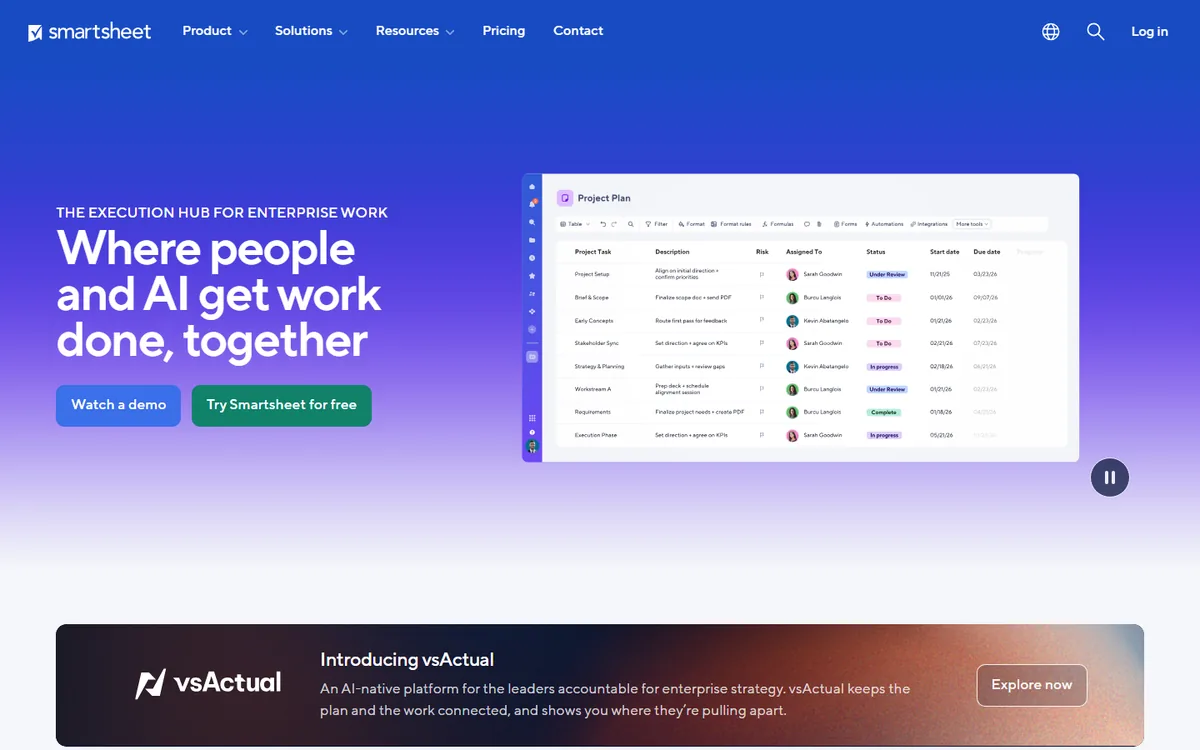
Smartsheet keeps the grid that business teams know and adds Gantt charts, dependencies, dashboards and approvals on top.
Smartsheet works well when your roadmap already lives in a spreadsheet and you want to keep that mental model. Rows become initiatives, columns hold owners, cost and status, and a Gantt view shows dependencies between them. Reports and dashboards roll up many sheets into one view for leadership.
I like it for companies with a finance or operations culture, because the grid feels familiar and approvals and audit trails are available. It is less natural for product-style roadmapping with scoring and goal trees. If your roadmap is a sequenced list of technology initiatives with budgets, it fits well.
Where Smartsheet Shines
- The grid feels familiar to business and finance teams
- Dependencies, dashboards and approvals are built in
- Roll-up reports combine many sheets into one portfolio view
Where Smartsheet Falls Short
- Less suited to goal trees and scoring than dedicated roadmap tools
- Licensing tiers and add-ons can get complicated at larger scale
Smartsheet Pricing
Smartsheet offers a free trial, and the Capterra page does not list a free version. Capterra lists the Pro plan from $9 per user per month. Business and Enterprise tiers add automation, governance and advanced reporting.
Smartsheet Reviews
- Capterra: rated 4.5/5 (across 3,568 ratings)
Productboard
A Strong Choice When Stakeholder Input Should Drive the Order of Your Roadmap
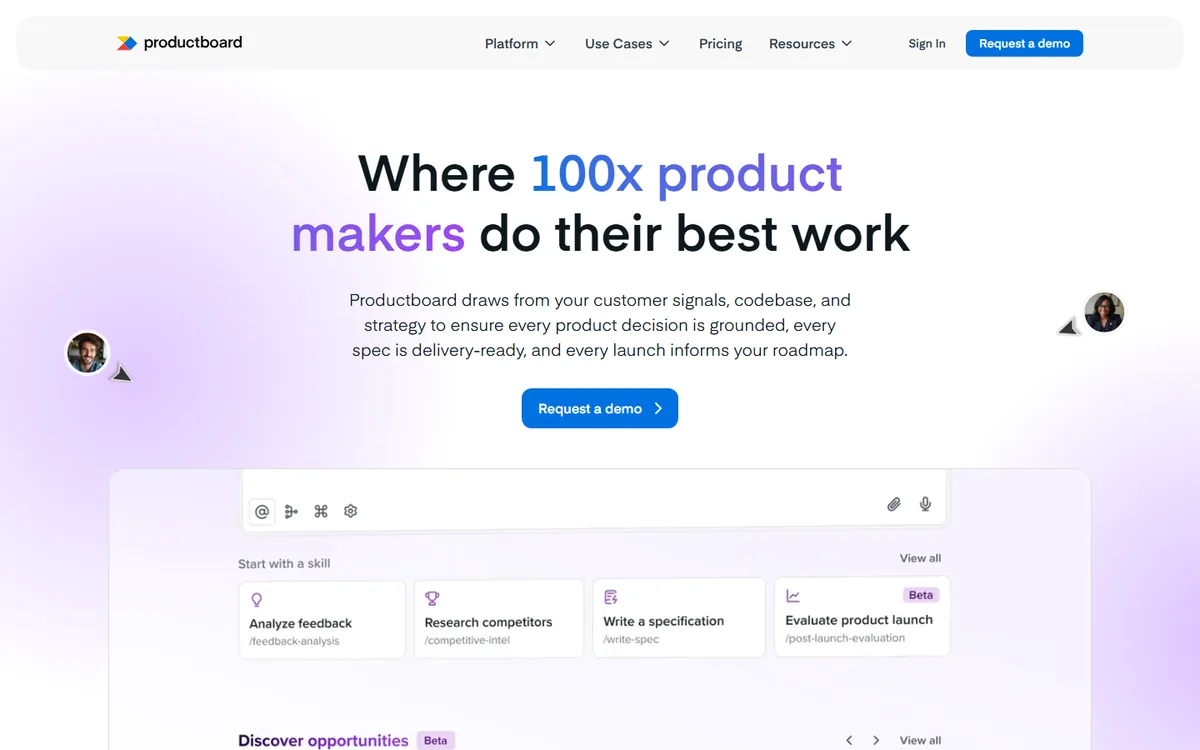
Productboard collects requests and feedback in one place and links them to initiatives and roadmap views.
Productboard shines when your roadmap is shaped by requests from many sources: business units, customers, support and leadership. You collect the input in one place, link it to the initiatives it supports and rank by what matters most. Roadmaps then show those priorities in views you can share.
For internal technology roadmaps it is strongest when your IT group acts like a product team serving internal customers. If your roadmap is mostly infrastructure and vendor renewals, you may find the product-feedback model more than you need.
Where Productboard Shines
- Requests and feedback are collected and linked to initiatives
- Prioritization is visible and easy to explain
- Views for different audiences can be shared in a few clicks
Where Productboard Falls Short
- Built around a product-team model, which may feel heavy for infrastructure work
- Higher tiers cost noticeably more
Productboard Pricing
Productboard offers a free trial and a free version. Capterra lists the Essentials plan from $25 per user per month. Higher plans add more roadmap views, integrations and admin controls.
Productboard Reviews
- Capterra: rated 4.7/5 (across 154 ratings)
ProductPlan
A Simple, Visual Roadmap Tool for Teams That Want Clean Views and Little Setup
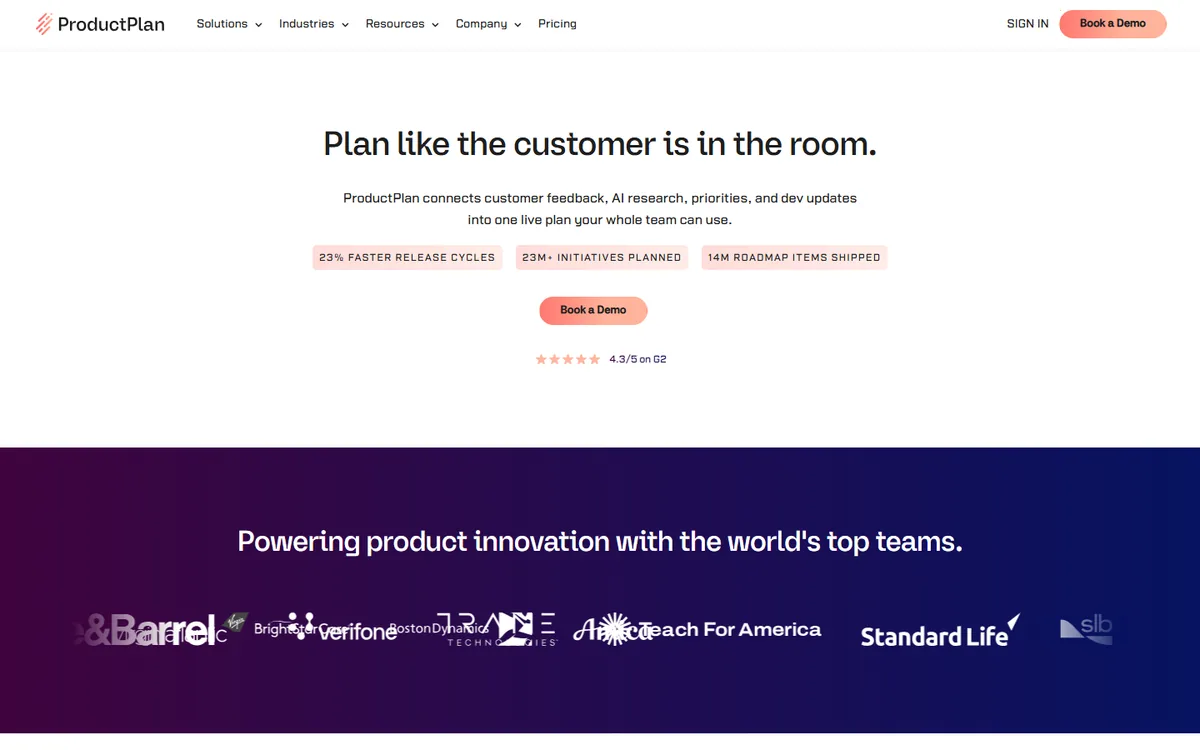
ProductPlan focuses on drag-and-drop roadmaps with timelines, milestones and shareable views.
ProductPlan is the tool I recommend when the main need is a clear roadmap that leadership can read. Building a timeline takes minutes, dragging items changes dates, and view-only links let you share the plan without handing out accounts. Milestones and dependencies are supported, and the interface stays uncluttered.
Reviewers on Capterra praise the quick setup and simple interface, and several note that the price is high for what it does and that some integrations feel clunky. If you need scoring, goal trees and deep delivery tracking, look at Aha! or Productboard. If you want a roadmap and not a platform, ProductPlan is a comfortable fit.
Where ProductPlan Shines
- Drag-and-drop timelines are quick to build and easy to read
- Shareable view-only links for stakeholders
- Integrations with tools such as Jira and Confluence
Where ProductPlan Falls Short
- Reviewers describe the price as high for the feature set
- Collaboration is limited for occasional contributors without paid access
ProductPlan Pricing
ProductPlan does not offer a free trial or free version on its Capterra listing. Capterra shows pricing from $119 per feature per month for the Enterprise tier, so ask the vendor for a current quote for your setup.
ProductPlan Reviews
- Capterra: rated 4.4/5 (across 55 ratings)
Jira Software
The Natural Choice When Delivery Already Runs in Jira and You Want the Roadmap Close to the Work
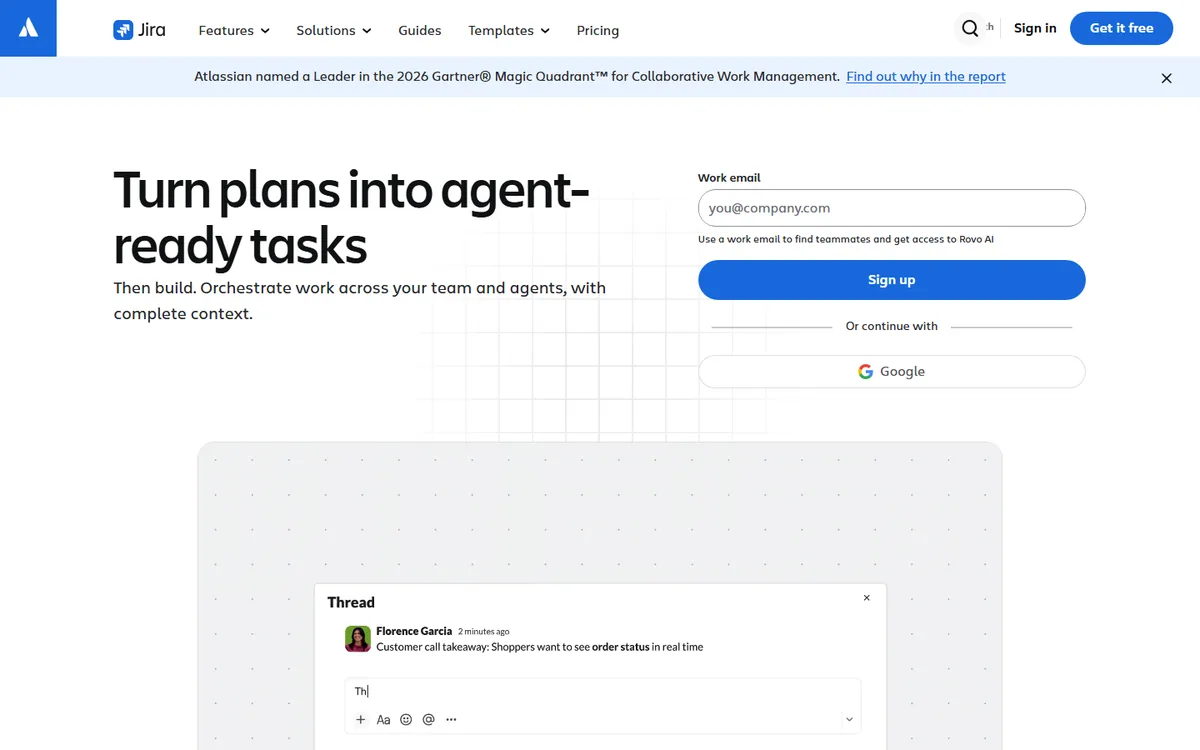
Jira Software tracks the work that delivers your roadmap and offers roadmap and timeline views on top of it.
If your engineers already run on Jira, keeping the roadmap near the work has a clear advantage: status is real, because it comes from the tickets. Epics become roadmap items, and timeline views show progress, dependencies and release dates without a manual update.
The weakness is that Jira is a delivery tool first. Business goals, scoring and stakeholder views take extra configuration or an add-on, and non-technical readers find the screens busy. Many teams pair Jira for delivery with a lighter planning tool for leadership.
Where Jira Software Shines
- Roadmap status comes directly from real delivery work
- Huge ecosystem of integrations and add-ons
- Free version for small teams
Where Jira Software Falls Short
- Screens feel busy for non-technical stakeholders
- Scoring and goal-level planning need extra setup or apps
Jira Software Pricing
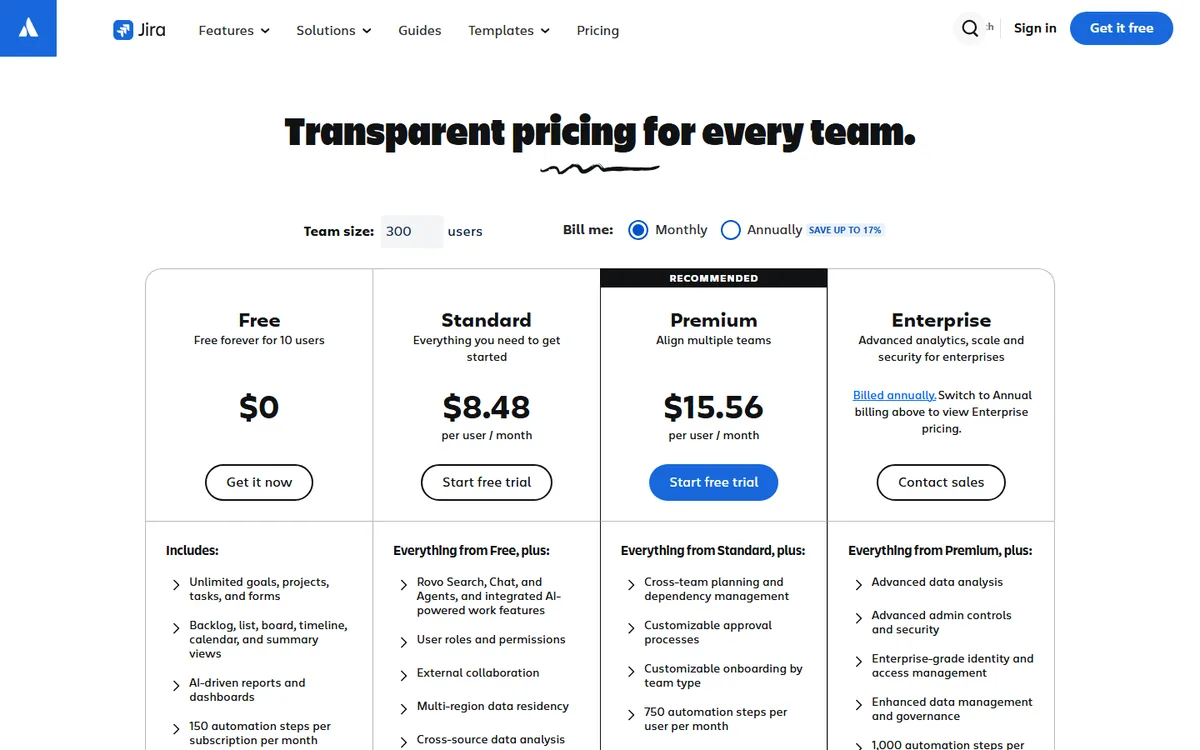
Jira Software has a free version, which Capterra says covers up to 10 users, and a free trial. Capterra lists paid plans from $7.91 per user per month. Higher tiers add advanced roadmaps, admin controls and support.
Jira Software Reviews
- Capterra: rated 4.4/5 (across 15,761 ratings)
Jira Product Discovery
A Lightweight Way to Collect Ideas, Score Them and Hand Them to Delivery Inside the Atlassian Ecosystem
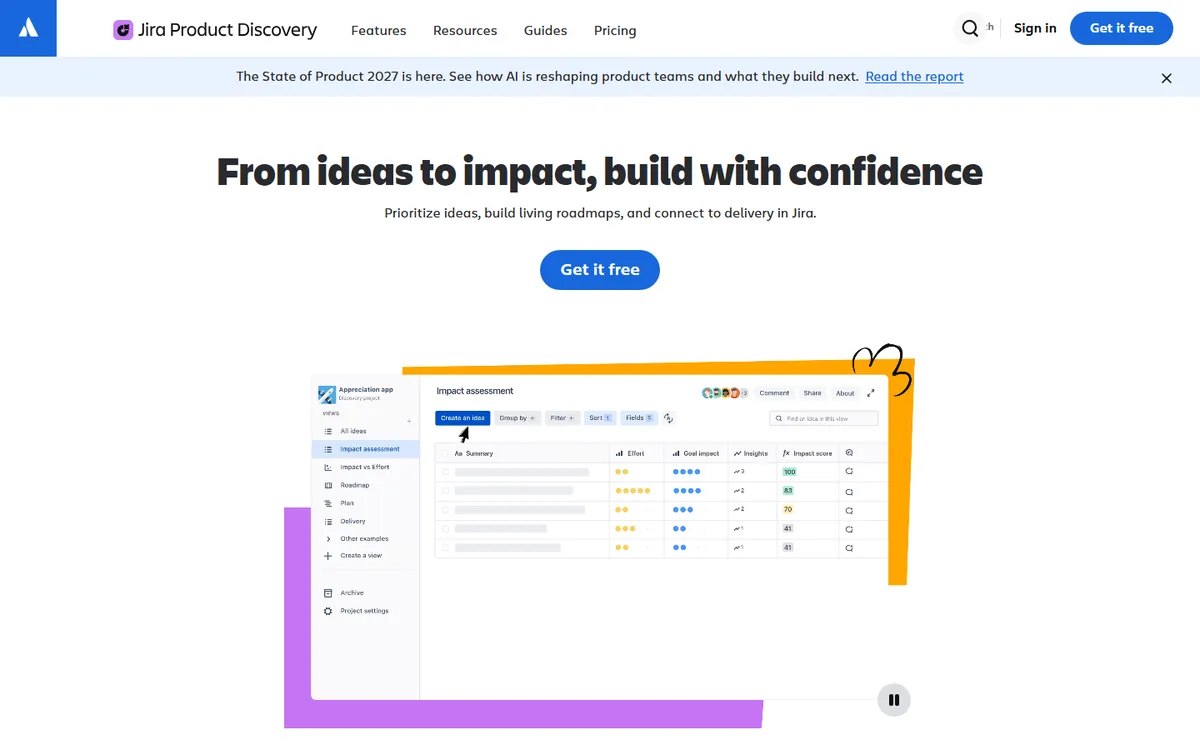
Jira Product Discovery collects ideas, scores them and links them to the Jira work that delivers them.
Jira Product Discovery sits in front of Jira Software. Stakeholders can submit ideas, your team scores them with fields you define, and the roadmap views show what is planned and why. When an idea is accepted, it links to the Jira epics that deliver it.
It works best when your company already runs on Atlassian products and you want a structured intake without another vendor. It has fewer reviews on Capterra than the long-established tools in this list, so read recent feedback and run a trial before you commit.
Where Jira Product Discovery Shines
- Direct links from ideas to Jira delivery work
- Custom scoring fields keep prioritization transparent
- Affordable per-seat pricing and a free version
Where Jira Product Discovery Falls Short
- Best value only inside the Atlassian ecosystem
- Fewer published reviews than older tools in this category
Jira Product Discovery Pricing
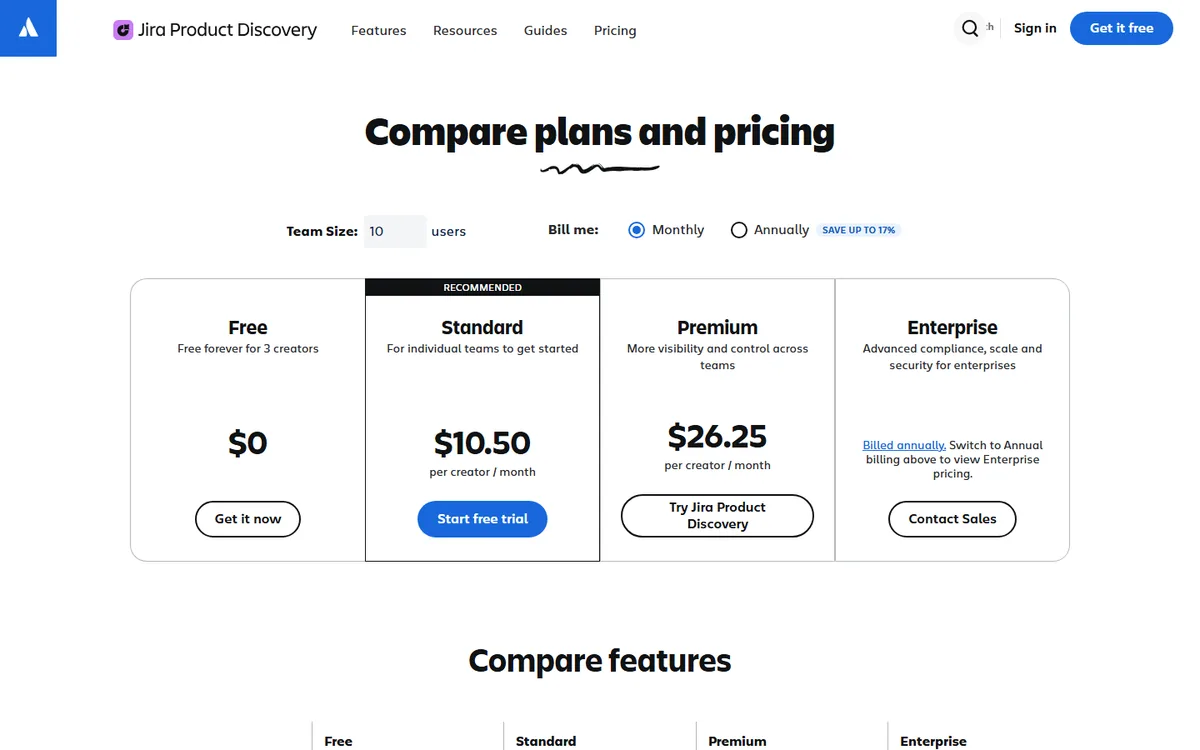
Jira Product Discovery has a free version and no free trial, according to Capterra. The Standard plan is listed at $10 per user per month and Premium at $25 per user per month.
Jira Product Discovery Reviews
- Capterra: rated 4.3/5 (across 16 ratings)
Miro
The Best Place to Draft a Roadmap With Your Stakeholders in the Room Before You Commit It to a System
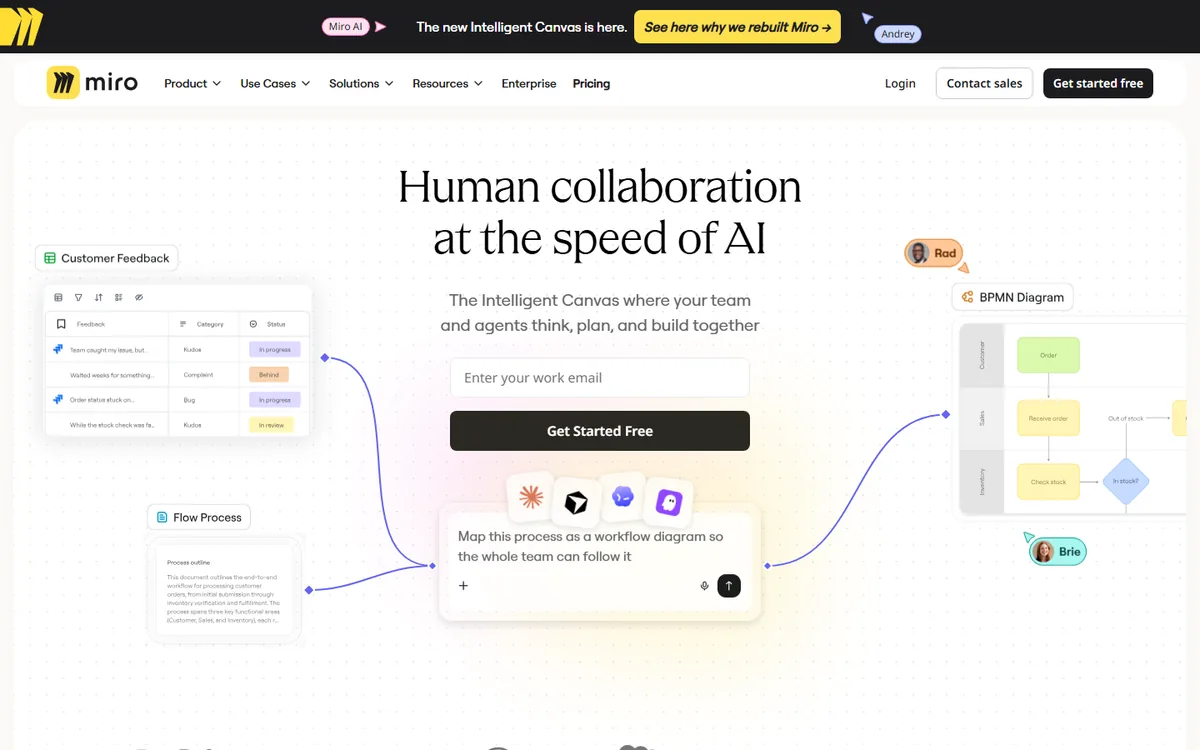
Miro is a shared whiteboard with roadmap templates, sticky notes and voting, built for workshops and early planning.
Miro is where many good roadmaps start. In a workshop, your leaders and teams place initiatives on a timeline, group them, vote and argue about dependencies in real time. Templates for roadmaps and prioritization matrices get the session going in minutes.
A board is not a system of record, though. It does not track costs, status or owners over time the way the other tools do. I use Miro to get agreement and then move the result into a planning tool for the quarterly cycle. The workshop flow follows the phases in my technology roadmap framework.
Where Miro Shines
- Great for workshops, with voting and templates
- Easy for anyone to join and contribute
- Strong integrations with tools such as Jira
Where Miro Falls Short
- Not built to track status, cost or ownership over time
- Large boards get hard to navigate
Miro Pricing
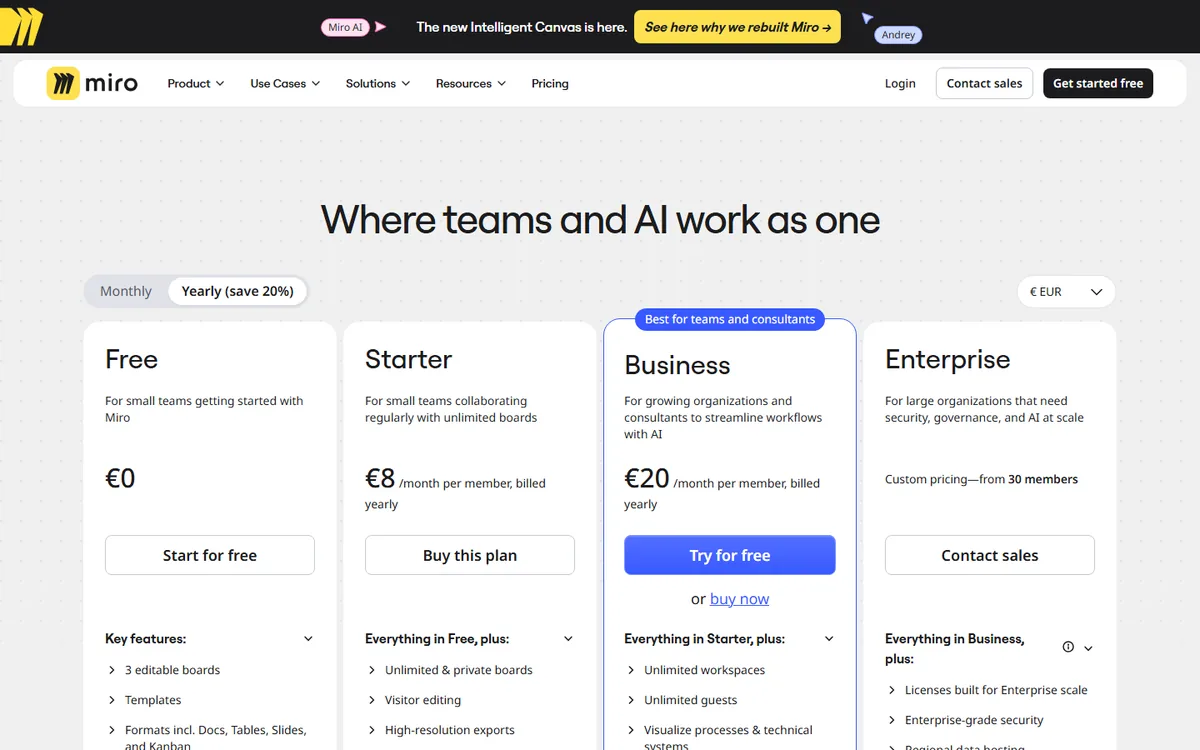
Miro has a free version, which Capterra says includes three editable boards, and a free trial. Capterra lists paid plans from $10 per user per month.
Miro Reviews
- Capterra: rated 4.7/5 (across 1,709 ratings)
Asana
A Friendly Tool for Cross-Functional Teams That Want Timelines Linked to Goals and Daily Work
Asana offers timelines, goals and portfolios, so a roadmap can connect to the projects and tasks that deliver it.
Asana suits companies where the roadmap is shared by IT, operations and business teams. Timelines show initiatives and dependencies, goals link work to company objectives and portfolios give leadership one view of project health.
The interface is approachable, so non-technical teams adopt it quickly. For deeper roadmap needs, such as scoring models and multiple audience views, a dedicated roadmap tool is stronger. Asana does well when the roadmap is part of a broader work management rollout.
Where Asana Shines
- Easy to adopt across business and technical teams
- Goals and portfolios link roadmap items to company objectives
- Timeline view with dependencies
Where Asana Falls Short
- Limited scoring and prioritization features out of the box
- Timeline and portfolio features sit in higher-priced tiers
Asana Pricing
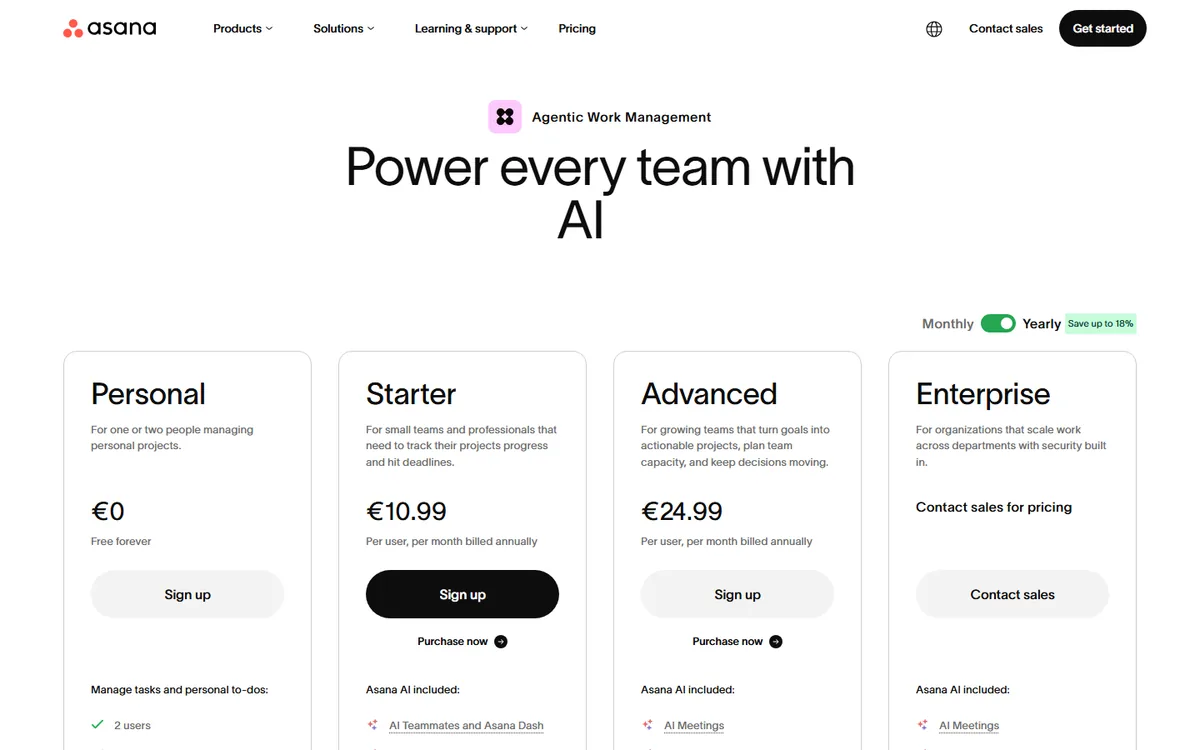
Asana offers a free Personal plan and a free trial for paid plans. Capterra lists the Starter plan from $10.99 per user per month. Timelines, goals and portfolios are available on higher tiers, so check which plan includes what you need.
Asana Reviews
- Capterra: rated 4.5/5 (across 13,770 ratings)
ClickUp
An Affordable All-in-One Option for Small Teams That Want Roadmaps, Tasks and Docs in One Place
ClickUp combines tasks, docs, Gantt and timeline views and dashboards, with a free plan and low per-user prices.
ClickUp gives small teams a lot for the money. You can run tasks, documents, goals and a timeline view in one workspace and build dashboards for leadership. For a technology roadmap, a list of initiatives with a Gantt or timeline view covers the basics.
The breadth is also the risk. There are many views and settings, and teams that do not agree on a structure end up with a cluttered workspace. Set up one clean space for the roadmap and keep the rest separate.
Where ClickUp Shines
- Low per-user price and a free version
- Many views, including Gantt, timeline and dashboards
- Tasks and docs live next to the roadmap
Where ClickUp Falls Short
- The number of options can overwhelm new users
- Less depth in scoring and roadmap sharing than dedicated tools
ClickUp Pricing
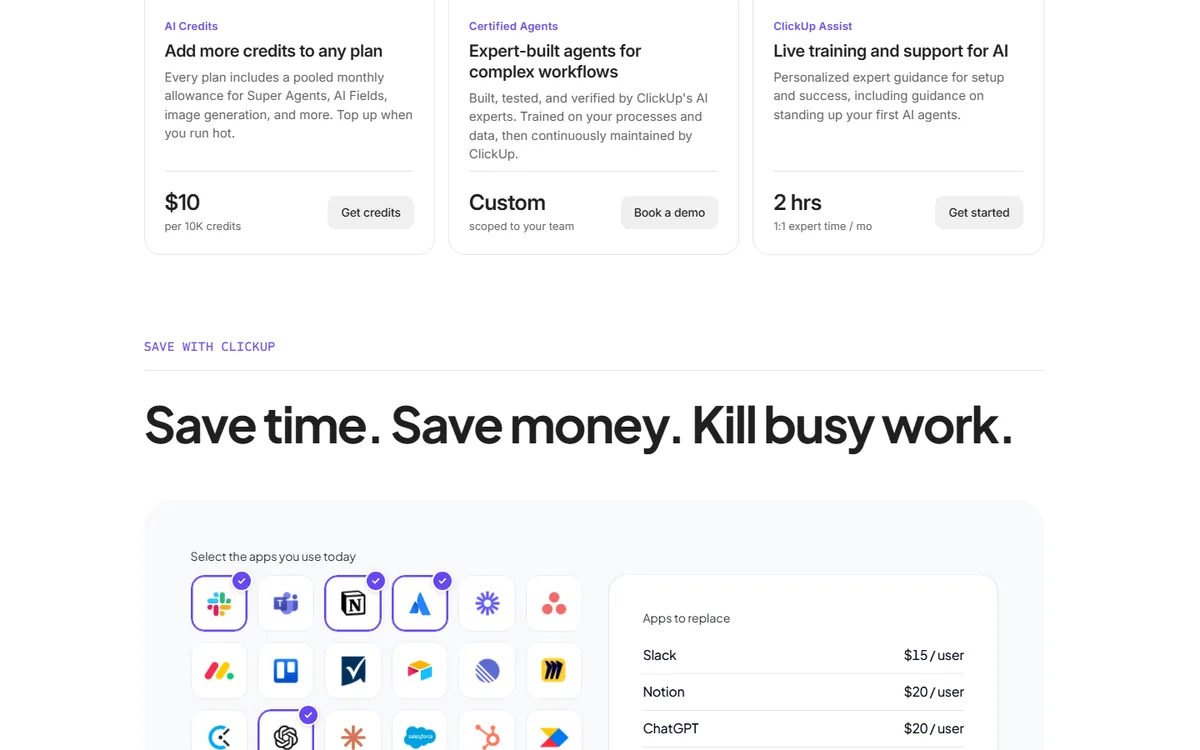
ClickUp has a free version and no free trial, according to Capterra. Capterra lists paid plans from $10 per user per month. Higher tiers add more automation, reporting and admin controls.
ClickUp Reviews
- Capterra: rated 4.6/5 (across 4,810 ratings)
Estimate the Return on Roadmap Software
Before you pick a plan, check whether the numbers work for you. Enter the hours your team spends each week on building and updating roadmap reports, the share the tool could cover and the monthly price, and you will see what it could return in a year.
Is the Software Worth the Cost?
Move the sliders to match the work you want the tool to cover and the plan you are considering.
How to Choose Technology Roadmap Software
Fit with your planning habits decides more than any feature list. Before you compare vendors, I suggest you answer four questions:
- Who edits the roadmap, and who only reads it?
- Do you need scoring and goal links, or only a clear timeline?
- Does delivery already run in a tool the roadmap should connect to?
- How many initiatives will the roadmap hold in a year?
If you deliver in Jira, start with Jira Software or Jira Product Discovery. If you need goals and scoring, look at Aha! or Productboard. If the roadmap sits beside project work, choose monday.com, Smartsheet or Asana, and for a low-cost start, ClickUp. If you are not sure the method is right yet, my technology roadmap framework comes first, and a short call can settle the rest.
Questions About Technology Roadmap Software
What Is the Best Technology Roadmap Software?
For most teams I suggest Aha! Roadmaps if you need goals, scoring and several views, and monday.com or Smartsheet if the roadmap has to sit next to project work. Miro is the best place to draft the first version with stakeholders.
Can I Build a Technology Roadmap in a Spreadsheet?
Yes, and many good roadmaps start there. A sheet with initiative, owner, cost, quarter and status is enough for a small team. Move to dedicated software when several teams edit the plan and you need different views for different audiences.
What Is the Difference Between Roadmap Software and Project Management Software?
Roadmap tools show what you plan to do and why, usually at a quarterly level with scoring and goals. Project tools track the tasks that deliver each item. Many platforms in this list do both, with one side stronger than the other.
How Much Does Technology Roadmap Software Cost?
Entry prices in this list range from free plans to about $59 per user per month, and some vendors quote custom prices. Pricing changes often, so confirm it on the vendor site before you buy.
Do I Need a Separate Tool for the Roadmap If I Use Jira?
Not always. Jira roadmap views work for delivery teams. If leadership needs goals, scoring and a cleaner view, a layer such as Jira Product Discovery or a dedicated tool helps.
How Do I Roll Out Roadmap Software Across Teams?
Start with one team and one roadmap, agree on fields and naming, then add teams. Set a quarterly review so the tool stays current. Rolling out to everyone at once usually creates ten different roadmaps.
How Should I Test Roadmap Software Before Buying?
Load a real set of 20 to 30 initiatives, build one leadership view and one delivery view, and ask three colleagues to find the information they need. If that takes more than an hour, the tool may be too complex for your team.
Disclaimer: Prices, plans and ratings change often. They were checked on Capterra listings when this article was last updated, so confirm them on each vendor’s site before you buy. Nothing here is legal or financial advice.
Was this useful?
We appreciate the feedback.
Paige Mulvaney
Paige leads the Wicker editorial team and works with the consultants who run the roadmaps, software selections, implementations and integrations to turn real client projects into practical guides. Her focus is plain-language advice on IT strategy, choosing business software and connecting systems so they work together. Every article she edits is checked against current vendor pricing and documentation before it is published.