In Short
- Strong roadmaps are short, tied to business outcomes and reviewed every quarter.
- Check demand against real capacity first, since most roadmaps hold more work than the team can deliver.
- Sequence by dependency and reserve time for support and security work.
- Put the shutdown of old systems on the roadmap, or the savings never arrive.
The best technology roadmaps I see share habits, not templates. They are short, honest about capacity and reviewed often. If you are building one and want help with it, technology roadmap consulting covers the whole process. This article shows nine practices from roadmaps that worked, so you can borrow the ones that fit.
Each example gives a situation, what changed and the steps to copy. They come from clients across healthcare, logistics, manufacturing, education and professional services, with details rounded and anonymized.
Nine Roadmap Practices at a Glance
| Example | Best for | Main benefit |
|---|---|---|
| 1. The One-Page Roadmap for Leadership | Executive buy-in | One page everyone reads |
| 2. Now, Next, Later Instead of Dates | Uncertain timelines | Honest planning, fewer broken dates |
| 3. Capacity-Based Planning | Small or overloaded teams | Plans that match real capacity |
| 4. Dependency-Led Sequencing | Complex system landscapes | Correct order of work |
| 5. Risk and Support Work Reserved Up Front | Regulated or support-heavy work | Plans that survive emergencies |
| 6. Quarterly Review Rhythm | Fast-changing business | A roadmap that stays current |
| 7. Budget Tied to Initiatives | Budget discipline | Costs visible to leadership |
| 8. Outcome-Based Milestones | Adoption-sensitive projects | Outcomes, not installs |
| 9. Exit Plans for Old Systems | Replacement programs | Real savings from shutdowns |
You do not need all nine. In my experience three or four, chosen to fit your situation, make most of the difference. A capacity check, a review rhythm and a one-page view are a good start for nearly everyone.
Nine Technology Roadmap Examples
The examples start with how to present a roadmap and move to how to make it hold up in practice. If you want a full method for building one from scratch, my technology roadmap framework lays it out in steps.
The One-Page Roadmap for Leadership
A 90-person healthcare provider had a 40-page IT plan that nobody read. The fix was a single page: five themes, three waves and one line per initiative with an owner and a quarter. Executives approved it in one meeting, because they could see the whole plan and ask about any line.
The detailed plan did not disappear. It sits behind the page for the people doing the work. What changed was who engaged: the CFO started to use the page to explain budget requests, and the board asked for the same format for facilities. Short wins attention that long documents never get.
The Steps Behind It
- Pick five themes that match business goals.
- Place each initiative in one of three waves.
- Write one line each with an owner and a quarter.
- Keep detail in a separate working file.
- Review the page at every steering meeting.
Where It Lives
A slide or a one-page document is enough. The format matters less than the discipline of keeping it to one page.
Now, Next, Later Instead of Dates
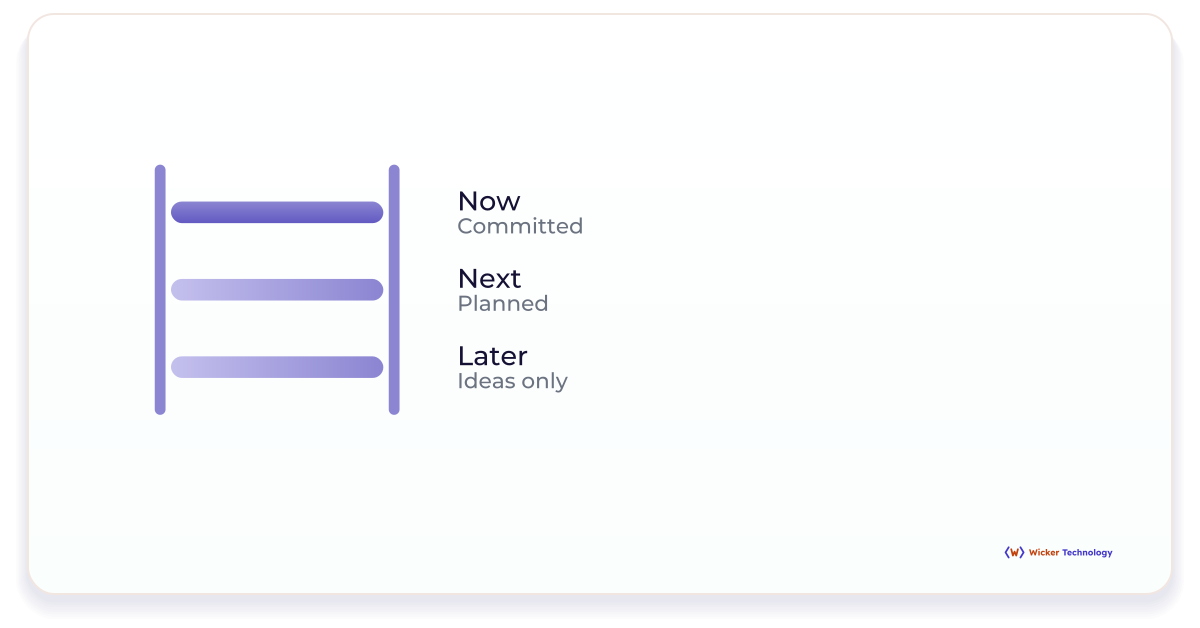
A small logistics company could not predict vendor timelines, so dated plans kept breaking. They switched to three columns: now (in progress, funded), next (planned, owner named) and later (wanted, not yet scheduled). Dates only appeared for the items in now.
The format ended the endless replanning. Leadership understood that later meant not promised, and the team stopped apologizing for moved dates. It works best where uncertainty is high or where the IT team is small, and it pairs well with a quarterly review.
How to Set It Up
- Define the three columns and their rules.
- Limit now to what the team can really deliver.
- Name an owner for every item in next.
- Move items between columns only at the review.
- Publish the board where leaders can see it.
What to Use
A shared board or a simple table works. Avoid tools that push you to enter exact dates for everything.
Capacity-Based Planning
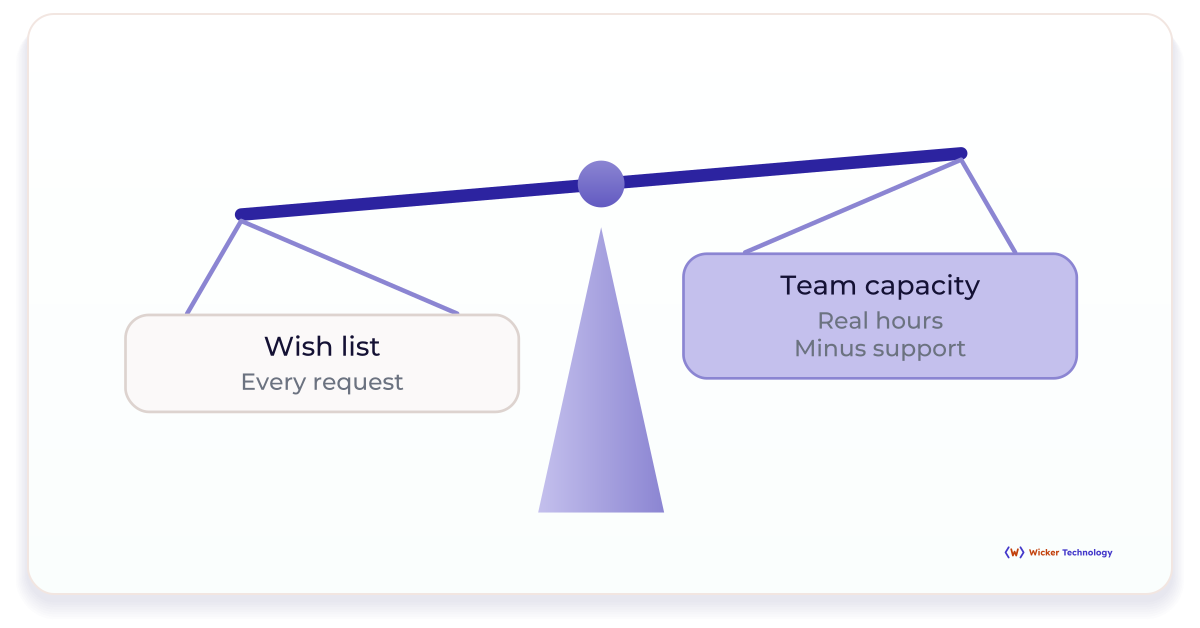
A distributor planned 14 projects for one year with a team of six. Every project looked sensible alone. When the consultant added up the person-weeks, demand was 2.4 times the capacity. The roadmap dropped to five projects, each with a named team and a start date, and three of them finished early.
The change was arithmetic, not method. Each initiative got a size in person-weeks, and the total was held against the real available time after support work, leave and training. The top performers I see do this first, because it makes the trade-offs obvious before anyone argues about priorities.
The Steps in Order
- Estimate each initiative in person-weeks.
- Calculate real capacity after support and leave.
- Cut or defer items until demand fits capacity.
- Show the cut list openly with reasons.
- Re-check the numbers each quarter.
Practical Tip
A spreadsheet with two columns, demand and capacity, is the most useful tool here. The surprise is how rarely teams build it.
Dependency-Led Sequencing
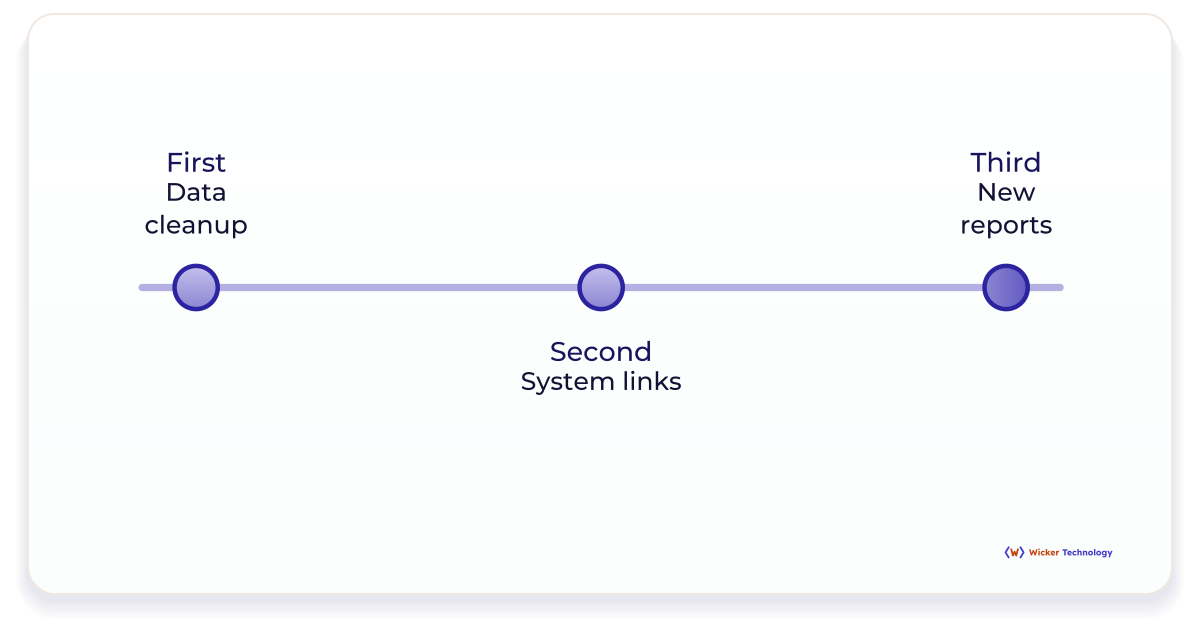
A manufacturer wanted a new planning system, but its product data lived in three places. The roadmap put data clean-up and a single product master ahead of the planning system, and it showed on one page why. The planning project began five months later than the sponsor wanted and went live without the usual data crisis.
Sequencing by dependency often looks slower on paper and is faster in reality. The roadmap showed each project's prerequisites as arrows, which turned the argument about priority into a question of order. Later changes in the plan could be checked against the same arrows.
How to Apply It
- List every prerequisite for each initiative.
- Draw the dependencies as arrows.
- Move foundations such as data and integrations earlier.
- Show the cost of skipping a prerequisite.
- Update the arrows when scope changes.
Where This Matters
A simple diagram does the job. For large programs, dependency views in a planning tool help keep it current.
Risk and Support Work Reserved Up Front
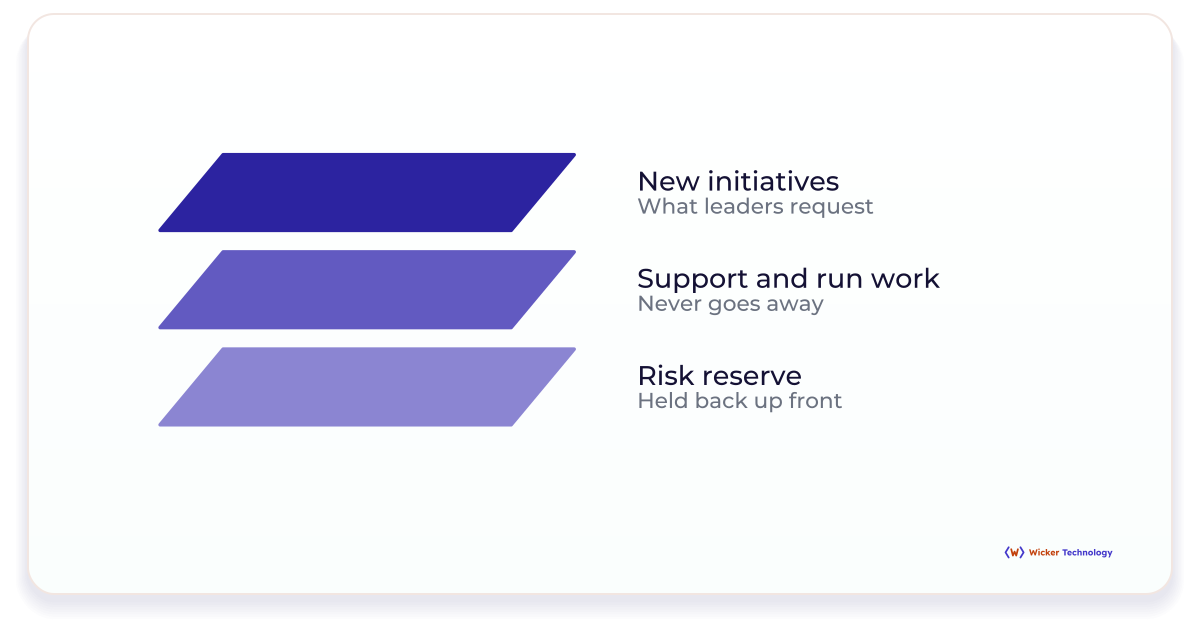
A clinic group reserved 20% of its IT capacity each quarter for patching, end-of-support upgrades and security fixes. These items appeared on the roadmap as a standing line, not as projects competing for slots. Emergencies did still happen, but they stopped displacing every planned project.
Teams that leave this out end up with a roadmap that is fiction by March. The reserved share is a judgment call. Start at 15 to 25% and adjust with real data after two quarters. Present it to leadership as insurance with a visible cost, so it survives budget talks.
What to Do
- Measure last year's unplanned and support work.
- Reserve a share of capacity on the roadmap.
- Name the typical items it covers.
- Report actual use each quarter.
- Adjust the share with two quarters of data.
What to Track
Time-tracking tags on tickets are enough. You only need support versus project hours.
Quarterly Review Rhythm
A professional services firm reviewed its roadmap every quarter in a 60-minute meeting with a fixed agenda: what finished, what slipped, what changed in the business and what moves between columns. Decisions were minuted in a few lines.
The rhythm made the roadmap credible. Because changes were allowed at the review, nobody needed to hide a delay. Over four quarters the firm moved 11 items and dropped four, and the plan never went stale. Annual-only roadmaps usually lose touch with reality by month five.
How to Run It
- Fix a date for the next four reviews.
- Use the same four-part agenda each time.
- Bring numbers on capacity and spend.
- Record decisions in a few lines.
- Publish the updated roadmap within two days.
Keeping It Light
A calendar invitation and a shared file. Resist adding a heavy governance process around it.
Budget Tied to Initiatives
A financial advisory firm attached a cost range to every roadmap item: one-time, annual run cost and internal time. The CFO could see the total and the cash timing, and the board approved the first year plus conditional funding for the second.
Showing run costs next to project costs avoided the usual shock when a project ends and a subscription begins. Ranges worked better than single figures, and every range was updated once quotes arrived. The roadmap became the base for the IT budget instead of a separate wish list.
How to Set This Up
- Estimate one-time, run and internal costs.
- Show ranges and narrow them with quotes.
- Total by quarter for cash planning.
- Mark items as funded or conditional.
- Reconcile with the budget each quarter.
What to Use
The roadmap file with cost columns is enough. Link it to the budget spreadsheet instead of retyping figures.
Outcome-Based Milestones
A school district described each roadmap item by the outcome it should produce, such as teachers log in once a day, and by a milestone that proves it. This replaced milestones such as platform installed, which say little about success.
Outcome milestones made reviews more honest. Several projects reached technical go-live and still failed their outcome, which sent them back for adoption work. The leaders who ask for outcomes get fewer systems nobody uses.
How to Put It into Practice
- Write each item's intended outcome in one sentence.
- Define one measurable milestone for it.
- Record a baseline before the work starts.
- Check the milestone 60 days after go-live.
- Reopen items that miss it.
Measuring
Baselines come from help desk data, surveys or usage reports. Pick measures that already exist.
Exit Plans for Old Systems
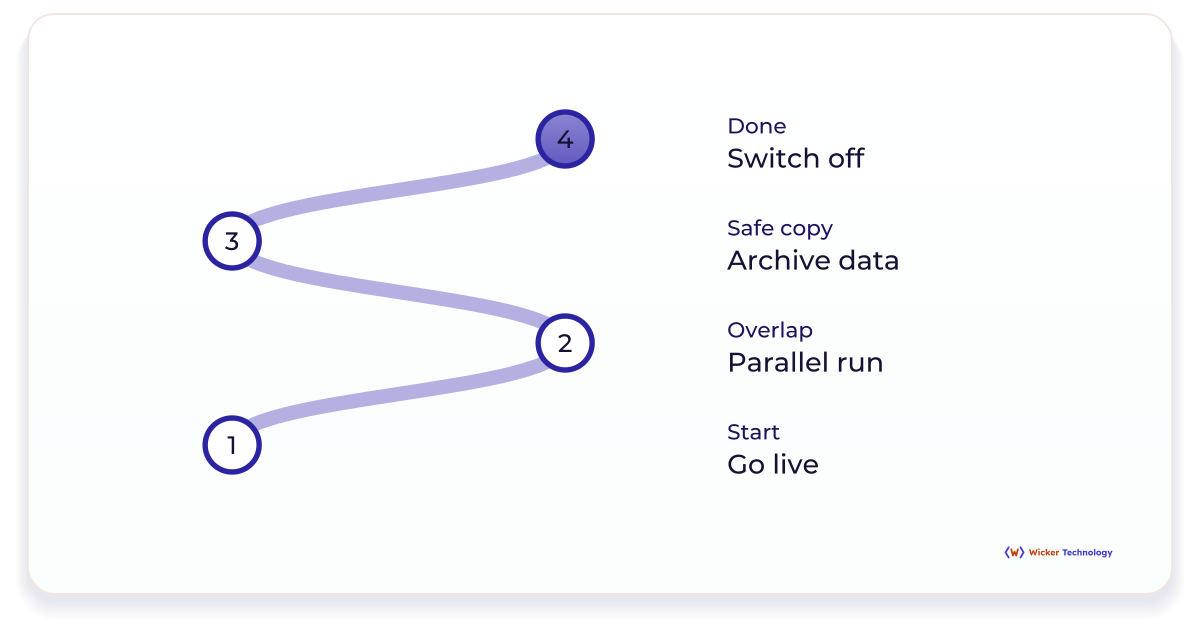
A distribution company gave every replacement project an explicit retire line on the roadmap: a date, an owner and a contract notice deadline. Old systems were switched off on schedule in six of seven cases, which saved a year of double running.
Many roadmaps end at go-live and forget the shutdown. Putting retirement on the same page makes the savings real, because contract notice periods become dated tasks. The company also archived data in a read-only store, so users could still look up old records after the switch-off.
How to Build It
- Add a retire line to every replacement item.
- Record the contract notice deadline.
- Decide how old data will be archived.
- Set a date for read-only mode.
- Confirm the shutdown and cancel licences.
What Helps
A shared calendar for notice dates and a small archive store. Finance can help track contract terms.
What It Takes to Run These Practices
Most of these examples used spreadsheets and slides. A dedicated tool becomes useful when several teams contribute, when dependencies multiply or when leadership wants live views. Even then, the practices matter more than the software, which is why I compare options in my guide to technology roadmap software only after the method is clear.
| Team size | Initiatives | Reasonable tooling |
|---|---|---|
| Up to 20 people | Under 15 | Spreadsheet and one slide |
| 20 to 200 people | 15 to 40 | Shared board plus a cost sheet |
| Over 200 people | 40 or more | Planning software with dependency views |
Whatever you choose, keep one source of truth. A roadmap copied into three tools is wrong in at least two of them.
How to Choose Which Practices to Adopt
Match the practice to your biggest weakness today. A few questions help:
- Does leadership ignore the plan? Start with the one-page view.
- Do dates keep slipping? Check capacity, then try now, next, later.
- Do projects start but never finish? Add dependency sequencing and reserved support time.
- Do savings never appear? Add exit plans and run costs to every item.
Pick two for the next quarter, measure the effect and add more when they stick. If you would like help choosing, a short call gets you a recommendation for your own situation.
Questions About Technology Roadmap Examples
What Does a Good Technology Roadmap Look Like?
It fits on one page, links each initiative to a business outcome, shows owners and quarters and separates what is committed from what is only wanted. Behind the page sit costs, dependencies and capacity numbers. If leaders can explain the plan in two minutes after reading it, it is working.
How Detailed Should My Roadmap Be?
Detailed for the next two quarters, rough for the following year and a list of themes beyond that. Detail further out goes stale and wastes effort. Every item in the detailed part needs an owner, a size estimate and a cost range.
How Often Should a Roadmap Be Updated?
Review it every quarter and update it within two days of the review. Revisit it earlier after a major business change, such as an acquisition or a lost contract. Annual-only roadmaps drift away from reality within a few months.
What Is the Difference Between a Roadmap and a Project Plan?
A roadmap shows initiatives over time at a high level and answers what and when. A project plan breaks one initiative into tasks and answers how. You need both, but the roadmap should not contain task-level detail, or it becomes too long to read.
Which Format Works Best for Small Teams?
Now, next, later usually fits small teams best, because it avoids false dates and keeps the plan honest. Pair it with a simple capacity check so that the now column holds only what the team can actually deliver in the next quarter or two.
How Do I Get Leadership to Engage with the Roadmap?
Give them one page, tie every item to a business goal and show costs and trade-offs openly. Ask for decisions at the review instead of presenting status. Leaders engage when the roadmap helps them decide something, not when it reports on work.
Do I Need Roadmap Software?
Not at the start. A spreadsheet and one slide carry most small and mid-sized organizations for a long time. Software helps once many contributors, dependencies or reporting needs appear. Choose it after you have settled your method.
Important: nothing in this article is legal, financial or tax advice. All figures are estimates from typical projects, so verify them with your own providers and advisers.
Was this useful?
We appreciate the feedback.
Paige Mulvaney
Paige leads the Wicker editorial team and works with the consultants who run the roadmaps, software selections, implementations and integrations to turn real client projects into practical guides. Her focus is plain-language advice on IT strategy, choosing business software and connecting systems so they work together. Every article she edits is checked against current vendor pricing and documentation before it is published.