In Short
- No single tool performs an assessment: pick tools for discovery, architecture, licences, spend or security.
- Discovery tools such as Lansweeper and Device42 build the inventory in days.
- SaaS tools such as Zylo and Productiv find unused and duplicate subscriptions.
- Decide which question you need answered first, then run a pilot with your own data.
The Best Technology Assessment Tools at a Glance
| Tool | Type | Best for |
|---|---|---|
| 1. Lansweeper | Network and asset discovery | Finding every device and application on your network |
| 2. SAP LeanIX | Enterprise architecture | Mapping applications, owners and dependencies |
| 3. Ardoq | Architecture and dependency mapping | Understanding how systems, teams and processes connect |
| 4. Device42 | Discovery and dependency mapping | Mapping what depends on what in mixed data center and cloud setups |
| 5. Flexera One | Licence and spend optimization | Matching software licences to actual use |
| 6. ServiceNow IT Asset Management | Asset management inside a service platform | Tracking assets, contracts and lifecycle inside your service desk |
| 7. IBM Apptio | IT financial management | Connecting technology spend to business outcomes |
| 8. Zylo | SaaS discovery and spend | Finding every SaaS subscription and who uses it |
| 9. Productiv | SaaS usage and engagement | Seeing which tools people actually use |
| 10. Tenable Vulnerability Management | Security exposure scanning | Finding vulnerabilities and unpatched systems |
The 10 Best Technology Assessment Tools, Ranked
No single tool performs a technology assessment. The tools below each cover one slice: discovery, architecture, licences, spend or security. I start with the ones that give the broadest first picture and move toward specialist platforms. In the technology assessment consulting projects I run, the tool matters less than the method, so use these to gather evidence for the scoring in my technology assessment framework.
Lansweeper
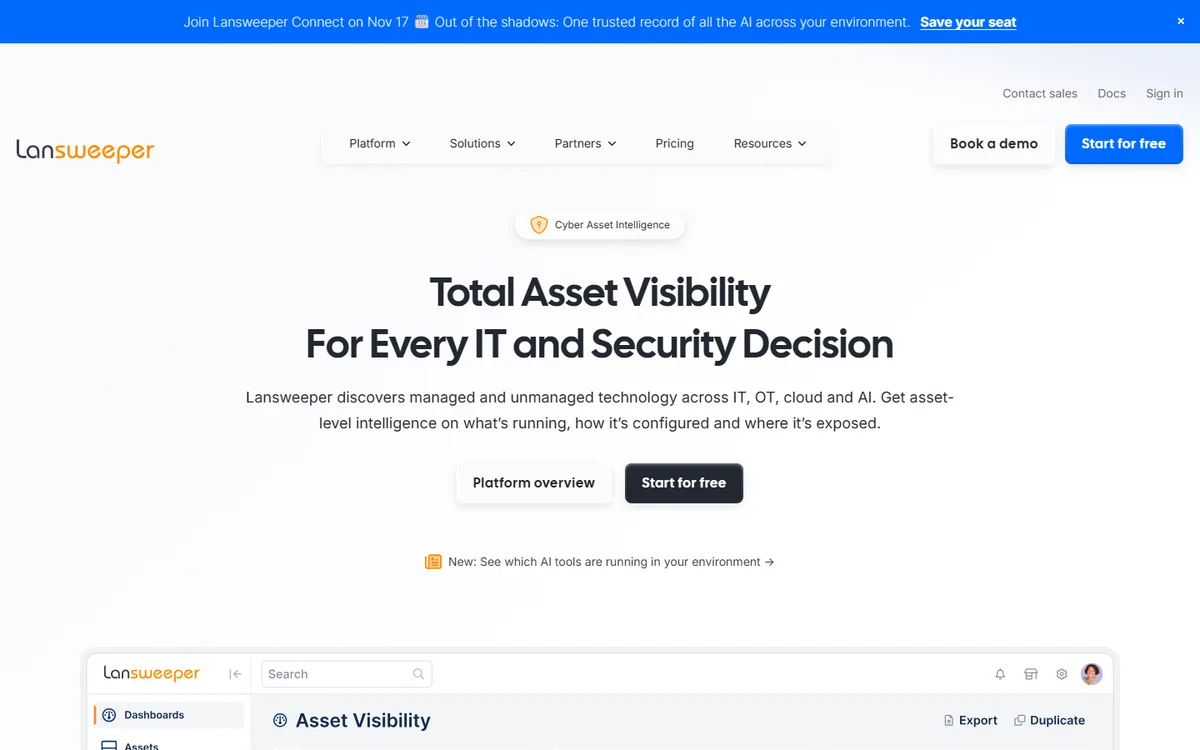
The Fastest Way to See What You Actually Run Across Your Network
Lansweeper scans your network and builds an inventory of hardware, software and users without agents on every machine.
I often start an assessment with a discovery scan, and Lansweeper is the tool I reach for most with small and mid-sized organizations. It finds devices, installed software, operating system versions and warranty dates, then shows what is out of support. In several projects the first scan found 15 to 20% more devices than the IT team expected, which is a useful way to open a conversation about shadow IT.
The limit is scope. It tells you what exists and how healthy it is, but it does not tell you whether a system fits the work people do. Pair it with interviews, as described in my technology assessment checklist.
Where Lansweeper Shines
- Agentless scanning gets you an inventory within hours
- Shows out-of-support software and operating systems clearly
- Integrates with service desk tools to enrich tickets
Where Lansweeper Falls Short
- Does not judge business fit or process quality
- Cloud and SaaS coverage needs extra integrations
Lansweeper Pricing
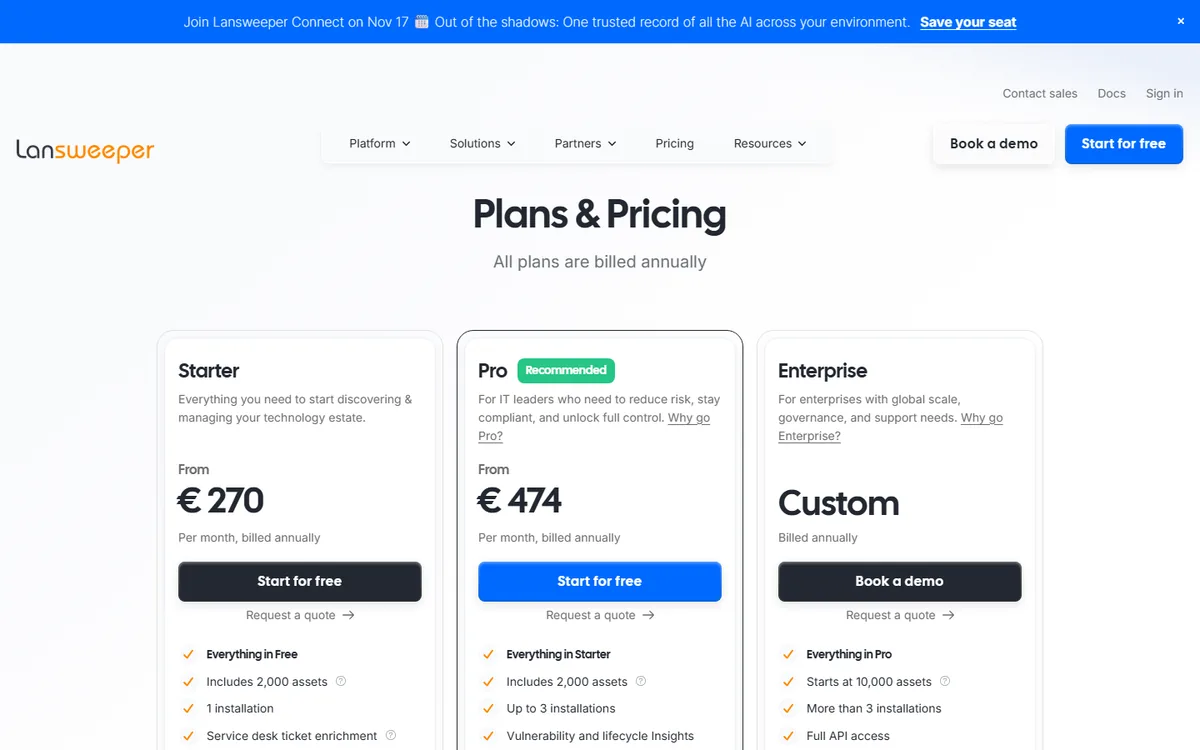
Lansweeper lists a 14-day free trial and a free tier for up to 100 assets afterward. Paid Starter, Pro and Enterprise plans are priced by the number of assets, with Starter covering up to 2,000 assets. Enterprise pricing is by quote.
Lansweeper Reviews
- G2: rated 4.4/5 (across 72 ratings)
SAP LeanIX

The Clearest Map of Your Applications When the Landscape Is Large
SAP LeanIX is an enterprise architecture platform that keeps an inventory of applications, their owners, costs and lifecycle, and the links between them.
LeanIX suits organizations that have outgrown a spreadsheet inventory. Each application gets an owner, a lifecycle stage and a business capability, and the platform draws the relationships. Surveys sent to application owners keep the data current, which solves the most common problem I see: an inventory that is accurate for one month.
It is overkill for a company with twenty systems. The value starts when you manage hundreds of applications across several business units and need to answer questions like which systems support this process and what retires first.
Where SAP LeanIX Shines
- Strong application portfolio and lifecycle views
- Owner surveys keep inventory data fresh
- Good for retirement and consolidation planning
Where SAP LeanIX Falls Short
- Takes real effort to set up and govern
- Too heavy for small organizations
SAP LeanIX Pricing
The vendor does not show prices on a page I could read. Price on request, so request a quote with your number of applications and users.
SAP LeanIX Reviews
- G2: rated 4.5/5 (across 191 ratings)
Ardoq
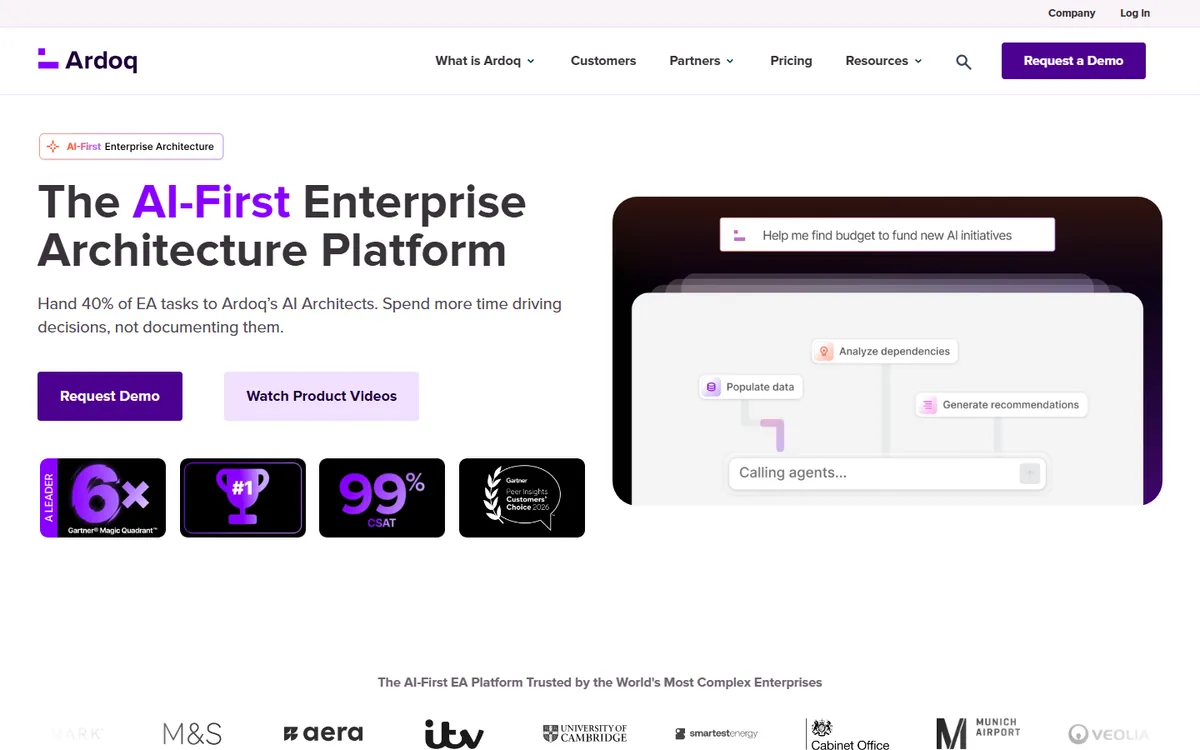
A Flexible Way to Map Dependencies and Model Change Before You Make It
Ardoq models your applications, data flows, teams and processes as a connected graph, so you can see the effect of a change before you make it.
Where LeanIX is strong on the application portfolio, Ardoq is strong on relationships. I use it when the key question is what breaks if we retire this system. You can import data from discovery tools and spreadsheets, then visualize dependencies and run scenarios for a migration or a retirement.
The flexibility has a cost. You decide the data model, and a poor model gives you a confusing graph. Plan a few workshops with an experienced architect before you load anything.
Where Ardoq Shines
- Strong visualization of dependencies and scenarios
- Flexible data model and imports
- Unlimited users, with pricing by number of applications
Where Ardoq Falls Short
- Needs careful modeling to be useful
- Learning curve for non-technical users
Ardoq Pricing
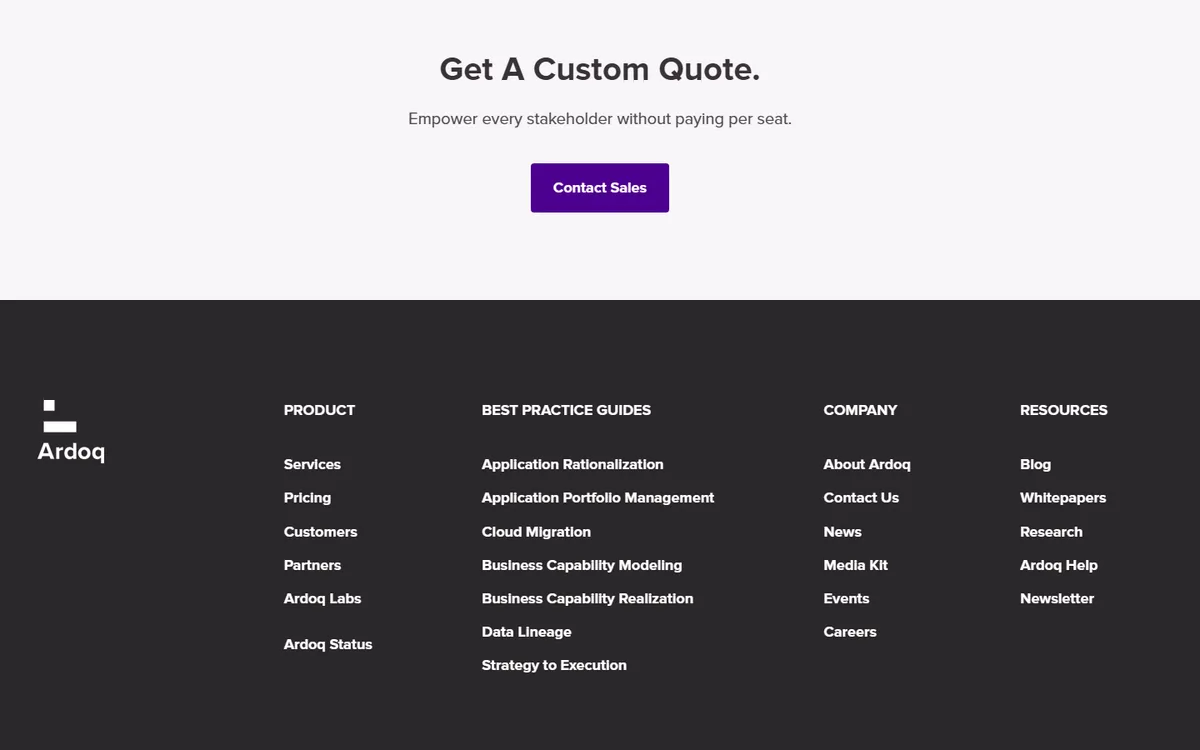
Ardoq publishes no prices. Its page says pricing is based on the number of applications, with unlimited users, and points to a custom quote. Modules include Business and IT Optimization, Strategic Planning and Governance, Risk and Compliance.
Ardoq Reviews
- G2: rated 4.5/5 (across 33 ratings)
Device42
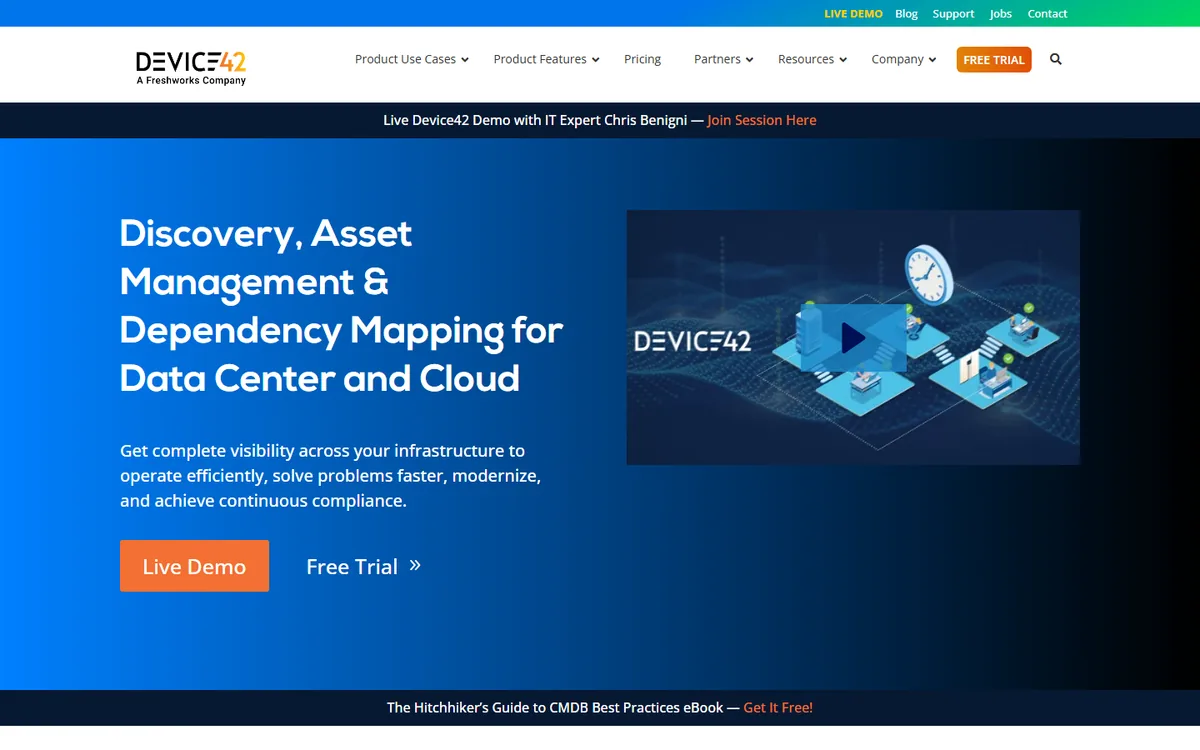
A Strong Choice for Mapping Dependencies in Mixed Data Center and Cloud Estates
Device42, now part of Freshworks, discovers hardware, software and applications, and maps the dependencies between them across data centers and clouds.
Device42 is what I choose when a migration or a data center exit is the real goal. It discovers servers and applications, then shows which ones talk to each other, which is the information you need before you move anything. The application dependency view has saved me from moving a database without the service that quietly depends on it.
It is more than you need for a small office. It also asks for discovery credentials across your network, so involve your security team early.
Where Device42 Shines
- Detailed application dependency mapping
- Covers data center, cloud and virtual environments
- Useful for migration and consolidation planning
Where Device42 Falls Short
- Setup requires credentials and security review
- More than a small business needs
Device42 Pricing
The vendor's pricing page lists no plans or prices. It describes an annual subscription based on the number of devices, with a free trial available. Ask for a quote based on your device count.
Device42 Reviews
- G2: rated 4.7/5 (across 52 ratings)
Flexera One

The Deepest Option for Software Licence Position and Cost Control
Flexera One combines software asset management, cloud cost and IT visibility, and shows what you own, what you use and where you overspend.
Flexera is strongest on licences. It can reconcile what you own against what is installed and used, and it flags audit exposure on complex vendors such as Microsoft, Oracle and SAP. In a project with a licence-heavy client, the licence position alone justified the platform, since it showed both unused spend and an under-licensed product.
Expect an enterprise sale and an enterprise implementation. For a company with 200 employees and mostly SaaS, a lighter licence tool will do the job faster.
Where Flexera One Shines
- Deep licence reconciliation for large vendors
- Helps prepare for vendor audits
- Combines on-premise, SaaS and cloud cost views
Where Flexera One Falls Short
- Enterprise pricing and implementation effort
- Interface can feel dense for occasional users
Flexera One Pricing
Flexera does not publish prices on the product page. Price on request after a demo, so ask for a quote tied to the scope of environments you need.
Flexera One Reviews
- G2: rated 4.4/5 (across 195 ratings)
ServiceNow IT Asset Management
The Natural Choice if ServiceNow Already Runs Your IT Processes
ServiceNow IT Asset Management tracks hardware, software and contracts from purchase to retirement inside the ServiceNow platform.
If ServiceNow is already your service desk, its asset management module gives you an inventory tied to incidents, changes and contracts. This is valuable in assessments, because you can see which assets cause the most tickets and which contracts end next. The link between assets and incidents is a data set most standalone tools cannot match.
If you do not run ServiceNow, the platform alone is a big commitment for assessment purposes. Choose it for its fit with your wider processes, not because you need a one-off review.
Where ServiceNow ITAM Shines
- Links assets to incidents, changes and contracts
- Strong lifecycle and contract tracking
- Scales to very large organizations
Where ServiceNow ITAM Falls Short
- Large platform commitment and cost
- Needs good data to get value from it
ServiceNow ITAM Pricing
ServiceNow does not publish prices on its product page. It points to sales conversations and custom demos, so you need a quote based on your modules and user numbers.
ServiceNow ITAM Reviews
- G2: rated 4.3/5 (across 559 ratings)
IBM Apptio
The Best Fit for Showing Leadership What Technology Costs and What It Delivers
IBM Apptio supports IT financial management: costing, planning, billing and benchmarking of technology spend, with related tools for cloud cost and agile portfolio work.
Apptio answers the cost question. It allocates spend to services and business units, so leadership sees what each application costs to run and who consumes it. For an assessment of a large organization, that cost model replaces weeks of spreadsheet work, as long as the finance and IT data are available.
It is a finance tool at heart. It does not inspect technical health or fit, and its setup needs finance and IT to agree on a cost model, which can be the hardest part of the project.
Where IBM Apptio Shines
- Clear cost allocation from IT spend to services
- Related tools for cloud and Kubernetes costs
- Benchmarking for planning and budgeting
Where IBM Apptio Falls Short
- Setup needs agreement between finance and IT
- Not built to assess technical health or fit
IBM Apptio Pricing
IBM does not publish Apptio prices on its site. It uses a sales-led model with demos, so request a quote for the modules you need.
IBM Apptio Reviews
- G2: rated 4.3/5 (across 304 ratings)
Zylo
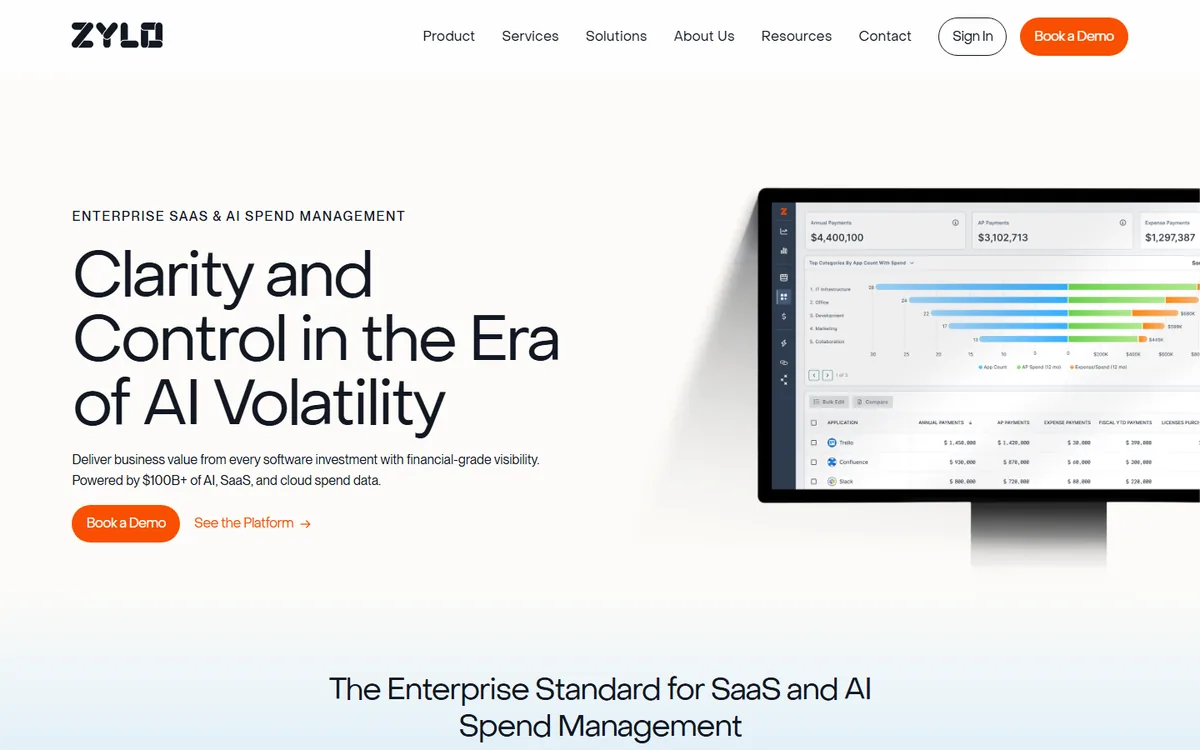
A Focused Way to Find and Cut SaaS Waste
Zylo discovers SaaS subscriptions through finance and identity data and shows what you pay, who uses each tool and when it renews.
SaaS sprawl is the most common finding in my recent assessments, and Zylo attacks it directly. It connects to expense, accounts payable and single sign-on data, then lists every application with its cost and usage. Renewal calendars and duplicate detection give you quick, visible savings.
It covers SaaS only. Servers, networks and on-premise software remain invisible, so it complements a discovery tool and does not replace it.
Where Zylo Shines
- Finds shadow SaaS through finance and sign-in data
- Usage and renewal tracking in one view
- Quick savings from duplicate and idle tools
Where Zylo Falls Short
- SaaS only, no on-premise or infrastructure view
- Value depends on connecting finance and identity data
Zylo Pricing
Zylo lists three tiers, Core, Premium and Enterprise, with features on its pricing page. Prices are not published, and each tier points to a quote request or demo.
Zylo Reviews
- G2: rated 4.7/5 (across 53 ratings)
Productiv
A Practical Option for Understanding How Teams Really Use Their Software
Productiv shows how employees use their SaaS applications, with engagement data, license counts and renewal insight to support cost and adoption decisions.
Productiv is similar to Zylo in purpose and stronger on usage data. It ties activity to people and teams, which helps when you must decide whether a department really needs 80 seats or 30. I find its adoption views handy for conversations with department heads who resist cuts.
As with every SaaS tool, it sees only what it can connect to. Plan integration work with identity, finance and the biggest applications first.
Where Productiv Shines
- Detailed usage and engagement by team
- Helps right-size licences with evidence
- Useful for renewal negotiation
Where Productiv Falls Short
- SaaS only
- Value depends on integrations you set up
Productiv Pricing
I could not read a published price list for Productiv, as its pricing page redirects to the main site. Request a quote and ask how seats and applications are counted.
Productiv Reviews
- G2: rated 4.5/5 (across 76 ratings)
Tenable Vulnerability Management
The Most Direct Way to Turn Security Basics Into a Measured Result
Tenable Vulnerability Management scans your assets for vulnerabilities and misconfigurations and ranks what to fix first.
Security is part of every assessment, and a scan gives you numbers instead of opinions. Tenable finds missing patches and weak configurations, then prioritizes by severity. In reviews I have seen a first scan produce hundreds of findings, which is why the ranking matters: you fix the dozen that matter and schedule the rest.
It measures vulnerabilities. It does not assess whether your systems fit your business or whether your backups work, so it covers one slice of the checklist well and the others not at all.
Where Tenable Shines
- Clear severity ranking of what to fix first
- Broad coverage of servers, devices and cloud assets
- Publishes entry pricing, which is rare in this category
Where Tenable Falls Short
- Covers security only
- Findings volume can overwhelm without triage
Tenable Pricing
Tenable lists Vulnerability Management from $3,500 per year for 100 assets on a one-year term, with multi-year discounts. Nessus Professional is listed at $4,790 for one year. Confirm current prices on the vendor page, as listings differ slightly.
Tenable Reviews
- G2: rated 4.6/5 (across 155 ratings)
Estimate the Return on an Assessment Tool
Before you buy, check whether the numbers work for you. Enter the manual hours the tool would replace, such as building inventories and chasing licence data, and its monthly price, and you will see what it could return in a year.
Is the Software Worth the Cost?
Move the sliders to match the work you want the tool to cover and the plan you are considering.
How to Choose the Right Technology Assessment Tool
In my experience, the question you need answered decides the tool. Before you compare vendors, I suggest you answer four questions:
- Do you need to know what you run, how it connects, what it costs or how exposed it is?
- Is your estate mostly on-premise, mostly SaaS or a mix?
- How many systems and users are in scope, and who will keep the data current?
- Do you need a one-time answer or a continuous view?
For a first inventory on a network, Lansweeper or Device42 are sensible. For application landscapes, look at SAP LeanIX or Ardoq. For licences and SaaS waste, Flexera One, Zylo or Productiv fit best, and for cost visibility, Apptio. For security exposure, Tenable. If your questions are mainly about fit and process, no tool replaces the interviews in my assessment checklist, and worked cases in my technology assessment examples show how teams combined tools with conversations. If you want a second opinion, a short call usually settles it.
Questions About Choosing Technology Assessment Tools
What Is the Best Technology Assessment Tool for a Small Business?
For most small businesses, a spreadsheet inventory plus a free or low-cost discovery scan is enough. Lansweeper offers a free tier for up to 100 assets, which covers many small offices. Add a SaaS tool such as Zylo or Productiv only when you pay for dozens of subscriptions and cannot say who uses them.
Can One Tool Cover the Whole Assessment?
No. Discovery tools show what exists, architecture tools show relationships, licence and SaaS tools show use and spend and security scanners show exposure. None of them judges whether systems fit your work. Plan to combine one or two tools with interviews and a scoring method.
What Is the Difference Between Discovery and Architecture Tools?
Discovery tools such as Lansweeper and Device42 scan your network and find what is installed and running. Architecture tools such as SAP LeanIX and Ardoq record how applications relate to business capabilities, owners and lifecycles. Discovery feeds the inventory, and architecture tools organize it for planning.
Are These Tools Worth It for a One-Time Assessment?
Sometimes. Discovery tools often offer trials that are enough for a one-time scan. Enterprise platforms such as ServiceNow, Flexera or Apptio make sense when the data will be used continuously. For a one-time review, spreadsheets and admin exports are often cheaper and faster.
How Accurate Are the Ratings You List?
Ratings come from G2 review pages read in November 2026 and change as new reviews arrive. Review counts differ a lot, so a 4.7 from 52 reviews is a weaker signal than a 4.3 from 559. Treat ratings as one input and run a trial with your own data.
Do I Need a Security Scanner as Part of an Assessment?
For most assessments, yes, at least once. A vulnerability scan puts numbers on patching and configuration gaps that interviews cannot. Tools such as Tenable rank findings by severity, so you can fix the few that matter first. A formal penetration test is a separate project.
How Long Does It Take to Get Value from These Tools?
Discovery and SaaS tools can show first results within days of connecting data. Architecture and enterprise platforms need weeks of modeling and data governance before they become useful. Ask each vendor for a pilot with your own data, and judge the tool by what it finds in that pilot.
Disclaimer: Prices, plans and ratings change often. They were checked when this article was last updated, so confirm them on each vendor’s site before you buy. Nothing here is legal or financial advice.
Was this useful?
We appreciate the feedback.
Paige Mulvaney
Paige leads the Wicker editorial team and works with the consultants who run the roadmaps, software selections, implementations and integrations to turn real client projects into practical guides. Her focus is plain-language advice on IT strategy, choosing business software and connecting systems so they work together. Every article she edits is checked against current vendor pricing and documentation before it is published.