In Short
- Most assessments start with a trigger: an error, a planned purchase, an audit or rising costs.
- Interviews find problems that scans miss, such as manual workarounds and single points of failure.
- Many first fixes cost less than the project they replace.
- Start with what you already own and what you already pay for before buying anything new.
You learn more about how to run an assessment from a few real stories than from any template. Below are seven I have worked on or reviewed, from clinics to freight to schools. Details are rounded and anonymized, but the findings and the choices that followed are real. If you are weighing outside help for your own review, my overview of technology assessment consulting explains how these projects run.
Each example shows what triggered the review, what the assessment found, what changed and which tools mattered. Patterns repeat across sectors, so you can look for them in your own systems.
Seven Assessments at a Glance
| Example | Sector | Main finding | What happened |
|---|---|---|---|
| 1. Clinic Group Finds Nine Overlapping Systems | Healthcare | Overlapping tools and a claims error | Fix the export, then consolidate |
| 2. Freight Forwarder Discovers Unused Licences | Logistics | Unused ERP module | Pilot before buying |
| 3. Law Firm Closes Access Gaps Before an Audit | Legal services | Dormant accounts and failed backup | Fix in days, pass the audit |
| 4. Manufacturer Retires a Legacy Reporting Server | Manufacturing | Unsupported reporting server | Rebuild seven reports, retire it |
| 5. School District Sorts Out Competing Platforms | Education | Six competing platforms | Keep two, retire five |
| 6. Distributor Finds Its Single Point of Failure | Logistics | One person holding the chain | Document first, replace later |
| 7. Financial Advisory Firm Cuts Software Spend | Financial services | Idle subscriptions | Cancel, merge, renegotiate |
Three lessons run through all seven. Interviews find problems that scans miss. Many fixes cost less than the project they replace. And the best results came from small, early actions, not large programs.
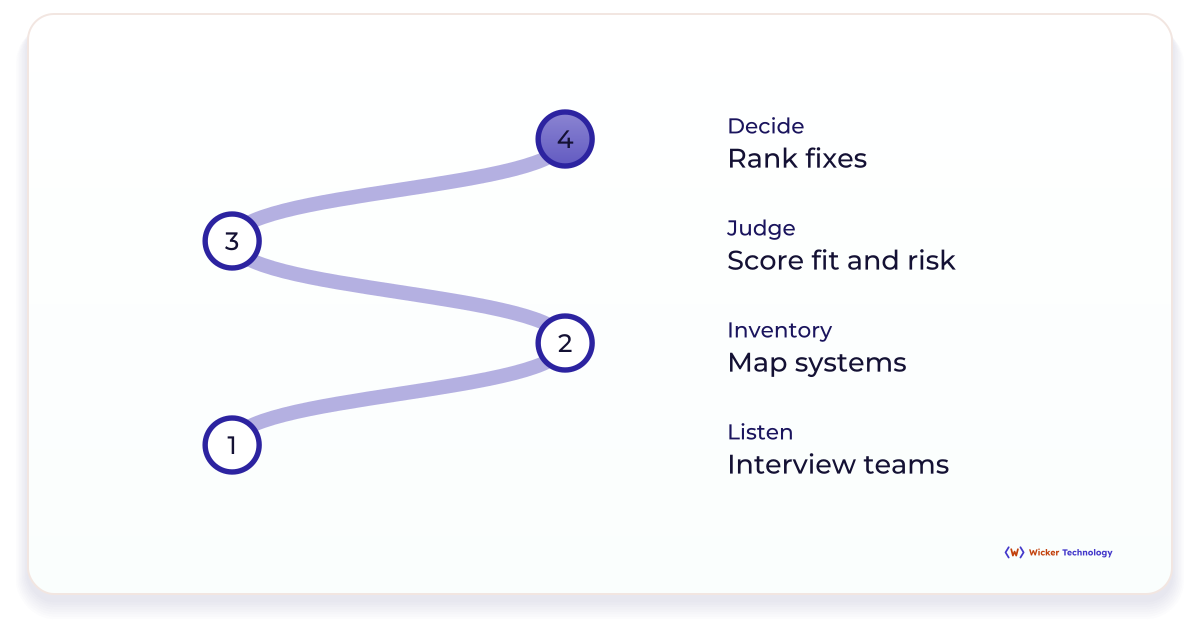
Seven Technology Assessment Examples
The examples run from the quickest fix to the most complex, and I mention a checklist step or tool where it made the difference. The twelve areas in my technology assessment checklist cover all of these cases, which is how I know the list is complete.
Clinic Group Finds Nine Overlapping Systems
A regional clinic group with 11 sites asked for a review after a billing error cost them a month of claims. The first inventory counted 31 systems, of which nine did overlapping work: three scheduling tools, two patient reminder services and four reporting setups. Nobody had planned it. Each site had added what it needed over a decade.
The assessment scored each system on fit and risk and found that the claims error came from a manual export between scheduling and billing. Fixing that link took three weeks and cost less than one month of the lost claims. The consolidation of scheduling followed in the next budget cycle, and the group retired four tools within a year.
How the Assessment Ran
- List every system at every site, including the ones sites bought themselves.
- Interview front desk and billing staff about daily workarounds.
- Trace one claim from booking to payment and note each manual step.
- Score fit, health and risk for every system.
- Fix the manual export first, then rank the overlaps.
Where the Evidence Came from
The best tool was a shared spreadsheet for the inventory and a short interview guide. A discovery scan helped to find devices, but the billing export problem only showed up in conversation.
Freight Forwarder Discovers Unused Licences
A freight forwarder with 140 staff was about to buy a new transport management system. Before signing, the operations director asked for a review. The inventory showed that the company already paid for a module in its existing ERP that covered most of the planned features, but nobody had switched it on after a 2021 upgrade.
The assessment compared the planned requirements to the existing module and found a 70% match. Instead of a full replacement, the company ran a three-month pilot with the module and bought a small add-on for carrier connections. The avoided purchase was a six-figure project, and the pilot team went live in 14 weeks.
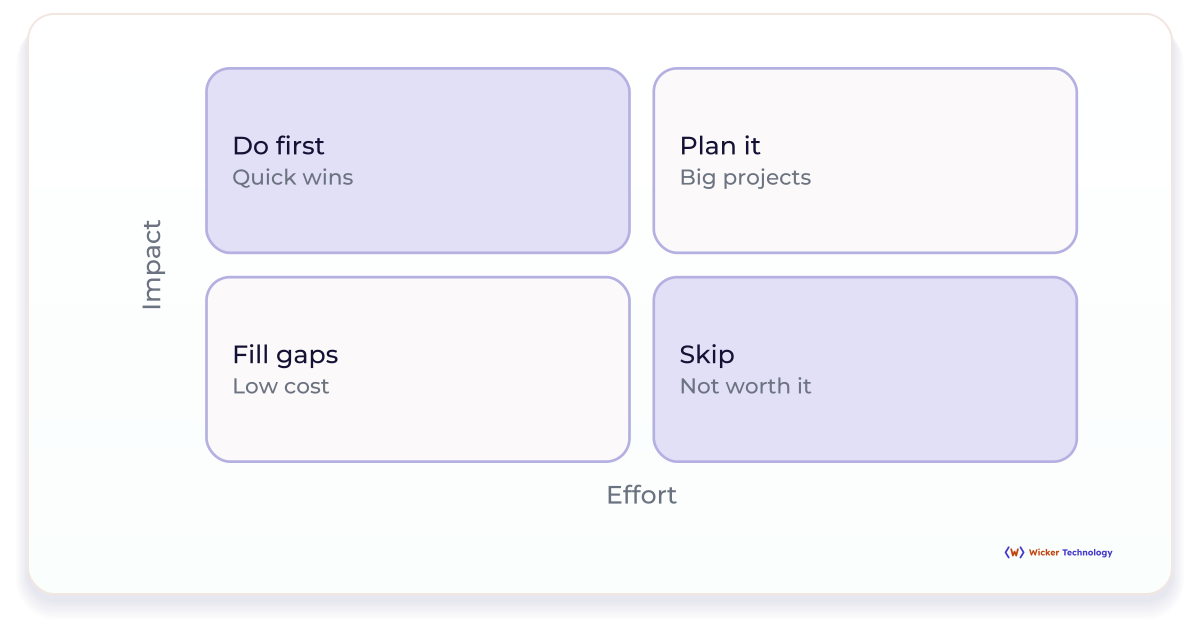
What the Review Checked
- Collect the requirements for the planned purchase.
- Check licence contracts for modules already owned.
- Map each requirement to what is available today.
- Run a short pilot with real shipments.
- Buy only the gaps that the pilot confirms.
What Helped Most
A contract and licence review did the heavy lifting here. Admin screens from the ERP showed which modules were enabled, and the vendor account manager confirmed what the licence covered.
Law Firm Closes Access Gaps Before an Audit
A 60-person law firm had a client audit coming and wanted to know where it stood. The review sampled access rights in the document system, the billing platform and email. It found 14 former employees with active accounts, a shared administrator login and a backup job that had been failing quietly for five weeks.
None of these needed new software. The firm removed the accounts in a day, issued named admin accounts, repaired the backup and ran a test restore. The client audit passed with two minor notes. The partner who asked for the review said later that the backup finding alone justified the cost.
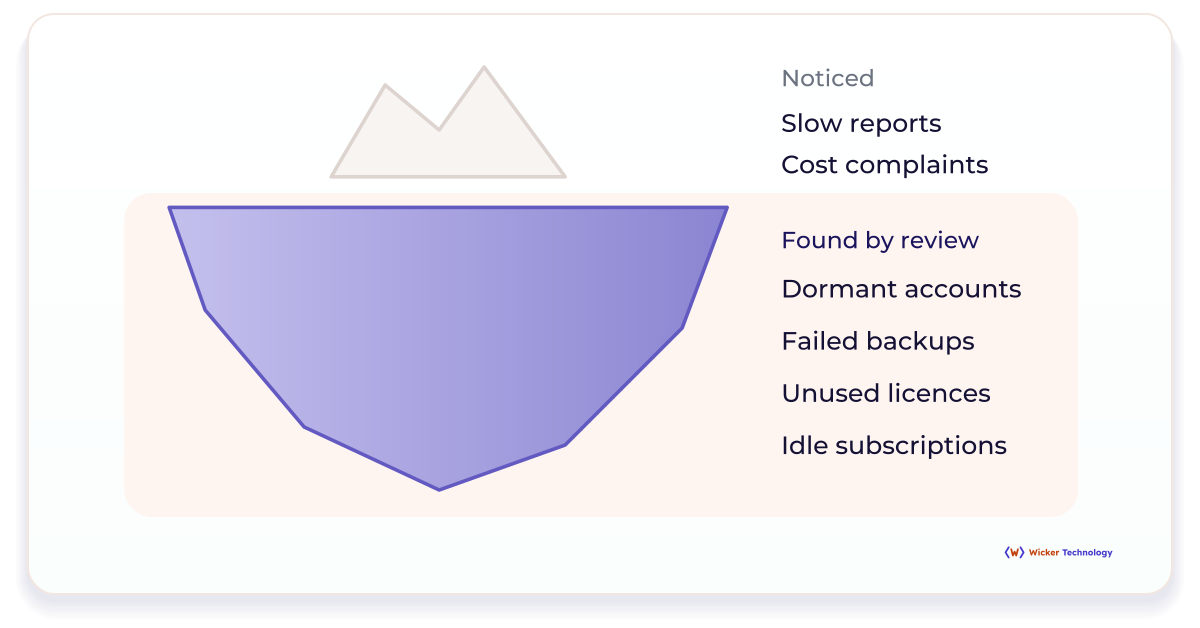
The Steps in Order
- Export the user list from each major system.
- Compare every list with the current staff roster.
- Check how admin accounts are shared and recorded.
- Look at backup logs and run one test restore.
- Write down fixes with owners and a two-week deadline.
Tools Used
The user exports and the backup console were enough. A vulnerability scanner added little at this size, so I skipped it and spent the time on the access review.
Manufacturer Retires a Legacy Reporting Server
A mid-sized manufacturer ran month-end reports from a server built in 2013 by a developer who had since left. It was out of vendor support and nobody was sure what fed it. The assessment mapped its data sources and found 22 reports, of which only 7 were opened in the last six months.
The business kept the seven, rebuilt them in its existing reporting platform and shut the server down after a one-month parallel run. The rebuild took six weeks, and the server and its support contract were retired. Month-end closed one day earlier afterward, because the reports no longer needed a manual refresh.
How the Team Worked Through It
- Find every data source feeding the old server.
- Check report usage logs for the past six months.
- Ask owners of unused reports whether they still need them.
- Rebuild the used reports on the supported platform.
- Run both for a month, then switch the old one off.
Where Tools Came in
Usage logs on the server told the story. For the rebuild, the company's existing reporting platform was enough, so no new licence was needed.
School District Sorts Out Competing Platforms
A school district had learning platforms, grading tools and attendance systems bought school by school. Teachers logged into up to six different tools a day. The assessment concentrated on fit, interviewing 24 teachers and five administrators, and checked which tools had data connections to the student information system.
The result was a short list of two platforms to keep and five to retire, with a calendar that respected term dates. Integration with the student system came first, since duplicate student records caused most complaints. The district completed the move over two summers and reported fewer help desk tickets in the first autumn.
What Happened Week by Week
- Interview teachers and office staff at several schools.
- Count the logins a typical teacher uses in a day.
- Check which tools connect to the student information system.
- Score each platform and rank by fit and integration.
- Schedule changes for summer breaks only.
What Made It Manageable
A simple survey followed by interviews gave the fit scores. Integration status came from the student system's admin pages, so no special software was needed.
Distributor Finds Its Single Point of Failure
A distributor with 220 employees ran order entry, invoicing and carrier labels through a chain of scripts maintained by one developer. The assessment's dependency map showed that a failure at one step stopped all three processes. No documentation existed, and the developer had not taken a vacation in two years.
The fix was not a new platform but documentation, a second trained person and a monitored job queue. Six months later the company began replacing the scripts with a supported integration platform, in waves. The assessment turned a hidden risk into a budget line the owners accepted without argument.
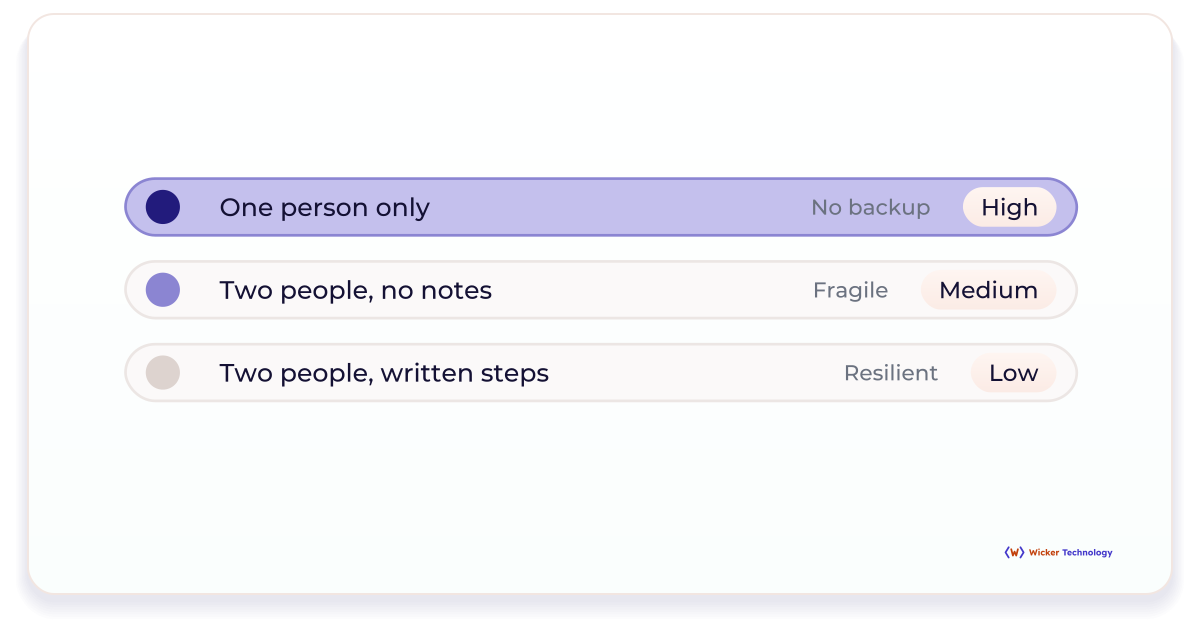
The Sequence That Worked
- Draw the data flow from order to invoice.
- Mark which links are scripts or manual.
- Ask who else can fix each one at short notice.
- Record the cost of one day of downtime.
- Fund documentation and backup staff before replacing anything.
Tools Worth Considering
A whiteboard and a wiki page carried most of the work. Later, an integration platform replaced the scripts, which I would not have recommended before the dependency map existed.
Financial Advisory Firm Cuts Software Spend
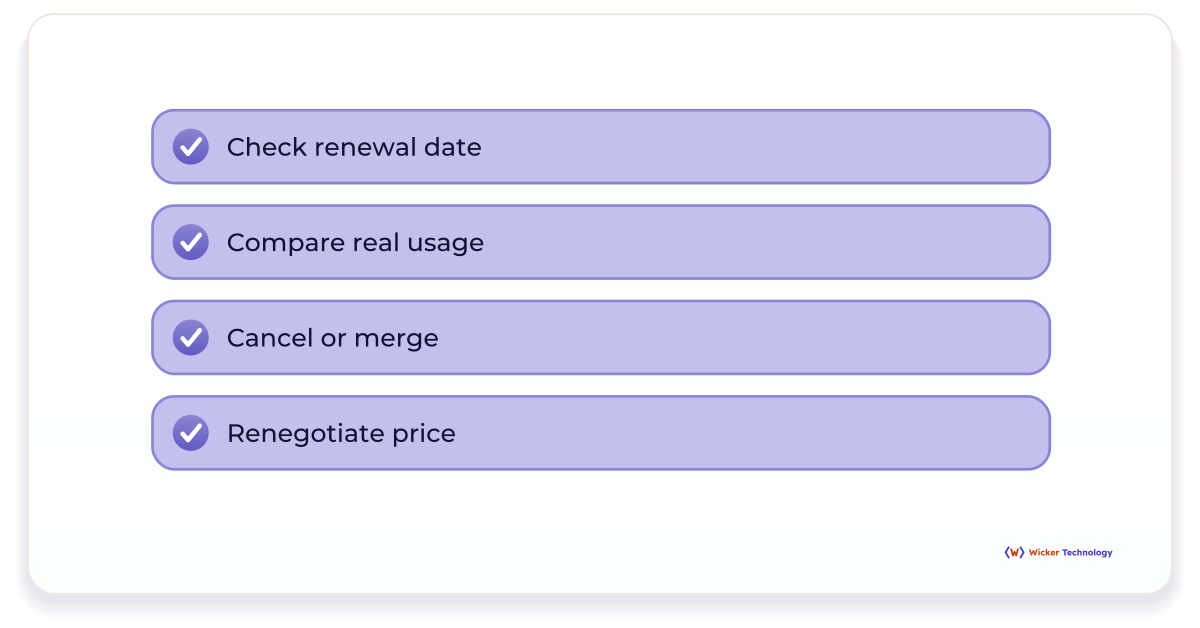
A 45-person advisory firm paid for 38 subscriptions and could not say who used which. The assessment pulled sign-in data for 90 days. Eleven tools had fewer than three active users, four did the same job as another tool and two renewed automatically in the coming month.
The firm cancelled seven subscriptions, merged four others into existing tools and negotiated one renewal down. Annual software spend fell by 19%, and the savings paid for the whole assessment in the first renewal cycle. The inventory has since become a quarterly review, run by the office manager in about two hours.
How the Review Unfolded
- Pull the list of subscriptions from the accounting system.
- Match each one to an owner and a business purpose.
- Check sign-in activity for the past 90 days.
- Flag duplicates and unused seats.
- Put every renewal and notice date on one calendar.
What to Use
Accounting exports and the admin consoles of each tool were enough. A dedicated licence management platform makes sense once the number of subscriptions passes a hundred or so.
What the Seven Examples Have in Common
None of these reviews started with a big transformation. Each began with a trigger: an error, a planned purchase, an audit or a rising bill. The assessment gave the decision makers a fact base within weeks. In five of the seven, the first action cost less than a month of the problem it solved.
The scoring behind each decision came from the method in my guide to the technology assessment framework. The tools were modest. Spreadsheets, admin consoles and a few discovery scans did most of the work, and heavier platforms entered only where the scale called for them. When you reach that point, my ranking of technology assessment tools will help you pick.
| Trigger | Examples | First action | Typical time to first result |
|---|---|---|---|
| An incident or error | 1, 3, 6 | Fix the specific gap | 1 to 3 weeks |
| A planned purchase | 2 | Check what you already own | 2 to 4 weeks |
| An audit or customer demand | 3 | Close access and backup gaps | 1 to 2 weeks |
| Rising software cost | 7 | Cancel and merge | 4 to 6 weeks |
| Aging or unsupported system | 4, 5 | Map dependencies, plan retirement | 6 to 12 weeks |
How to Choose Your Own Starting Point
You do not need to review everything. Pick the trigger that fits your situation and start there, using one of the seven as a model:
- If you are about to buy something, check what you already own first.
- If an audit or customer review is coming, begin with access and backups.
- If costs keep rising, pull usage data for every subscription.
- If one system worries you, map what depends on it before you touch it.
If you would like an outside view on which of these fits you, a short call is enough to decide.
Questions About Technology Assessment Examples
What Is an Example of a Technology Assessment?
A typical one is a review of a clinic group's scheduling, billing and reporting systems that finds overlapping tools, a manual export that causes errors and several unused licences. The result is a ranked plan: fix the export first, consolidate scheduling next and cancel what nobody uses. Each of the seven examples above follows the same pattern.
How Long Do These Assessments Usually Take?
The seven examples took between two and twelve weeks. Focused reviews, such as an access check or a licence review, finish in two to four weeks. Reviews that map dependencies across many systems take six to twelve. Most of the time goes into interviews and waiting for access, not analysis.
What Does a Technology Assessment Cost?
It depends on the number of systems and sites, and I do not quote figures that would not fit your case. In the examples above, the first action often paid for the review: an avoided purchase, a cancelled subscription set or a prevented outage. Ask for a fixed quote after a scoping call.
Do I Need Special Tools for an Assessment?
Not at first. Spreadsheets, admin consoles and a clear interview guide covered most of the examples. Discovery and licence tools save time once you have dozens of systems or several sites. Choose a tool after you know which question you need answered, not before.
Can a Small Business Benefit from an Assessment?
Yes. The advisory firm in example seven had 45 people and 38 subscriptions, and the review paid for itself in the first renewal cycle. A small business can run a light version over a week by listing systems, checking costs and testing one backup restore.
What Is the Most Common Finding?
Unused or duplicated software is the most common, followed by access that was never removed and links between systems that nobody documented. Missing or untested backups are rarer but have the highest impact. Almost every review finds at least one of these.
What Should I Do After the Assessment?
Put the top findings into a dated plan with owners, start with the fast and cheap fixes, and schedule larger projects in waves. If you have several larger projects, a roadmap helps you order them. Review the scorecard every six months so it stays useful.
Important: nothing in this article is legal, financial or tax advice. All figures are estimates from typical projects, so verify them with your own providers and advisers.
Was this useful?
We appreciate the feedback.
Paige Mulvaney
Paige leads the Wicker editorial team and works with the consultants who run the roadmaps, software selections, implementations and integrations to turn real client projects into practical guides. Her focus is plain-language advice on IT strategy, choosing business software and connecting systems so they work together. Every article she edits is checked against current vendor pricing and documentation before it is published.