In Short
- Stripe and Adyen lead on payments, Xero and QuickBooks on accounting.
- Ramp and Brex offer free-to-start spend platforms with cards and expenses.
- BILL, Chargebee and Avalara solve specific jobs: payables, subscriptions and sales tax.
- Judge each tool on its connection to your ledger and its cost at three times your volume.
The Best Financial Technology Tools at a Glance
| Tool | Type | Best for |
|---|---|---|
| 1. Stripe | Payments platform | Online businesses that want developer-friendly payments |
| 2. Plaid | Bank connection API | Apps that need to read bank accounts and balances |
| 3. QuickBooks Online | Small business accounting | Small businesses and their bookkeepers |
| 4. Xero | Cloud accounting | Small businesses that want clean bank reconciliation |
| 5. BILL | Accounts payable and receivable automation | Companies that pay many suppliers and want approvals |
| 6. Ramp | Spend management and corporate cards | Companies that want cards, expenses and payables in one place |
| 7. Brex | Corporate cards and spend management | Startups and mid-sized companies with international spend |
| 8. Adyen | Enterprise payments platform | High-volume merchants selling across countries |
| 9. Wise Business | Multi-currency business account | Businesses paying international suppliers or contractors |
| 10. Expensify | Expense reporting | Teams that want simple receipt scanning and reports |
| 11. Chargebee | Subscription billing platform | Subscription businesses with complex plans and usage pricing |
| 12. Avalara | Sales tax automation | Sellers in multiple states who need automated tax calculation |
The 12 Best Financial Technology Tools, Ranked
I start with the tools most businesses meet first, payments, banking and accounting, and move toward specialist tools for spend, billing and tax. In financial technology consulting projects, what you choose matters less than how well the tools connect to your ledger, so I note that for each one.
Stripe

The Payments Platform Most Online Businesses Start With and Many Never Leave
Stripe processes online and in-person card payments and adds billing, invoicing, payouts and fraud tools on the same account.
Stripe is the first payments tool I suggest for software and online businesses, because documentation is excellent and it is quick to launch. Adding Billing, Connect or Tax later happens inside the same dashboard, so your data stays in one place.
The trade-off is cost at scale and support. Standard card fees are fixed and high compared with negotiated rates, and support for complex account issues is slower than larger accounts get. At high volume you will want to ask for custom pricing, or compare Adyen. Reconcile payouts early, as in the first project in my financial technology examples.
Where Stripe Shines
- Clean APIs and strong documentation
- Billing, payouts and fraud tools in one account
- No setup or monthly fees on standard pricing
Where Stripe Falls Short
- Standard fees are high at large volume
- Account holds and disputes can be frustrating without a contact
Stripe Pricing

Stripe's pricing page lists 2.9% + 30¢ for domestic online card payments, with extra charges of 0.5% for manually entered cards, 1.5% for international cards and 1% for currency conversion. ACH Direct Debit is 0.8% capped at $5, and Billing is 0.7% on pay-as-you-go. There are no setup or monthly fees on standard pricing.
Stripe Reviews
- G2: rated 4.3/5 (across 249 ratings). G2 lists this page as Stripe Connect.
Plaid

The Standard Way to Connect Your Product to Your Customers' Bank Accounts
Plaid lets applications connect to bank accounts to verify identity, check balances, fetch transactions and start payments.
If you build a product that needs bank data, Plaid is the default option, and many finance tools you use already run on it. It handles the messy part of connecting thousands of banks through one interface.
For internal finance teams it is less relevant, since your accounting tool probably already has a bank feed. Bank connections also drop, as I describe in the example on fintech challenges, so show your users when data was last refreshed.
Where Plaid Shines
- One integration covers most US banks
- Strong coverage of account verification and transactions
- Free sandbox to test
Where Plaid Falls Short
- No public pricing
- Connections can break when banks change their systems
Plaid Pricing
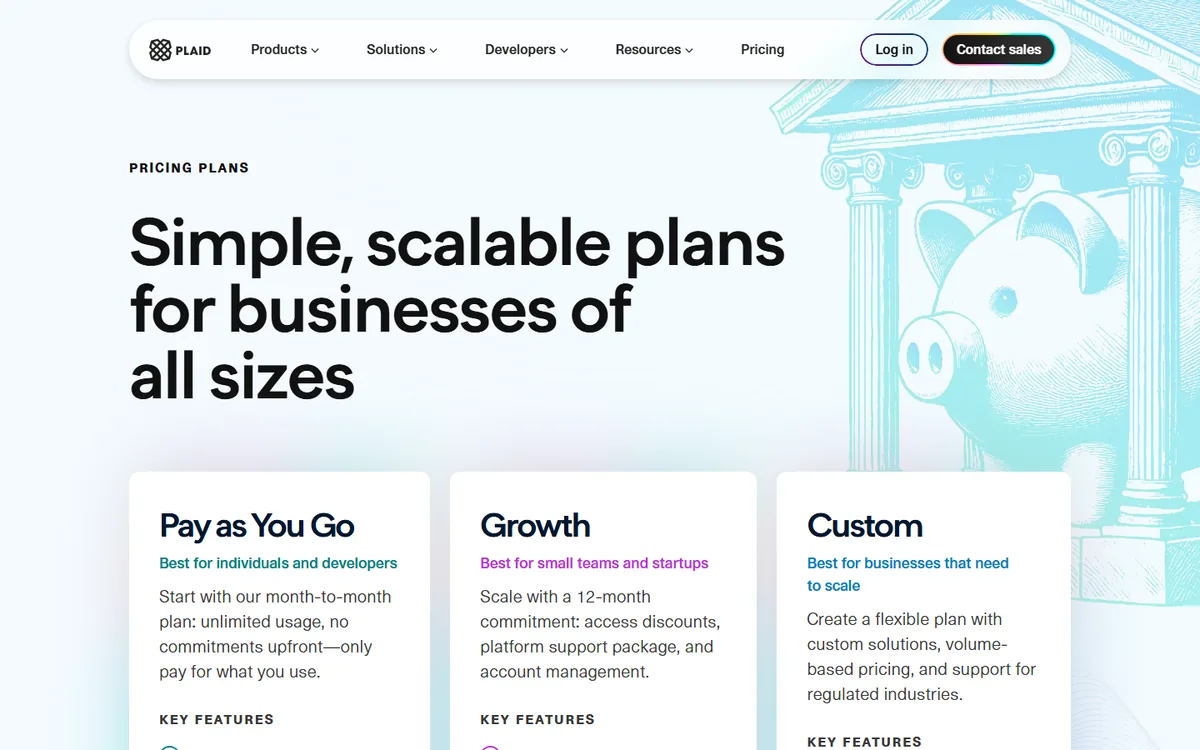
Plaid's pricing page shows no dollar amounts. It lists a free sandbox, 200 free API calls, a Pay as You Go plan, a Growth plan with a 12-month commitment and Custom plans. Billing is by connected account or API call depending on the product, so request a quote for your use.
Plaid Reviews
- G2: rated 4.2/5 (across 55 ratings). The review count is low, so treat the rating with caution.
QuickBooks Online
The Accounting Software Your Bookkeeper Probably Already Knows
QuickBooks Online handles bookkeeping, invoicing, expenses, payroll add-ons and reporting for small businesses.
Its advantage is familiarity: accountants know it, and nearly every fintech tool has a connector. For a company under about 50 people with simple needs, it is hard to beat for the effort required.
It strains with multiple entities, complex inventory or heavy customization. I have seen companies outgrow it quietly and add spreadsheets around it. When that happens, it is a signal to assess a larger system.
Where QuickBooks Online Shines
- Huge ecosystem of integrations and accountants
- Fast to set up and easy to learn
- Good invoicing and expense features
Where QuickBooks Online Falls Short
- Limited for multi-entity and complex inventory
- Price increases and add-ons raise the cost
QuickBooks Online Pricing
Intuit lists Simple Start at $38 per month, Essentials at $85, Plus at $140 and Advanced at $340, with a 50% promotional price for three months on each paid plan and a 30-day trial. A free option is also listed.
QuickBooks Online Reviews
- G2: rated 4.0/5 (across 3,909 ratings)
Xero
A Cloud Accounting Tool With a Strong Bank Reconciliation Workflow
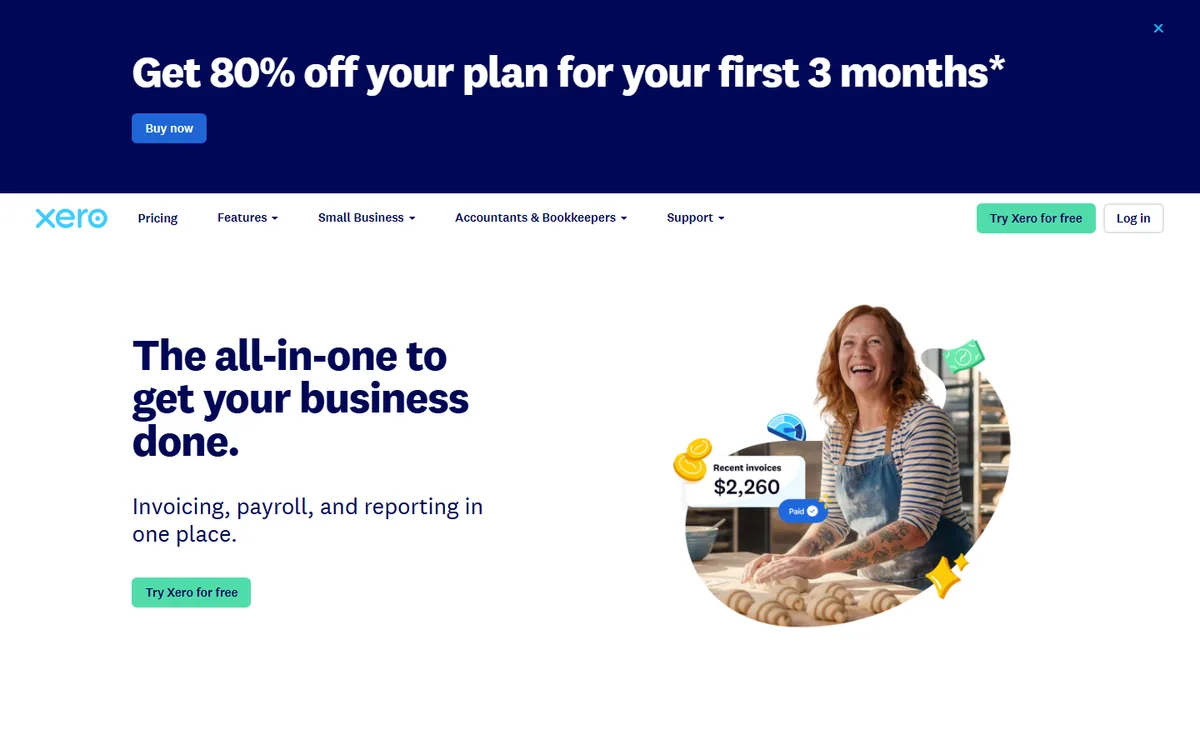
Xero is cloud accounting software with invoicing, bank feeds, bills, expenses and reporting.
Xero is popular outside the US and growing here. Its bank reconciliation screen is quick, and unlimited users on every plan helps when more people need access.
Some features, such as payroll, are lighter in the US than in other markets, and the number of local accountants who know it is smaller. If your accountant prefers QuickBooks, that matters more than any feature.
Where Xero Shines
- Fast bank reconciliation
- Unlimited users on plans
- Many connected apps
Where Xero Falls Short
- Fewer US accountants know it than QuickBooks
- US payroll is lighter than in some other regions
Xero Pricing
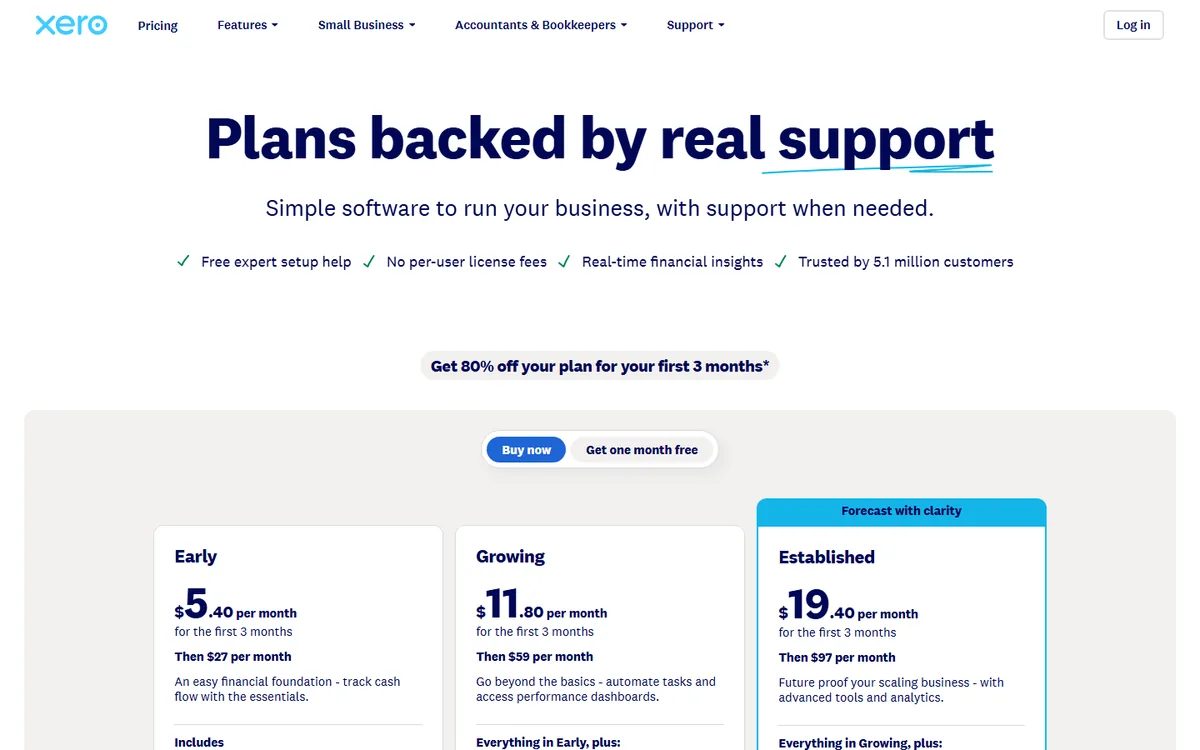
Xero's US plans are Early at $27 per month, Growing at $59 and Established at $97. The page also shows steep introductory discounts for new customers in the first three months, which do not apply to add-ons or payment fees.
Xero Reviews
- G2: rated 4.4/5 (across 1,857 ratings)
BILL
The Tool I Look at First When Supplier Invoices Pile Up
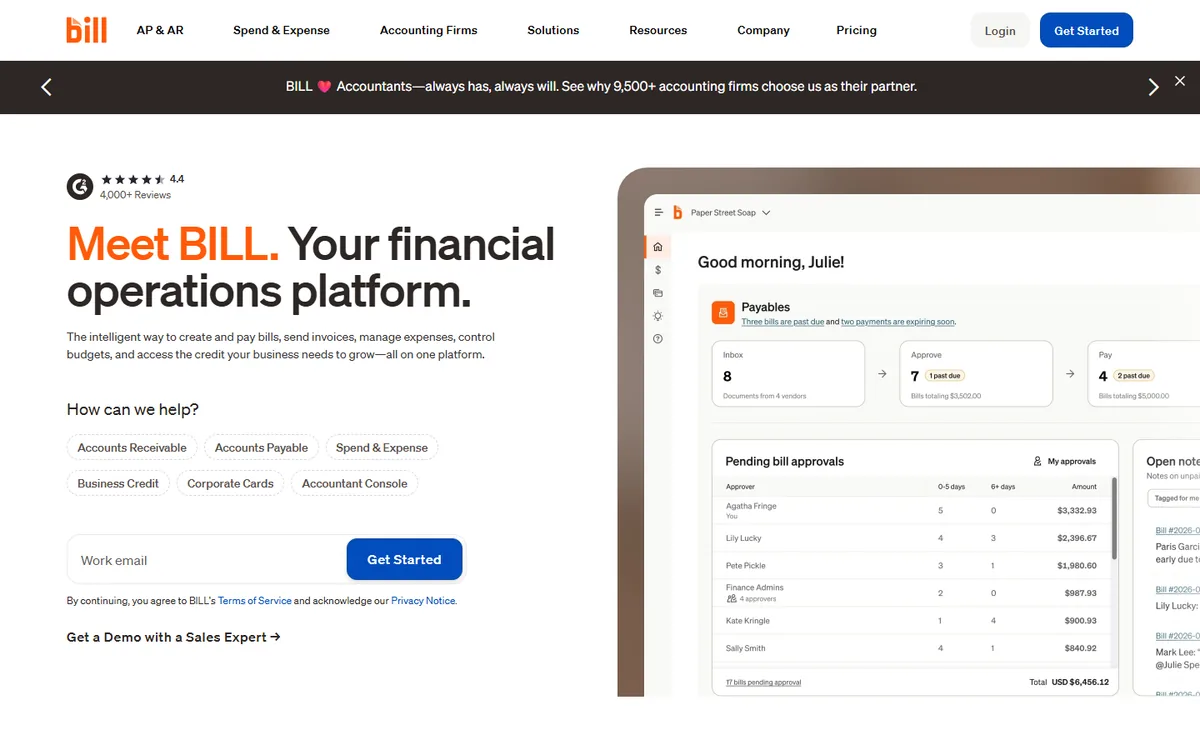
BILL automates accounts payable and receivable, with invoice capture, approvals, payments and syncing to the ledger.
If invoices arrive by email and approvals happen by forwarding, BILL fixes the chain from inbox to payment. It syncs with QuickBooks, Xero and NetSuite, so you do not need to replace your ledger.
Pricing is per user, which makes it more expensive when many people approve. Compare it with Ramp, which includes payables in a free tier. The company that automated its payables flow in my examples used a similar setup to cut late payments.
Where BILL Shines
- Strong approval workflows
- Syncs with the main accounting tools
- Pays suppliers by ACH, check or card
Where BILL Falls Short
- Per-user pricing adds up with many approvers
- No free AP or AR plan
BILL Pricing
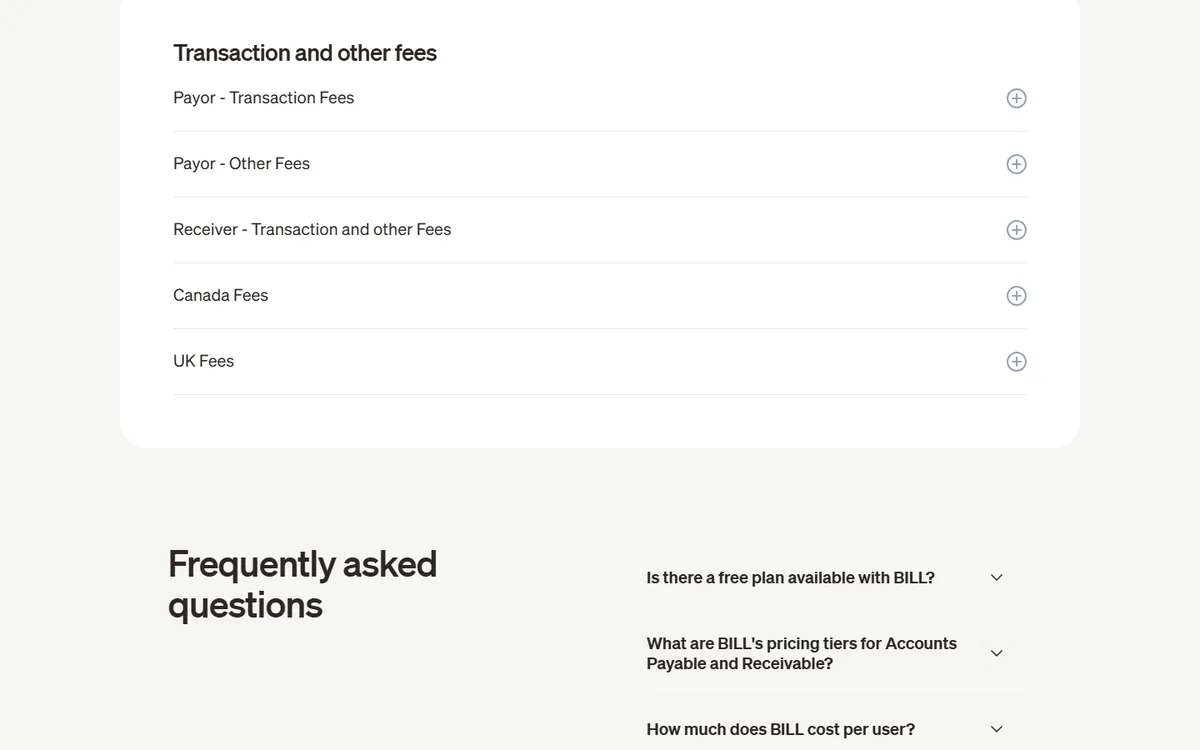
BILL's pricing page lists AP and AR plans per user per month: Essentials $49, Team $65 and Corporate $89, with Enterprise on request. There is no free AP or AR plan, though the separate BILL Spend & Expense product has a $0 per user option. Some payment types carry per-transaction fees.
BILL Reviews
- G2: rated 4.4/5 (across 1,818 ratings). G2 lists the product as BILL AP/AR.
Ramp
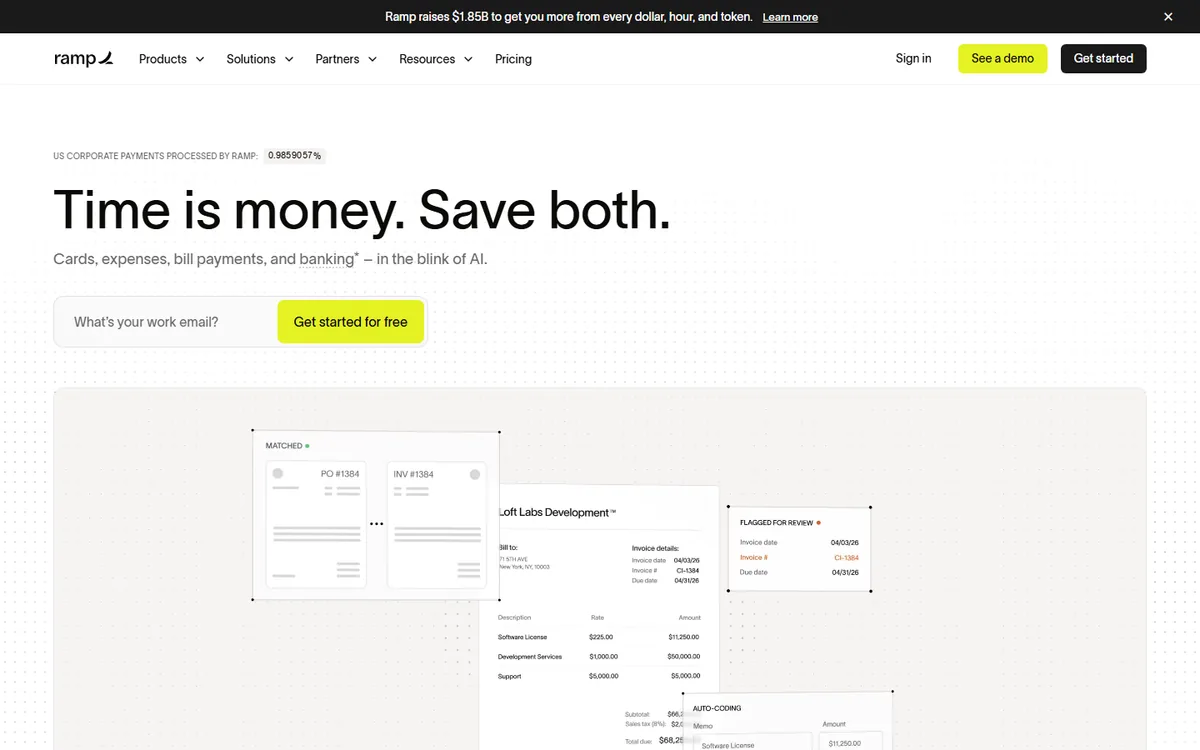
A Free-to-Start Spend Platform That Bundles Cards, Expenses and Bills
Ramp offers corporate cards, expense management, bill pay, travel and accounting sync in one platform.
The free tier is substantial: unlimited cards, receipt capture and basic accounting rules. For a company tired of expense reports, it is easy to pilot. Reporting and vendor tracking are better than I expect at this price.
The review count on G2 is small, so I weigh it less. Check how the platform fee on the Plus plan scales with team size, and confirm which cards and banking features you need are available to your type of company.
Where Ramp Shines
- Generous free plan
- Receipts captured at purchase
- Accounting integrations with QuickBooks and Xero
Where Ramp Falls Short
- Plus plan adds a platform fee based on team size
- Fewer independent reviews than older tools
Ramp Pricing
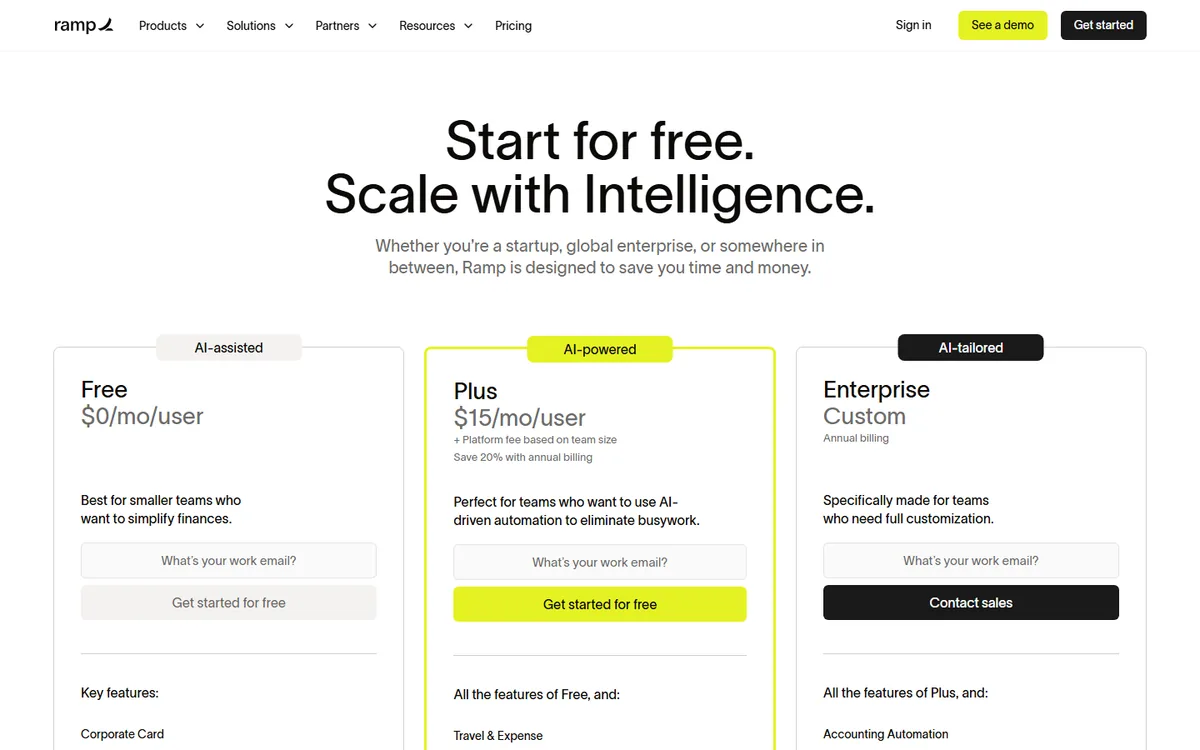
Ramp's pricing page lists a Free plan at $0 per user, Plus at $15 per user per month with a platform fee based on team size, and custom Enterprise pricing. The free plan includes cards, travel and expense, payables and basic accounting rules. Banking rates are variable.
Ramp Reviews
- G2: rated 4.5/5 (across 22 ratings). Only 22 reviews, so the rating is a weak signal.
Brex
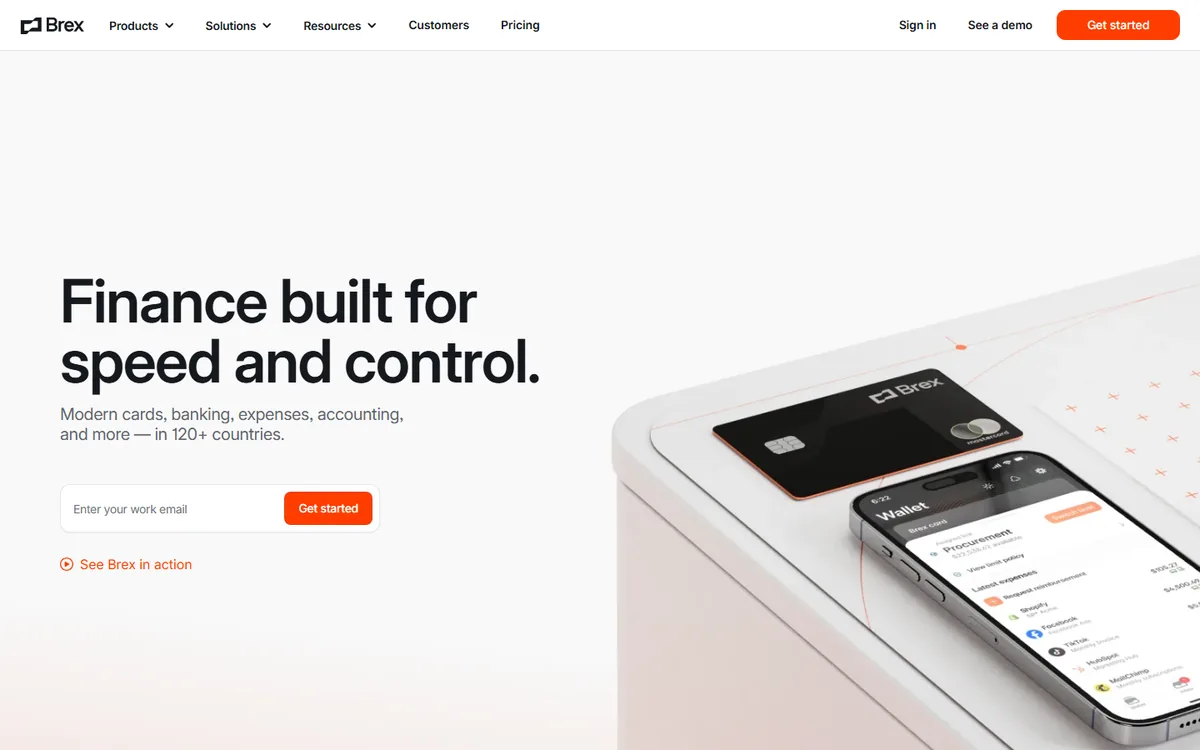
A Corporate Card and Spend Platform With Strong Global Features
Brex combines corporate cards, expense management, bill pay and reimbursements, with global card options.
Brex is a strong alternative to Ramp when you need international entities or local-currency cards. Its rating on G2 is high with more than 1,600 reviews, which is a meaningful sample.
Pick between them on your actual needs: entities, countries, ERP connection and policy rules. A short pilot of each with your real policy tells you more than the sales deck.
Where Brex Shines
- High G2 rating on a large number of reviews
- Global and local-currency card options
- Free Essentials plan
Where Brex Falls Short
- Premium features cost per user
- Enterprise and Smart Card pricing is not published
Brex Pricing
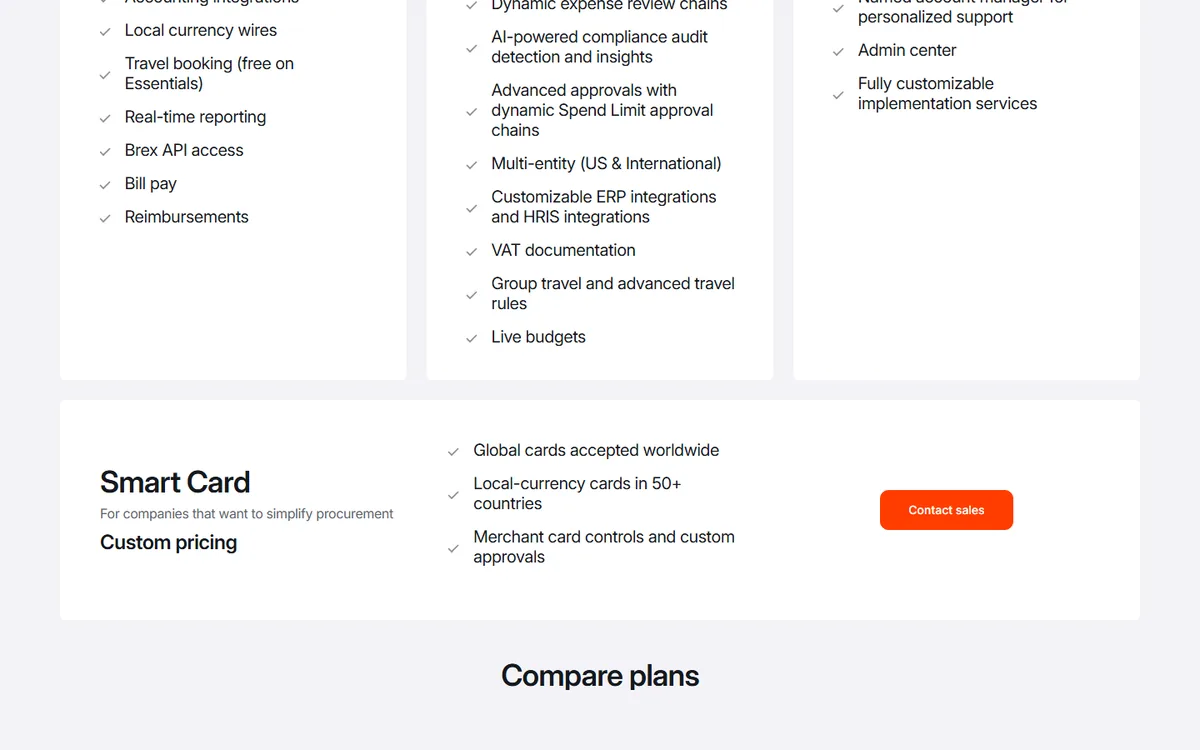
Brex lists Essentials at $0 per user per month, Premium at $12 per user per month and custom pricing for Enterprise and Smart Card. Premium adds customizable policies, multi-entity support and ERP integrations.
Brex Reviews
- G2: rated 4.8/5 (across 1,659 ratings)
Adyen
The Payments Platform for Companies Selling in Many Countries at High Volume
Adyen is a single payments platform for online, in-store and mobile payments across many countries and methods.
For global merchants, Adyen's one platform and interchange-plus pricing give transparency that blended rates do not. Large merchants often negotiate better economics than they could on standard card pricing elsewhere.
It is built for scale, so smaller businesses may find onboarding and minimums less friendly. The G2 sample is small, which reflects its enterprise focus more than any weakness.
Where Adyen Shines
- Interchange++ pricing is transparent
- One platform for online and in-person
- Wide payment method coverage
Where Adyen Falls Short
- Less suited to small merchants
- Pricing figures are indicative and often negotiated
Adyen Pricing
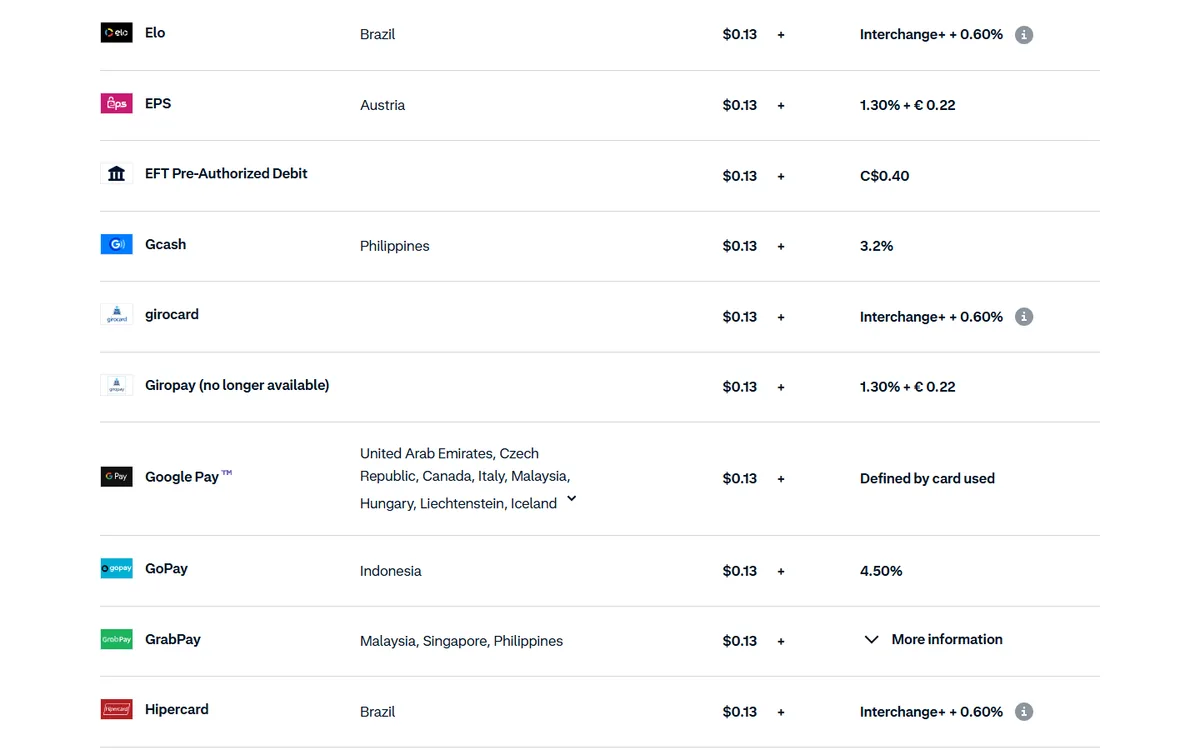
Adyen's pricing page shows a fixed $0.13 processing fee plus a method fee. For Visa and Mastercard, it lists $0.13 plus interchange++ plus 0.60%. There are no setup or monthly fees, though some businesses have a minimum invoice. Figures are described as indicative.
Adyen Reviews
- G2: rated 4.0/5 (across 44 ratings). The sample is small.
Wise Business

A Low-Cost Way to Hold Multiple Currencies and Pay Suppliers Abroad
Wise Business offers multi-currency balances, local bank details and international transfers at the mid-market rate with a stated fee.
For international supplier payments, Wise often costs less than a traditional bank, and the fee is visible before you send. I use it as a second account, not a replacement for the main bank.
G2 reviewers rate it lower than others here, and the issues I read about involve account holds and support. If you rely on it, keep a backup way to pay critical suppliers.
Where Wise Business Shines
- Transparent conversion fees
- Local account details in several currencies
- Easy to set up approval limits
Where Wise Business Falls Short
- Lower G2 rating than most tools here
- Account reviews and holds can delay payments
Wise Business Pricing
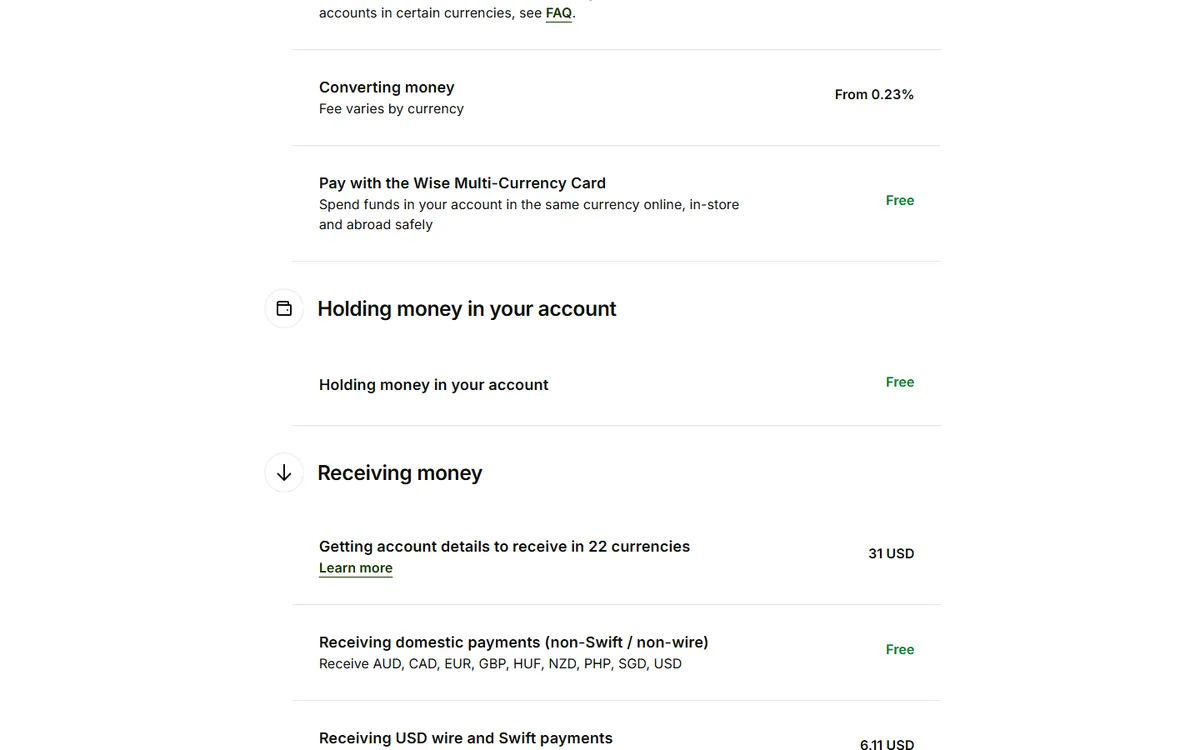
Wise's business pricing page lists a one-time setup fee of 31 USD and no recurring monthly fee mentioned on the page. Currency conversion starts at 0.23%, with the rate depending on the currency, and volume discounts apply above 25,000 USD.
Wise Business Reviews
- G2: rated 3.8/5 (across 97 ratings)
Expensify
A Simple, Familiar Tool for Receipts and Expense Reports
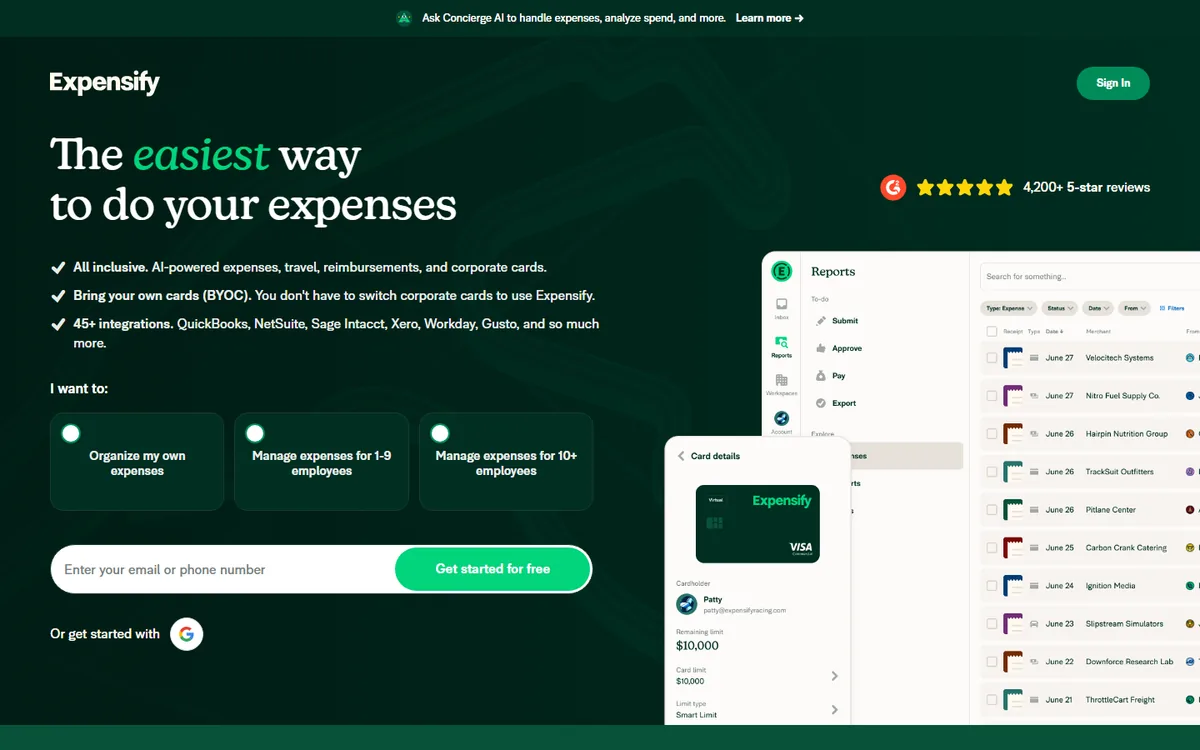
Expensify scans receipts, builds expense reports and syncs with accounting tools including QuickBooks, Xero and NetSuite.
Expensify is the tool many teams already know. It is quick to set up and good at receipt capture. For companies that prefer reimbursing employees to issuing cards, it is still a reasonable option.
If you are willing to issue cards, a spend platform such as Ramp or Brex usually reduces the work further. I could not read Expensify's current price list when I checked, so confirm plan terms and per-member pricing on its site.
Where Expensify Shines
- Fast receipt scanning
- Broad accounting integrations
- Familiar to employees
Where Expensify Falls Short
- Cards and payables are less central than at newer platforms
- Pricing was not readable when I checked
Expensify Pricing
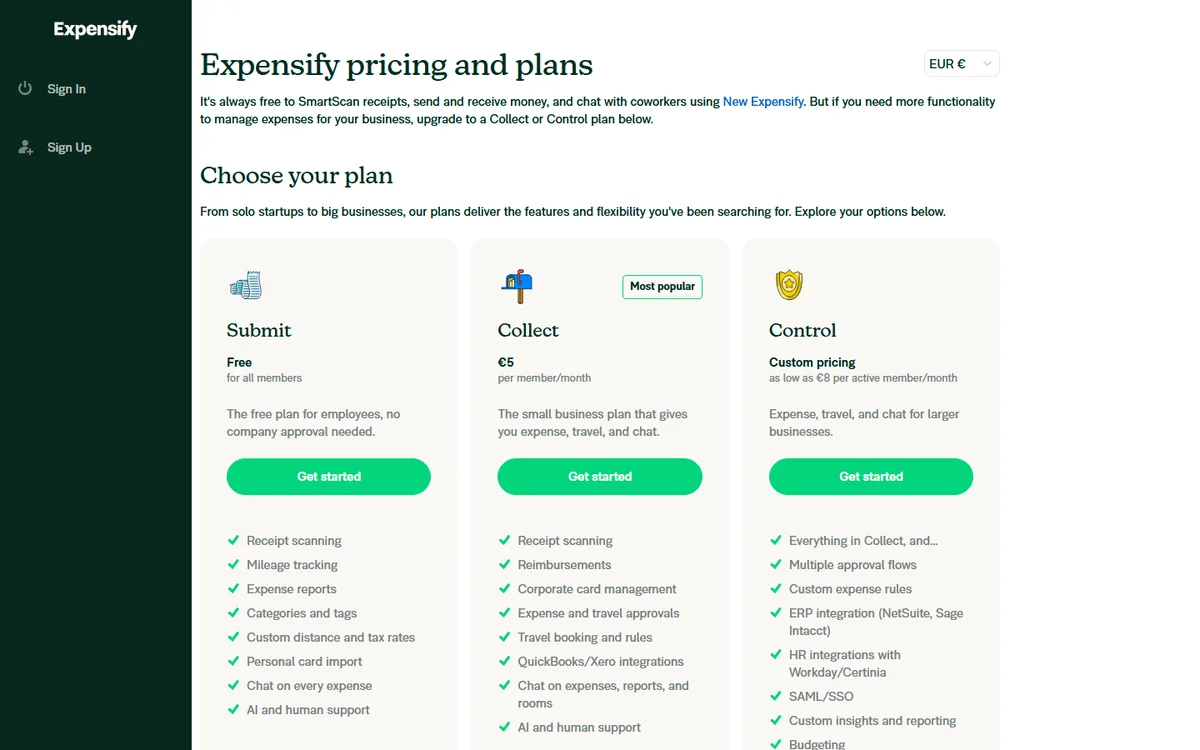
I could not read a price list on Expensify's pricing page when I checked, so I am not quoting numbers here. Check the current per-member prices and plan limits on the Expensify site before you decide.
Expensify Reviews
- G2: rated 4.5/5 (across 5,694 ratings)
Chargebee
A Billing Platform Built for Plans, Trials, Upgrades and Usage
Chargebee manages subscription billing, invoicing, trials, upgrades, metered usage and revenue reporting on top of your payment gateways.
For a subscription company that has outgrown scripts, Chargebee takes over the plan logic. It sits between your product, gateway and ledger, which means integration quality decides your result.
Its pricing page covers several products, and I could not extract one clean figure for Billing. Ask for a quote based on your revenue and plans. Plan migration of legacy plans carefully, as in the billing example in my work.
Where Chargebee Shines
- Handles trials, upgrades and metered pricing
- Works with several payment gateways
- Reporting on subscription metrics
Where Chargebee Falls Short
- Pricing is spread across products and hard to compare
- Needs integration work to match your ledger
Chargebee Pricing
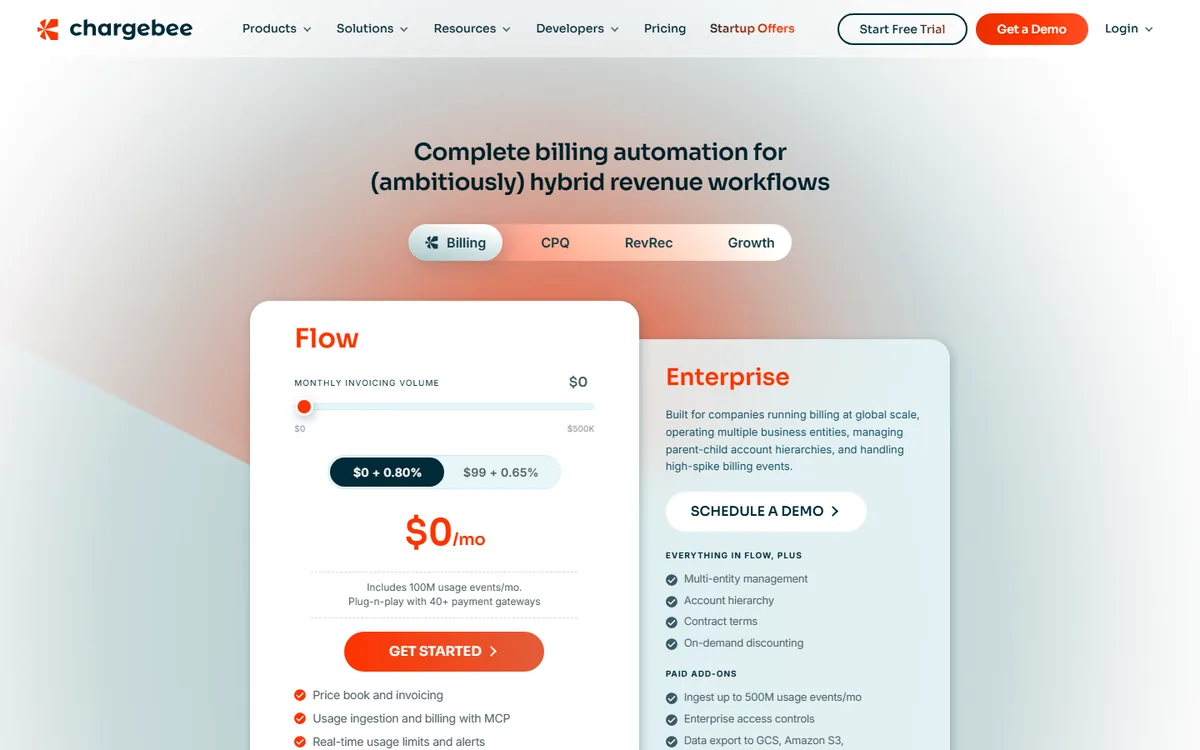
Chargebee's pricing page lists a Starter plan at $0 for Growth, free CPQ Lite for the first 50 quotes, and custom pricing for other products. The Billing plans showed figures such as $0 + 0.80% and $99 + 0.65% without clear labels, so confirm the current Billing price with Chargebee.
Chargebee Reviews
- G2: rated 4.4/5 (across 1,029 ratings)
Avalara
A Sales Tax Engine for Sellers Crossing State Lines
Avalara calculates sales tax at checkout and supports returns, exemption certificates and compliance reporting.
If your sales tax logic is a spreadsheet, Avalara automates the lookup and the filing data. The software supplies rates and reports. Which states you owe is a question for your accountant, and I do not give tax advice.
It integrates with major accounting and commerce platforms. Costs scale with transactions and the services you add, so ask for a quote that matches your volume and states.
Where Avalara Shines
- Rates by address calculated automatically
- Connectors to many accounting and commerce tools
- Supports exemption certificate management
Where Avalara Falls Short
- Price on request
- Can feel heavy for businesses selling in one state
Avalara Pricing
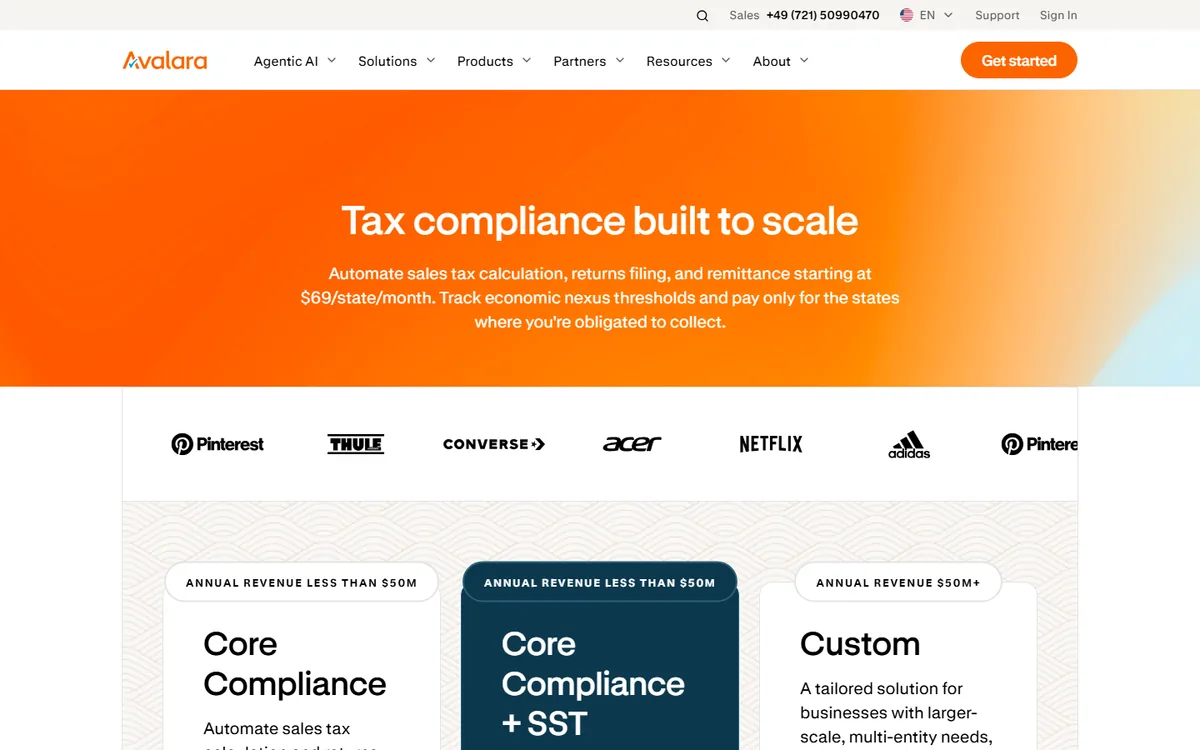
I could not read a published Avalara price list when I checked. Price on request, so ask for a written quote that covers calculation, returns and any exemption certificate features.
Avalara Reviews
- G2: rated 4.1/5 (across 941 ratings)
Estimate the Return on a Financial Technology Tool
Before you pick a plan, check whether the numbers work. Enter the manual hours you want to remove and the monthly price of the tool you are considering, and you will see what it could return in a year.
Is the Software Worth the Cost?
Move the sliders to match the work you want the tool to cover and the plan you are considering.
How to Choose the Right Financial Technology Tool
Match the tool to the job, then check the connection. Before you compare vendors, answer four questions:
- Which money flow are you fixing: payments in, bills out, spend, billing or tax?
- Which ledger must the data reach, and does the tool have a proven connector?
- What will it cost at three times your current volume?
- Who owns the connection and the alerts when a sync fails?
If you sell online, start with Stripe or Adyen. If you pay many suppliers, look at BILL or Ramp. If spend is the pain, compare Ramp, Brex and Expensify on your policy. For subscriptions, Chargebee or Stripe Billing. For tax, speak to your accountant first, then compare Avalara with your payment platform. After you buy, the financial technology examples show what well-run setups look like, and the list of financial technology challenges shows what to guard against.
Questions About Choosing Financial Technology Tools
What Are the Best Financial Technology Tools for a Small Business?
For most small businesses, an accounting tool such as QuickBooks Online or Xero, a payments tool such as Stripe and a spend tool such as Ramp cover the essentials. Add billing or tax tools when you outgrow them.
How Do I Choose a Payments Processor?
Compare total cost at your real volume and mix of cards, check the integration with your ledger and read the dispute and payout terms. Stripe suits online businesses starting out, and Adyen suits high-volume global merchants.
Are Free Plans from Ramp and Brex Really Free?
Their base plans carry no per-user fee, according to their pricing pages when I checked. Cards and spend are the way they earn money, and some features sit on paid plans. Read the fee tables for payments, FX and reimbursements.
Do I Need Accounting Software If I Use a Spend Platform?
Yes. Spend platforms handle cards, expenses and bills, but your ledger is still the record. Choose a platform that posts to your accounting tool without manual work.
What Does It Cost to Integrate These Tools?
Native connectors are usually included. Custom work, such as usage-based billing or marketplace payouts, can take weeks of development. Ask each vendor what is included and what is billed as services.
How Should I Think About Regulation and Tax?
Confirm your obligations with your own counsel and accountant. Software supplies calculations and reports, while legal duties stay with you. Check requirements that apply to your business before you launch.
Can I Use Several of These Tools Together?
Yes, and most companies do. A common stack pairs a ledger such as Xero or QuickBooks with Stripe for payments, Ramp or Brex for spend and BILL for payables. The key is a clear owner and alerts for each connection.
Disclaimer: Prices, plans and ratings change often. They were checked when this article was last updated, so confirm them on each vendor’s site before you buy. Nothing here is legal or financial advice.
Was this useful?
We appreciate the feedback.
Paige Mulvaney
Paige leads the Wicker editorial team and works with the consultants who run the roadmaps, software selections, implementations and integrations to turn real client projects into practical guides. Her focus is plain-language advice on IT strategy, choosing business software and connecting systems so they work together. Every article she edits is checked against current vendor pricing and documentation before it is published.