In Short
- Plan about 20 weeks across five phases, from charter to the end of the rollout.
- Test rosters and integrations before the pilot; data problems cause the longest delays.
- Roll out in waves and time them around exams and reporting periods.
- Budget 30 to 60% on top of the first-year license for implementation work.
Implementation is where most education technology budgets are won or lost. Schools buy good products and then lose a term to late rosters, untrained staff and unclear ownership. If you are working with an education technology consulting partner, this is the plan they should walk you through, and you can follow it on your own as well.
The plan has five phases over about 20 weeks, plus ongoing support. I will show the overview first, then each phase, the delays I see most and a cost view so you can budget the whole effort.
Implementation Plan at a Glance
| Phase | Timing | Exit condition | Typical delay |
|---|---|---|---|
| 1. Define success | Weeks 1 to 3 | Sponsor and lead named, charter signed | Vague goals |
| 2. Prepare systems | Weeks 3 to 8 | Roster import tested, integrations confirmed | Dirty data, late access |
| 3. Pilot | Weeks 6 to 12 | Go, adjust or stop decision | Pilot without stop rule |
| 4. Train and roll out | Weeks 10 to 20 | Waves completed, champions active | Bad timing, thin training |
| 5. Support and improve | Ongoing | Usage and results reviewed each term | No owner after launch |
Phase 1: Decide What Success Looks Like
Weeks 1 to 3
Most delays I see start before anyone buys anything. The goal is vague, the sponsor is unclear and three departments each expect something different. A one-page charter fixes that: the learning goal, the measure, the budget, the owner and the date by which you will judge the result.
Name one sponsor with authority over time and budget, and one project lead who answers day-to-day questions. Projects with two leads, or none, are the ones I see slip by a term.
Phase 2: Prepare Your Systems and Data
Weeks 3 to 8
Check what the new tool must connect to: student information system, single sign-on, email and the learning platform. Clean the data that will feed it. Duplicate students and wrong class lists cause more day-one problems than software bugs.
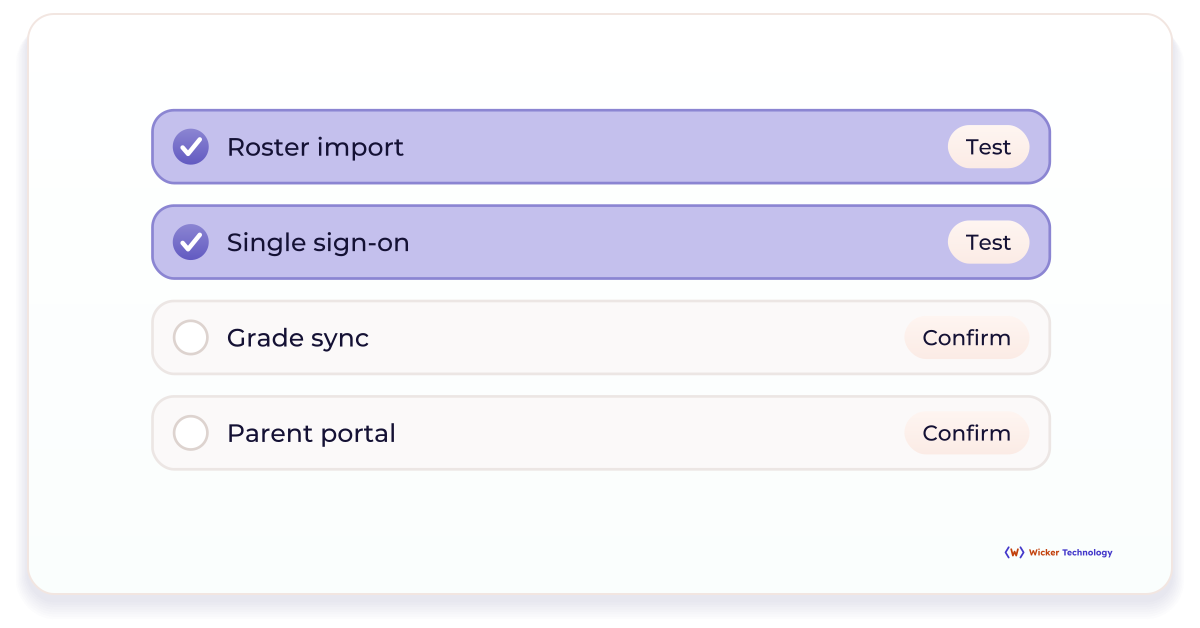
Run the roster import in a test environment at least once. If the first import takes a day of manual fixing, plan for that effort and time it so it does not hit the first week of term.
Phase 3: Pilot With a Small Group
Weeks 6 to 12
Choose two to four teachers and one or two classes. Give them the real tool, real data and real support. Record weekly use, setup minutes and one learning measure.
End the pilot with a go, adjust or stop decision. In my client work about one in five pilots ends with stop, and that is a good result, because it costs weeks instead of a full contract. The education technology framework explains how to score the result.
Phase 4: Train and Roll Out in Waves
Weeks 10 to 20
Roll out by year group, department or campus instead of all at once. Each wave gets two short training sessions, a named champion and a drop-in hour. Fix issues from the first wave before the second begins.
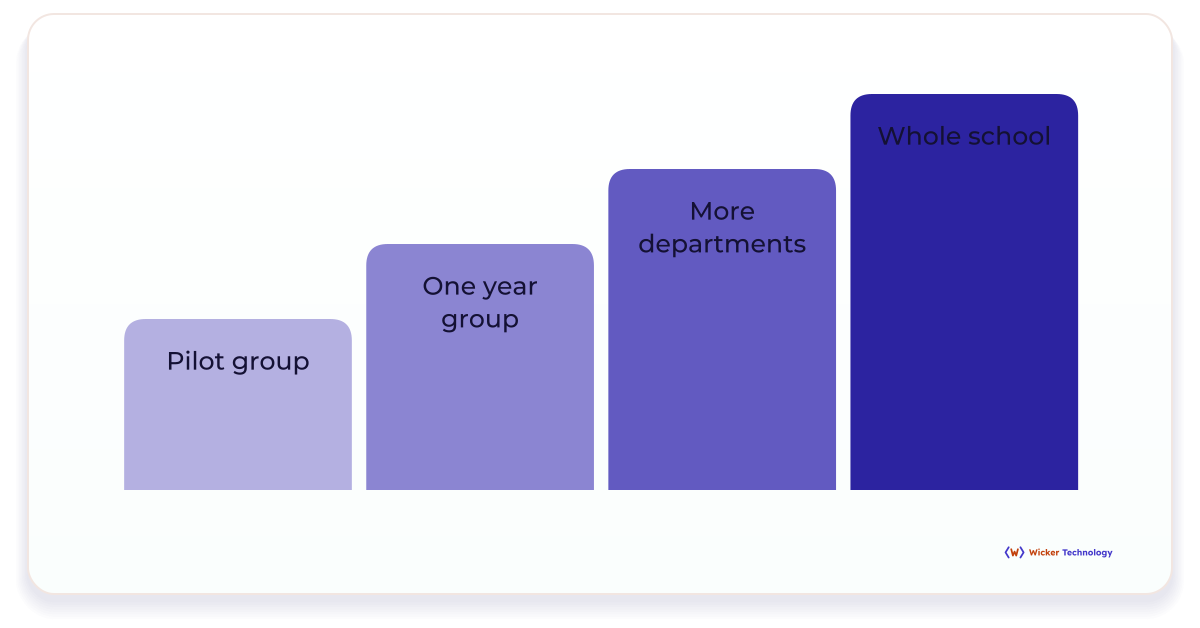
Time waves around exams, reporting periods and holidays. A rollout that lands during report-writing week is ignored, however good the tool.
Phase 5: Support, Track and Improve
Ongoing
Track weekly active use for eight weeks, ask teachers for feedback at weeks four and eight, and review learning results at the end of the term. Fix the top three complaints before adding features.
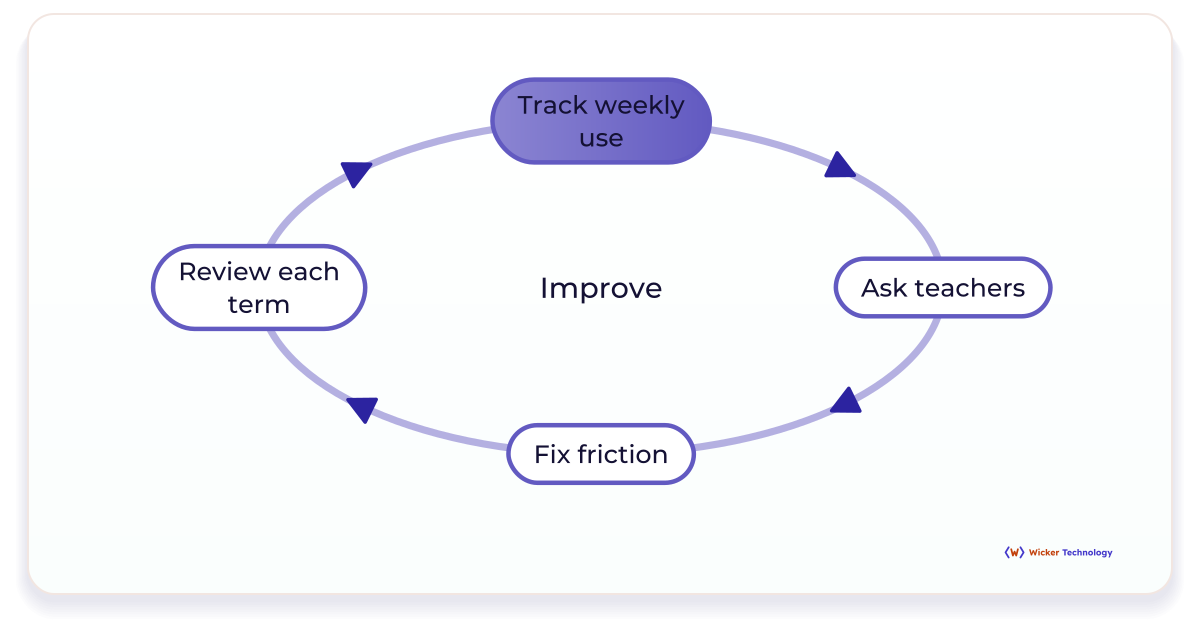
Set a renewal review date in the contract calendar, ninety days before the notice period ends. Renewal is your leverage, so use it with usage and results in hand.
Where Implementation Delays Come From
I keep a rough tally across projects. Four causes account for most of the lost weeks, and each one can be prevented with a decision early on.
| Cause | Typical delay | Prevention |
|---|---|---|
| Roster and data problems | 2 to 4 weeks | Test the import before the pilot and assign an owner for data clean-up |
| Slow security or privacy review | 2 to 6 weeks | Start the vendor review in phase 1, in parallel with the pilot |
| Training scheduled too late | 1 to 3 weeks | Book sessions when you sign the contract |
| Decision-makers change | Varies | Keep a signed charter and a named sponsor |
Ranges come from my own project experience and shift with school size and the number of systems involved. Use them as a planning guide, not a promise.
What Implementation Costs Beyond the License
License price is the smaller part for many projects. Training time, integration work and support take the rest. As a rough guide from my projects, plan 30 to 60% on top of the first-year license for implementation, higher when several systems must connect.
| Cost item | Coverage |
|---|---|
| License and subscription | The quoted price, often per student or per seat |
| Integration and data work | Roster sync, single sign-on setup, data clean-up |
| Training time | 6 to 10 hours per teacher for a major platform |
| Devices and network | Only if the tool needs newer hardware or more bandwidth |
| Support and review | Champion time, helpdesk, term reviews |
Put every line in a three-year view before you sign. The barriers behind these costs are covered in my article on education technology challenges, and the same sheet helps you compare options from my EdTech tools ranking.
Who Does What
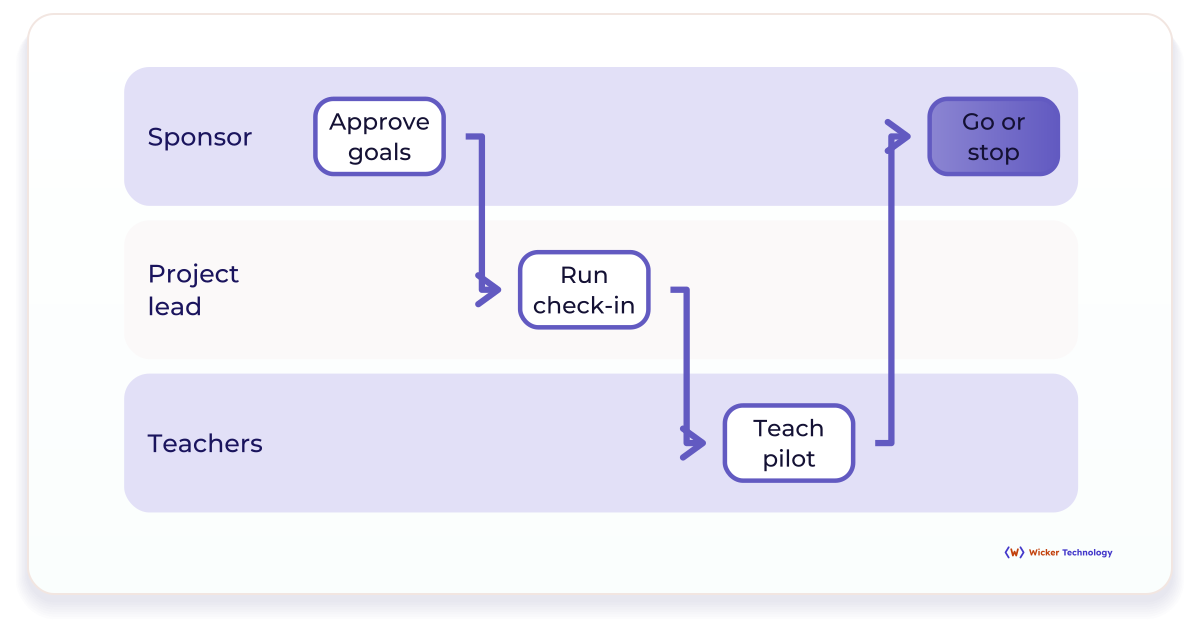
Write roles on one page and share it. The sponsor clears obstacles and owns the budget. The project lead runs the plan and reports weekly. IT owns integrations, accounts and devices. Champions support colleagues, and a data protection lead signs off on privacy. In small schools one person may hold two roles, which is fine as long as each task has a name next to it.
Meet for 20 minutes each week during phases 2 to 4. Use the same three questions each time: what is done, what is blocked and what do you need from whom. Short, regular meetings beat monthly reviews.
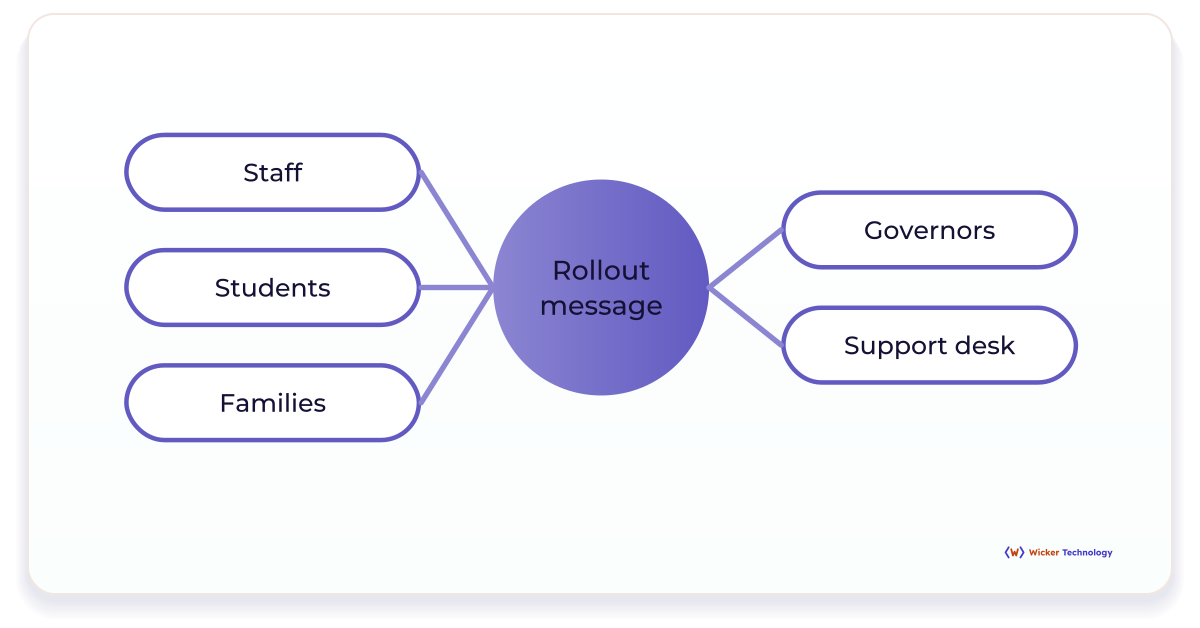
Communication Plan for Staff, Students and Families
People support what they understand. Send a short note to staff at the start of phase 1 that says what the tool is for, which goal it serves and who to contact. Repeat it at the pilot, before each rollout wave and after the first month. Keep each message under 150 words and include one concrete next step, such as a training date.
For students and families, explain what changes, what data the tool uses and who to ask. Plain language works better than a policy link. A parent who sees a clear note in advance is less likely to send a complaint in week two. If a tool needs a home login, include a one-page guide with screenshots and a contact for help.
A Sample 20-Week Schedule
The schedule below fits a secondary school that wants a new tool live for the start of the spring term. Move the dates to match your own calendar, and keep the order.
| When | What happens |
|---|---|
| Weeks 1 to 2 | Charter, sponsor and lead named, vendor privacy review started |
| Weeks 3 to 5 | Systems map, roster test import, integration confirmed |
| Weeks 6 to 9 | Pilot with two to four teachers, weekly check-ins |
| Week 10 | Go, adjust or stop decision and contract signed |
| Weeks 11 to 14 | Training wave one, support hour, usage tracking |
| Weeks 15 to 18 | Training wave two, fixes from wave one |
| Weeks 19 to 20 | First review, feedback summary, renewal date set |
If the pilot ends with adjust, add two to three weeks and rerun a shortened pilot. Do not compress training to recover the time, because thin training is the most common reason a rollout stalls. Compare the schedule to your own term dates and look for collisions with exams, trips and reporting weeks before you commit.
What to Check at the End of the First Term
At the end of the first term, compare three things with the charter: how many teachers use the tool each week, what the learning measure shows and what the team says in a short survey. Ask two direct questions: what would you stop doing if the tool disappeared tomorrow, and what would you miss? Teachers who cannot answer the second question are not using it in a way that matters.
Hold a 60-minute review with the sponsor, lead and two or three teachers. Decide one of three things: continue as is, fix and recheck next term or stop before renewal. Write the decision in the charter file and set the next review date. This keeps the project honest and gives you facts for the renewal negotiation, when you have the most leverage.
Keep a short log of every decision made during the project, with the date and the person who made it. When a new head of department asks in month six why you picked this tool, the log answers in a minute and saves a re-run of the whole debate.
How to Choose Your Approach: Do It Yourself or Get Help
You can run the plan with your own team when the tool is single-purpose, the integrations are standard and you have a project lead with time. Outside help pays off when several systems must connect, when a past rollout stalled or when you manage many sites.
- The project lead has at least a few hours a week for the project.
- You have an owner for rosters and data clean-up.
- The sponsor can clear a blocked decision within a week.
- Training time for teachers is already protected in the timetable.
If two or more of these are missing, bring in support for planning and the pilot. Even a few days of outside help on the plan and the vendor questions tends to pay for itself.
Questions About Education Technology Implementation
How Long Does Education Technology Implementation Take?
Plan about 20 weeks from charter to the end of the rollout for a major platform, and 6 to 10 weeks for a simple single-purpose tool. Integration complexity and the school calendar move the dates most.
When Is the Best Time to Launch a New Tool?
Start the project in the term before launch, pilot early and roll out at the start of a term. Avoid exam periods and report-writing weeks.
How Many Teachers Should Join the Pilot?
Two to four teachers with one or two classes is enough for most tools. Choose people who are open but willing to say what does not work.
What Is the Most Common Cause of Delay?
Data and roster problems, followed by privacy review and late training. Test the roster import early and start vendor reviews in the first phase.
How Much Training Do Teachers Need?
For a major platform plan six to ten hours per teacher, spread over two short sessions and a drop-in hour. Simple tools need less.
Who Should Own the Project?
One project lead with time and one sponsor with authority over budget and schedule. Shared ownership across three people is the pattern I see in stalled projects.
How Do I Know the Implementation Worked?
Compare weekly active use, setup time and your learning measure with the targets in the charter at weeks four, eight and at the end of term. If usage is below target, fix the top issues before you add anything.
Important: nothing in this article is legal, financial or tax advice. All figures are estimates from typical projects, so verify them with your own providers and advisers.
Was this useful?
We appreciate the feedback.
Paige Mulvaney
Paige leads the Wicker editorial team and works with the consultants who run the roadmaps, software selections, implementations and integrations to turn real client projects into practical guides. Her focus is plain-language advice on IT strategy, choosing business software and connecting systems so they work together. Every article she edits is checked against current vendor pricing and documentation before it is published.