In Short
- Canvas, Brightspace and Moodle suit institutions that need a full LMS.
- Google Classroom and Microsoft Teams fit schools already on those suites.
- Kahoot!, Nearpod, Edpuzzle and Quizlet add engagement and practice to any class.
- Check student data privacy terms before you roll any tool out.
The Best EdTech Tools at a Glance
| Tool | Category | Best for |
|---|---|---|
| 1. Google Classroom | Classroom management | Schools already on Google Workspace for Education |
| 2. Canvas LMS | Learning management system | Colleges and districts that need a full LMS |
| 3. Moodle | Open-source LMS | Institutions that want control and customization |
| 4. Microsoft Teams for Education | Collaboration and classroom | Schools on Microsoft 365 Education |
| 5. D2L Brightspace | Learning management system | Universities and large organizations focused on analytics |
| 6. Kahoot! | Game-based quizzes | Quick review games in class |
| 7. Nearpod | Interactive lessons | Teacher-led lessons with live student responses |
| 8. Seesaw | Student portfolios and family communication | Elementary classrooms |
| 9. ClassDojo | Classroom community | Behavior tracking and parent communication |
| 10. Edpuzzle | Interactive video lessons | Turning videos into assignments |
| 11. Quizlet | Study sets and flashcards | Student self-study and vocabulary |
| 12. Padlet | Collaborative boards | Brainstorming and sharing student work |
| 13. Khan Academy | Free practice and lessons | Free math and subject practice |
| 14. Gradescope | Grading and assessment | Grading exams and paper assignments faster |
The 14 Best EdTech Tools, Ranked
I start with the platforms that run classes and move toward tools for engagement, practice and grading. Prices and ratings were read from vendor and G2 pages when I wrote this. In my education technology consulting work, the platform matters less than whether teachers will use it, so keep that in mind as you read.
Google Classroom
The Default Starting Point for Schools That Already Use Google Accounts
Google Classroom lets teachers post assignments, collect work, grade and talk with students and guardians.
Classroom works because everything around it is already familiar. Students sign in with the same account they use for Docs and Meet, and assignments attach files straight from Drive.
It is a classroom tool more than a full learning management system. Schools that need course catalogs, deep reporting or complex grading rules often pair it with other systems or move to a full LMS.
Where Google Classroom Shines
- Simple for teachers and students to learn
- Ties directly into Docs, Drive and Meet
- Easy for guardians to follow progress
Where Google Classroom Falls Short
- Limited reporting and course structure compared with a full LMS
- Fits best inside the Google ecosystem
Google Classroom Pricing
Classroom is offered through Google for Education. I could not read a current price page when I checked, so confirm which edition your school needs and what each costs on Google's education site.
Google Classroom Reviews
- G2: rated 4.5/5 (across +1,500 ratings)
Canvas LMS
A Full Learning Management System with a Large Ecosystem
Canvas by Instructure handles courses, assignments, grading, discussions and integrations for K-12 and higher education.
Canvas is the LMS I see most often in colleges and larger districts. Its strengths are a clean interface, a large library of integrations and a broad base of administrators who know it.
It is built for institutions, so expect a sales process, an implementation plan and training. For a single teacher or a tiny school, lighter tools make more sense.
Where Canvas LMS Shines
- Large integration ecosystem
- Well suited to complex courses and grading
- Strong mobile experience
Where Canvas LMS Falls Short
- Institutional pricing and a sales process
- Implementation takes planning
Canvas LMS Pricing
I could not find published prices when I checked. Canvas is sold to institutions by quote, so ask Instructure for a price based on your number of users.
Canvas LMS Reviews
- G2: rated 4.5/5 (across +1,800 ratings)
Moodle
Open-Source Flexibility for Teams with Technical Skills
Moodle is an open-source learning management system with a large plugin library and active community.
Moodle gives you control. You can host it yourself or use a hosting partner, customize it deeply and avoid per-student licensing fees on the software itself.
That control comes with work. Someone has to maintain updates, security and plugins, and the default interface needs polish. Budget for hosting and support, not only the free download.
Where Moodle Shines
- No license fee for the core software
- Huge plugin and theme library
- Full control of your data
Where Moodle Falls Short
- Needs technical staff or a hosting partner
- Default interface feels dated
Moodle Pricing
Moodle's core software is open source and free to download. Your real costs are hosting, setup, plugins and support, which depend on how you run it, so request quotes from hosting partners.
Moodle Reviews
- G2: rated 4.1/5 (across +460 ratings)
Microsoft Teams for Education
Classes, Meetings and Files for Schools Built Around Microsoft 365
Teams for Education combines class teams, assignments, video meetings and chat with Microsoft 365 apps.
Schools that already license Microsoft 365 for Education get Teams in the package. Class teams, Assignments and Insights give teachers a place to share work and see progress.
It is a collaboration tool first, so grading and course structure are simpler than in a full LMS. Many institutions connect Teams to Canvas or Moodle through the Microsoft 365 LTI, which Microsoft describes as available at no additional cost with an existing subscription.
Where Microsoft Teams for Education Shines
- Included with Microsoft 365 Education licensing
- Strong meetings and file collaboration
- Free Education Insights analytics for Teams classes
Where Microsoft Teams for Education Falls Short
- Weaker course structure than a dedicated LMS
- Admin setup takes planning
Microsoft Teams for Education Pricing
Microsoft 365 for Education has A1, A3 and A5 plans, and the page I read did not list prices and directs buyers to a sales partner. Confirm current terms with Microsoft or your reseller.
Microsoft Teams for Education Reviews
- G2: rated 4.4/5 (across +19,000 ratings)
D2L Brightspace
An LMS with Strong Competency and Analytics Features for Larger Institutions
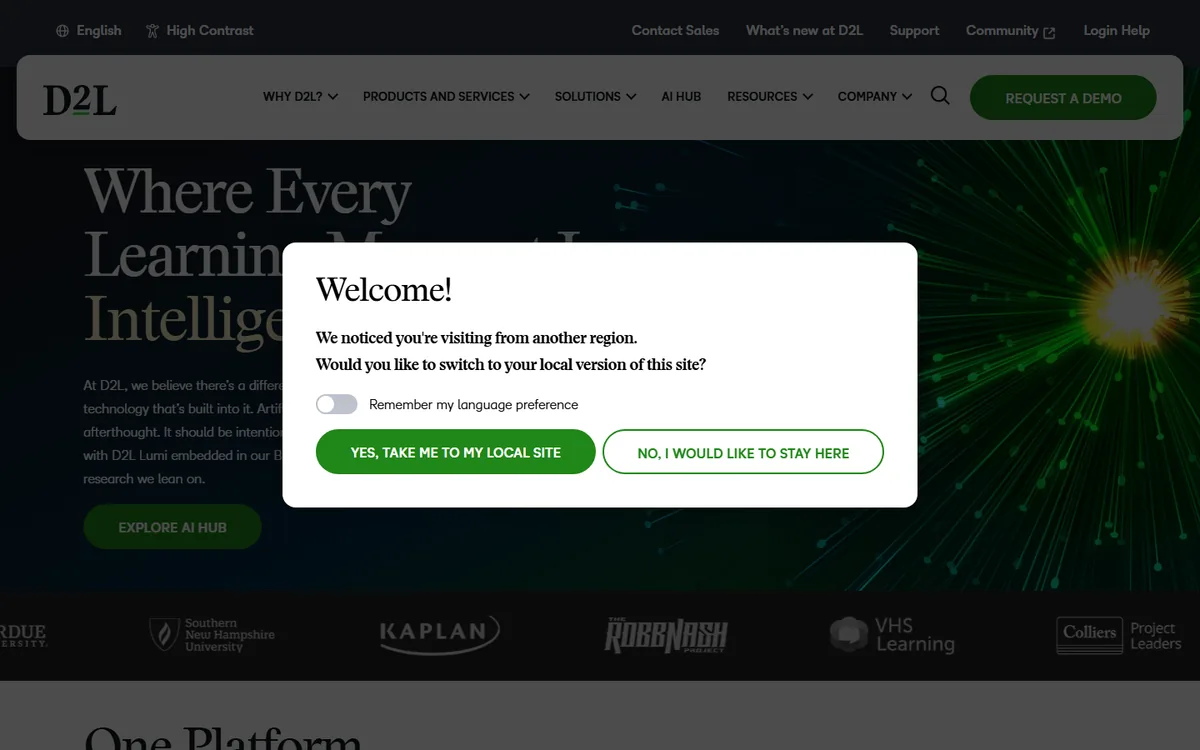
Brightspace offers course delivery, competency tracking, analytics and integrations for education and corporate learning.
Brightspace stands out for how it handles learning paths, competencies and reporting. Institutions that care about showing student progress often shortlist it next to Canvas.
Like Canvas, it is sold by quote, with an implementation project to match. Plan for migration of existing courses and for faculty training.
Where D2L Brightspace Shines
- Reporting and analytics for administrators
- Support for competency-based learning
- Flexible course design tools
Where D2L Brightspace Falls Short
- No published pricing
- Implementation and training take time
D2L Brightspace Pricing
D2L does not publish Brightspace pricing on the page I read. It directs visitors to request a demo or contact sales.
D2L Brightspace Reviews
- G2: rated 4.4/5 (across +700 ratings)
Kahoot!
Quiz Games That Get a Whole Class Participating in Minutes
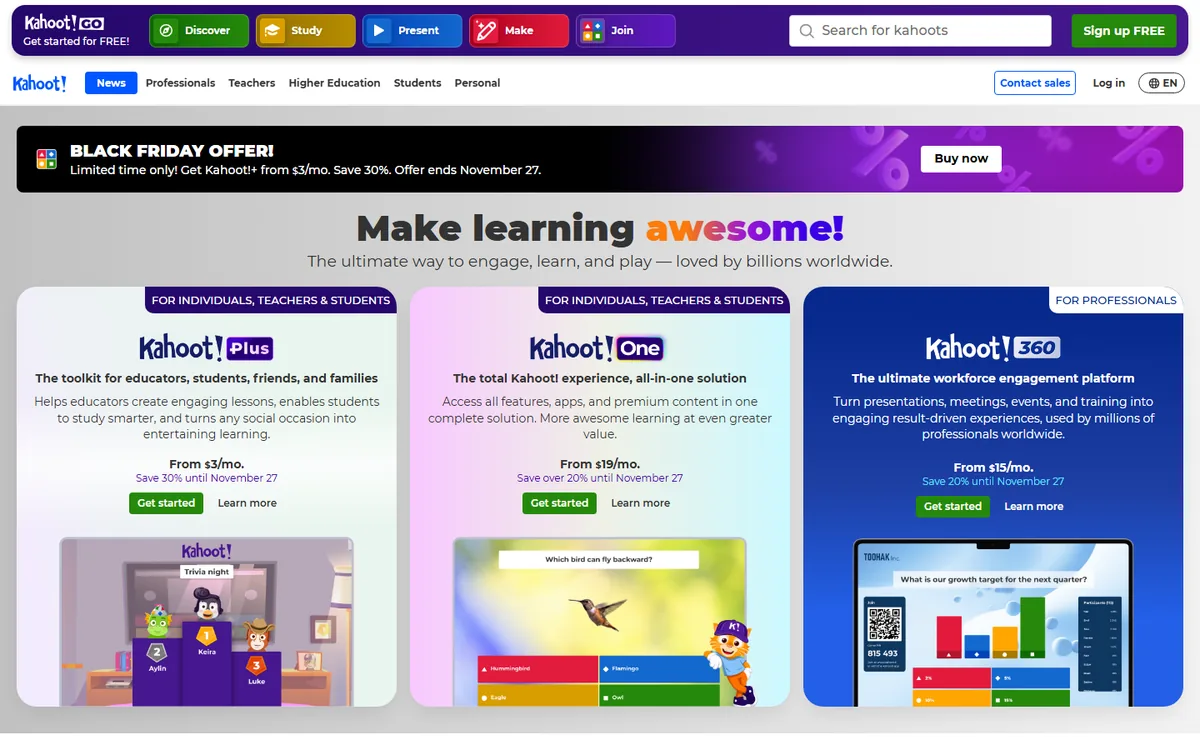
Kahoot! lets teachers run live quiz games and self-paced challenges with built-in reports.
Kahoot! works as a warm-up, a review or an exit ticket. Students join with a code, and results show you which questions tripped the class up.
Free games have participant limits, so check the plan against your class size. A game is no substitute for a full assessment, so use it for quick checks.
Where Kahoot! Shines
- Students join easily and stay engaged
- Instant results show weak spots
- Large library of ready-made quizzes
Where Kahoot! Falls Short
- Participant limits on lower plans
- Better for review than deep assessment
Kahoot! Pricing
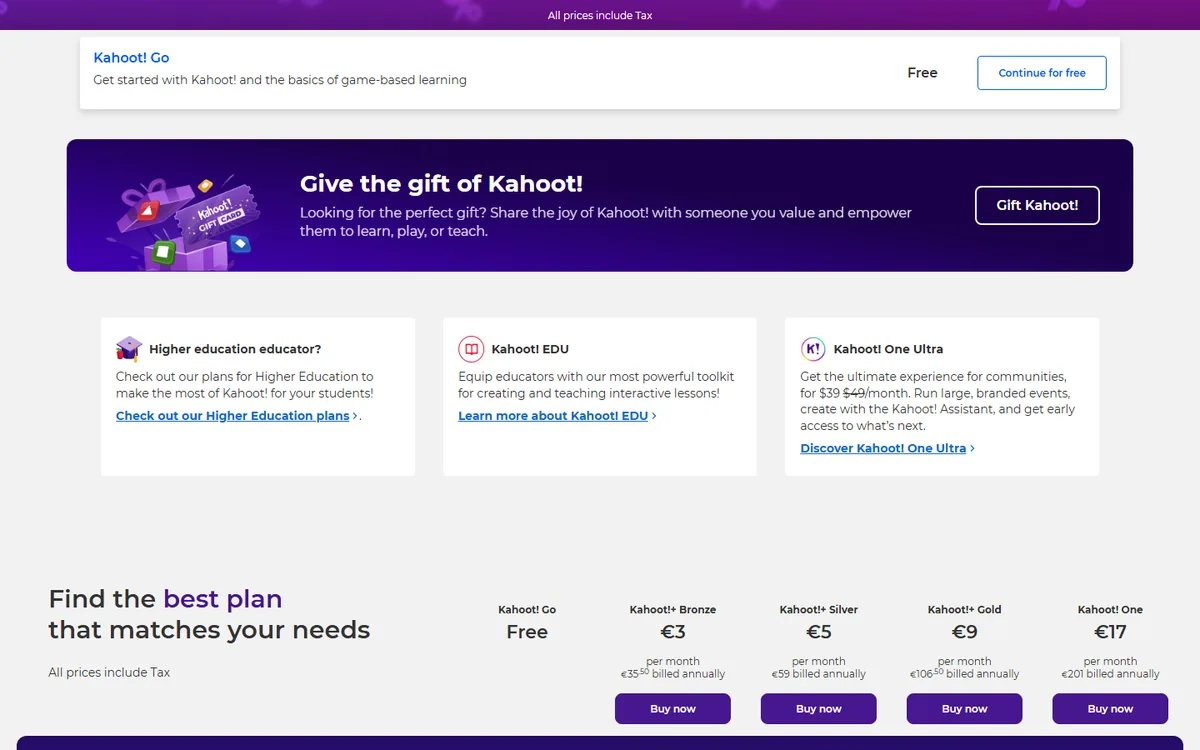
Kahoot! Go is free, with a 10 participant limit per FAQ. Kahoot!+ Bronze is $3 per month billed annually, Silver $6, Gold $10 and Kahoot! One $19 billed annually. School and district licenses are quote-based, and some prices were shown as promotions.
Kahoot! Reviews
- G2: rated 4.6/5 (across +400 ratings)
Nearpod
Interactive Lessons That Keep Students Responding While You Teach
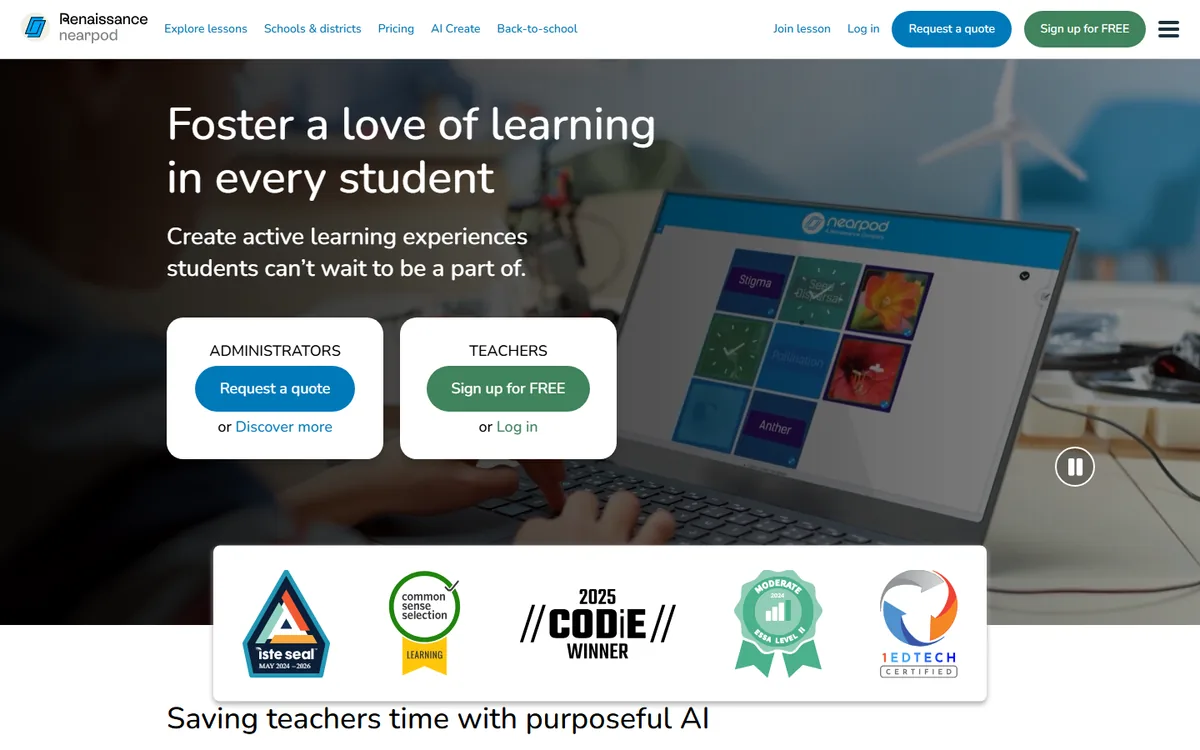
Nearpod turns slides into interactive lessons with polls, drawing, quizzes and virtual field trips.
Nearpod suits teachers who like to lead the lesson and still see every student respond. Live and student-paced modes cover both classroom and homework use.
Student limits per lesson depend on the plan, so check the numbers against your class size. A large library helps you start, and schools can add admin reports and LMS connections.
Where Nearpod Shines
- Responses from every student during the lesson
- Large library of ready lessons
- Works with Google Slides
Where Nearpod Falls Short
- Student limits per lesson on lower plans
- Best features need school licenses
Nearpod Pricing
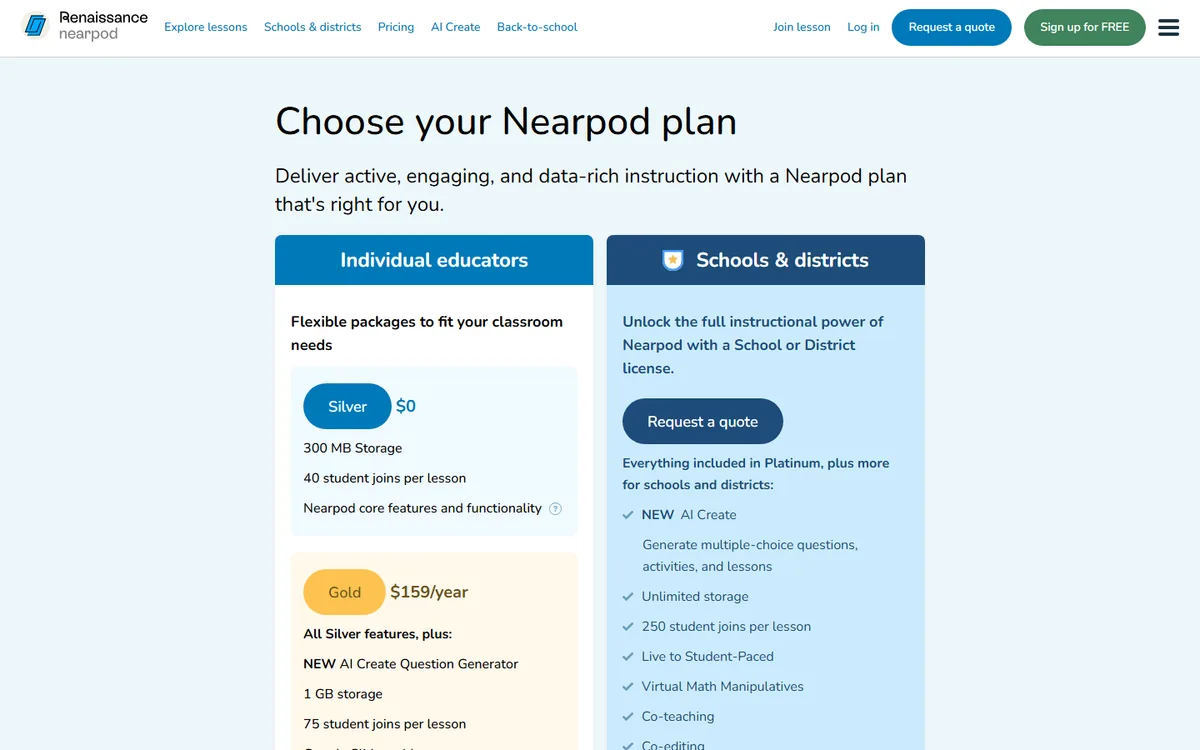
Nearpod Silver is free with 40 student joins per lesson. Gold is $159 per year with 75 joins and Platinum is $397 per year with 90 joins. Schools and districts get quote-based pricing.
Nearpod Reviews
- G2: rated 4.6/5 (across +120 ratings)
Seesaw
Student Portfolios and Family Updates Built for Younger Learners
Seesaw lets students share work as photos, drawings and voice notes, and lets teachers share progress with families.
Young students can show what they know without typing. Voice and drawing tools make it accessible to early readers, and families see work in a feed.
Seesaw sells licenses to schools and districts only, as its page states, so individual teachers cannot buy a paid plan. Expect a sales conversation.
Where Seesaw Shines
- Easy for young students to use
- Family communication built in
- Portfolio of work over the year
Where Seesaw Falls Short
- School and district licenses only
- Less suited to older students
Seesaw Pricing
Seesaw lists LMS, Instruction & Insights and AI plans without prices. The page says licenses are available only for schools or districts and directs buyers to sales.
Seesaw Reviews
- G2: rated 4.4/5 (across 48 ratings)
ClassDojo
A Free Way to Keep Families and Students Connected to the Classroom
ClassDojo combines classroom messaging, student portfolios and positive-behavior tools.
Teachers use ClassDojo to message families, share photos and recognize positive behavior. It is popular in elementary schools.
The site says ClassDojo is free for teachers. A paid ClassDojo Plus exists for families, but I could not read its features or price.
Where ClassDojo Shines
- Free for teachers
- Easy family messaging
- Simple for young students
Where ClassDojo Falls Short
- Points-based behavior systems are not for everyone
- Limited academic tools
ClassDojo Pricing
ClassDojo says it is free for teachers. ClassDojo Plus is mentioned, but no prices appeared on the page I read, so check the vendor site.
ClassDojo Reviews
- G2: rated 4.5/5 (across +360 ratings)
Edpuzzle
Turn Any Video into a Lesson with Questions and Progress Tracking
Edpuzzle lets teachers add questions and notes to videos and see who watched and how they answered.
Flipped classrooms and homework videos work better when you know students watched. Edpuzzle shows watch time and answers by student.
The G2 review count is small, so treat the rating with care. I could not read the pricing page, so check plan limits before you commit.
Where Edpuzzle Shines
- Shows who actually watched
- Works with many LMS platforms
- Questions inside the video
Where Edpuzzle Falls Short
- Small number of reviews on G2
- Pricing details were not readable on the page
Edpuzzle Pricing
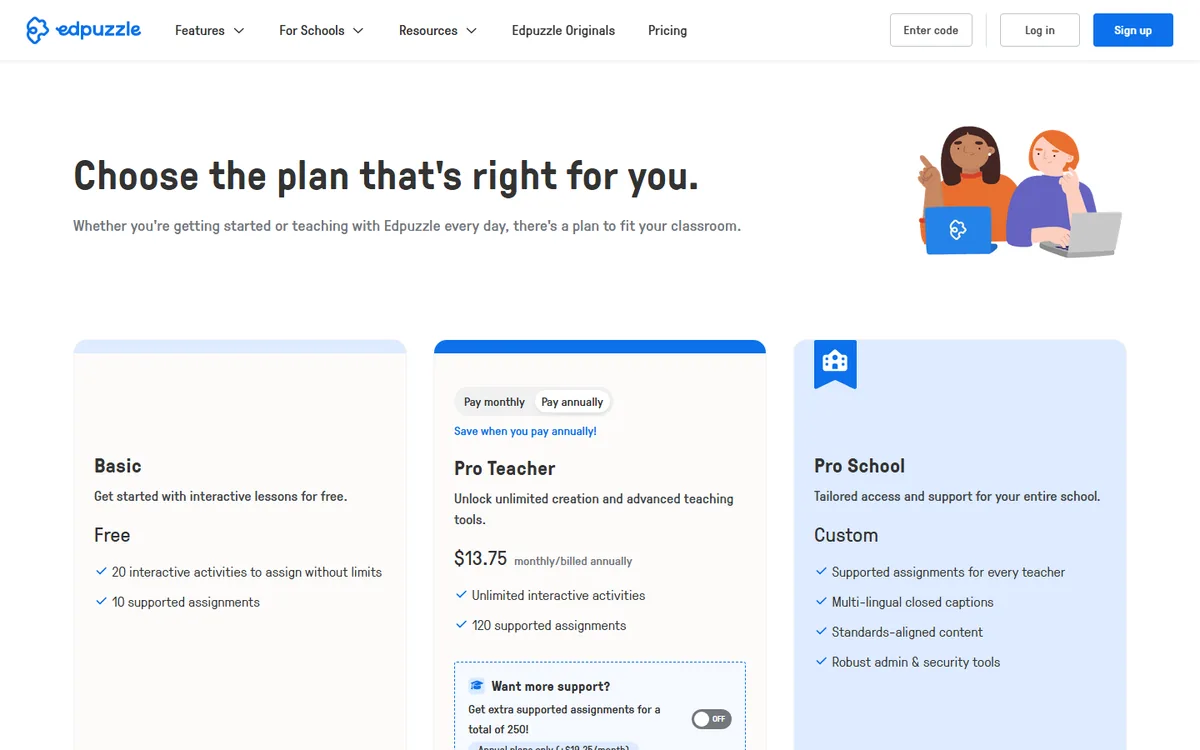
I could not read plan details on Edpuzzle's pricing page when I checked, so I am not quoting numbers. Confirm current plans on its site.
Edpuzzle Reviews
- G2: rated 4.6/5 (across 38 ratings)
Quizlet
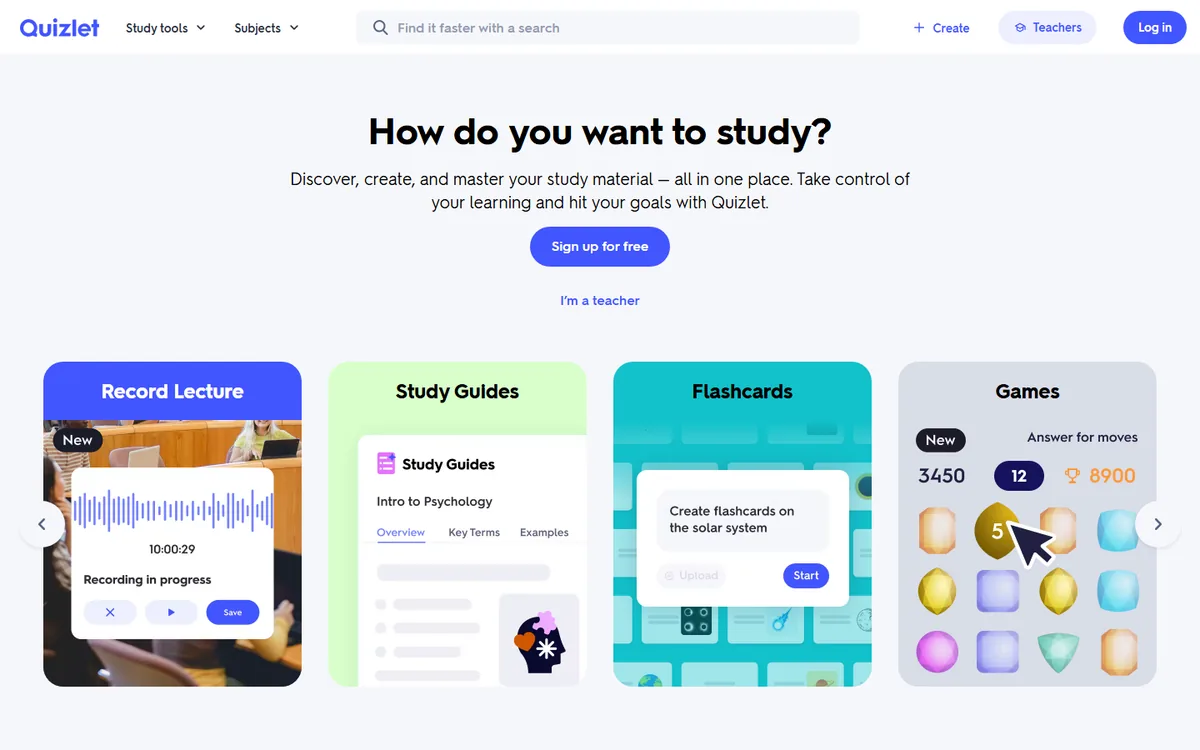
Flashcards and Study Modes That Students Pick Up on Their Own
Quizlet provides flashcards, practice tests and study games built around sets that teachers or students create.
Quizlet is one of the few tools students use without being asked. Teachers can assign sets and use classes to track progress.
It is a study aid, not a lesson platform. Check the content in public sets before using them, because quality varies.
Where Quizlet Shines
- Students actually use it on their own
- Many study modes for the same content
- Easy to create sets
Where Quizlet Falls Short
- Public set quality varies
- Some features require a paid plan
Quizlet Pricing
Quizlet Plus is listed at $19.99 per year. The page I read did not describe the free plan's features.
Quizlet Reviews
- G2: rated 4.5/5 (across +290 ratings)
Padlet
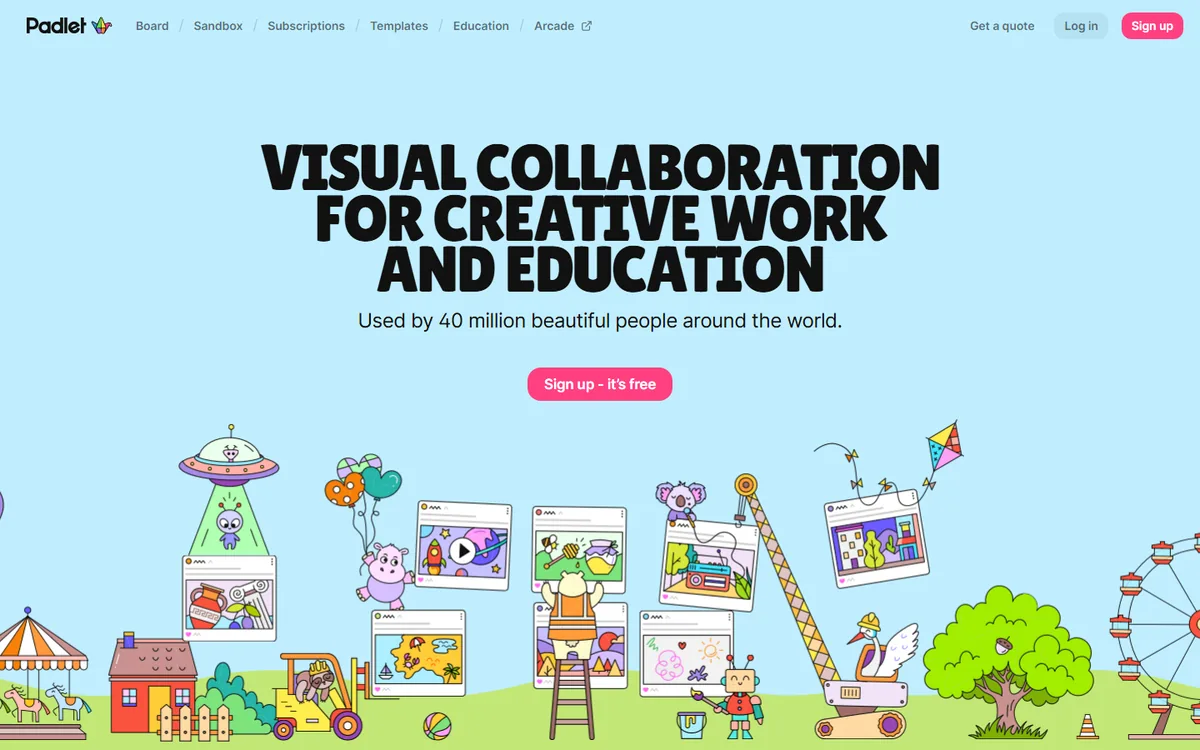
A Digital Pinboard Where Every Student Can Contribute
Padlet lets students and teachers post text, images, links and video on shared boards.
Padlet is fast to learn and flexible. Use it for brainstorming, exit tickets or class galleries, and every student can post.
Board limits on free plans can catch you out. I could not read the pricing page, so check the plan limits and student privacy settings before school-wide use.
Where Padlet Shines
- Quick to set up for any subject
- Works for all age groups
- Many layouts for boards
Where Padlet Falls Short
- Board limits on free plans
- Moderation needs attention
Padlet Pricing
I could not read Padlet's pricing page when I checked, so I am not quoting numbers. Confirm current limits and prices on its site.
Padlet Reviews
- G2: rated 4.9/5 (across +350 ratings)
Khan Academy
Free, Trusted Practice and Lessons from a Nonprofit
Khan Academy offers free lessons, exercises and teacher tools across many subjects.
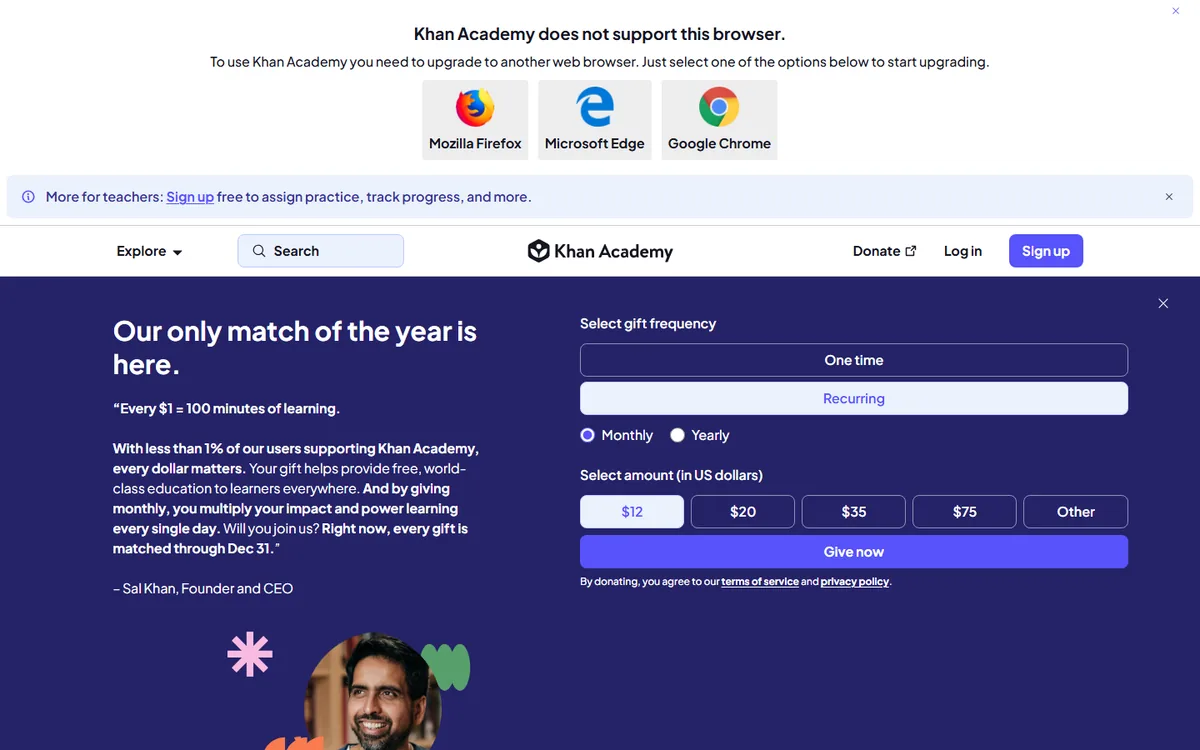
Khan Academy describes itself as a free tool for anyone and a 501(c)(3) nonprofit supported by donors. Teachers can assign practice and track mastery.
AI tutoring options exist, but I could not confirm current pricing for them on the page I read, so check the site for details.
Where Khan Academy Shines
- Free to use
- Mastery tracking for teachers
- Trusted content across many subjects
Where Khan Academy Falls Short
- Less suited to custom course design
- AI features pricing is unclear
Khan Academy Pricing
Khan Academy says it is free for anyone. I could not confirm pricing for AI tutoring features, so check its Khanmigo and districts pages.
Khan Academy Reviews
- G2: rated 4.5/5 (across +170 ratings)
Gradescope
Faster, More Consistent Grading for Exams and Code Assignments
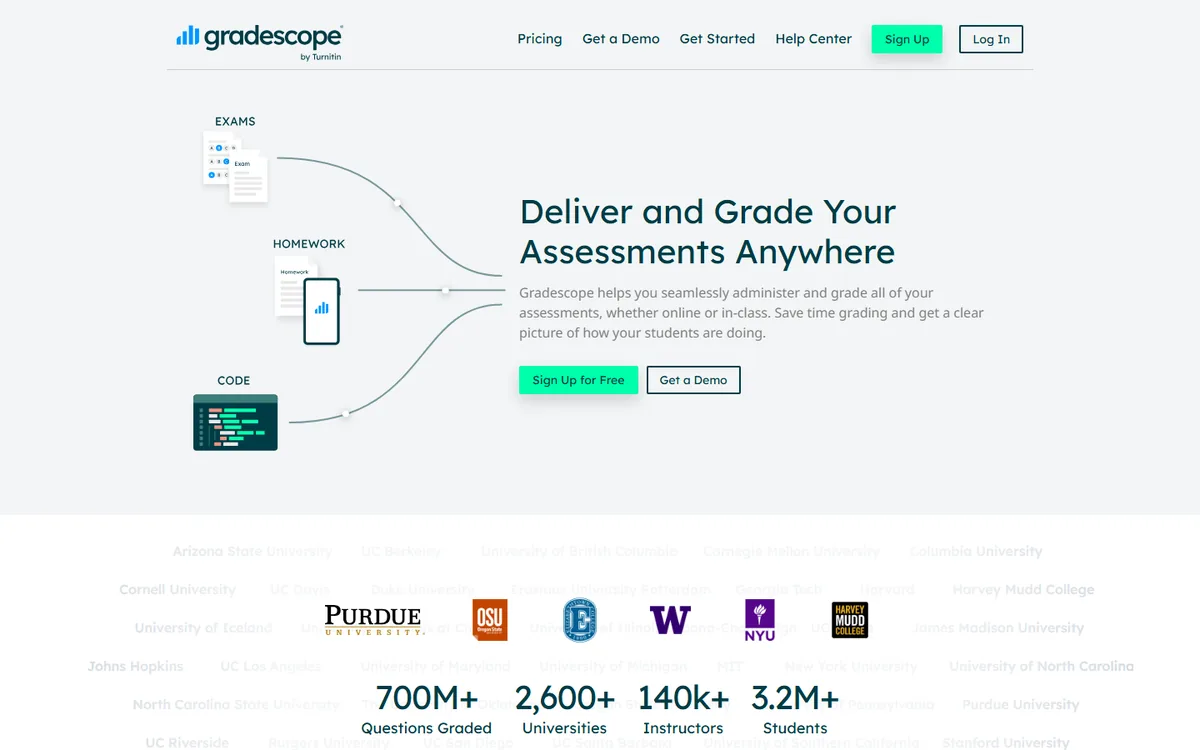
Gradescope helps instructors grade paper-based, digital and coding assignments with per-question analytics.
Gradescope speeds up grading by letting you score one question at a time across all students, with shared rubrics. Regrade requests and exports to gradebooks are included.
The site says Gradescope is free to use for basic grading, with features such as Answer Groups and AI-assisted grading in institutional licenses. The G2 review count is small, so read it as a rough guide.
Where Gradescope Shines
- Rubric-based grading is consistent
- Per-question analytics
- Handles paper exams and code
Where Gradescope Falls Short
- Best features need an institutional license
- Few reviews on G2
Gradescope Pricing
Gradescope's page says it is free to use for grading existing paper-based assignments. It lists institutional license features but no prices on the page I read.
Gradescope Reviews
- G2: rated 4.2/5 (across 32 ratings)
Estimate the Return on an EdTech Subscription
Enter the hours a tool could save each week, such as grading or lesson prep, and the monthly price, to see what it could return in a year.
Is the Software Worth the Cost?
Move the sliders to match the work you want the tool to cover and the plan you are considering.
How to Choose EdTech Tools for Your School
Before you compare vendors, answer four questions with your teachers:
- Which teaching or admin task should the tool improve?
- Which systems must it connect to, such as your student information system or single sign-on?
- What student data does it collect, and what do your district rules require?
- Who will train teachers and support them in the first month?
A repeatable method helps. My education technology framework walks through it, and the education technology implementation guide covers rollout. The common problems are in education technology challenges.
Questions About Choosing EdTech Tools
What Is the Best EdTech Tool for Teachers?
It depends on the job. Google Classroom or Canvas organize classes, Kahoot! and Nearpod engage students and Gradescope speeds up grading. Pick based on what you need to change first.
Are Free EdTech Tools Good Enough?
Often yes for individual teachers. Google Classroom, Khan Academy, ClassDojo and the free plans of Kahoot!, Nearpod and Quizlet cover a lot. Check student privacy terms before using any free tool with students.
How Do Schools Choose an LMS?
Start with your requirements: grading rules, integrations, reporting and who will administer it. Then ask Canvas, Brightspace and others for demos and reference calls with similar schools. A pilot with real courses reveals more than a feature list.
How Should Schools Handle Student Data Privacy with EdTech?
Review each vendor's privacy terms and data agreements, and check what your district and state require. Ask where data is stored and how it is deleted. Your legal counsel should confirm current requirements.
Can One Tool Replace Several Others?
A full LMS replaces some, though teachers often still use specialist tools for quizzes and video. Avoid overlap by deciding which tool owns which task.
How Much Do EdTech Tools Cost?
It varies widely, from free to quote-based school licenses. Use the pricing sections above as a guide and request quotes for your enrollment.
How Do We Get Teachers to Use New Tools?
Involve a few teachers in the choice, give them short practical training and support them in the first weeks. Measure usage and ask what slows them down.
Disclaimer: Prices, plans and ratings change often. They were checked when this article was last updated, so confirm them on each vendor’s site before you buy. Nothing here is legal or financial advice.
Was this useful?
We appreciate the feedback.
Paige Mulvaney
Paige leads the Wicker editorial team and works with the consultants who run the roadmaps, software selections, implementations and integrations to turn real client projects into practical guides. Her focus is plain-language advice on IT strategy, choosing business software and connecting systems so they work together. Every article she edits is checked against current vendor pricing and documentation before it is published.